Entry-level DIY PC builders are being impacted most by shortages of RAM and SSDs.
The Highlights
- Enjoy playable frame rates in most games at 1080p.
- Nonessential features are left behind in the name of lowering cost.
- The base AM4 platform is still upgradeable down the line.
- DIY Build Cost: $668
Table of Contents
- AutoTOC

Intro
This PC build guide will show you what parts to buy to assemble a “cheap” DIY gaming PC for under $700 in January, 2026, despite the prices of RAM and SSDs being the highest they’ve been in several years. You can’t build a full PC without those components, so we’ve taken the opportunity to point out the best deals still available to help out people who need a functional system now.
The goal of this system is simple, playable framerates at 1080p in modern games at medium settings for the lowest cost possible. This PC will easily run lightweight and Esports games like Counter-Strike 2, Dota 2, and Marvel Rivals. Other popular games such as ARC Raiders, Quarantine Zone: The Last Check, and Dead by Daylight are all playable with the right mix of graphics settings.
Our part list revolves around the AMD Ryzen 5 5500 CPU and Intel Arc B570 GPU. The Ryzen 5500 uses previous-gen DDR4 memory instead of DDR5, which helps avoid the worst of the RAM shortage. Unfortunately, even DDR4 RAM is reaching absurd prices. See our “RAM: WTF?” article for a deeper look.
Credits
Part Selection, Writing
Jeremy Clayton
Specs Overview & Part Choices
$668 is significantly more expensive than the last two “Cheap Bastard” builds we’ve worked on with the same gaming goals in mind. Those were $489 in October, 2025 (unpublished) and $479 in February, 2024. The differing parts in each build make the comparison imperfect, but that’s roughly a 35% increase in total cost in only 3 months.
Due to our increased focus on minimum viable selections in the name of saving money, some of the components may not be the absolute best value in their segment. In those cases, we’ll include an upgrade option that may have better overall value.
$668 AMD Gaming PC Build List - January, 2026
| PC Part List | Component Name | Links to Part | GN Review / Notes |
| CPU | AMD Ryzen 5 5500 | Amazon | Watch our original review of the Ryzen 5 5500. |
| GPU | Sparkle Intel Arc B570 Guardian OC 10GB | Amazon Newegg | Read our original review of the Intel Arc B570. |
| Memory | KingBank Computer Desktop Memory 3200-CL16 | Amazon | More options in the Memory section below. |
| Motherboard | ASRock B550M-HDV | Amazon Newegg | |
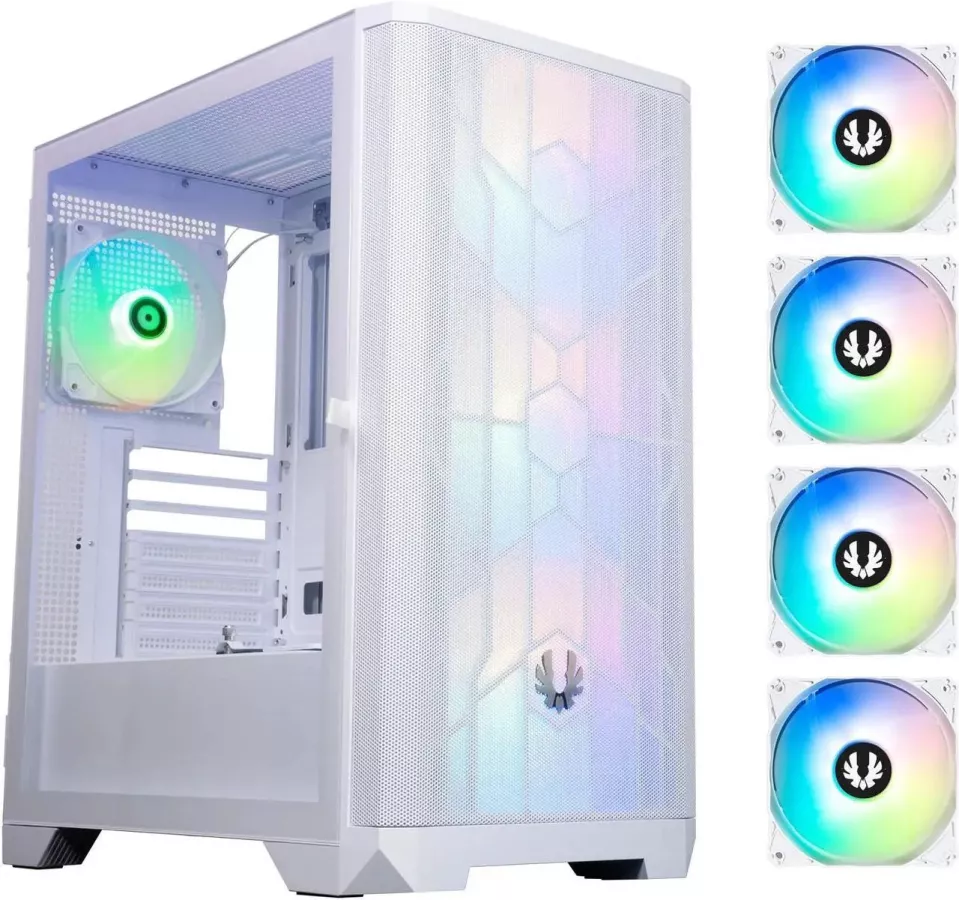
| Case | BitFenix NOVA MESH SE TG ARGB | Newegg | |
| CPU Cooler | AMD stock Wraith Stealth air cooler. | The stock Wraith Stealth cooler should keep the Ryzen 5500 from overheating, but that’s about it. | |
| Power Supply | Lian Li RB 550W 80+ Bronze Non Modular Power Supply | Amazon | A relatively new budget PSU from Lian Li. |
| Storage | Crucial P310 1TB PCIe Gen4 NVMe M.2 SSD | Amazon |
Component prices and availability can change daily. We’ve done our best to ensure compatibility between these specific parts; so do your own checks if considering alternatives.
OS, Upgrade Options, and Recommended Extras
| Add-On Parts List | Part Name | Links to Part | Notes |
| Operating System | Microsoft Windows 11 Home | Newegg | Consider trying Linux, especially if using an AMD GPU. See our Bazzite Linux benchmarks. |
| CPU - Alternate Choice | AMD Ryzen 5 3600 | Amazon | Read our 2024 Ryzen 3600 and 3700X revisit review. (Original 2019 review here.) |
| Motherboard - Alternate Choice | ASRock B550 Phantom Gaming 4 AC | Amazon | Regular ATX size, built-in Wi-Fi. |
| CPU Cooler - Upgrade | Thermalright Burst Assassin 120 SE ARGB | Amazon | One of Thermalright's more recent inexpensive single-tower air coolers with 6 heat pipes and an ARGB fan. |
| Monitor | MSI G242L E14 23.8" Full HD HDR 144 Hz Gaming Monitor | B&H Photo | An inexpensive 1080p 144Hz IPS monitor. Lightweight Esports games should be able to run over 100 FPS. |
PC Parts List
In the following sections we’ll step through each component choice, highlighting pros, cons, and any additional notes that are important to share. We’ll also mention some alternates along the way.
CPU / Processor
CPU choice is tough in this circumstance because it dictates the platform. The platform, in turn, dictates the general direction of the build and the potential upgrade path. However, those concerns are secondary when seeking the lowest possible cost.
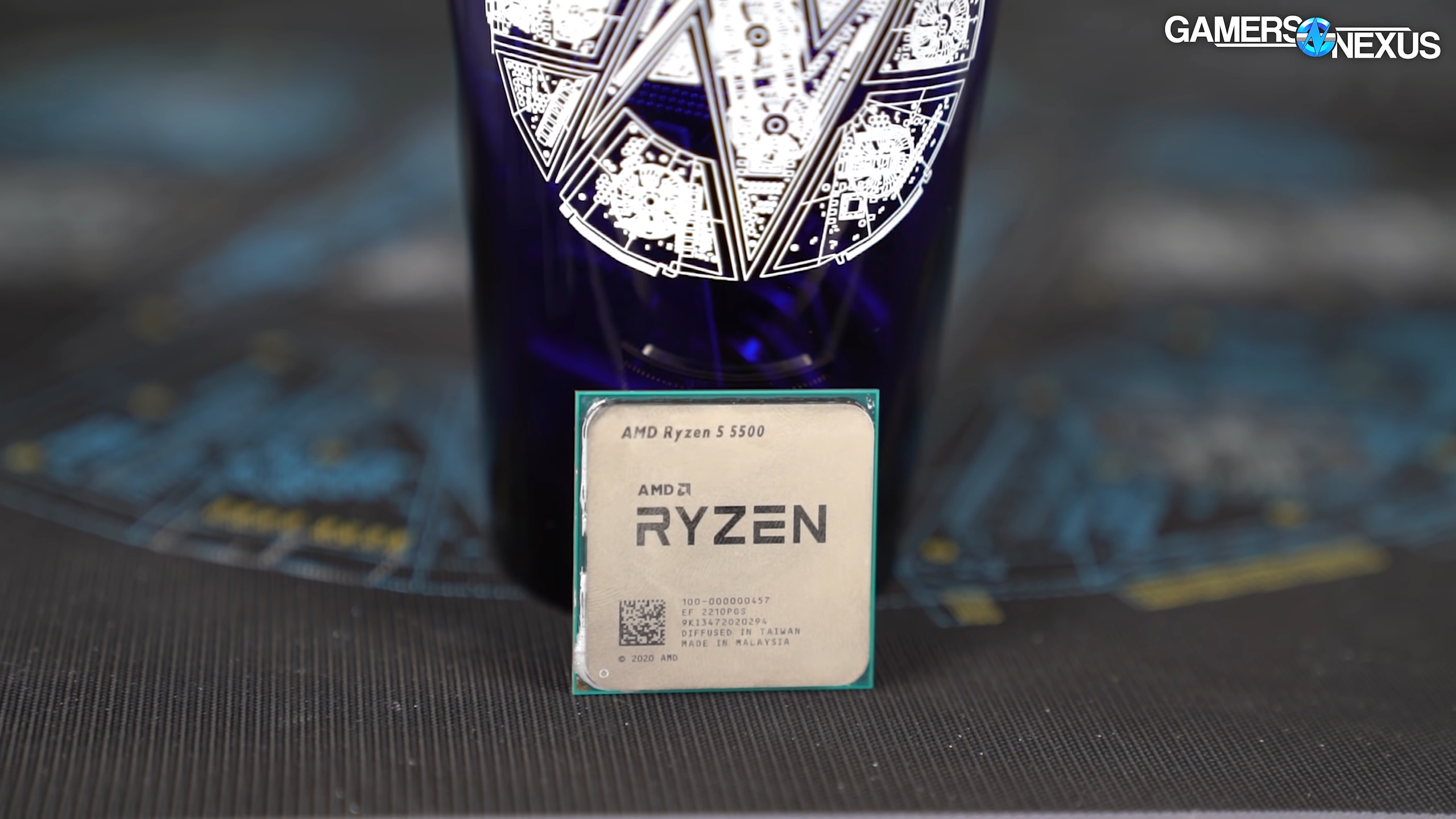
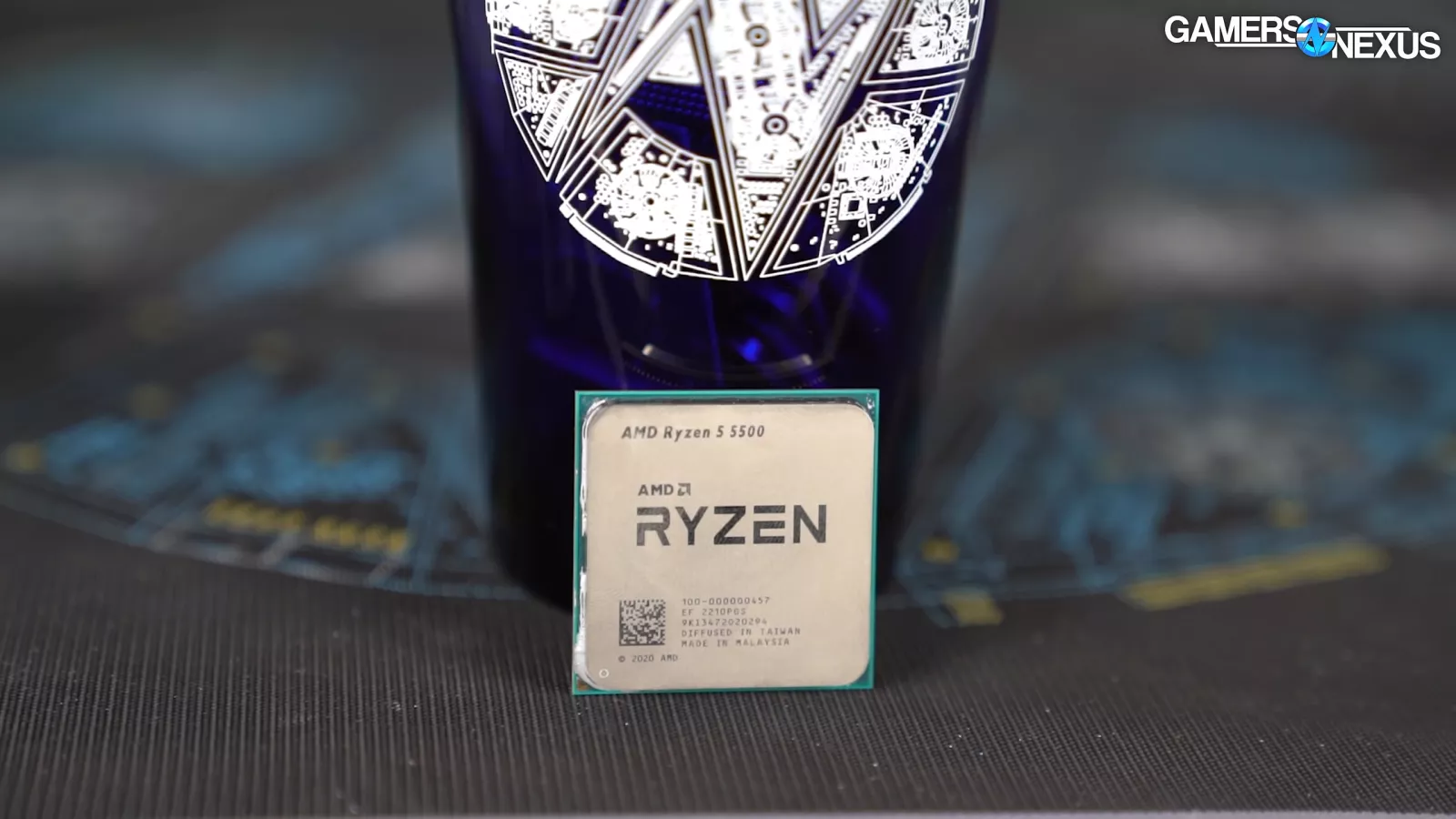
We ultimately went with the 6-core Ryzen 5 5500. We reviewed the 5500 poorly when it launched, but between its price coming down to $92 (including cooler) and retail availability of the similar but generally better Ryzen 5 3600 being almost entirely dried up, the situation forced our hand.
The 5500 has updated Zen 3 cores versus the 3600; however, the 5500 has significantly less L3 cache. Games that benefit from higher IPC will favor the 5500, while games that benefit from cache will favor the 3600. One potentially large downside to the 5500 is the fact that its PCIe lanes are Gen3 instead of Gen4. In most common situations this won’t cause problems, but the lower bandwidth is something to be aware of.
The 3600 is the surer choice if you can get it for about the same price as (or less than) the 5500. We gave the 3600 a strong recommendation when it launched over 6 years ago in July, 2019, and it was still capable in our 2024 revisit review along with the Ryzen 3700X. The fact we can still recommend the Ryzen 3600 in this narrow context today shows just how impactful the Zen 2 architecture was.
Also worth considering are the multitude of individual listings for used Zen 2 and Zen 3 CPUs on eBay, or even Facebook Marketplace (the horror). There’s always a higher level of risk associated with used parts, but CPUs are usually one of the safest places to save money by going secondhand.
GPU / Video Card
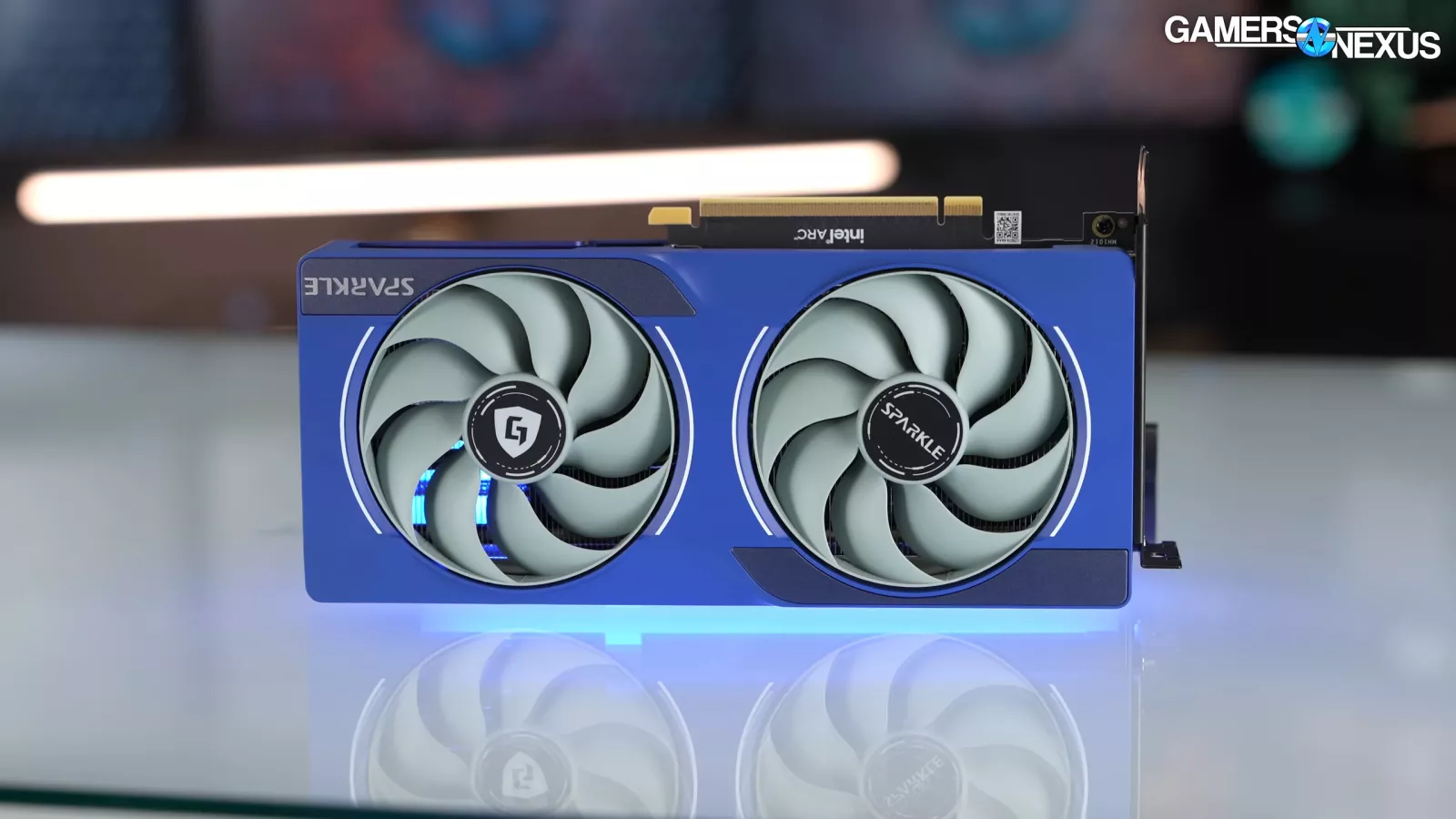
We’ve chosen the Intel Arc B570 10GB as the GPU for this tight-budget build. The B570 is often overshadowed by the more performant B580, but its $200 price at the time of writing is low enough to not sweat the choice. As a temporary bonus, Intel is running a promotion for one free game out of a small selection with purchase of an Arc GPU on Newegg (this will stop at the end of January, 2026).
If you’re able to spend more, then go for the B580 instead. The B580 consistently outperforms the B570 and has more VRAM at its disposal.
Memory
This is the sad part. Memory prices have been steadily increasing since at least September, 2025 for DDR5, and June, 2025 for DDR4 without any sign of it stopping. The companies that actually manufacture the chips (SK Hynix, Samsung, and Micron) are actively choosing to allocate disproportionately more of their supply to massive tech companies rather than to consumer retail channels. This supply constraint has led to relative scarcity and the end result is a 3x to nearly 5x increase in average prices since the beginning of the issue.
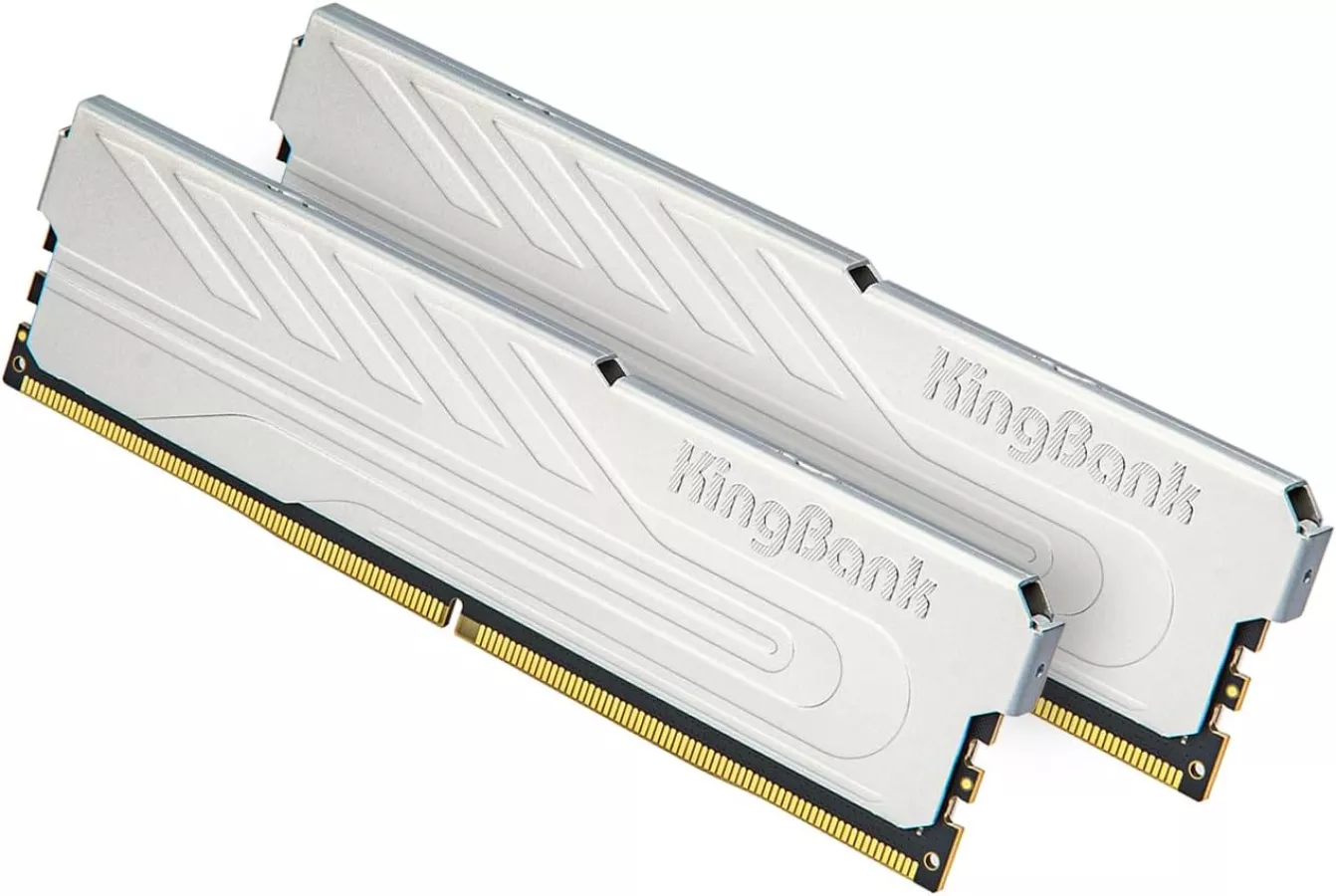
In light of all that, we’ve assembled a table of memory options rather than just one or two. Our first pick is the KingBank Computer Desktop Memory 3200-CL16 16GB (2x8GB). At the time of writing, it’s available for $99. Even though this build is aimed at being as cheap as possible, we don’t recommend going with lower speed memory due to the potential impact on frame time pacing in more CPU constrained games. This goes double for the Ryzen 5500 since its L3 cache is smaller.
Total capacity wise, 16GB is tight but doable these days with simple precautions like closing any programs or browser tabs that don’t need to be open during gaming. If you know for a fact that you’ll need more capacity, the Patriot Viper Steel Series 3200-CL16 32GB (2x16GB) is currently our first choice. We found it for $170, which is meaningfully better in cost per gigabyte than the 2x8GB kits.
The other options in the table below are alternatives in case stock becomes unreliable.
| 16GB DDR4 (2x8GB) | Links to Part |
| KingBank Computer Desktop Memory 3200-CL16 | Amazon |
| Patriot Viper Steel Series 3200-CL16 | Adorama |
| Silicon Power Gaming Series 3200-CL16 | Silicon Power Amazon |
| Teamgroup T-FORCE DARK 3200-CL16 | Amazon |
| 32GB DDR4 (2x16GB) | Links to Part |
| Patriot Viper Steel Series 3200-CL16 | Newegg Amazon |
| Patriot Viper Elite II 3200-CL18 | Newegg Amazon |
Motherboard
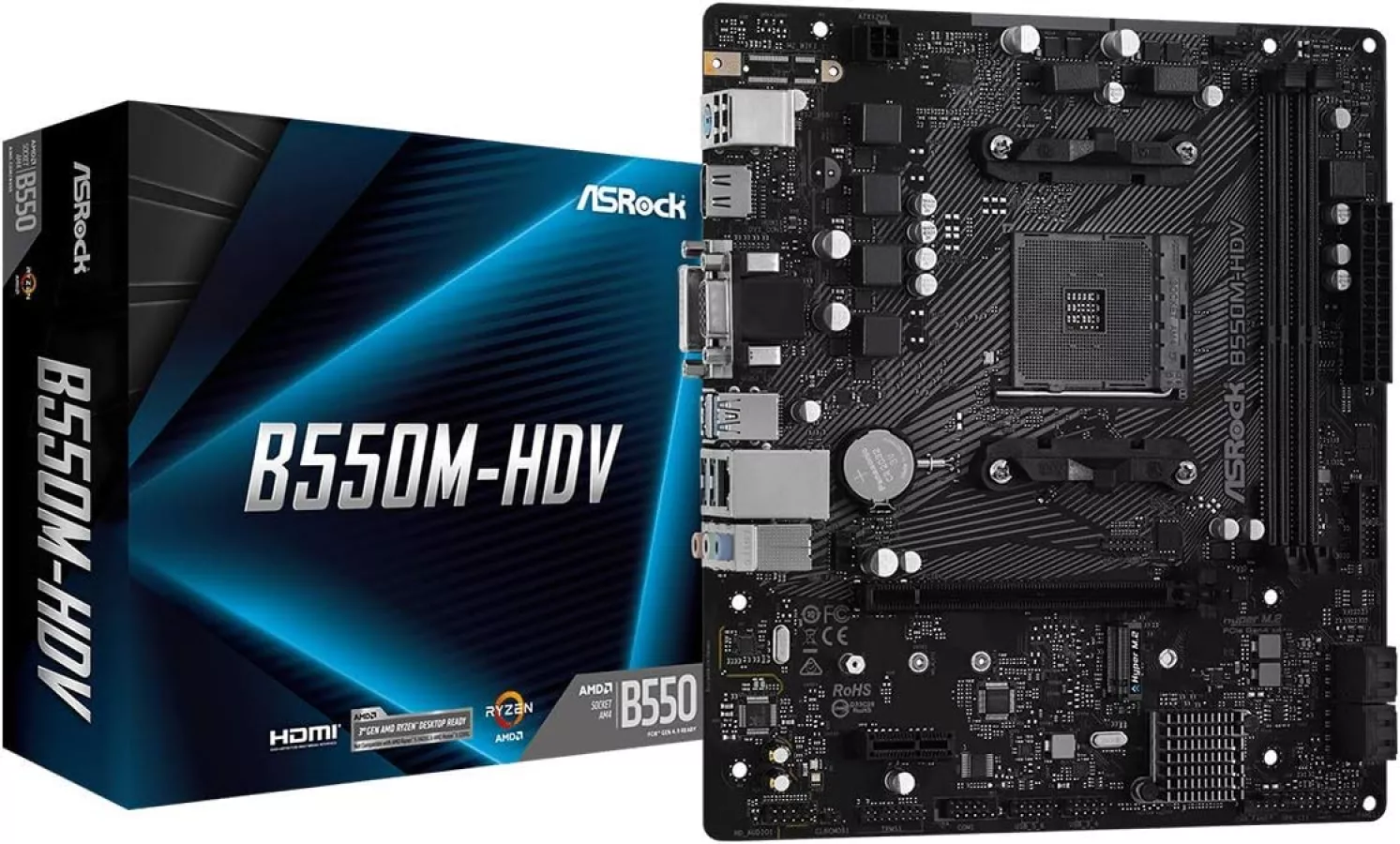
The motherboard for this system is the ASRock B550M-HDV. It’s basic, but has the essentials: 6x USB-A ports, a PCIe 4.0 M.2 slot, and a PCIe x1 slot for a basic add-in card in addition to the GPU. The B550M-HDV was $70 at the time of writing – that’s higher than we’d like to see given the lack of features like Wi-Fi and USB-C. It also doesn’t have VRM heat sinks, which we wouldn’t recommend in typical budget builds, but the low power requirements of the Ryzen 5500 shouldn’t be too much for the VRM to handle as long as there's air flow.
For those that want more than bare-minimum features and capabilities, the ASRock B550 Phantom Gaming 4 AC is a solid upgrade pick. For $20 more than the B550M-HDV, you get onboard Wi-Fi, standard ATX size, 2x additional RAM slots, more PCIe and M.2 slots, and an actual heat sink on the VRM.
Case
The AMD Wraith Stealth stock CPU cooler that comes with the Ryzen 5500 is the embodiment of “minimum viable.” If you want a better tradeoff between cooling and noise, we suggest the Thermalright Burst Assassin 120 SE ARGB. Thermalright has perhaps dozens of low price air coolers, but the Burst Assassin 120 SE stands out for being a 6x heat pipe design, which is rare at $21.
CPU Cooler
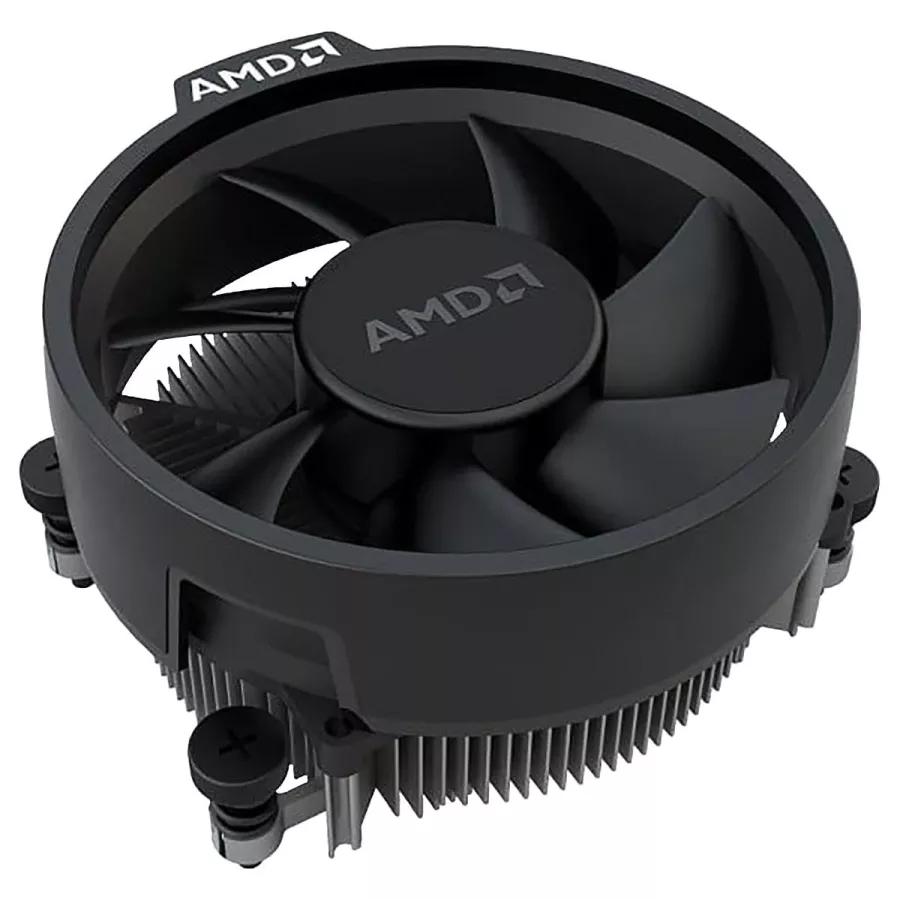
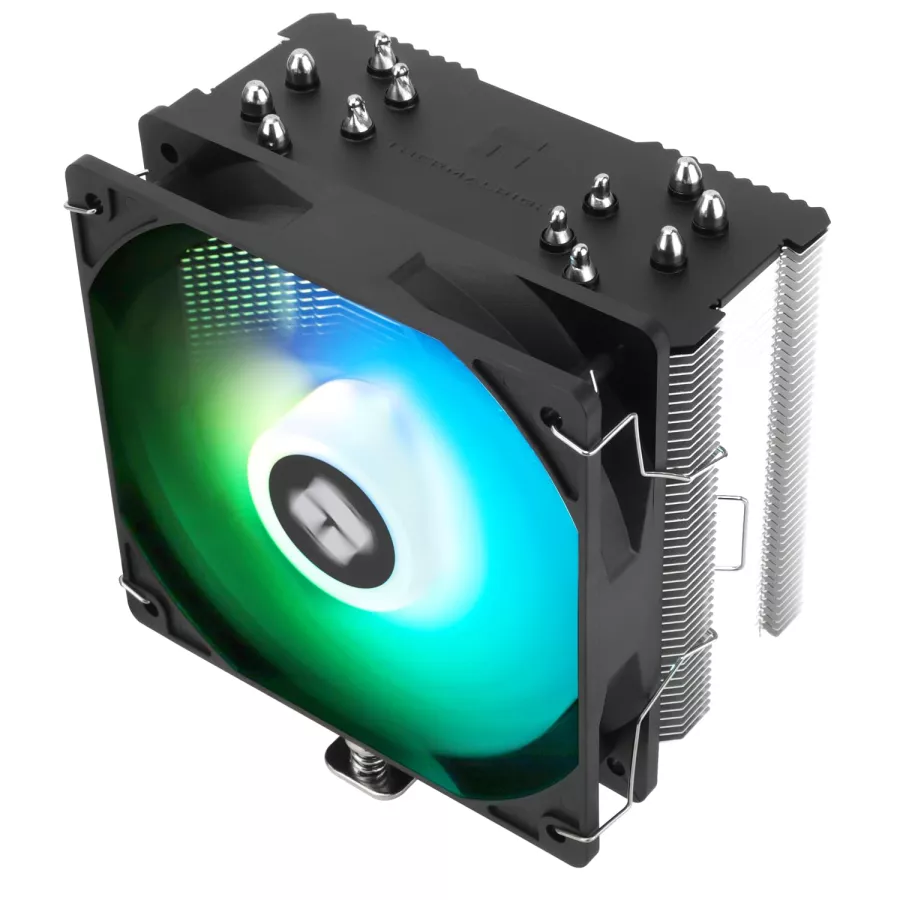
The AMD Wraith Stealth stock CPU cooler that comes with the Ryzen 5500 is the embodiment of “minimum viable.” If you want a better tradeoff between cooling and noise, we suggest the Thermalright Burst Assassin 120 SE ARGB. Thermalright has perhaps dozens of low price air coolers, but the Burst Assassin 120 SE stands out for being a 6x heat pipe design, which is rare at $21.
Power Supply
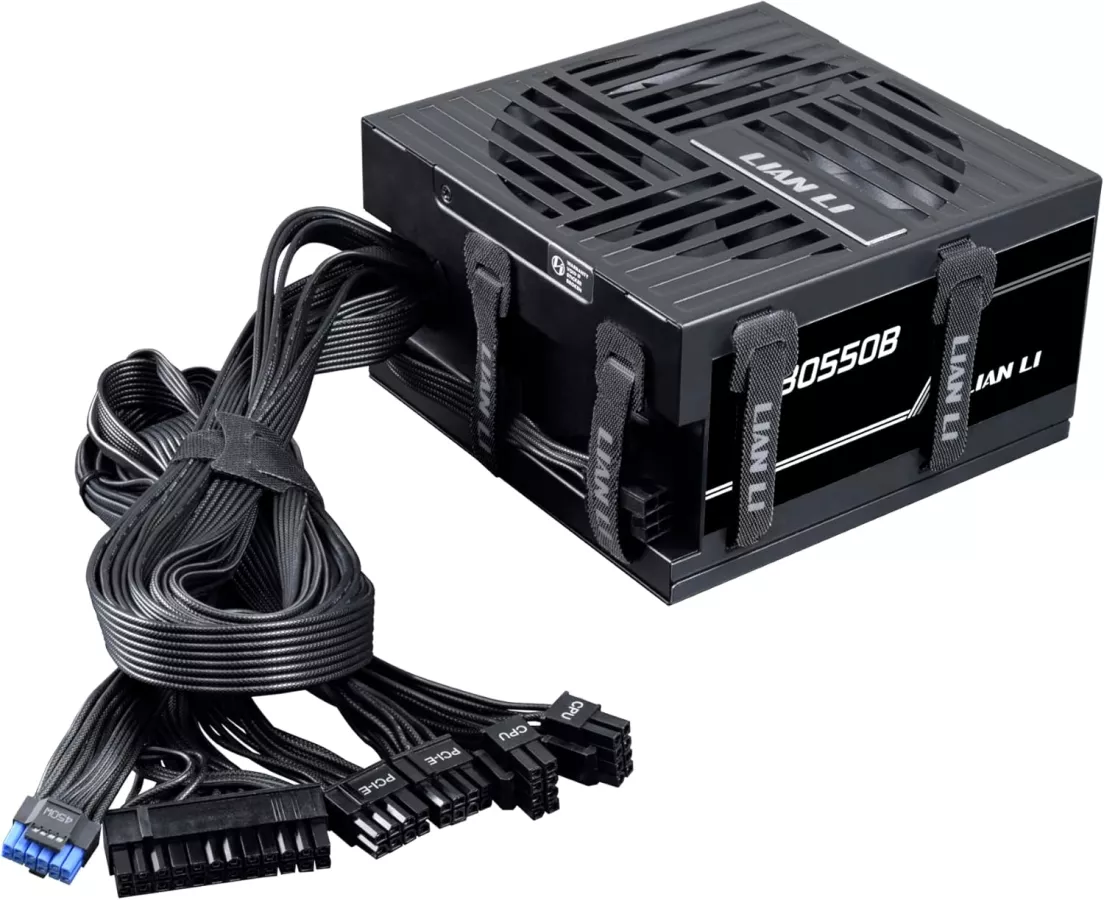
The Lian Li RB 550W power supply is a relatively recent addition to the budget PSU landscape. It’s ATX 3.1 and PCIe 5.1 compliant, 80+ Bronze rated, and has the unique feature of built-in cable management straps along 3 of its sides. The cables aren’t modular, but that’s not much of a compromise to make at $50. 500W is more than enough power for the modest demands of the Arc B570 and CPU. However, if you’re more comfortable with excess headroom, the 650W and 750W versions of the Lian Li RB PSU don’t cost much more, and also have a native 12v2x6 cable rated for 450W.
Storage
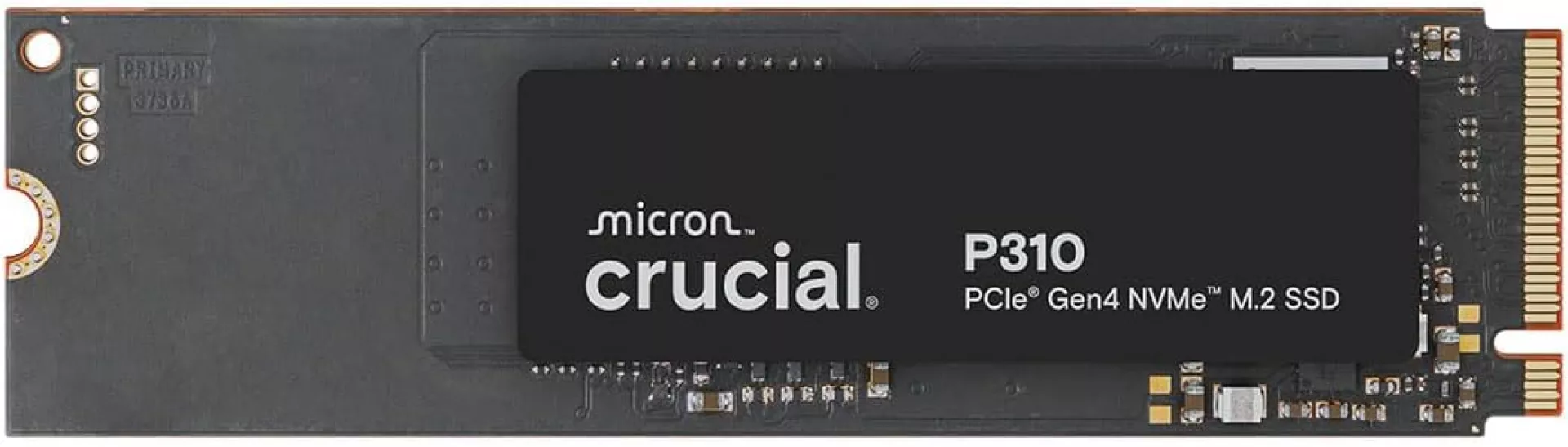
Storage is getting more expensive along with memory, just currently to a lesser extent. This double whammy really hurts down at the entry level. We’re even starting to see availability issues on SSDs, which makes the field of choices subject to random out-of-stock and backorder listings.
The best low-cost option we found is the Crucial P310 1TB PCIe Gen4 NVMe M.2 SSD. It’s not the fastest SSD around and Micron is making Crucial defunct, but we take what we can get when trying to min-max dollars.
Conclusion
Supply constraints in the DIY PC market impact all builders at all budgets, but it’s clearly the most problematic in this price range. This same collection of components was close in price to a PlayStation 5 slim six months ago, but now almost lines up with the PS5 Pro.
You can do way more with a PC than any console, and this sub-$700 gaming system will absolutely run games at 1080p; however, it doesn’t feel great to spend that kind of money on overpriced last-gen RAM, a decidedly low-end GPU, and a 3.5 year old CPU that runs like a 6 year old CPU. That’s probably what the tech giants want, though, so that regular consumers are pushed into rental PCs or service-based models.
If you already own a PC that mostly works for your needs, consider a targeted upgrade in the area you feel is holding it back. For your sake, we hope that area isn’t RAM.