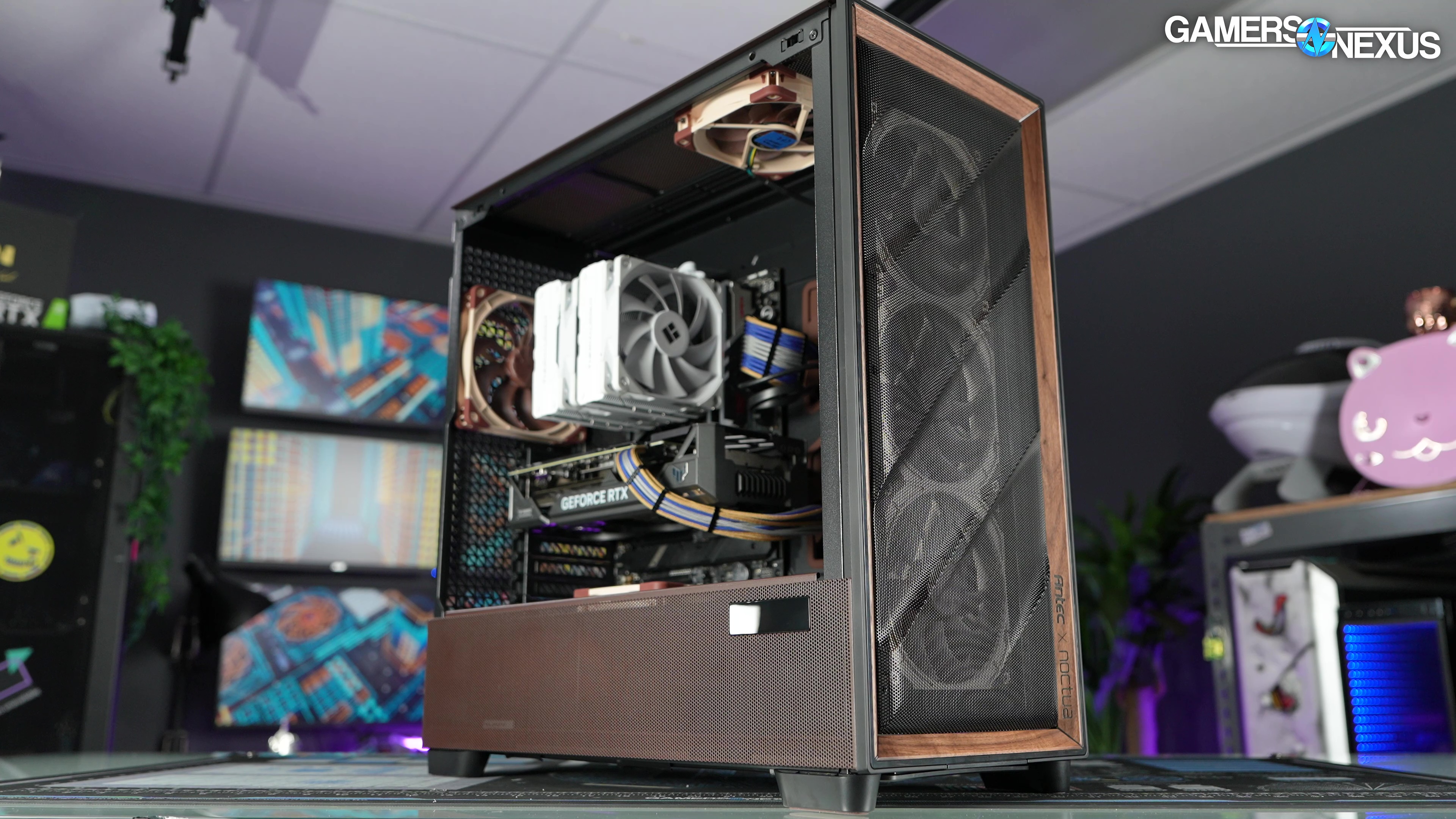
Our review of the Antec x Noctua Flux Pro looks at thermals, build quality, fan performance, and value versus other cases on the market
The Highlights
- The Antec Flux Pro Noctua Edition is, ultimately, a Flux Pro but with Noctua fans and accessories
- At $400, it's brutally expensive
- You'll get comparable performance from plenty of other cases for cheaper
- Original MSRP: $400
- Release Date: March 2026
Table of Contents
- AutoTOC
Intro
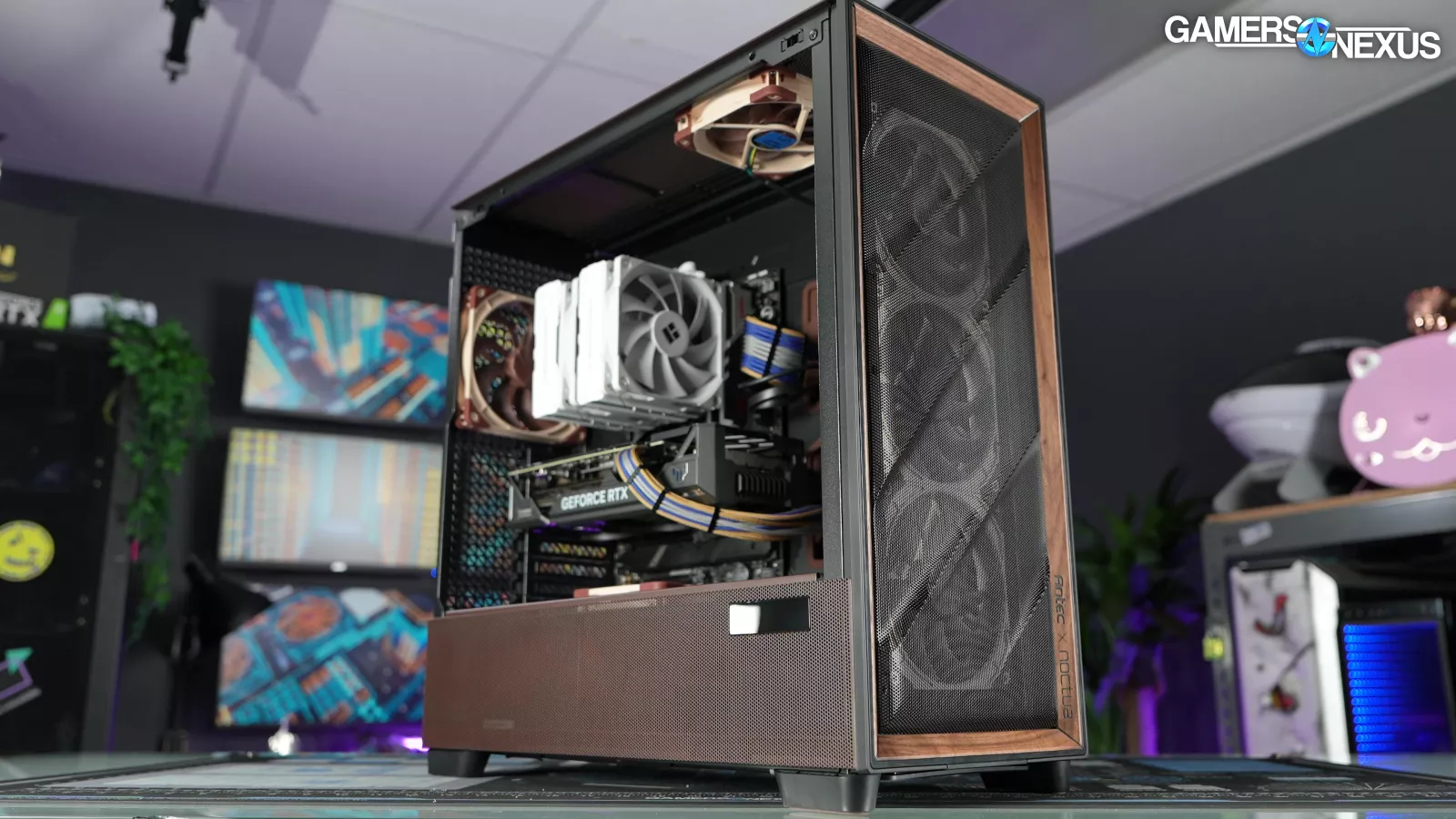
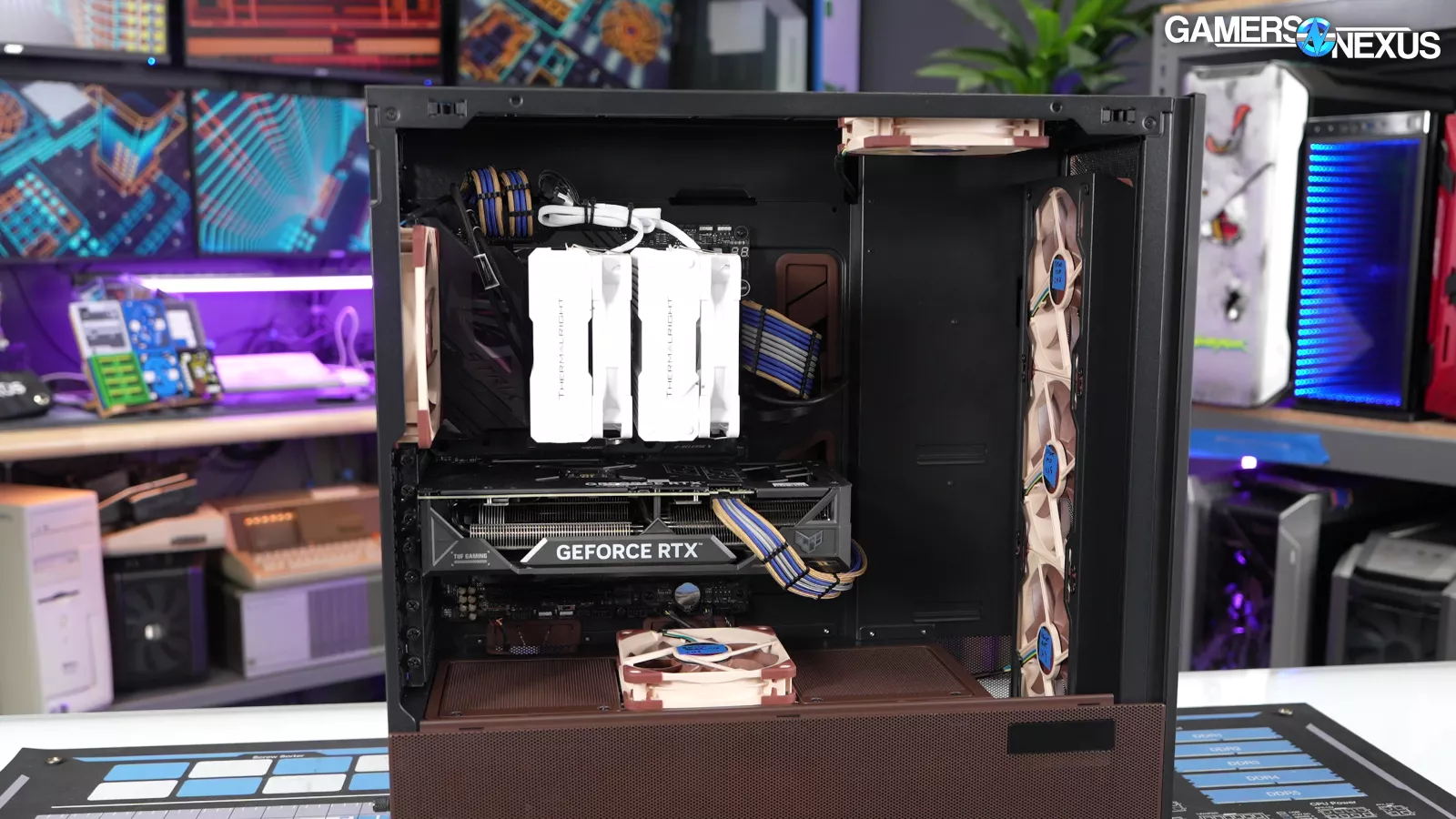
Antec and Noctua today are releasing their collaboration on the Flux Pro (read our review), now outfitted with 6 Noctua fans, a fan hub, and some brown paint.
Editor's note: This was originally published on March 17, 2026 as a video. This content has been adapted to written format for this article and is unchanged from the original publication.
Credits
Test Lead, Host, Writing
Steve Burke
Testing, Writing
Patrick Lathan
Camera, Video Editing
Vitalii Makhnovets
Writing, Web Editing
Jimmy Thang
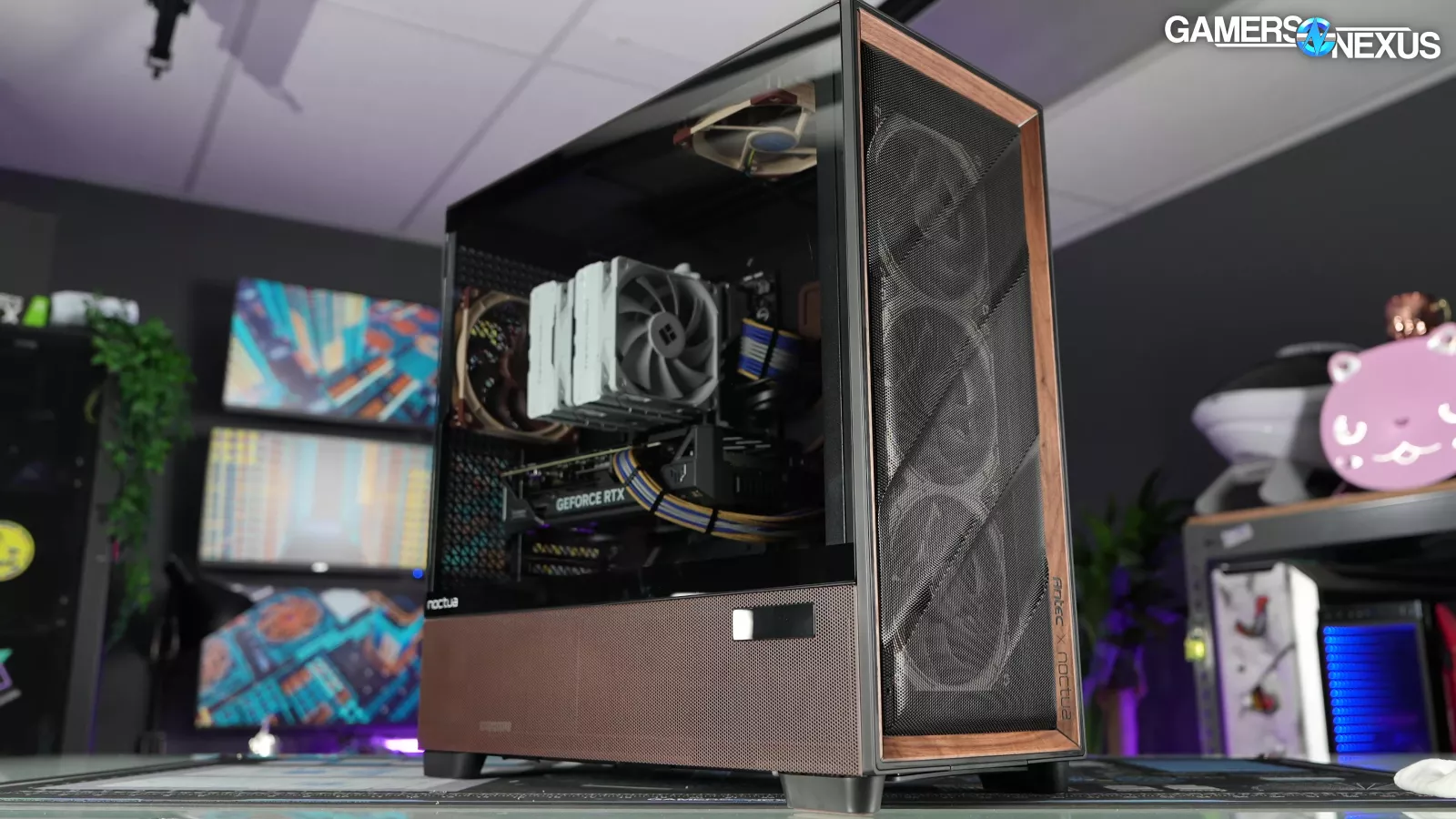
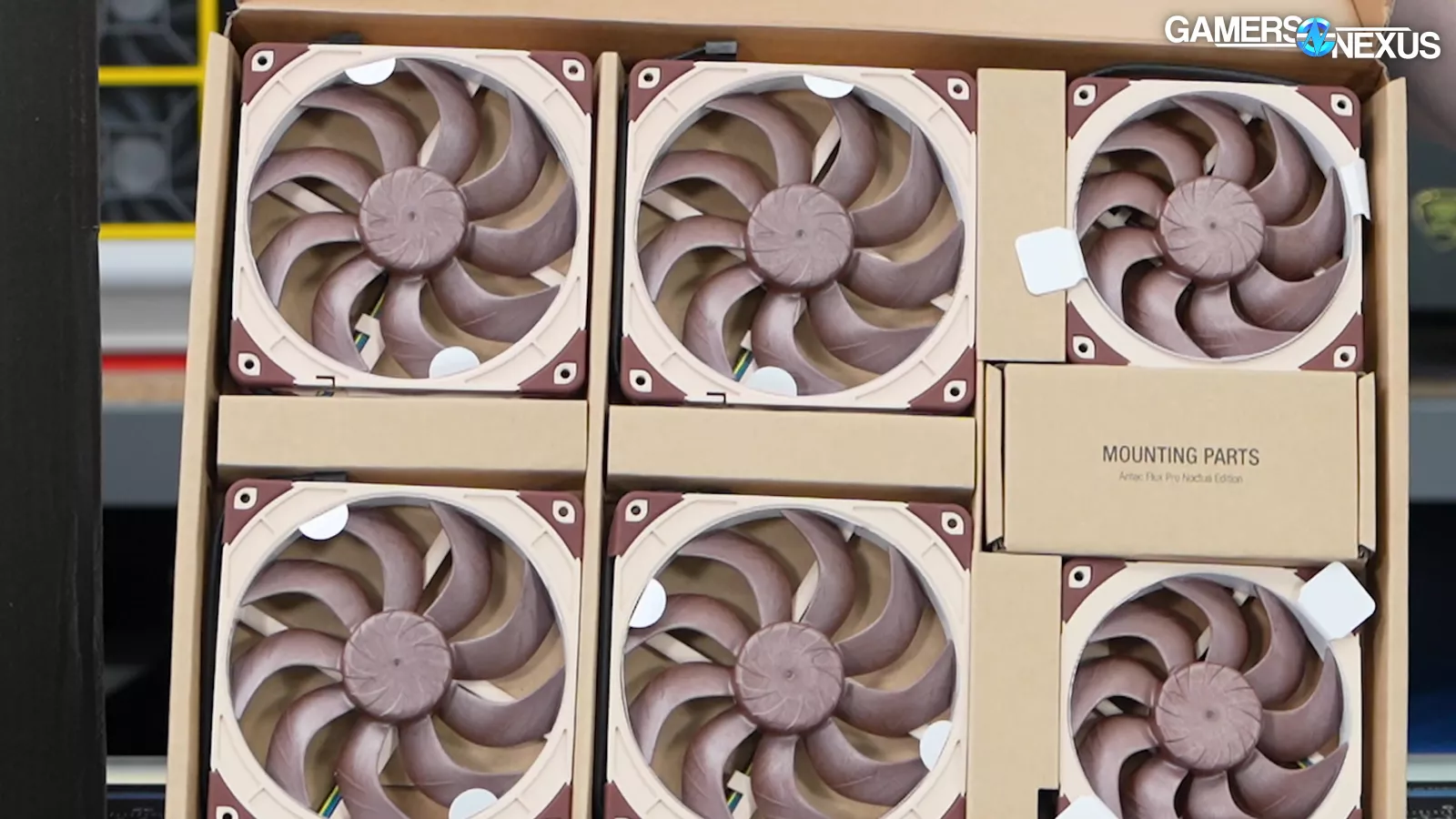
The Flux Pro was already one of the best-performing cases we’ve ever tested when tested with Antec’s included fans.
In addition to testing what brown can do for you, we’ll mostly be running focused tests on the performance.
But there's an interesting extra challenge this time. We also needed a higher heat load test than what we've tooled our case testing methodology for because we built it to test lots of different types of cases, including ones that aren't very good, and if the heat load's too high, then you end up just kind of capping the performance. You can't really see how good or bad the medium cases are. So, for this one, we needed to also add a 600 watt heat load and some other tests.
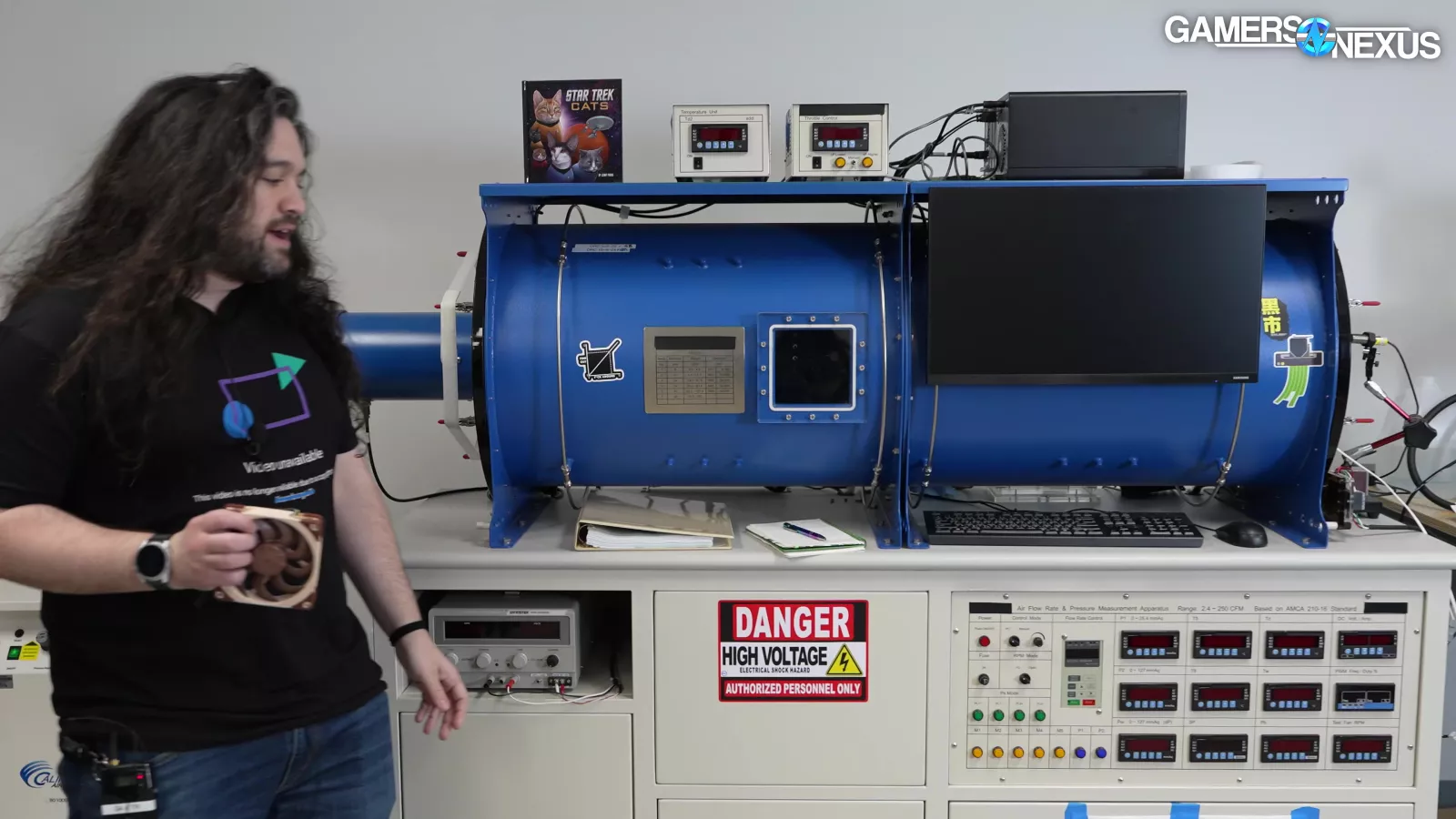
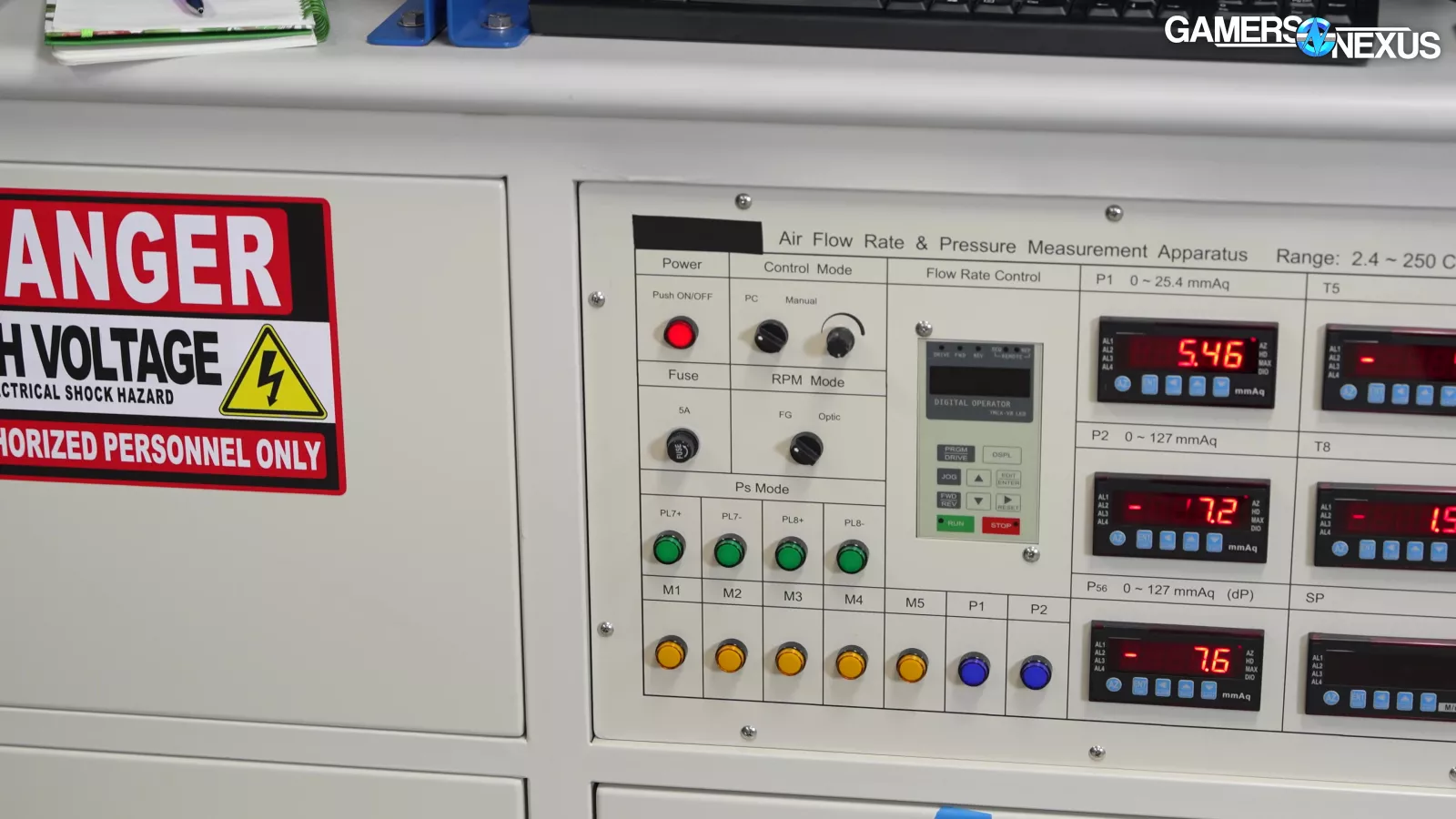
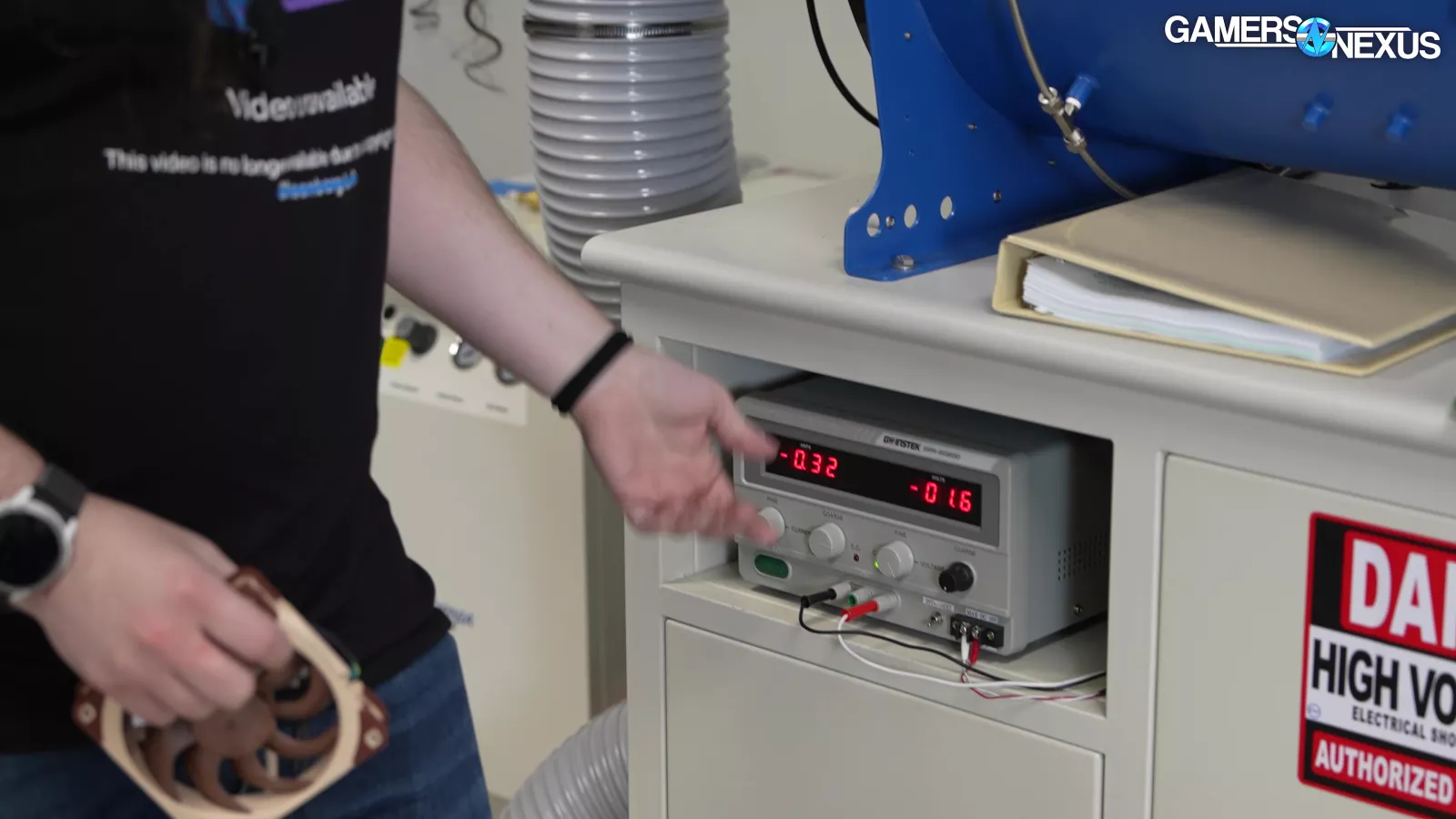
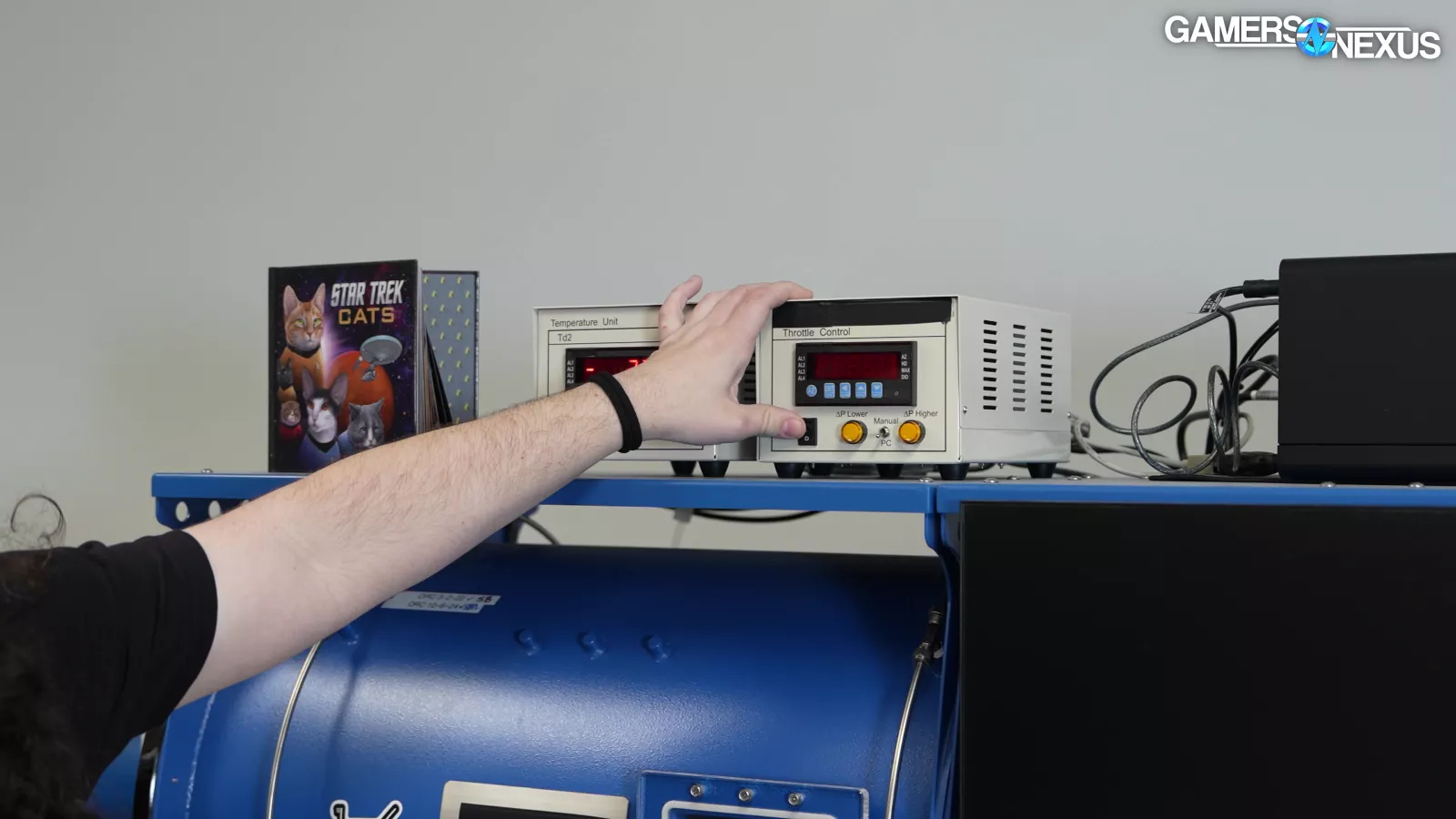
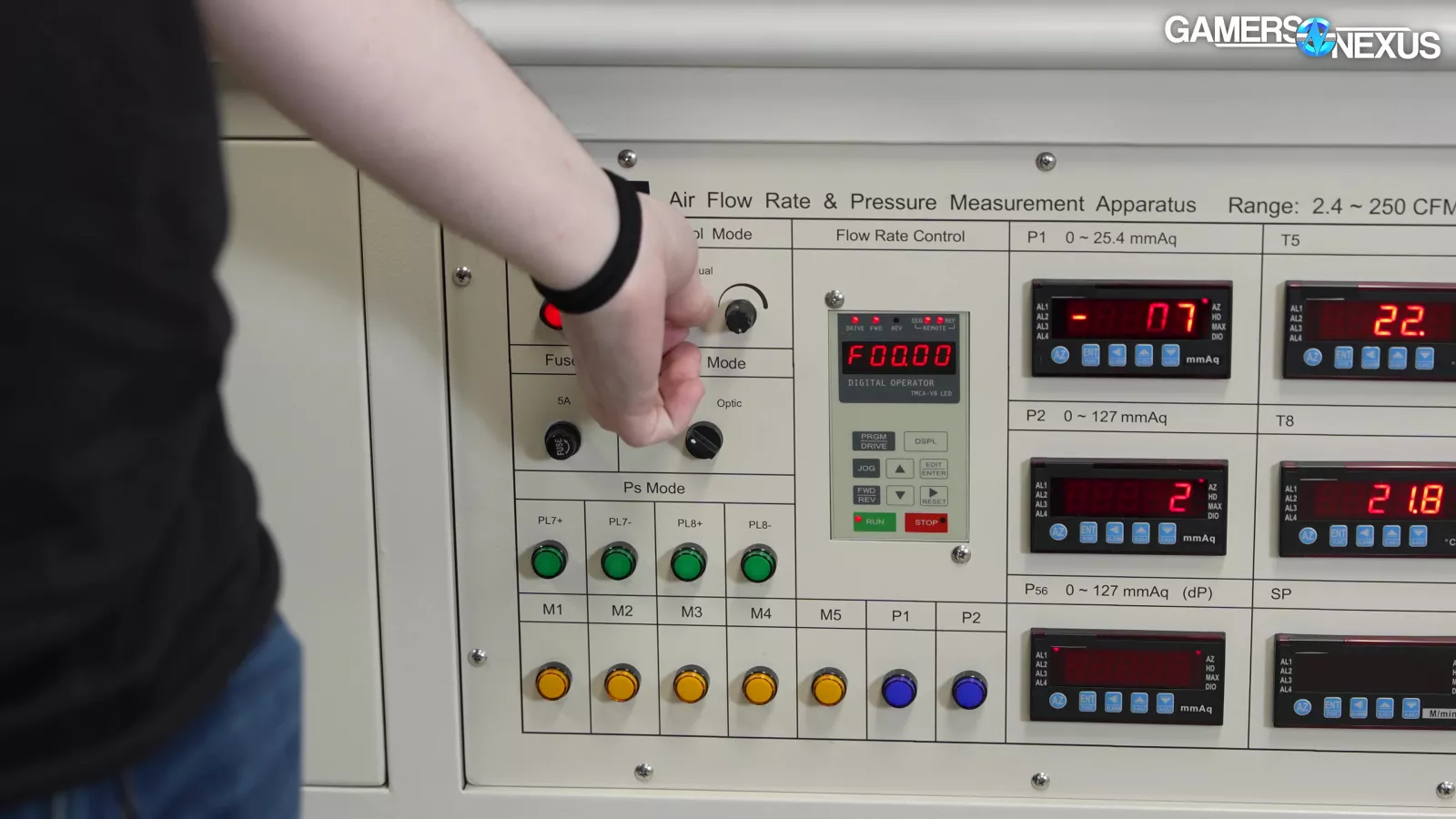
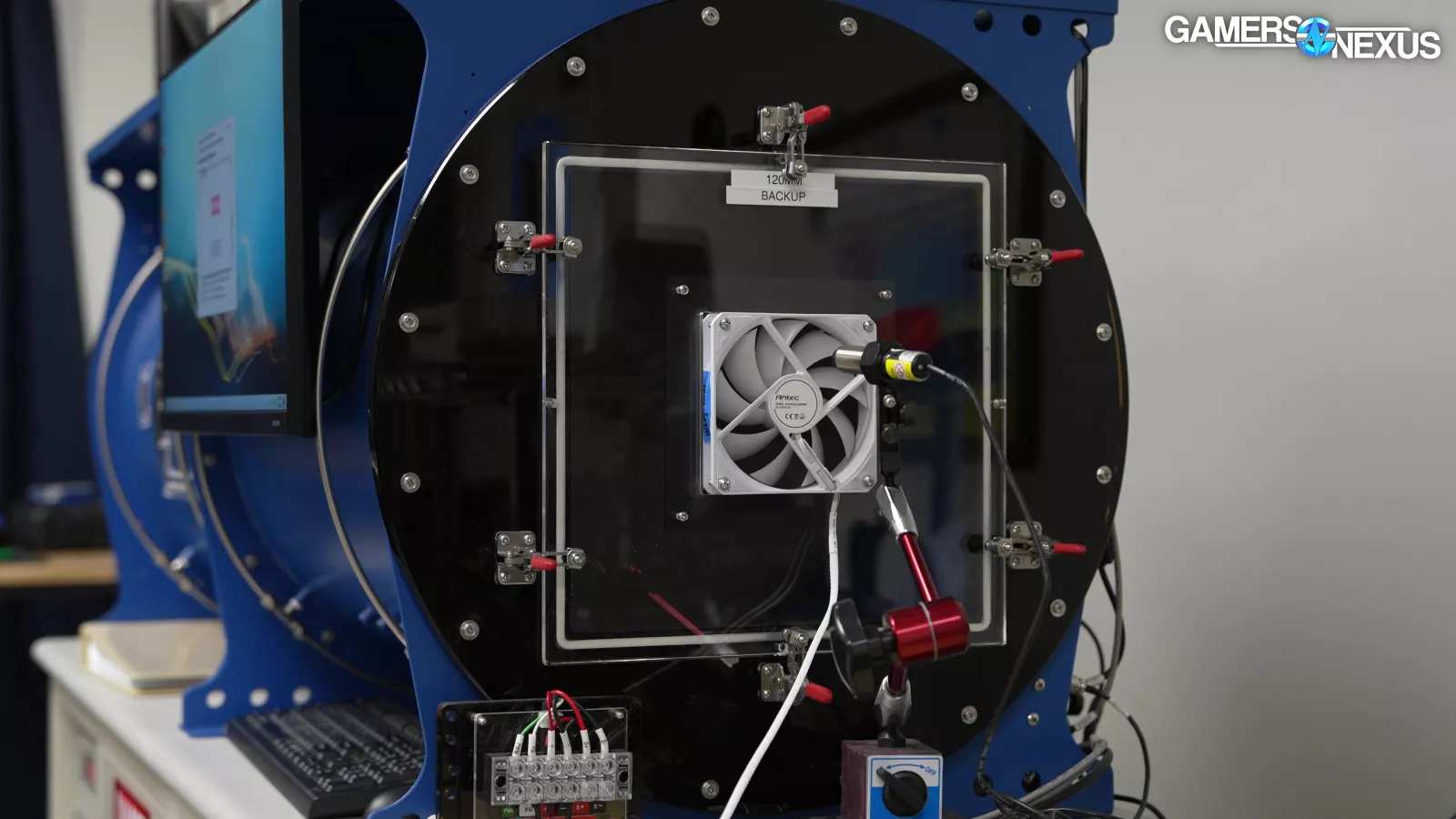
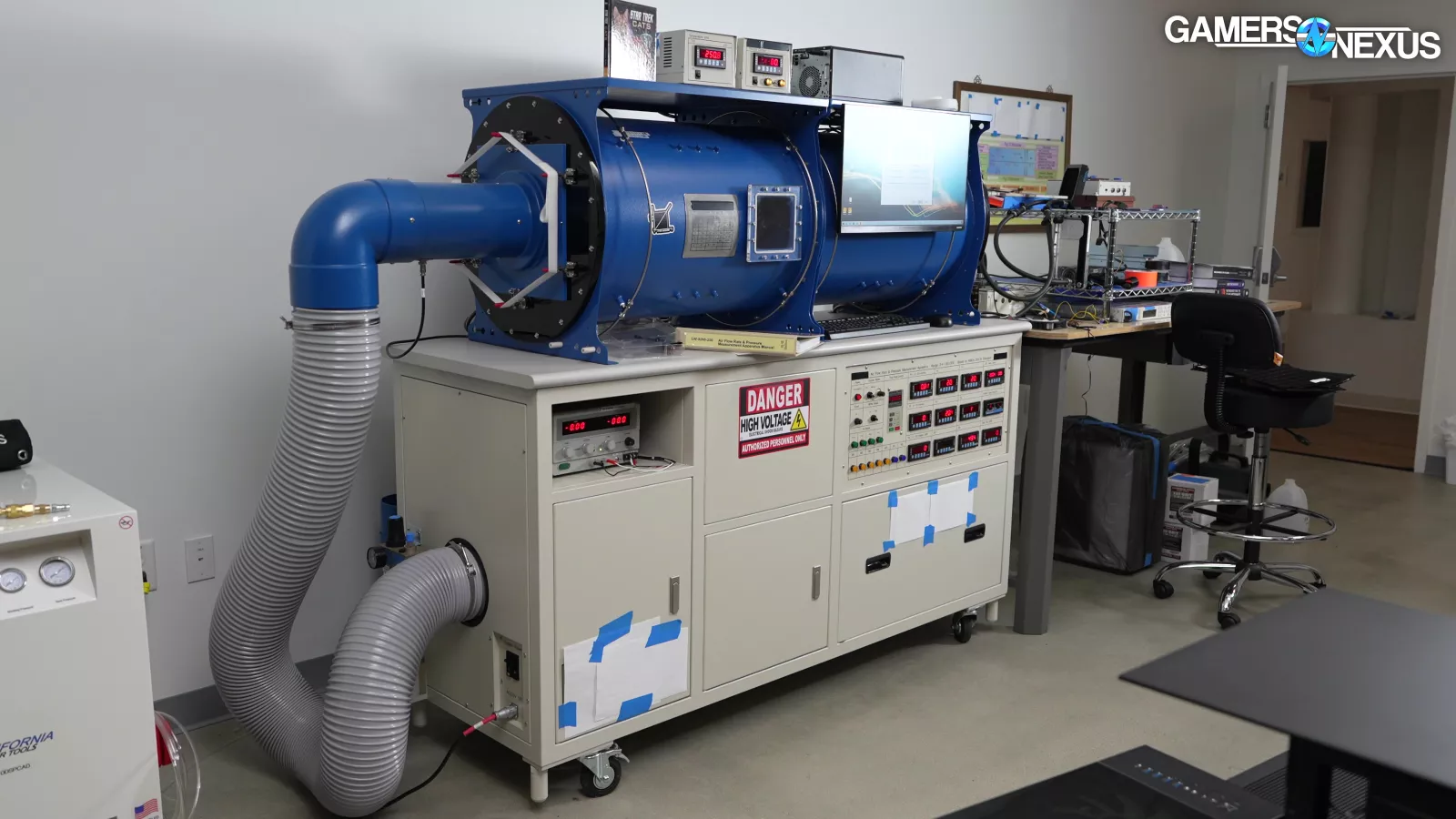
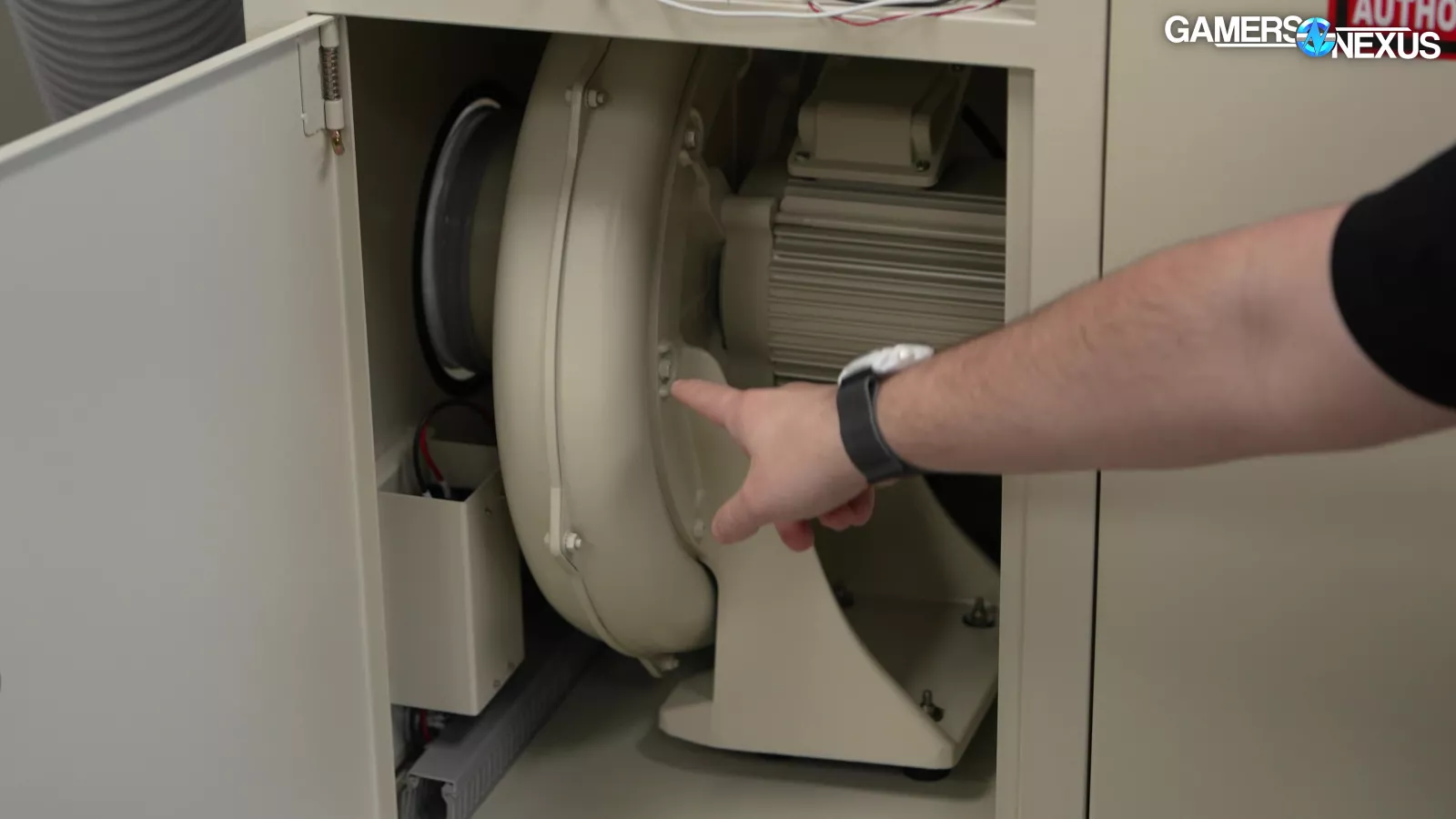
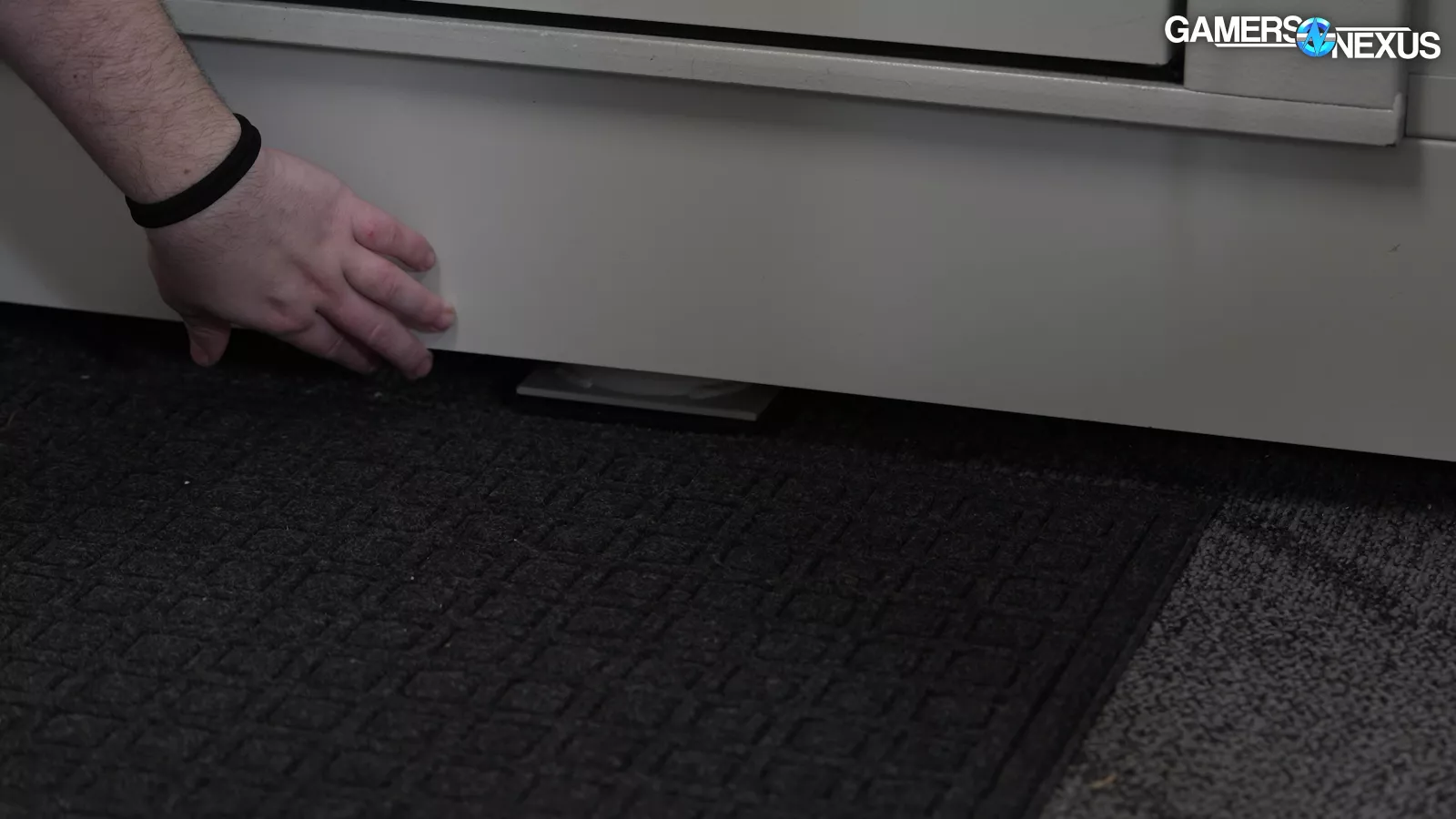
Special testing today includes using a fan tester. This is used for flow and pressure testing by using a counterblower located underneath the machine. We’re using this to get more detail on the Noctua and Antec fan differences, since they use the same count, size, and recommend the same placement. That means the fan itself is the primary difference in these case models, other than the color.
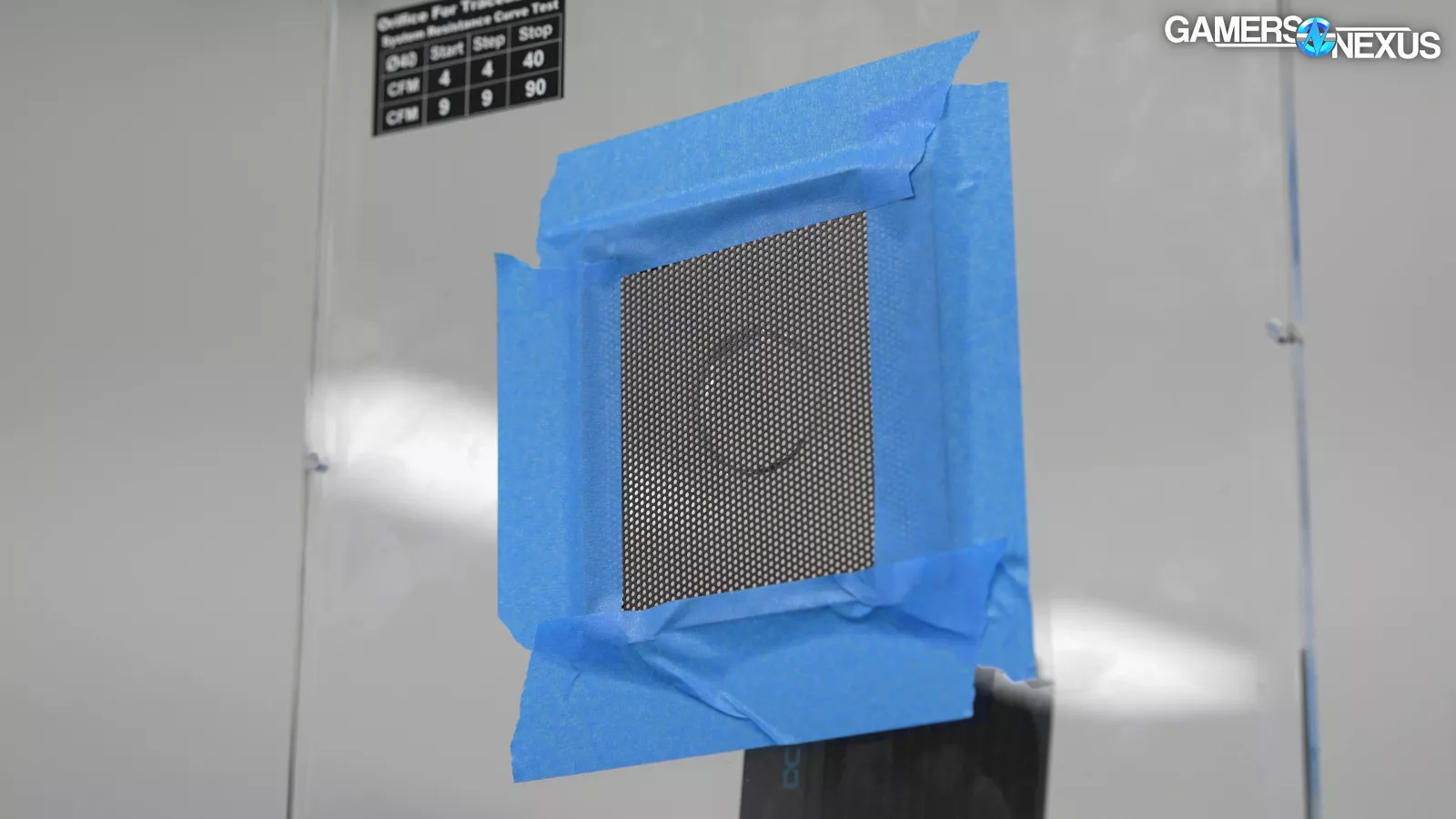
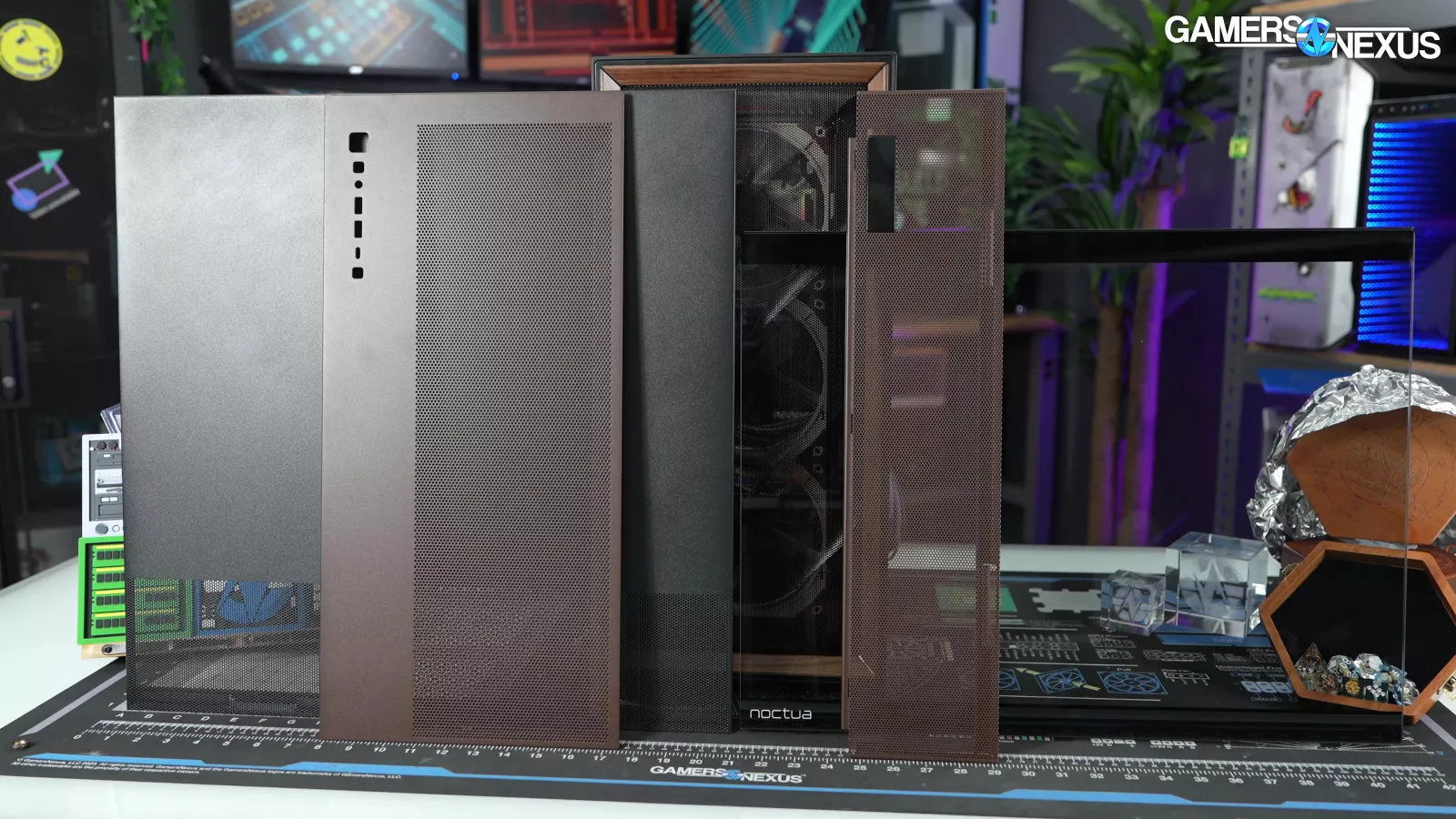
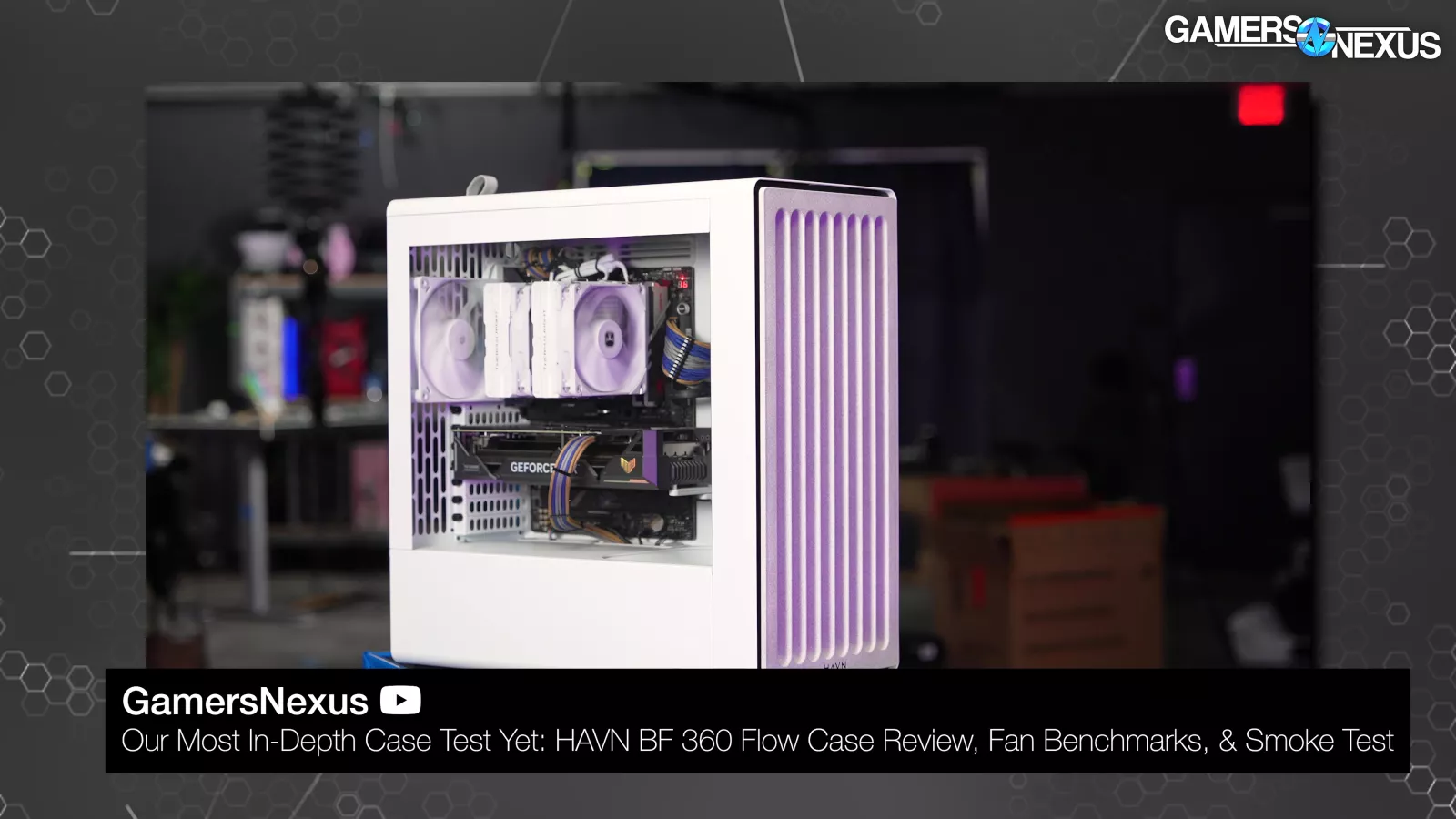
This follows-up our prior use of the fan tester to evaluate the impact of case panel porosity on flow performance. Most importantly, we used the fan tester in our HAVN BF 360 review, at which time we compared it to the Fractal Torrent (read our review) and its competing 180mm fan in some simple and experimental charts.
We also have another set of in-depth tests in the lab.
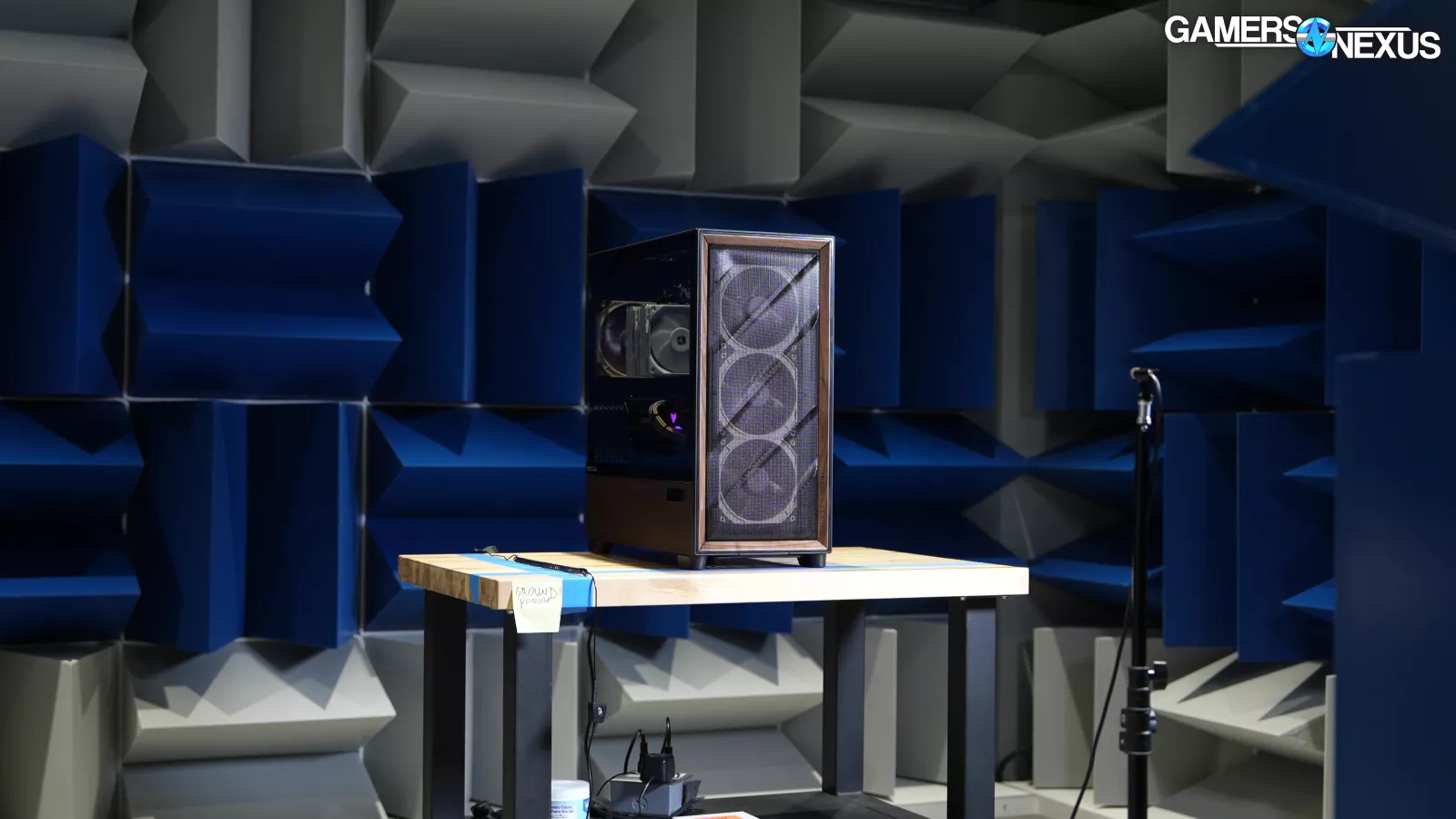
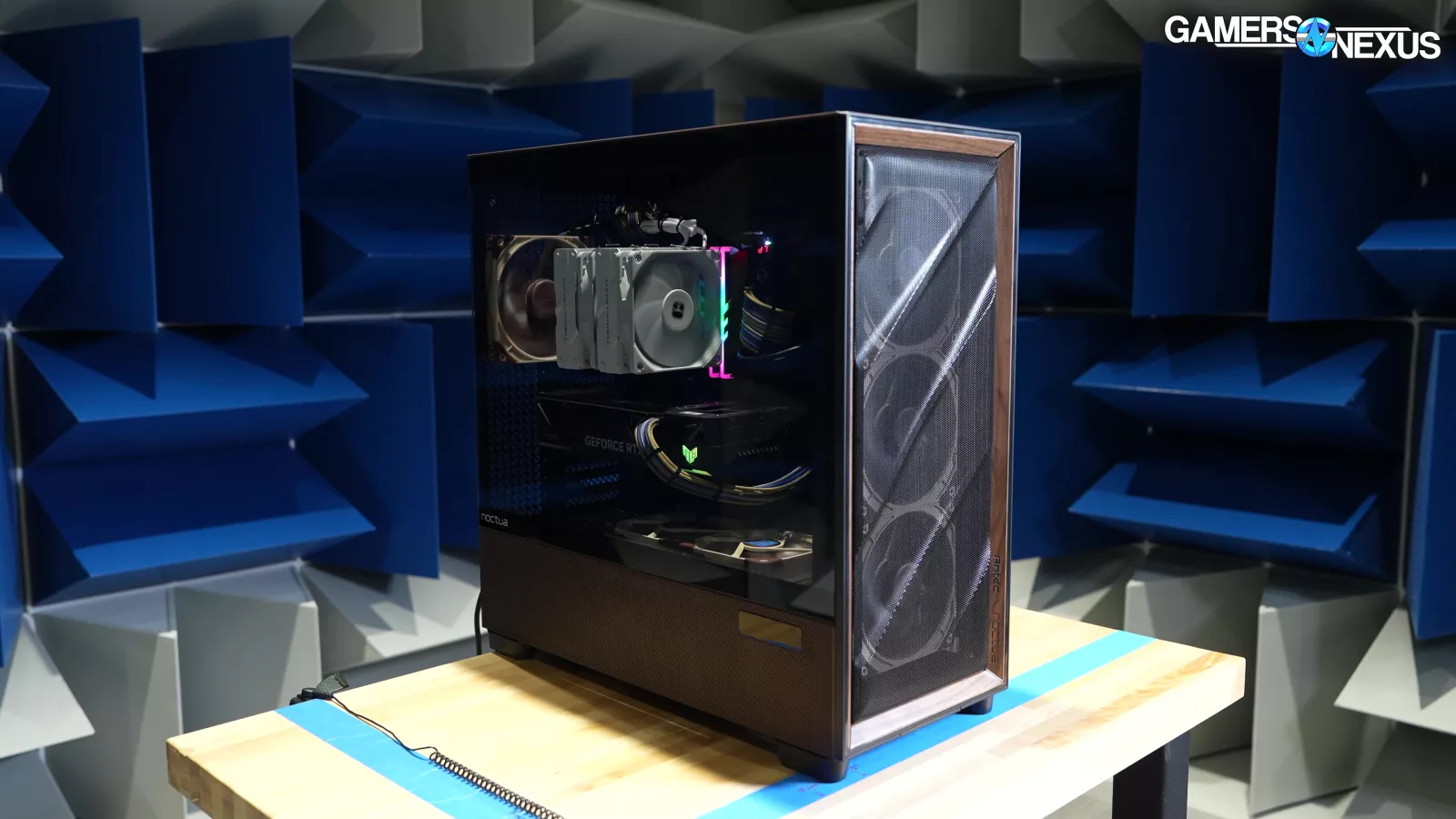
This is our hemi-anechoic chamber. We’ve used this close to around 1,000 times now in the past 3 years, thanks to a mix of handheld gaming system, CPU cooler, case, and video card testing.
Today, we’re using it to make frequency spectrum charts like this one.
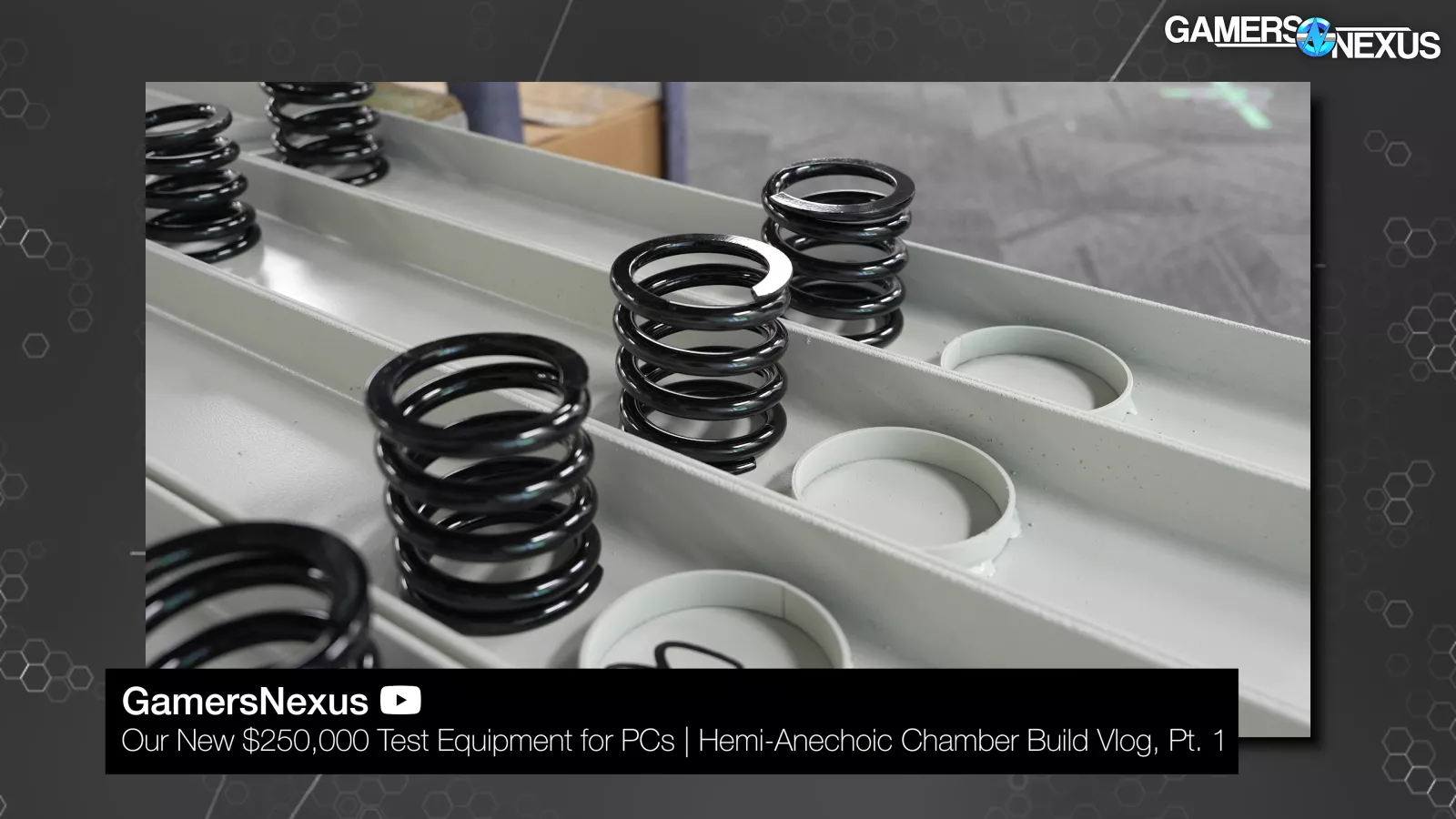
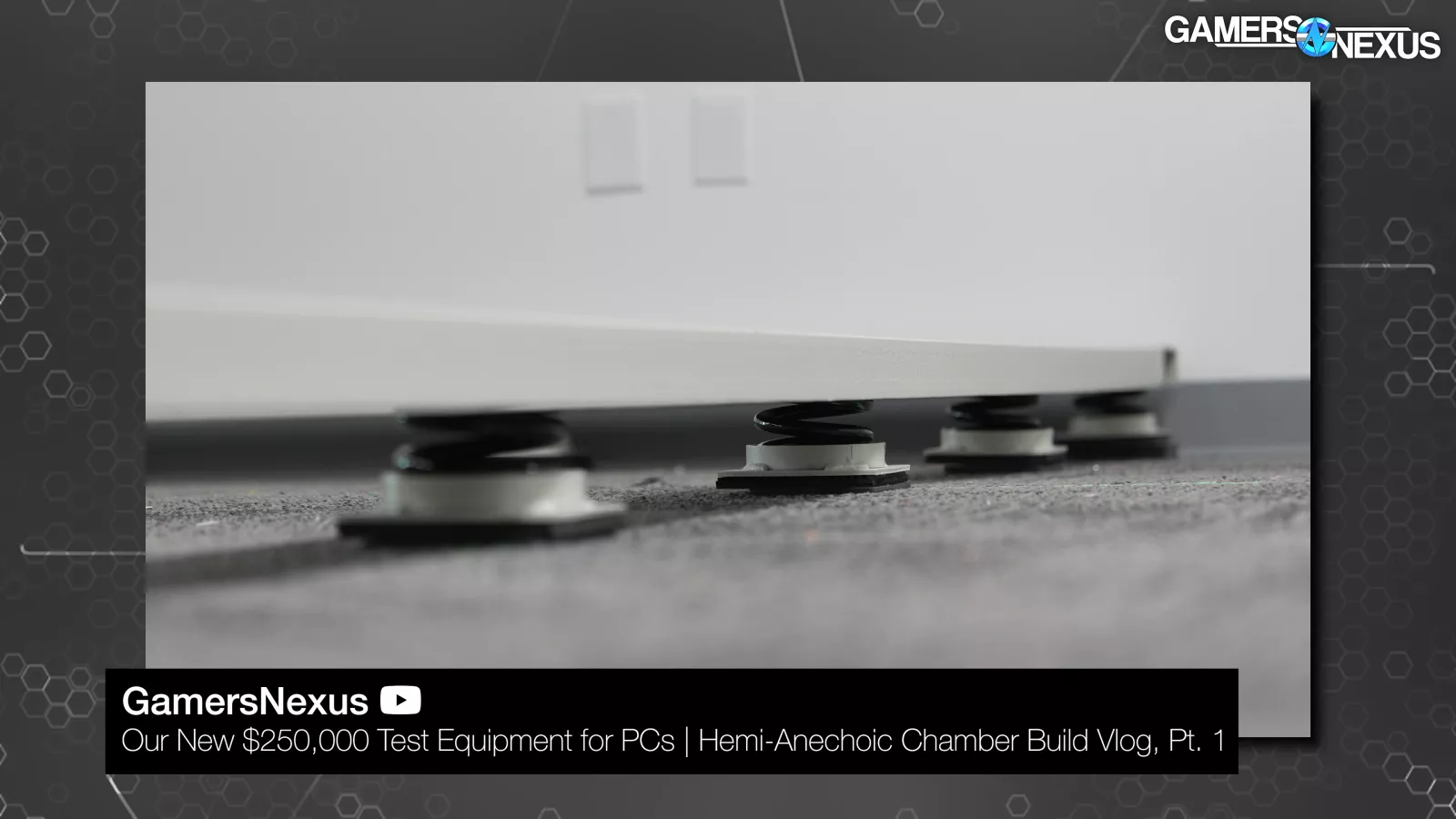
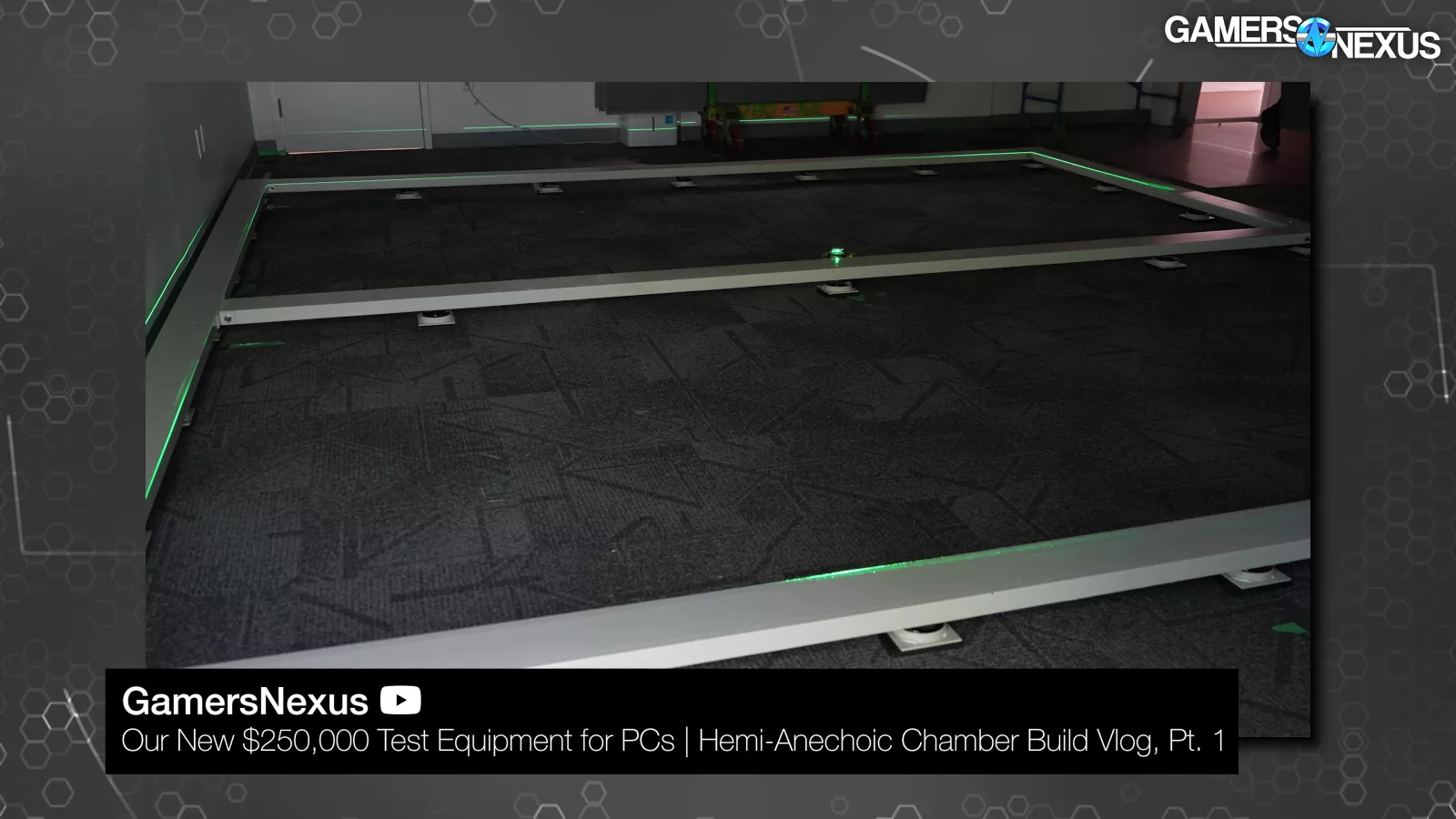
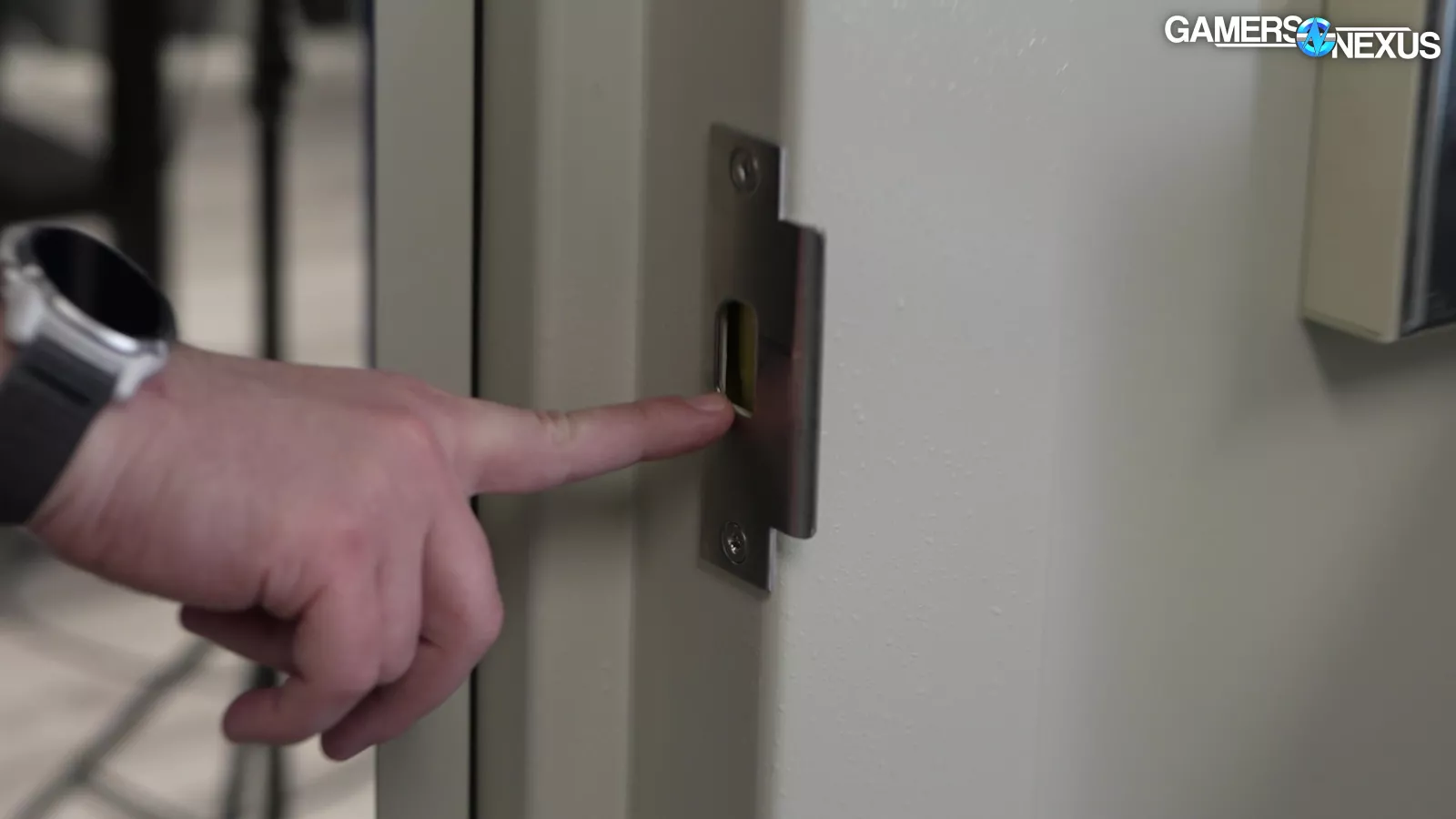
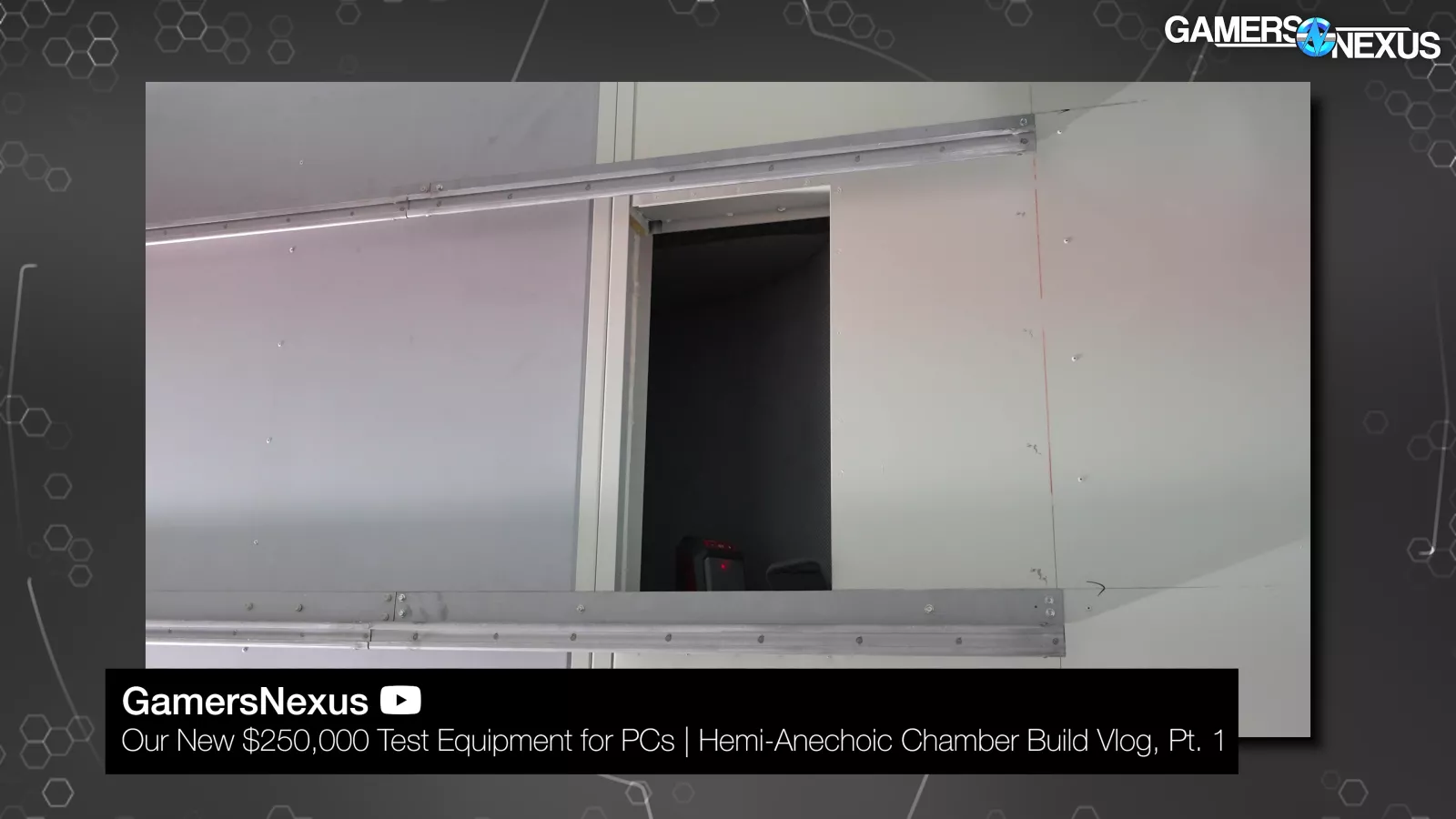
We have a video documenting how we built the chamber. It’s on top of 3 Hz isolating springs to help absorb noise coming through the floor. The steel panels are filled with insulation, then we use a double door system to help block noise.
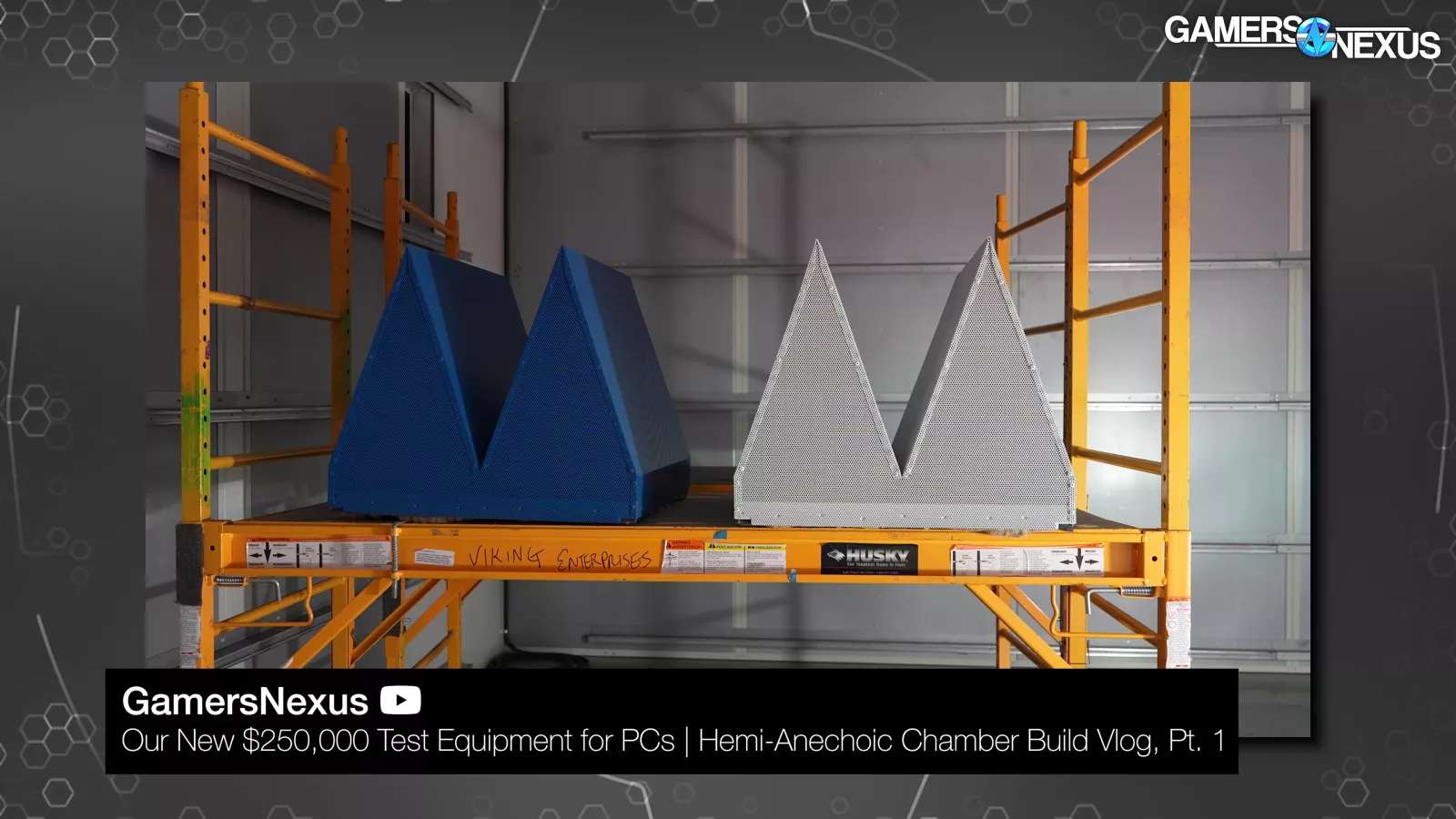
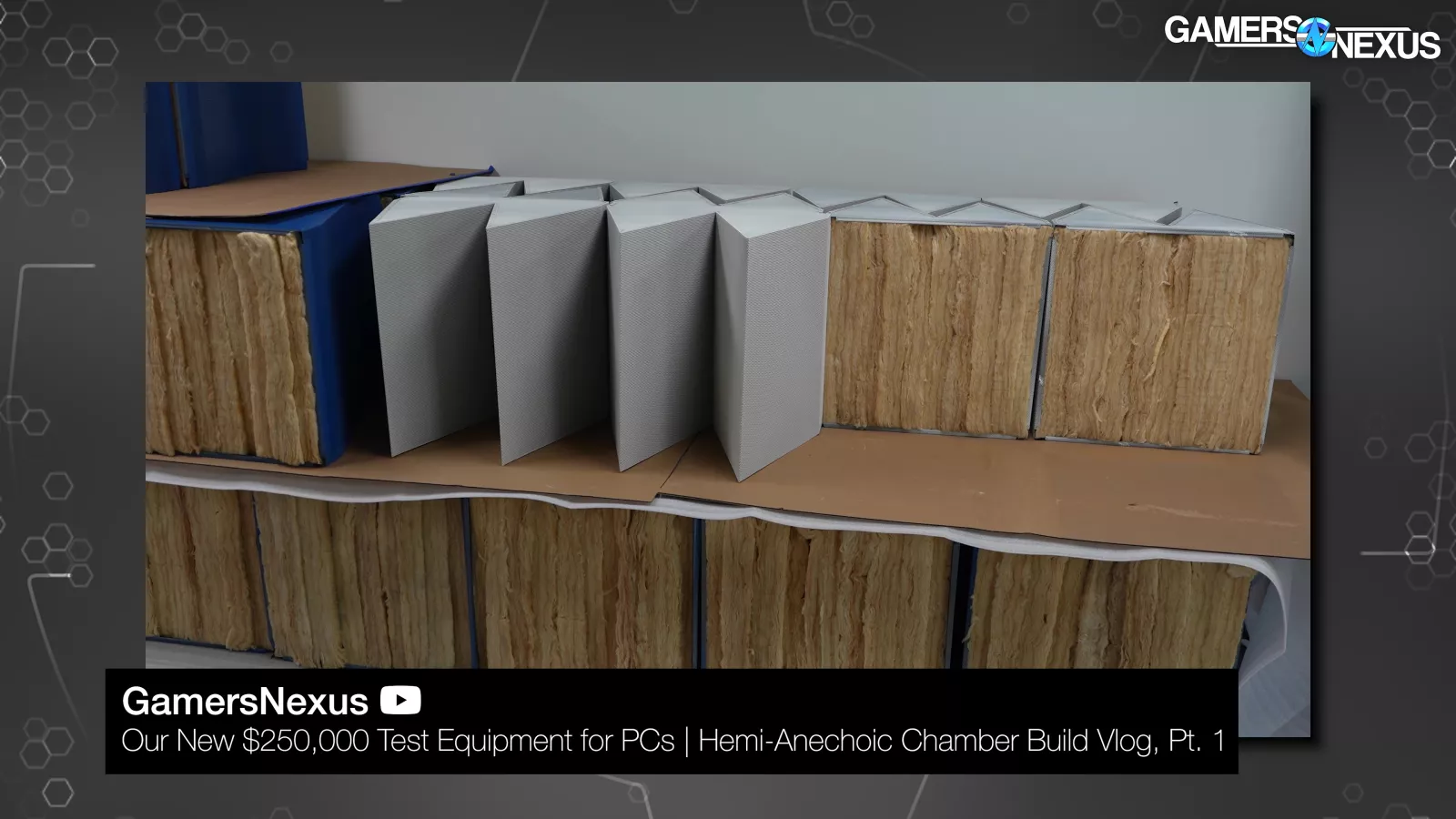
Inside, we use metal wedges filled with insulation and wrapped with foam to kill echo on the walls and ceiling, while we leave the floor solid to get a closer match to real-world use.
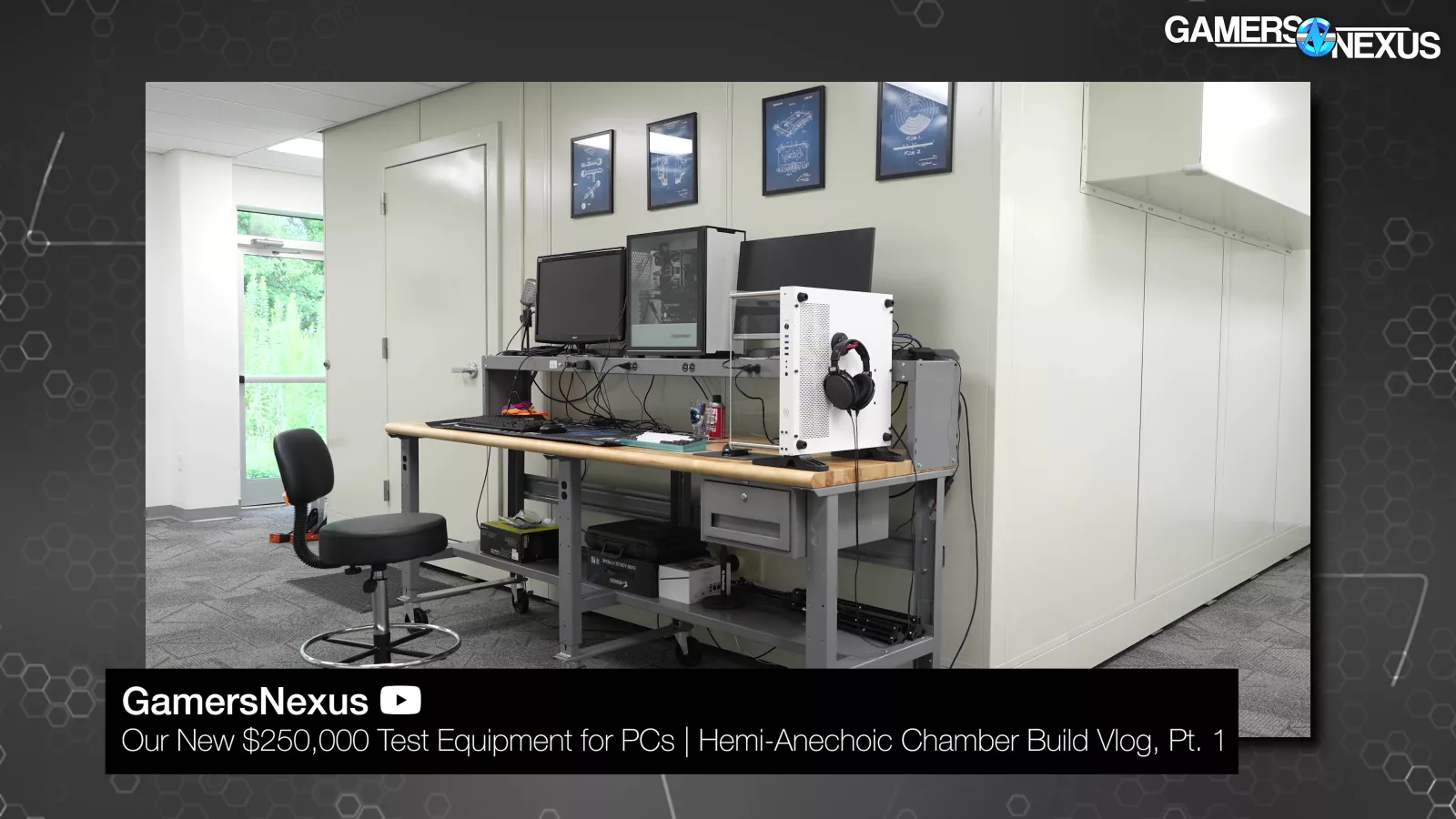
People often ask why we use the chamber. The human ear is unbelievably advanced and microphones can’t perfectly replicate them. Because of how sensitive the measurement equipment is to noise, we need a controlled environment in order for the results to mean anything. If a bird chirps outside and we don’t have this chamber, then the results are incomparable. That’s not the case with the chamber. This setup allows us to get like-for-like numbers that actually mean something at the end and gives us a high degree of certainty. Also, because all we care about is the relative scale, it applies cleanly to “real-world” use cases as well, just with better precision.
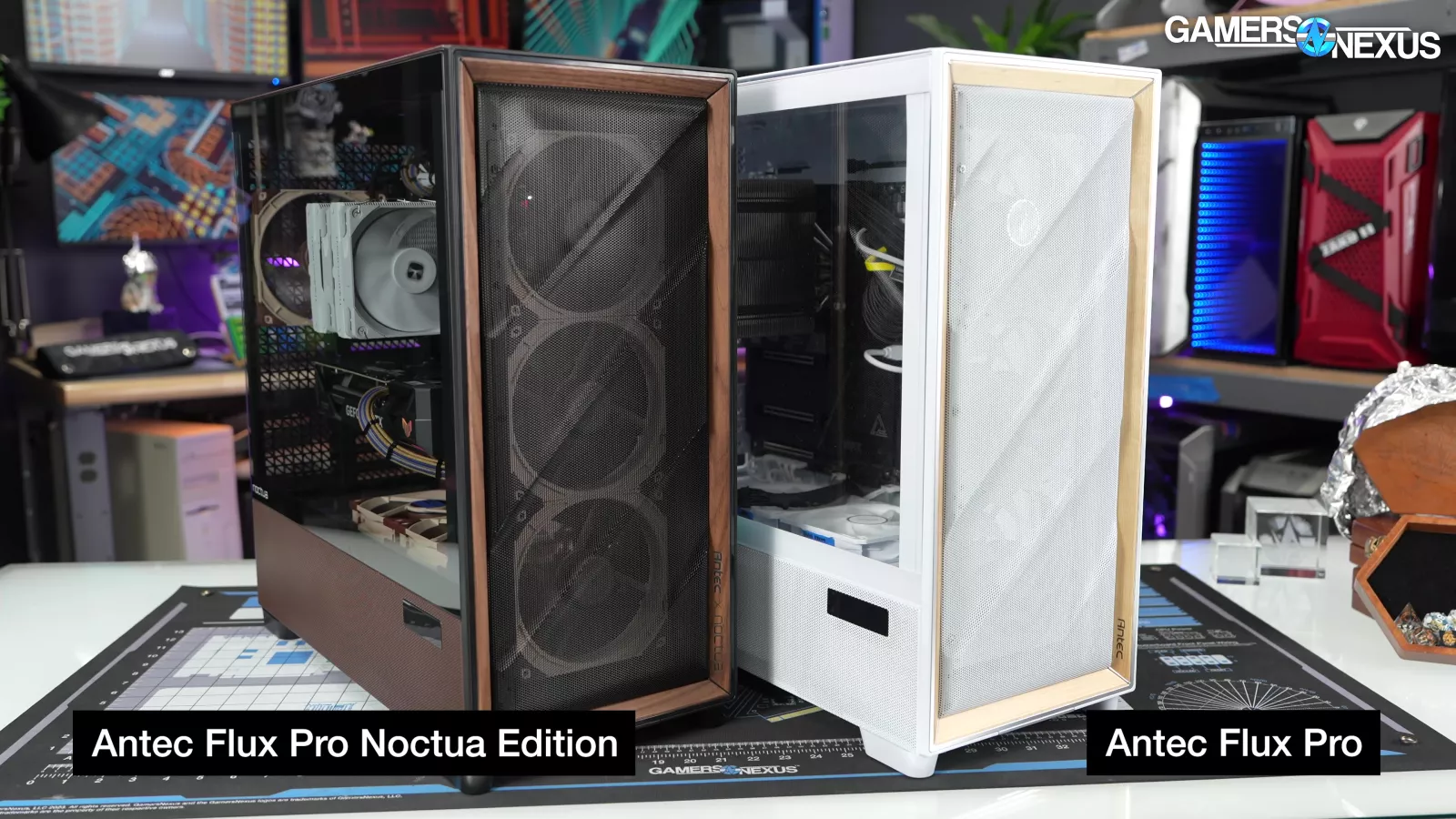
In the hemi-anechoic test chamber, we’ll test the Flux Pro with both the Noctua and Antec configurations.
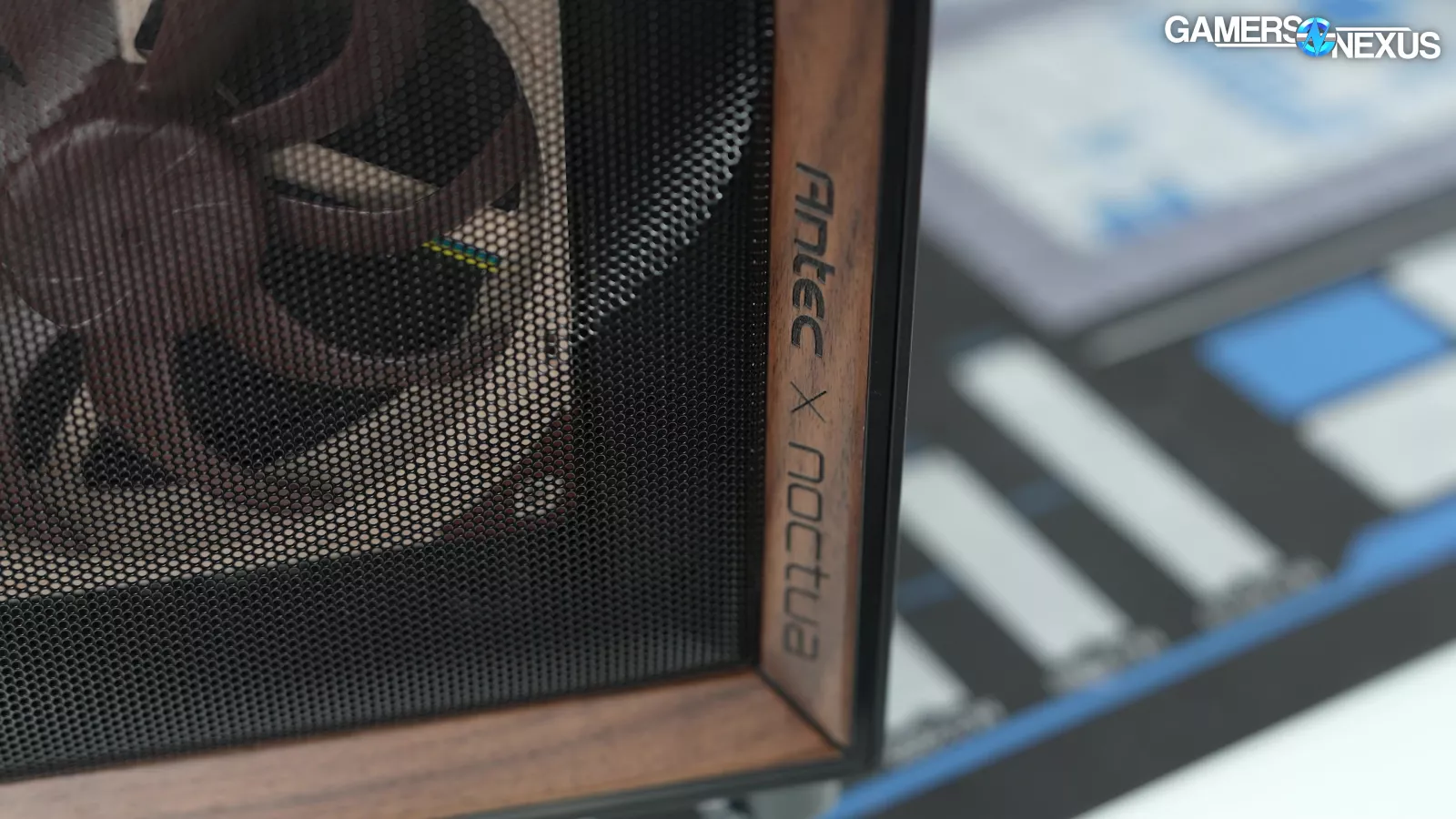
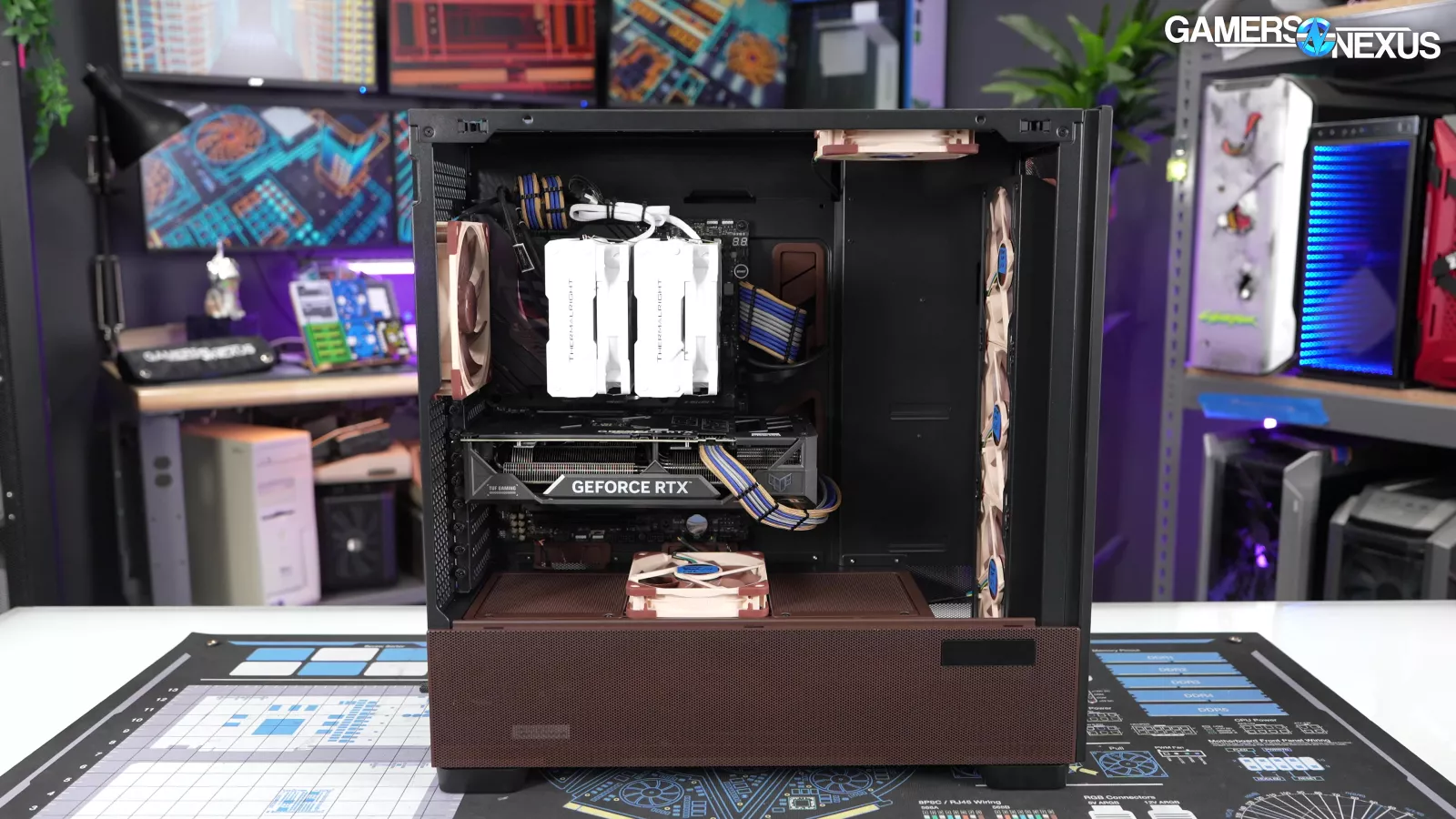
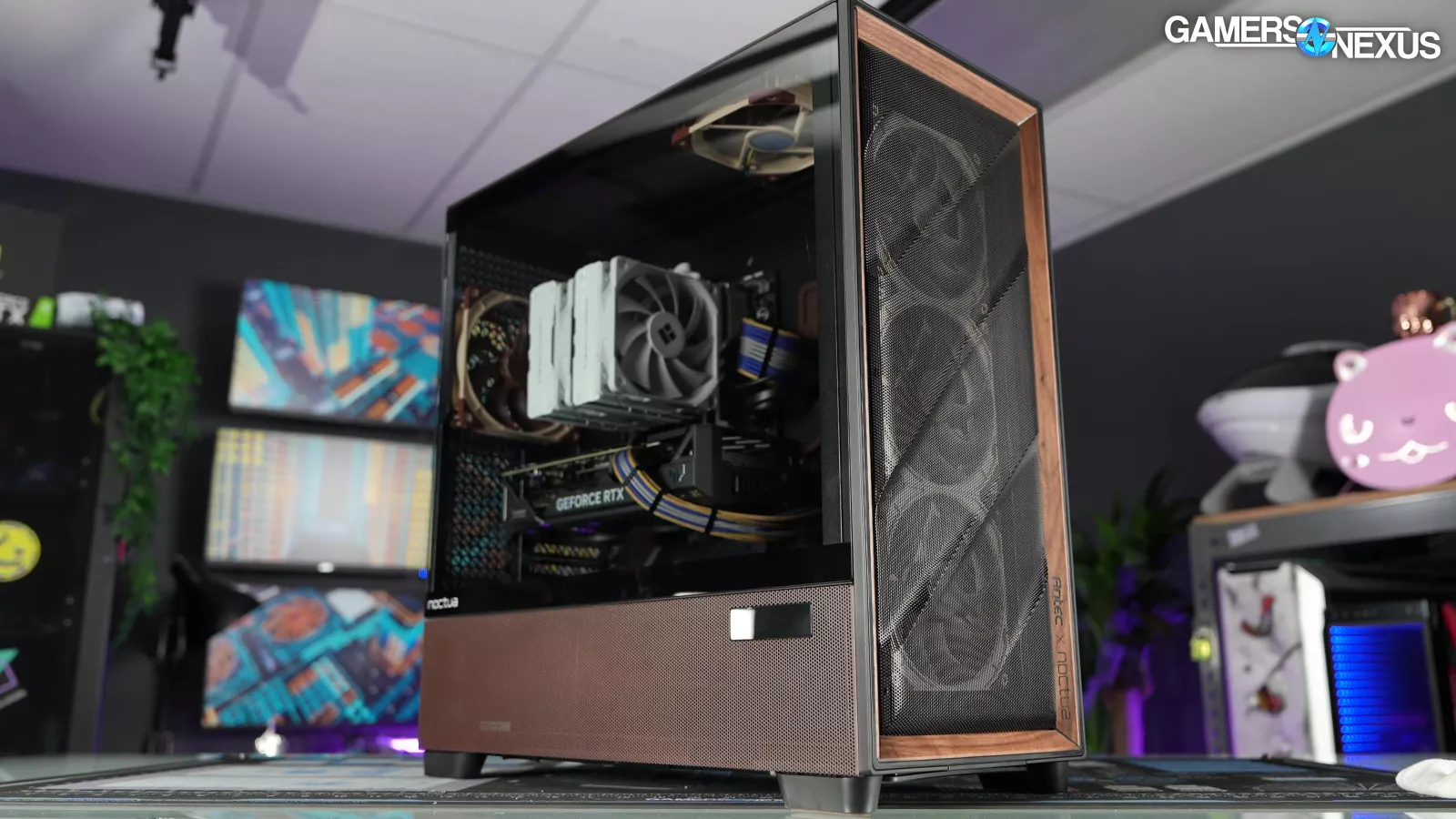
Unfortunately for Noctua, it’s launching at the worst possible time: The case is $400 during ongoing job losses, global economic concerns for normal people, and PC DIY part prices that make building a system nearly impossible right now with thanks to a 5x increase in DRAM in the last several months, plus multipliers against SSD prices as well.
Anyone launching hardware right now is going to see worse sales than they might have seen a year ago, and even if the case is good, $400 is just a lot of money that people might need to put toward memory (if they build at all). None of that is Noctua’s fault, but it is going to affect them.
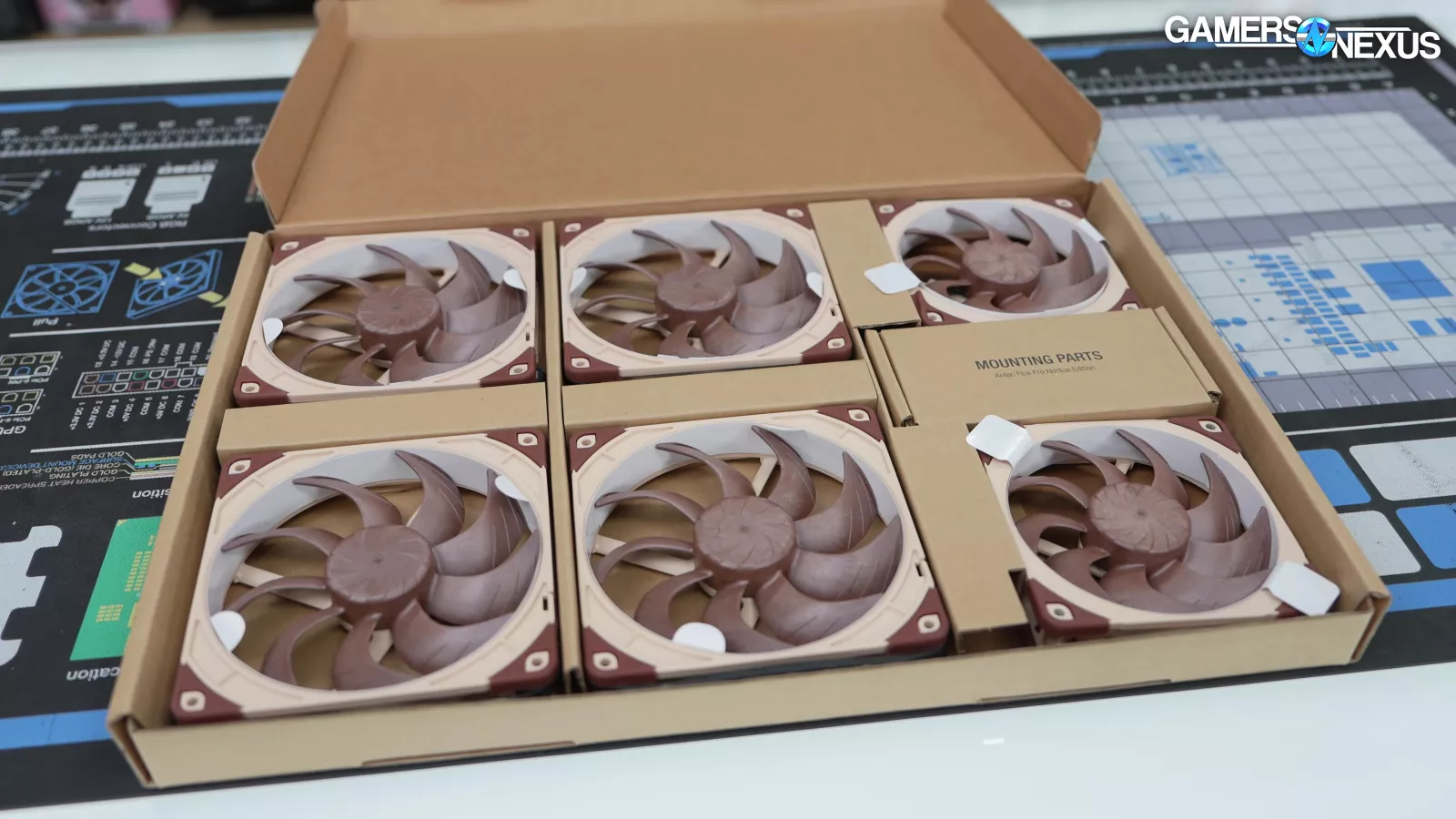
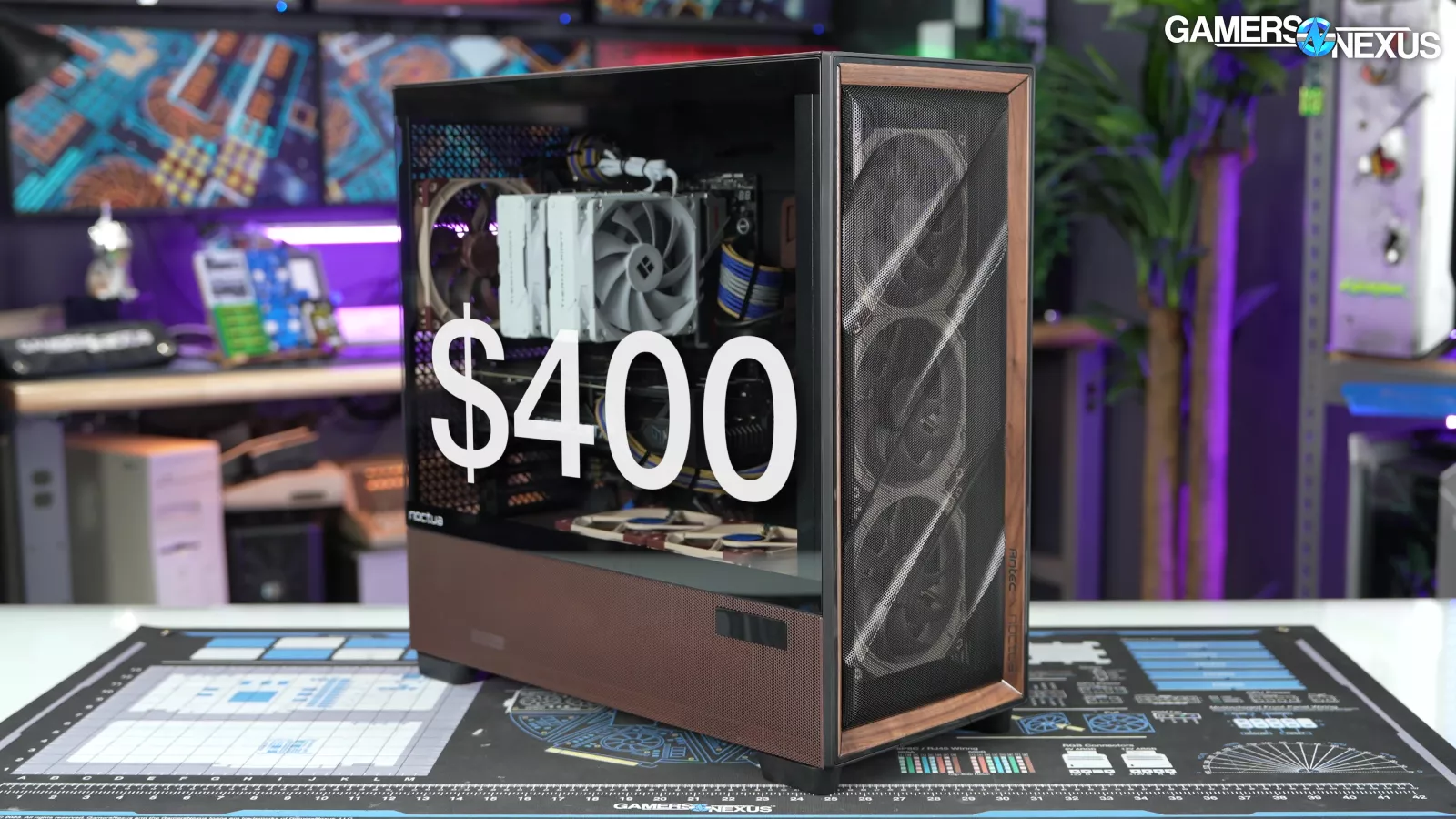
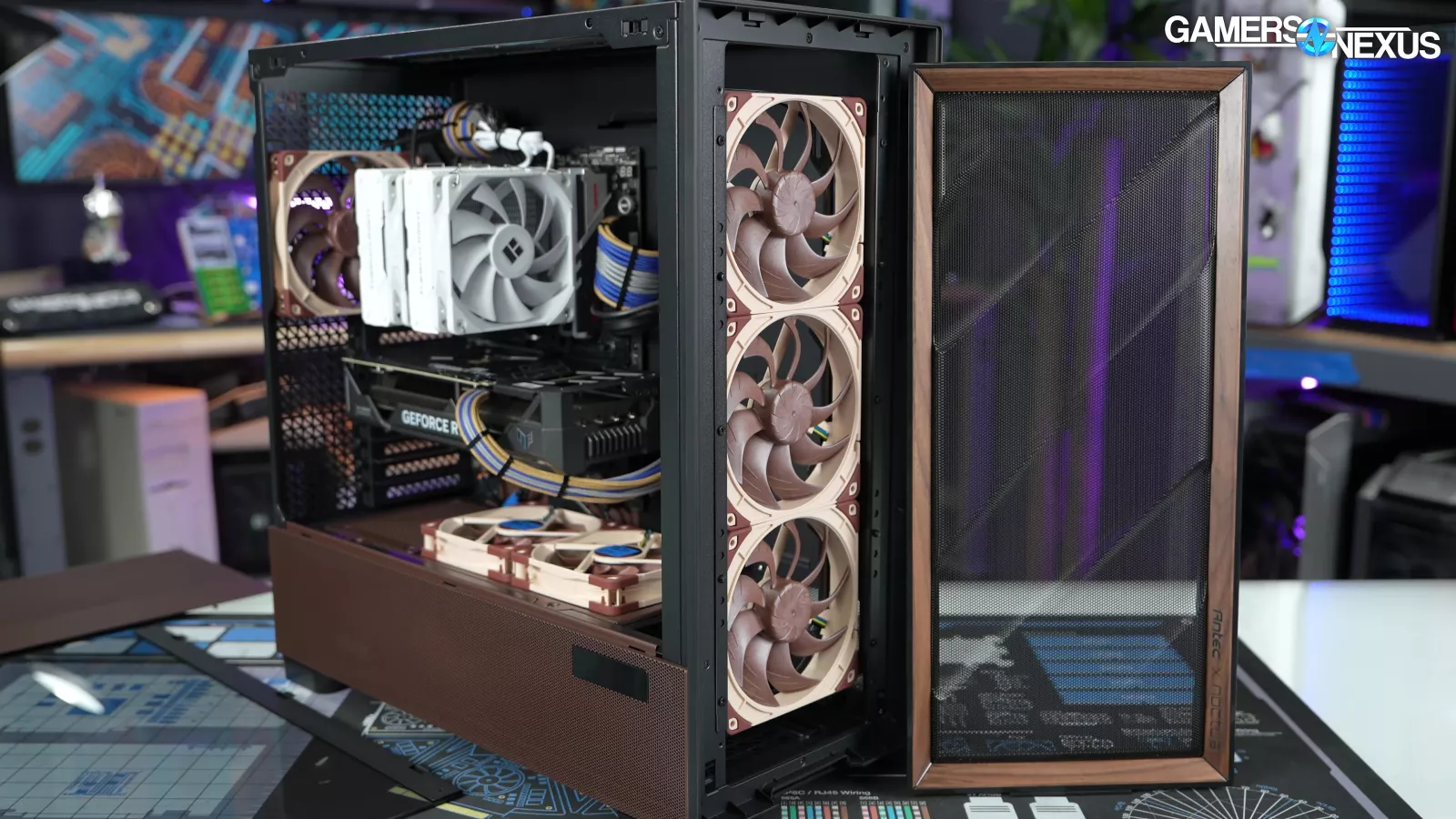
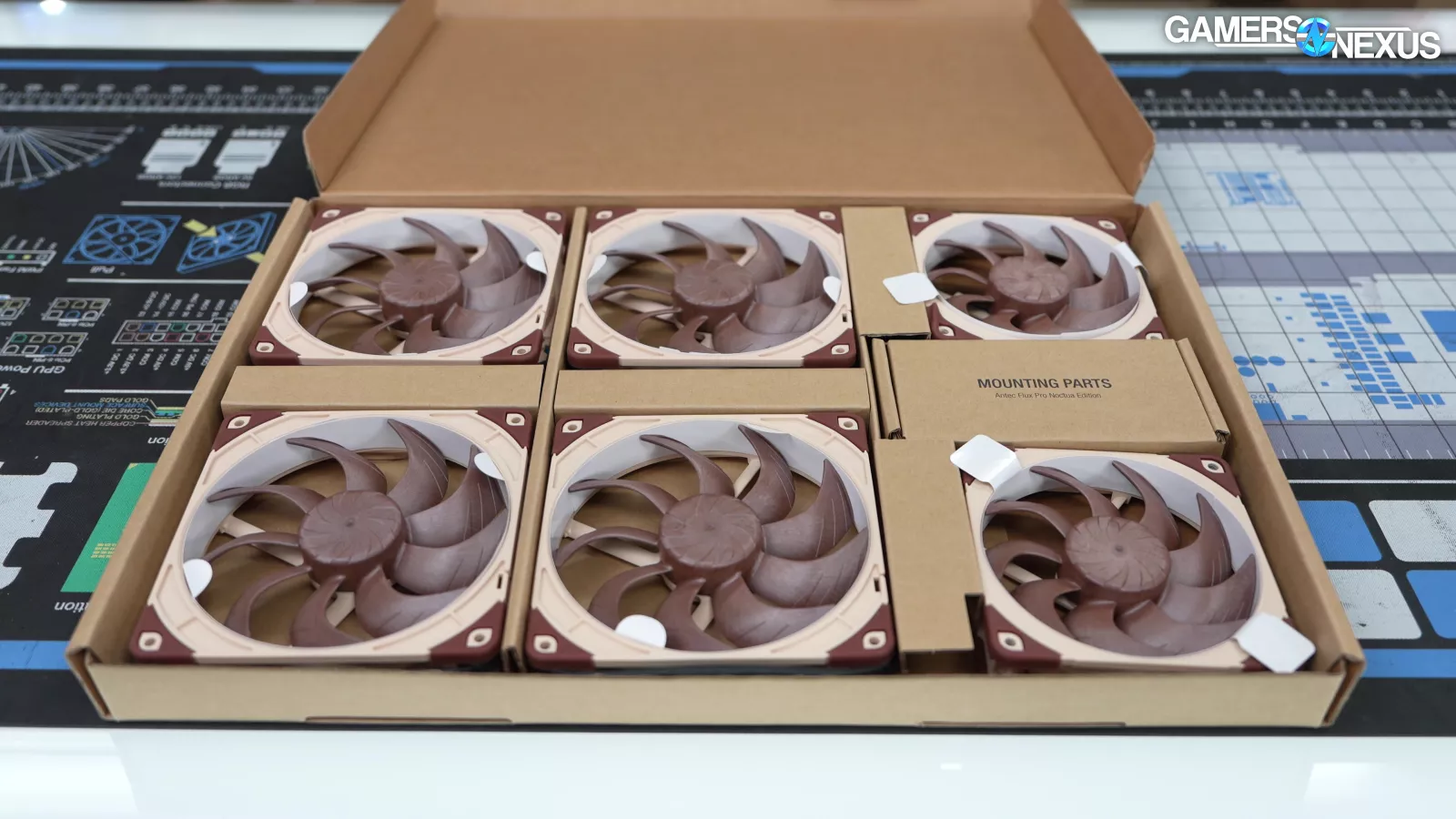
The Antec Flux Pro Noctua Edition is exactly what it sounds like: it's a Flux Pro with Noctua fans and brown paint. Accessories include four NF-A14 G2s, two NF-A12 G2s, and an NA-FH1 fan hub with cable extensions. The total MSRP is a whopping $400. It isn't the most expensive case we've ever reviewed ($500 Lian Li Odyssey X) or covered (In Win's crazy concepts), but it's a serious increase from the original $180 Flux Pro MSRP.
Specs
| Dimensions | 530 x 245 x 545 mm (DxWxH) |
| Form factor | Full tower |
| Materials | Steel + plastic + glass + wood |
| Mainboard support | E-ATX (≤285mm), ATX, Micro-ATX, ITX |
| Front I/O | 2x USB 3.0, 1x type-C 10Gbps, 1x headphone/mic combo jack |
| Front controls | Power, reset, temperature display switch |
| Side panel | 4mm tempered glass |
| PCIe expansion slots | 8 |
| 3.5" | 4 |
| 2.5" | 6 |
| Fan support | front 3 x 120mm / 3 x 140mmtop 3 x 120mm / 3 x 140mmpower supply shroud 3 x 120mmbottom 2 x 120mm / 2 x 140mmrear 1 x 120mm / 1 x 140mm |
| Included fan(s) | 4 x 140mm NF-A14x25 G2 PWM, 2x NF-A12x25 G2 PWM |
| Radiator support | front 120 / 140 / 240 / 280 / 360 / 420mmtop 120 / 140 / 240 / 280 / 360 / 420mmPSU shroud 120 / 240 / 360mmbottom 120 / 240mmrear 120 / 140mm |
| Max GPU length | ≤ 455mm |
| Max CPU cooler height | ≤ 190mm |
| Max PSU length | 300mm (with HDD cage), 470mm (without HDD cage), 180mm (side mount) |
| Dust filter | Bottom (removable via the front) |
| Net weight | 13,80kg |
| Gross weight | 17,70kg |
| Warranty | 6-years |
| UPC# | 841501190339 |
The Build
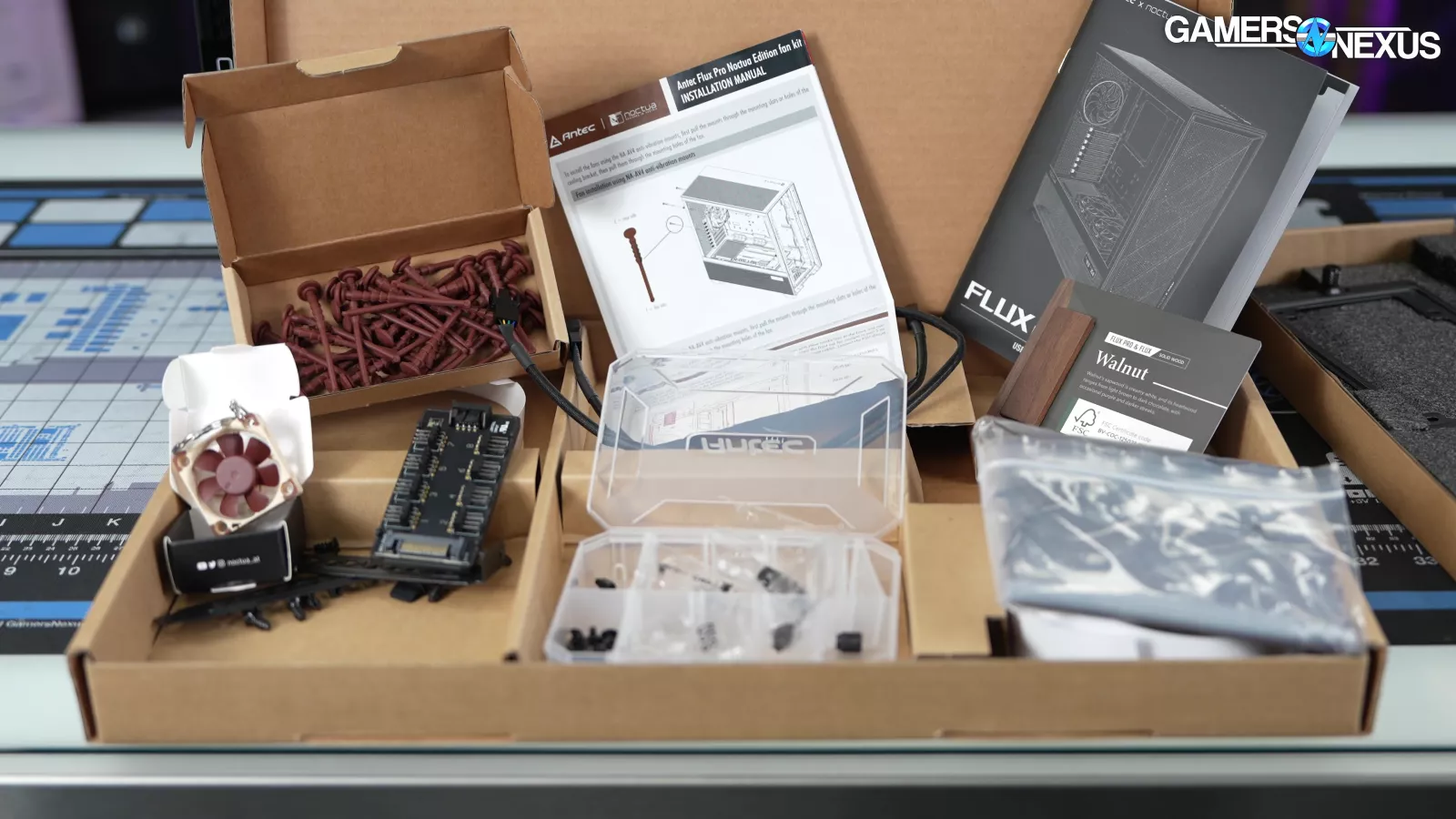
Noctua points out that the price of its accessories plus a full-price $180 Antec Flux Pro would be $451.60, so $400 is technically a discount based on these numbers.
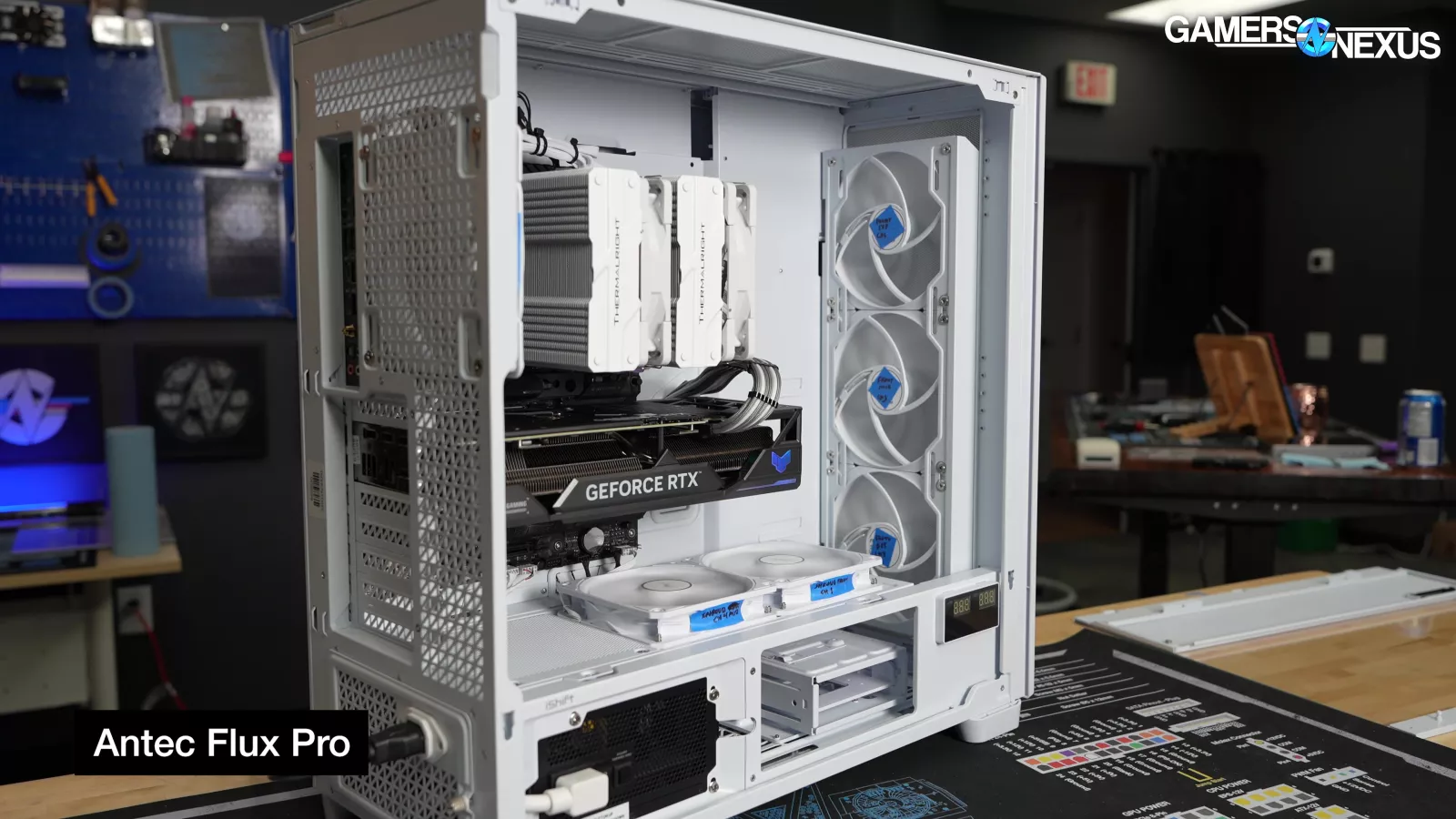
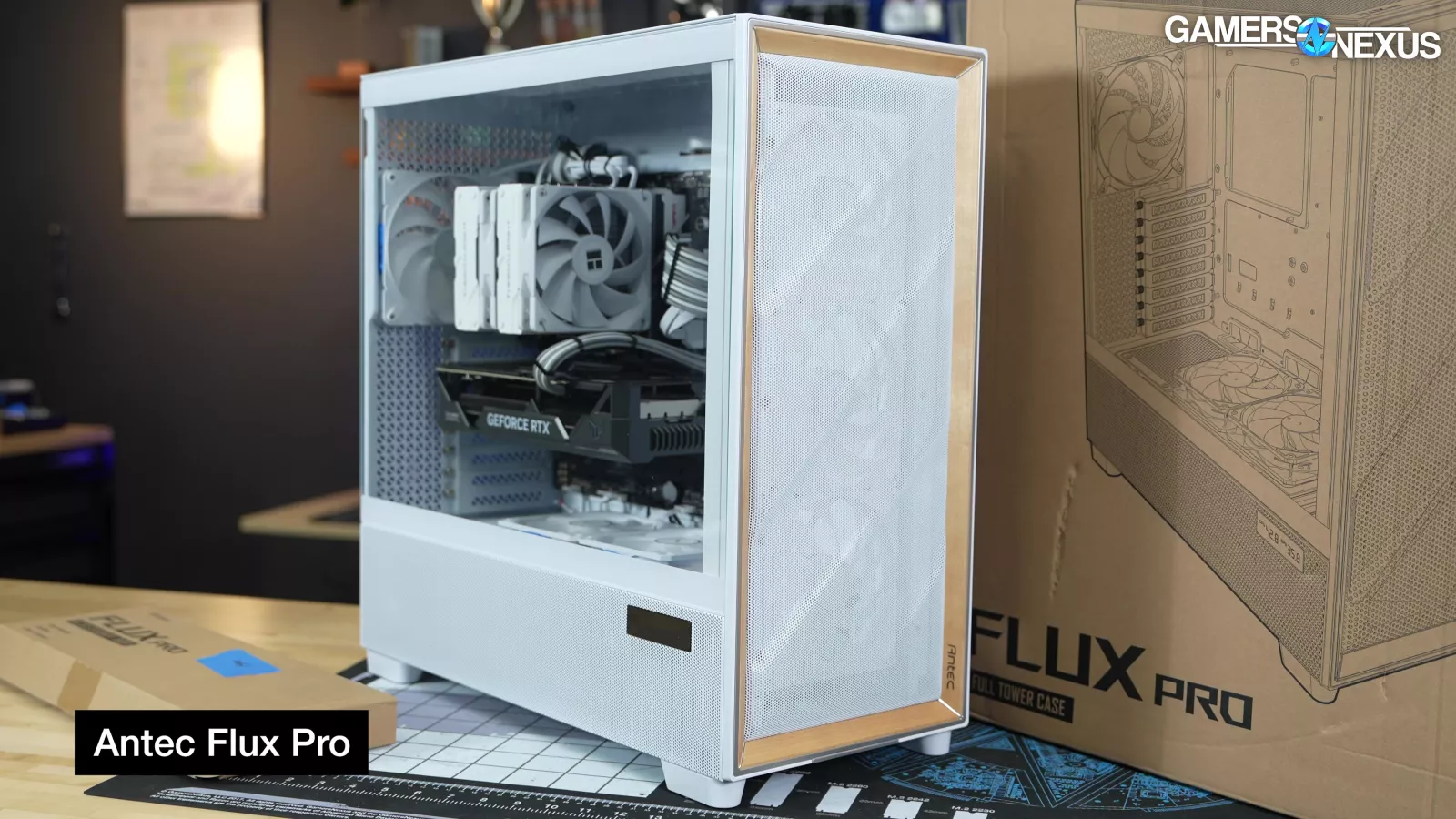
That's ignoring the value of the original Flux Pro's stock fans, as well as discounts on the Flux Pro ($160 as of this writing). Still, it's true that the price of the Flux Pro Noctua Edition is roughly equal to the sum of its parts.
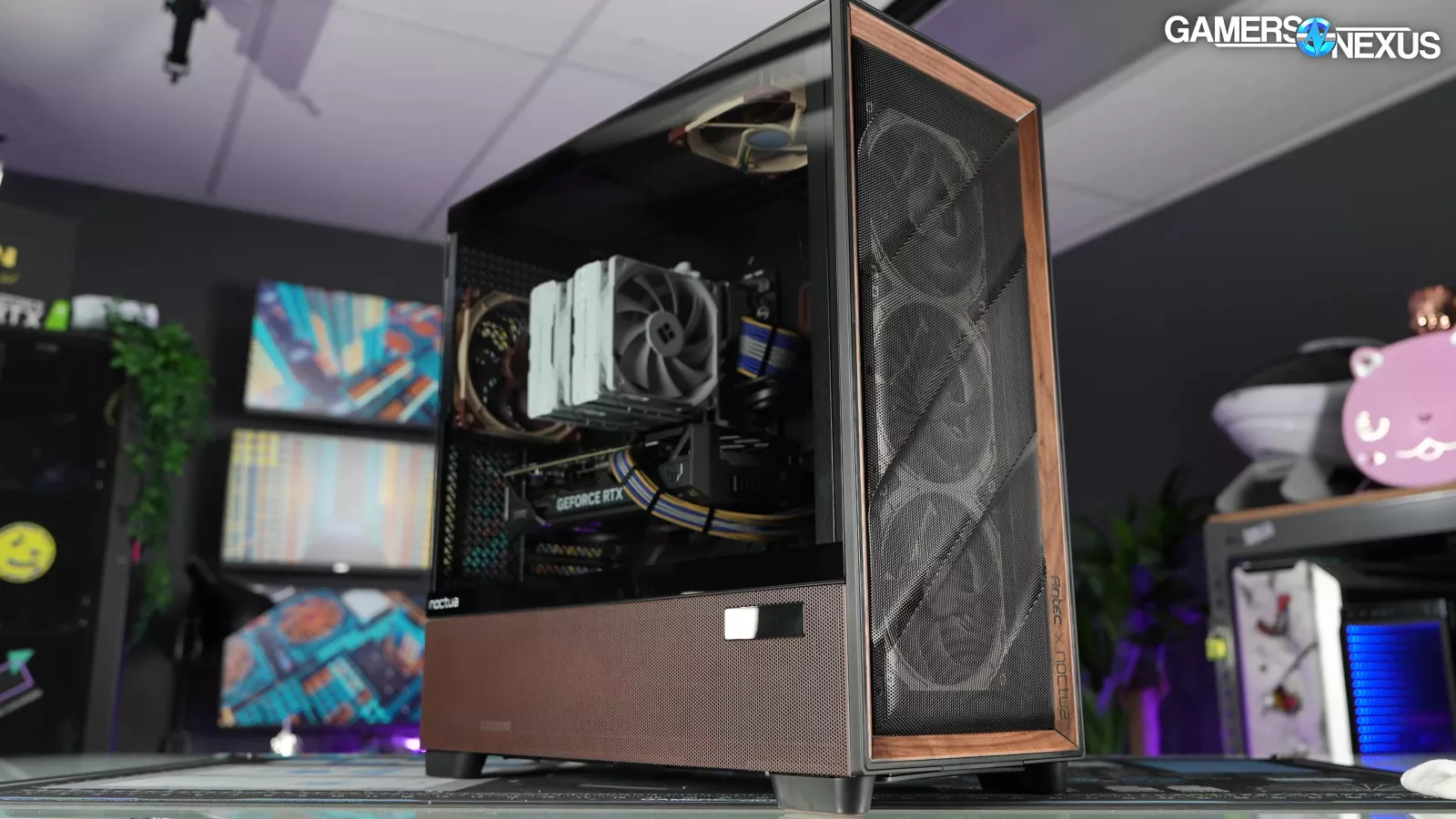
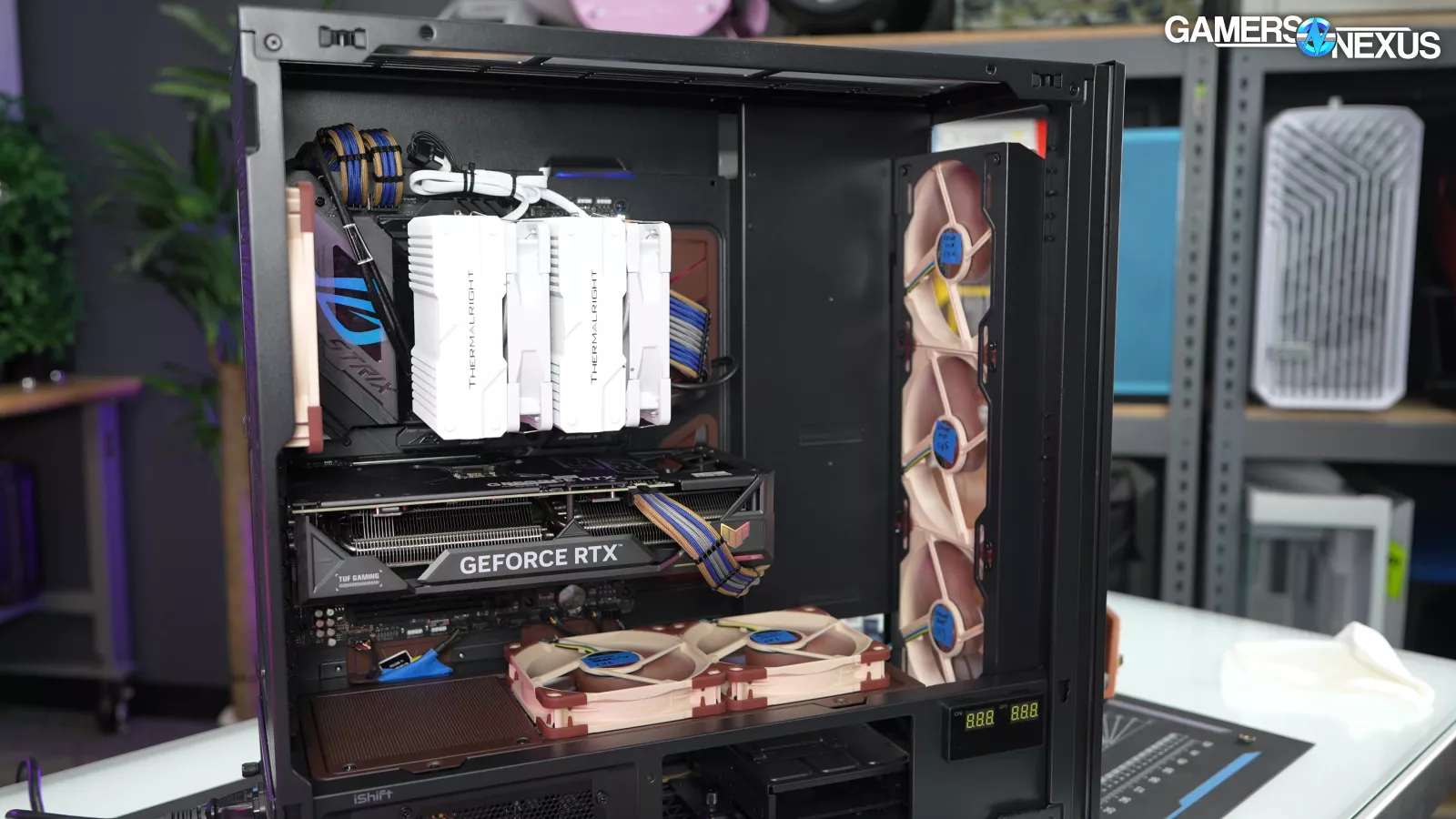
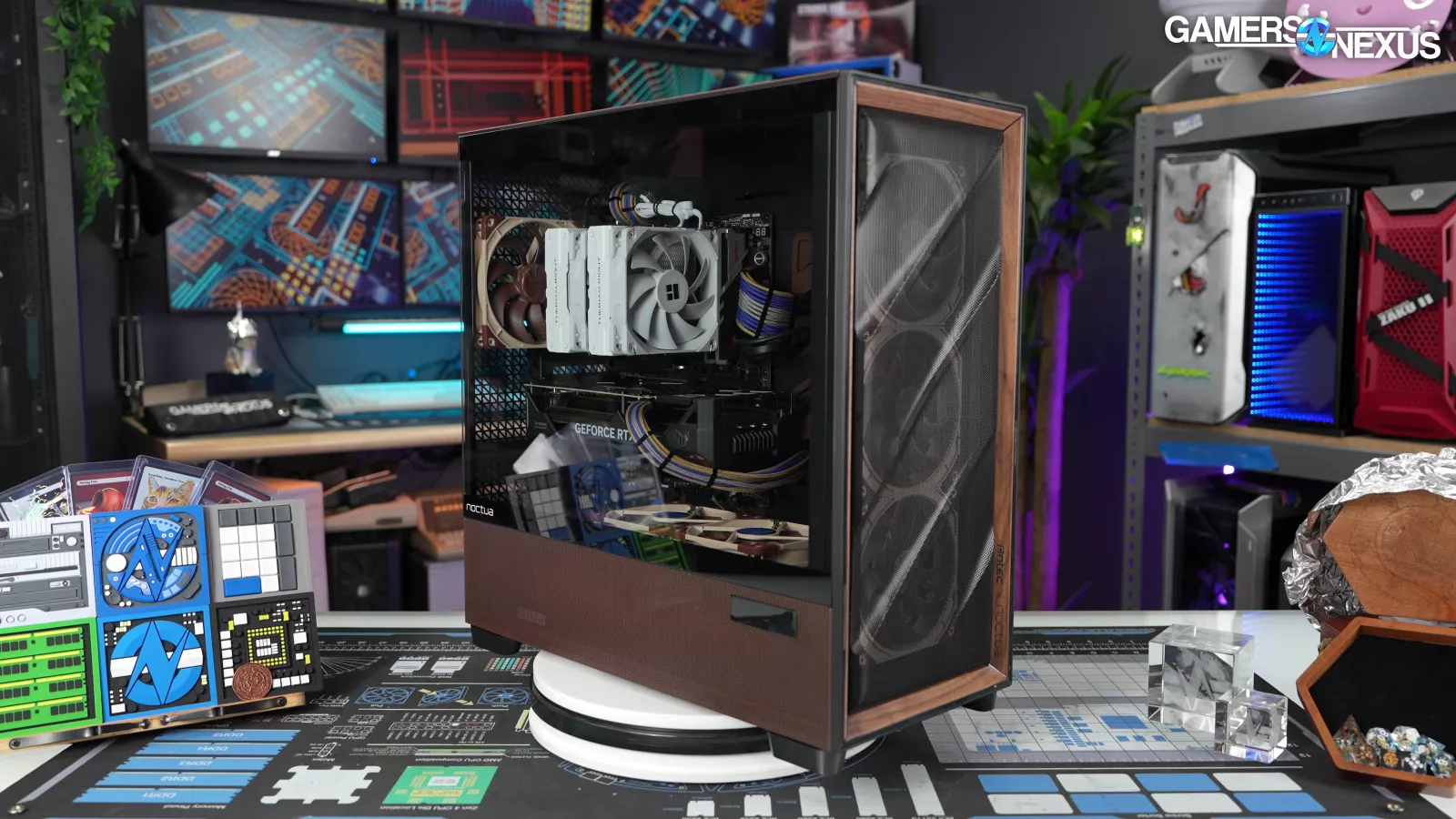
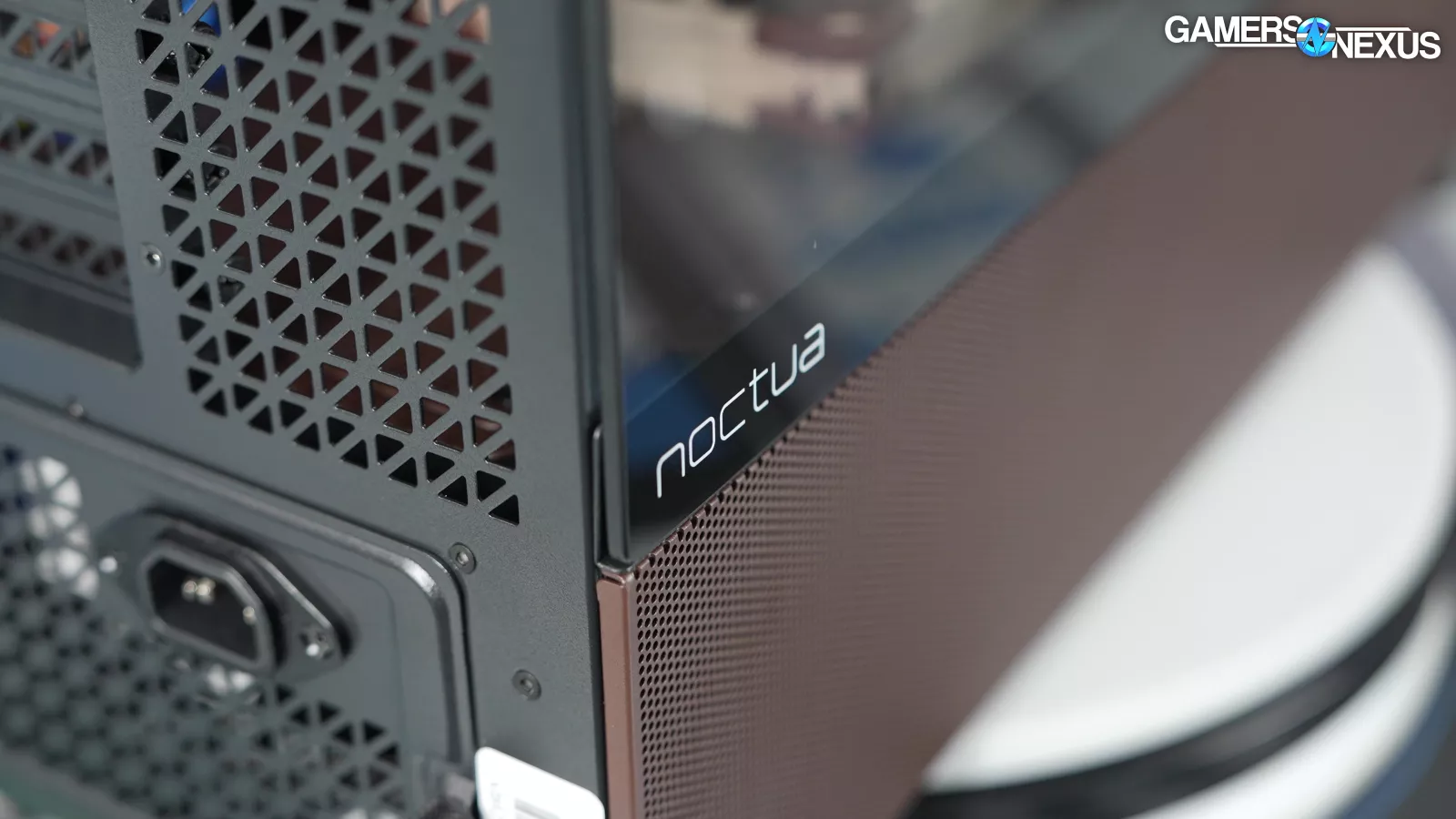
You already know whether you love the color scheme or hate it, but it is noticeable that Noctua decided to pair its trademark brown with black rather than its other trademark (beige).
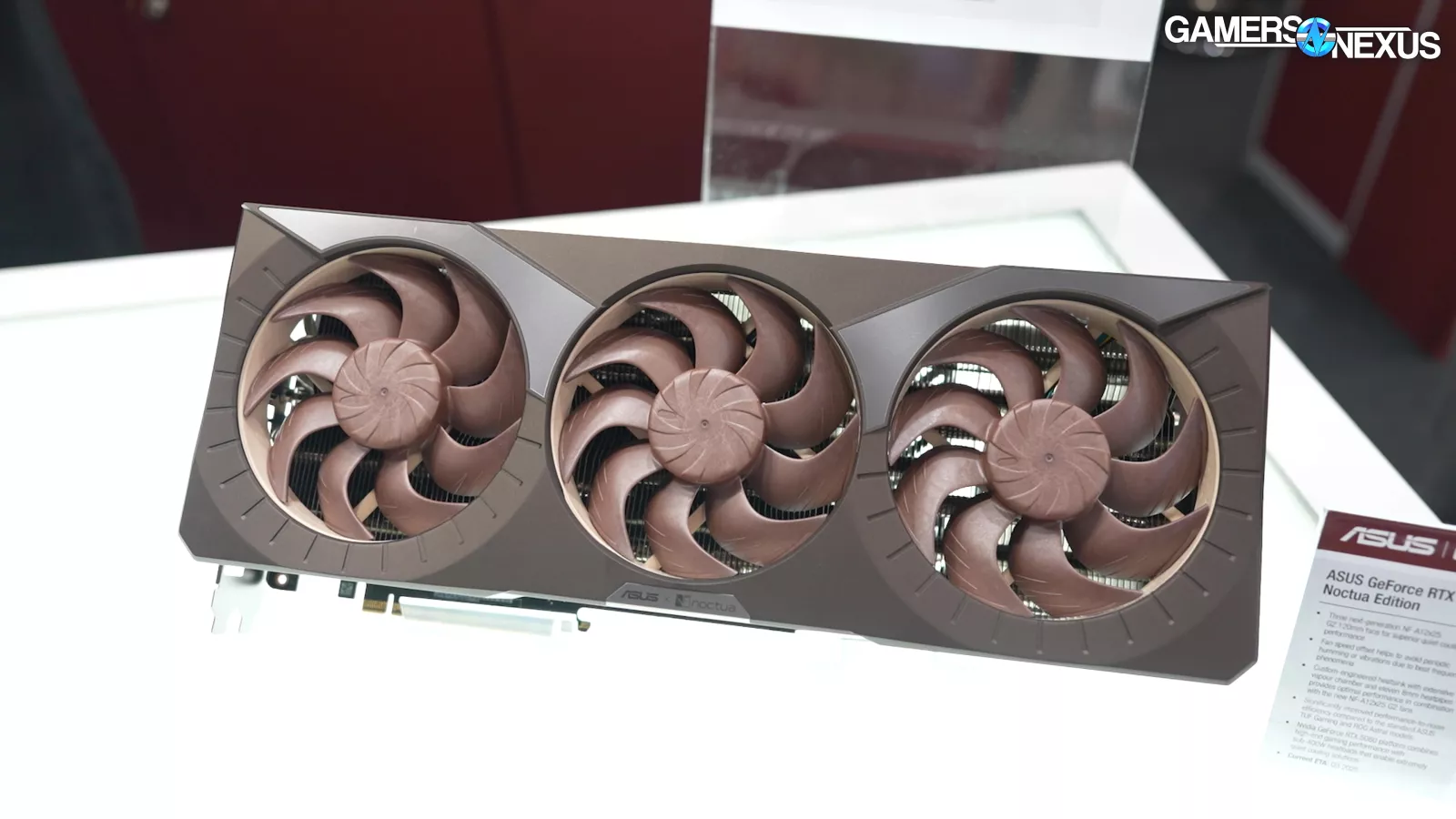
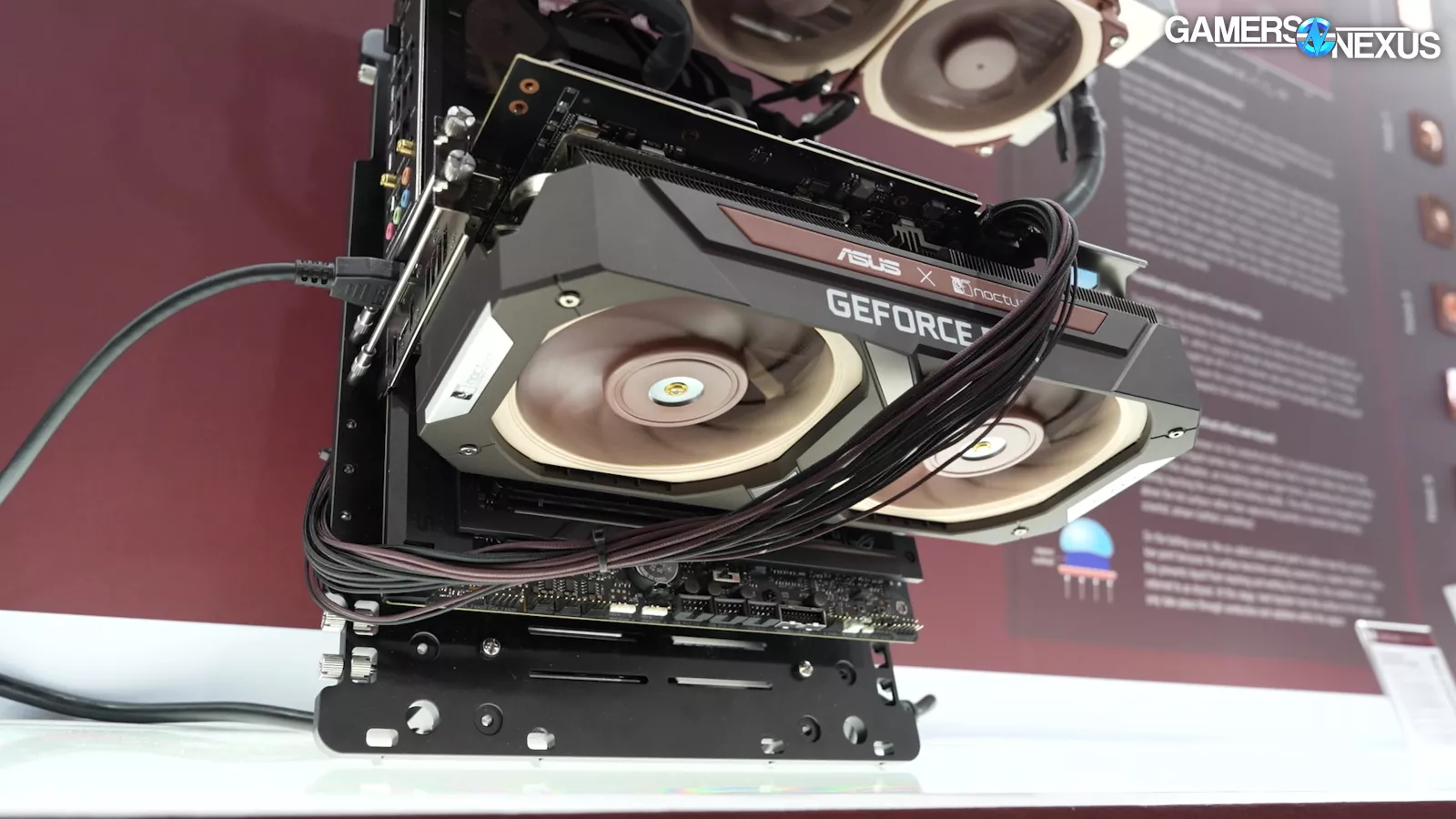
Maybe the intention was to match the existing ASUS/Noctua GPU collaboration or to just maximize acceptance of the color combination.
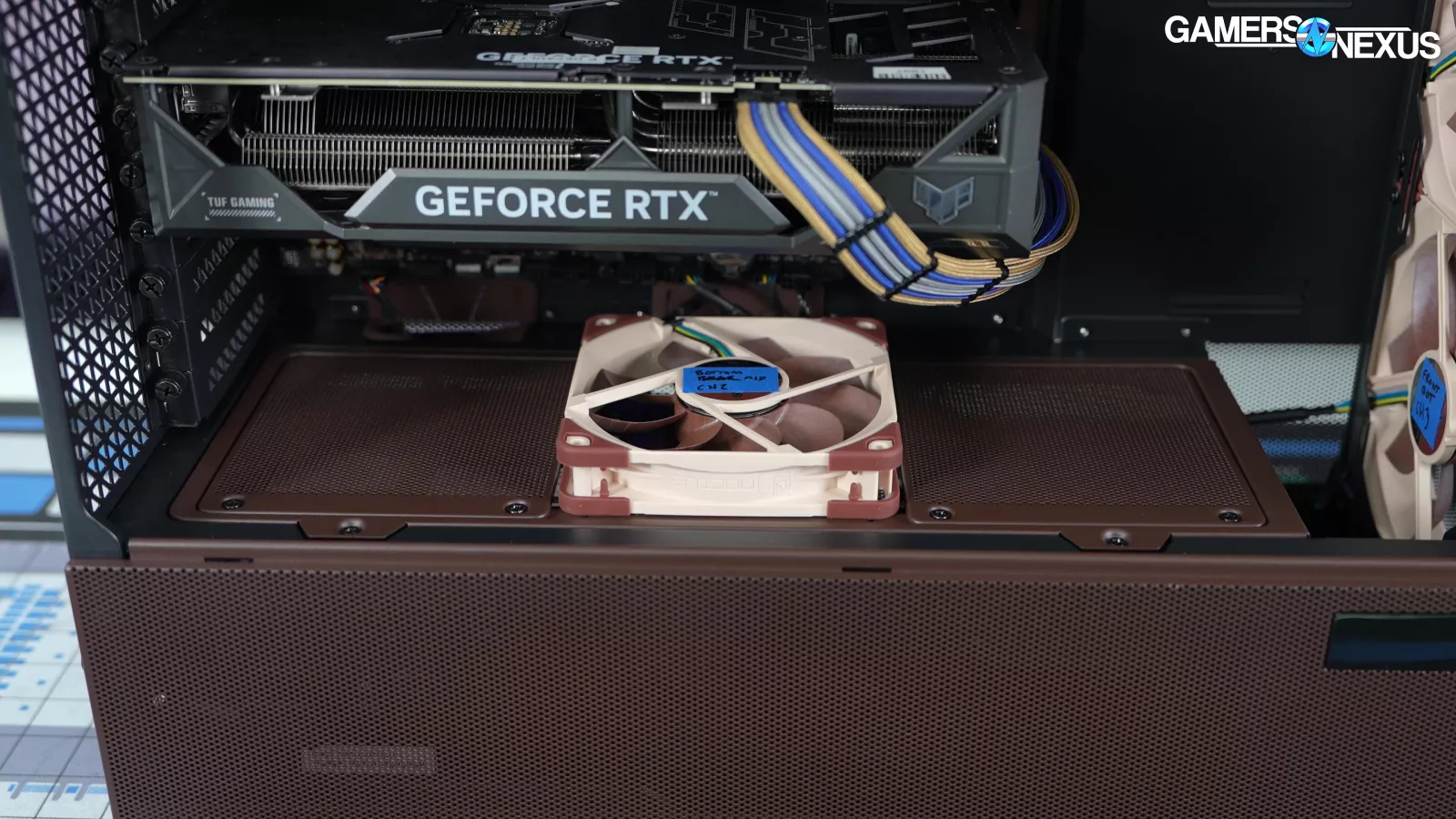
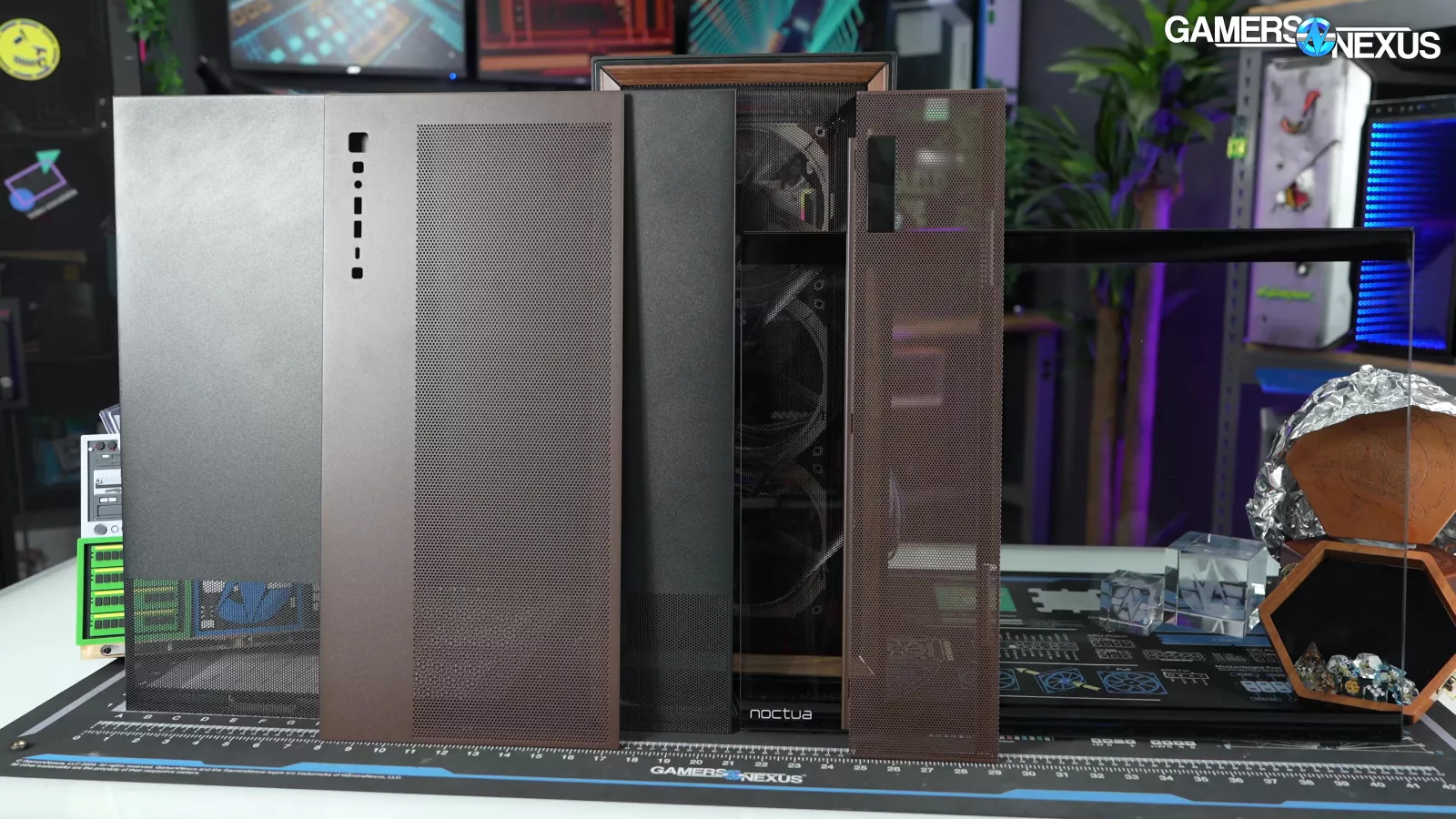
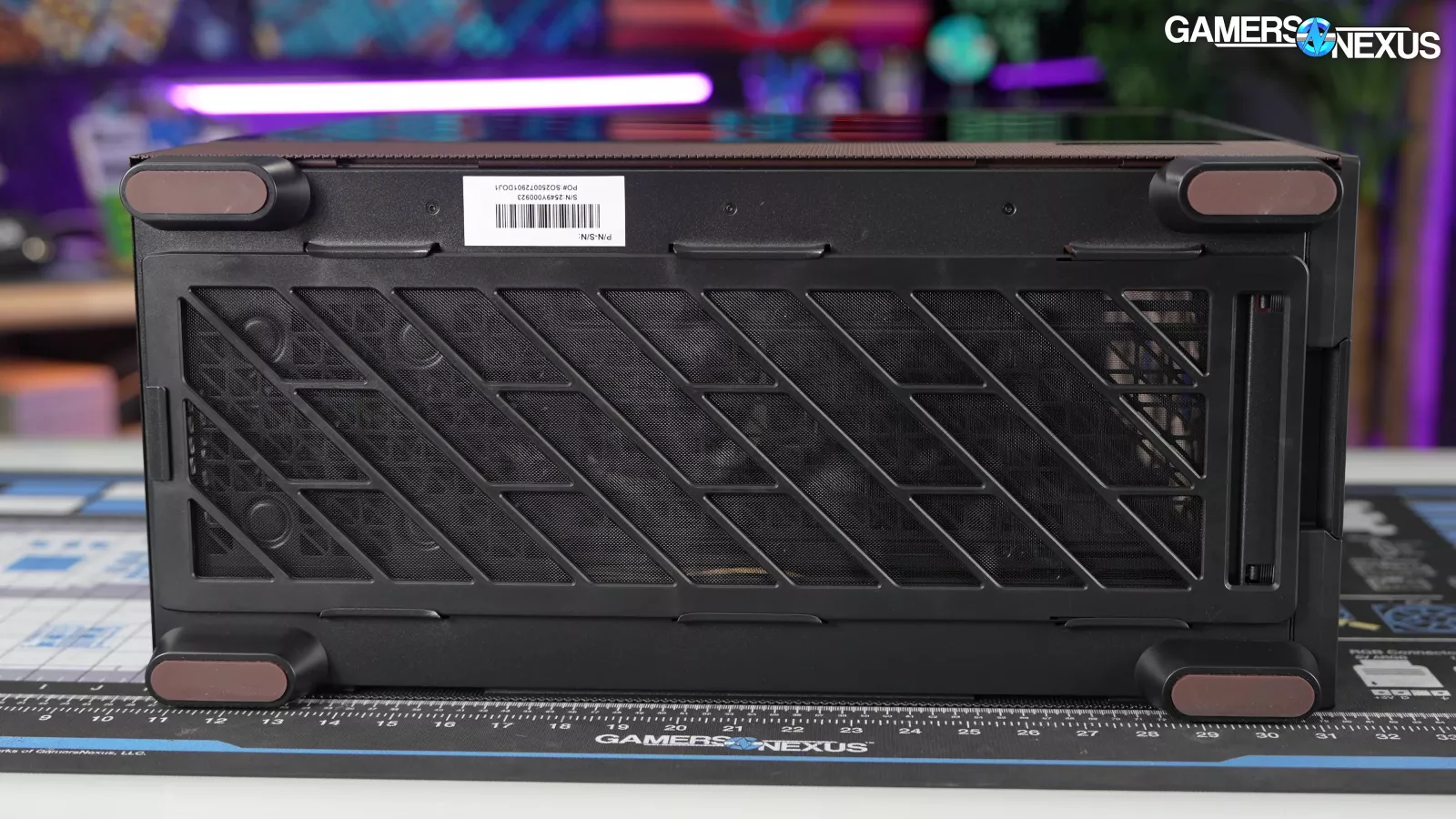
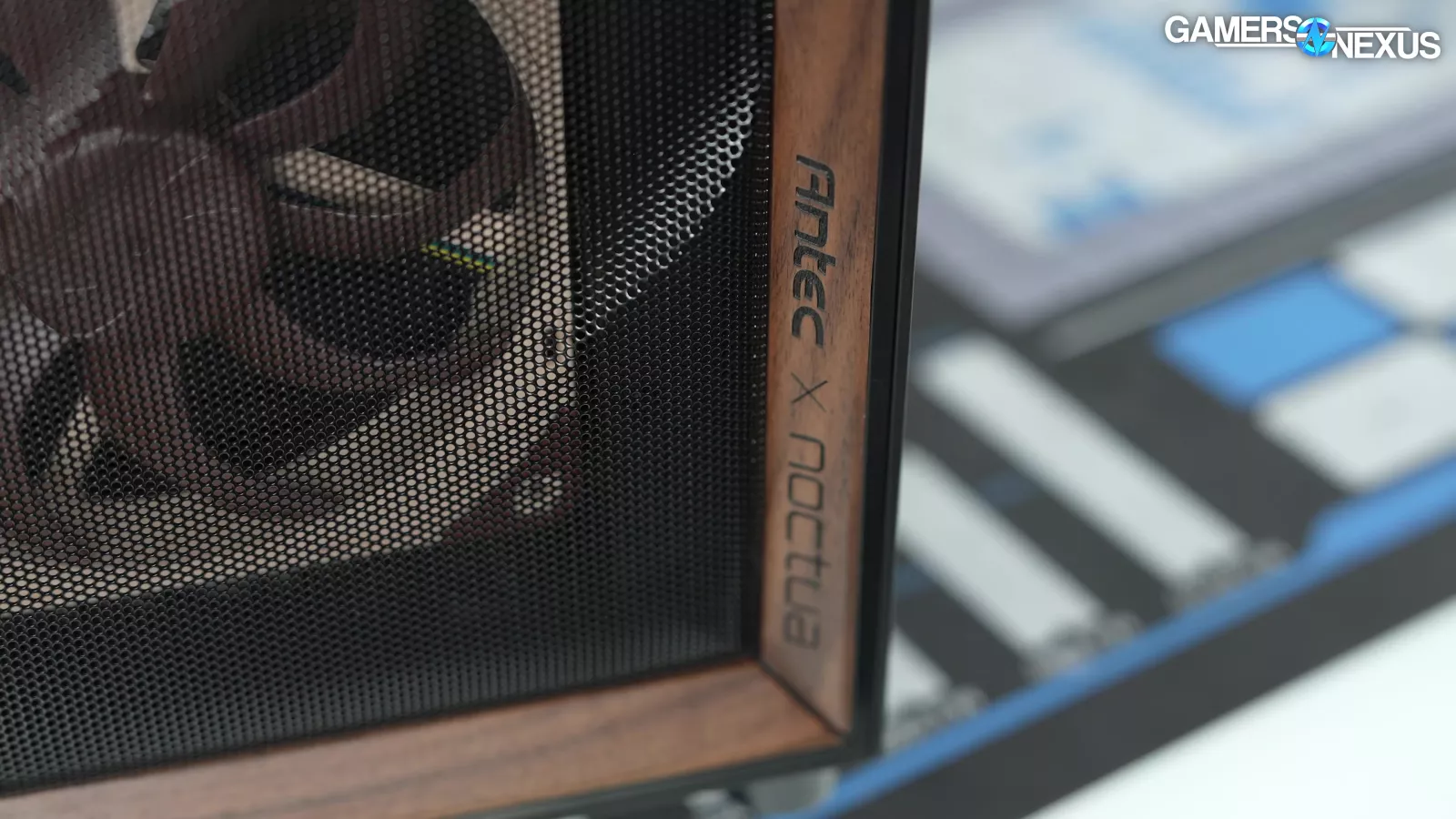
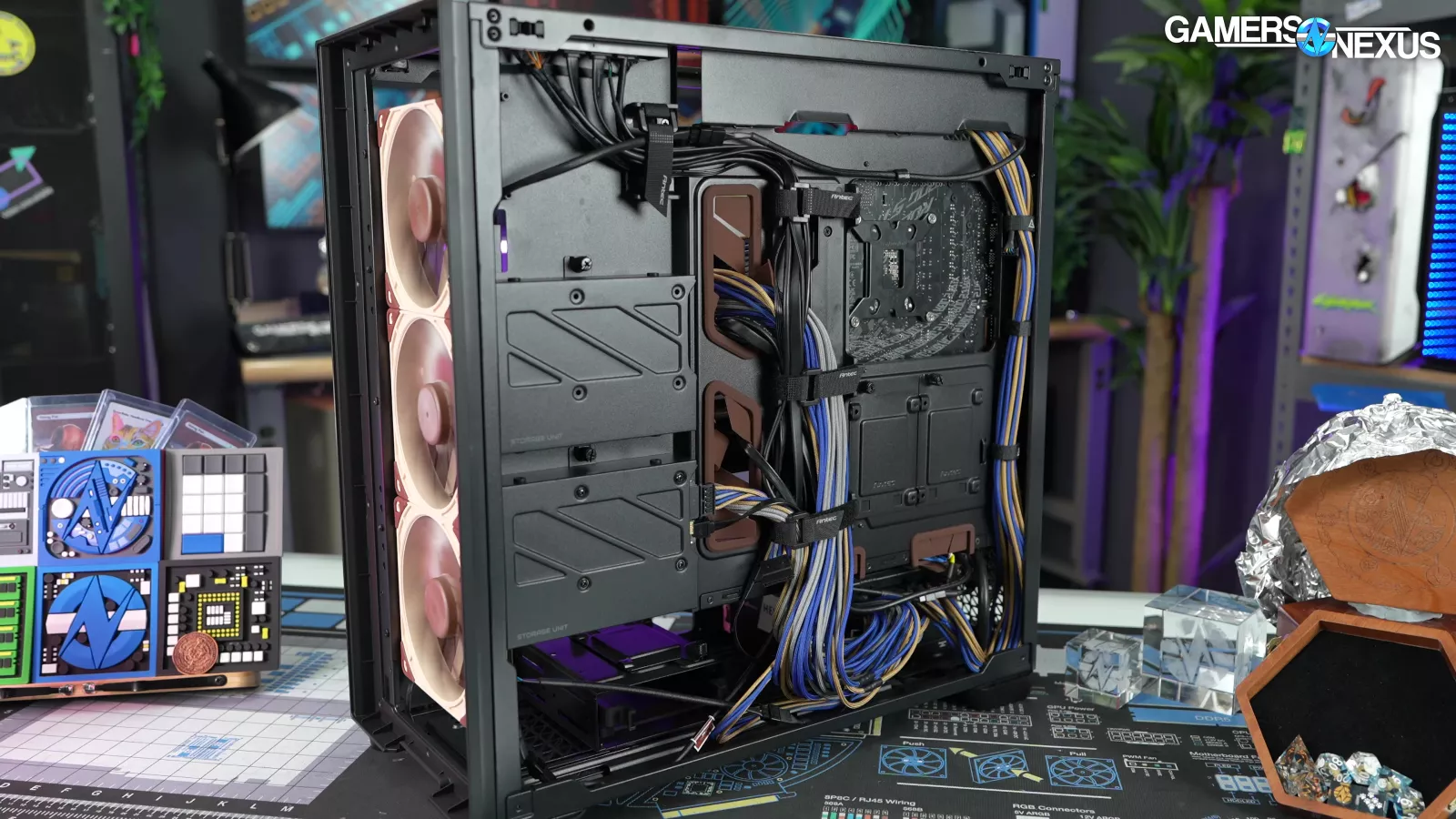
The darker brown, mahogany-style colored elements include the top of the PSU shroud and associated covers, the side of the PSU shroud, and the rubber grommets and feet, as well as the standard Flux Pro walnut trim around the front panel. Other small elements include the rubber grommets, which get recognition for attention to detail.
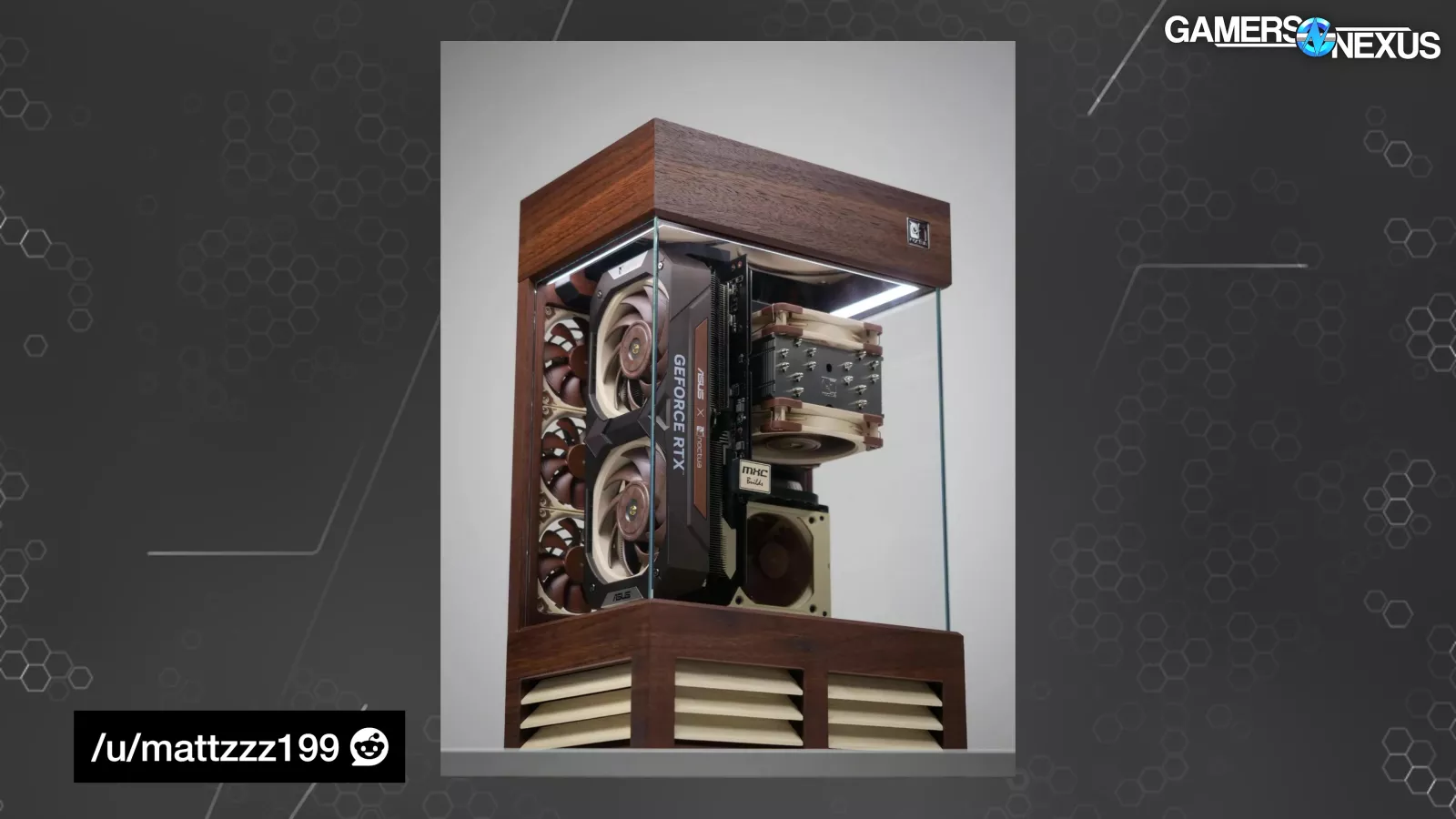
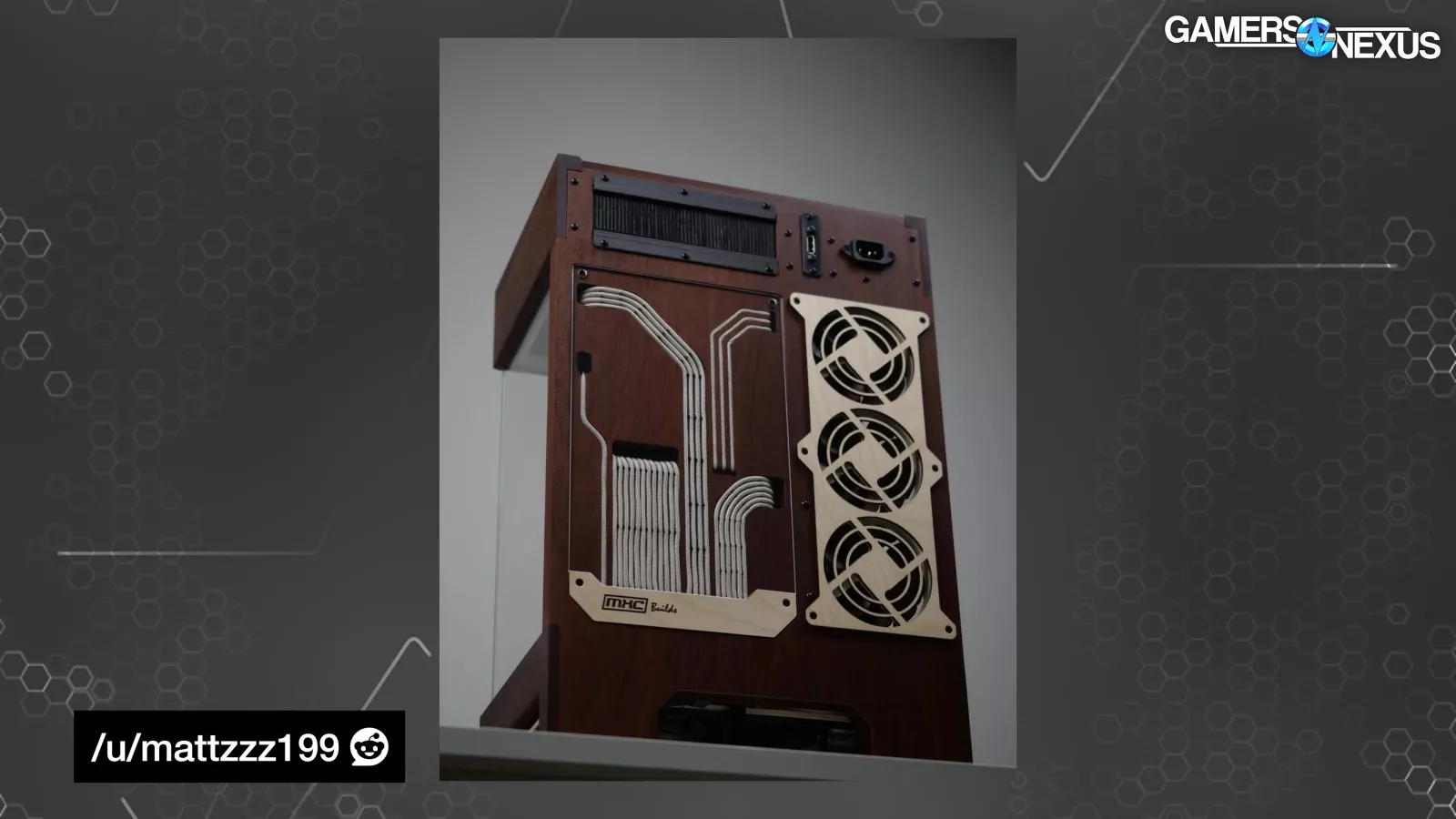
Overall, it's much more subtle than the typical Noctua superfan's custom paint job, for better or for worse; however, credit to those Noctua superfans: They do some great work on the mods and nail the aesthetic, and we mean that as a big compliment. It’s impressive what people put together without a factory at their disposal.
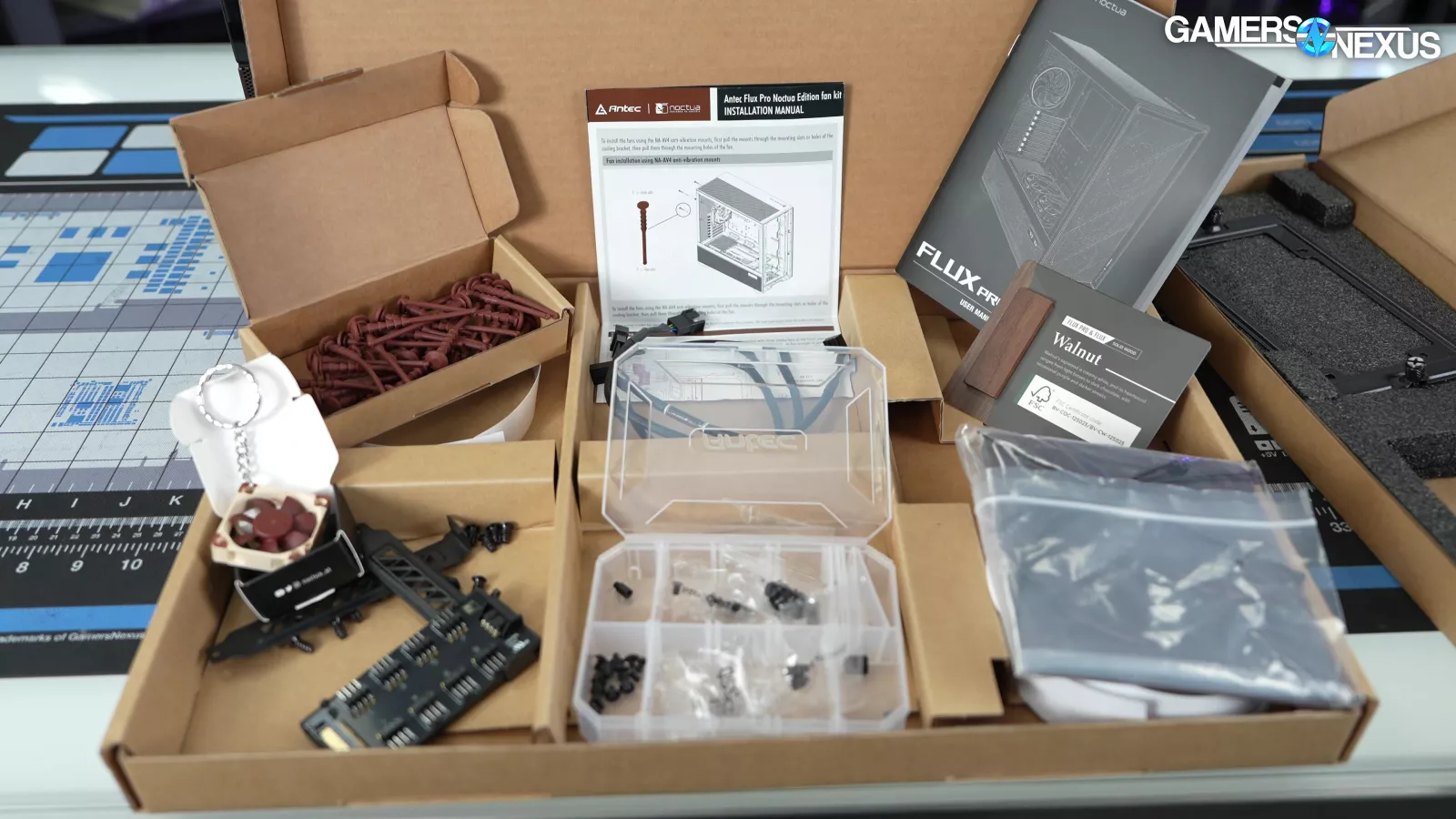

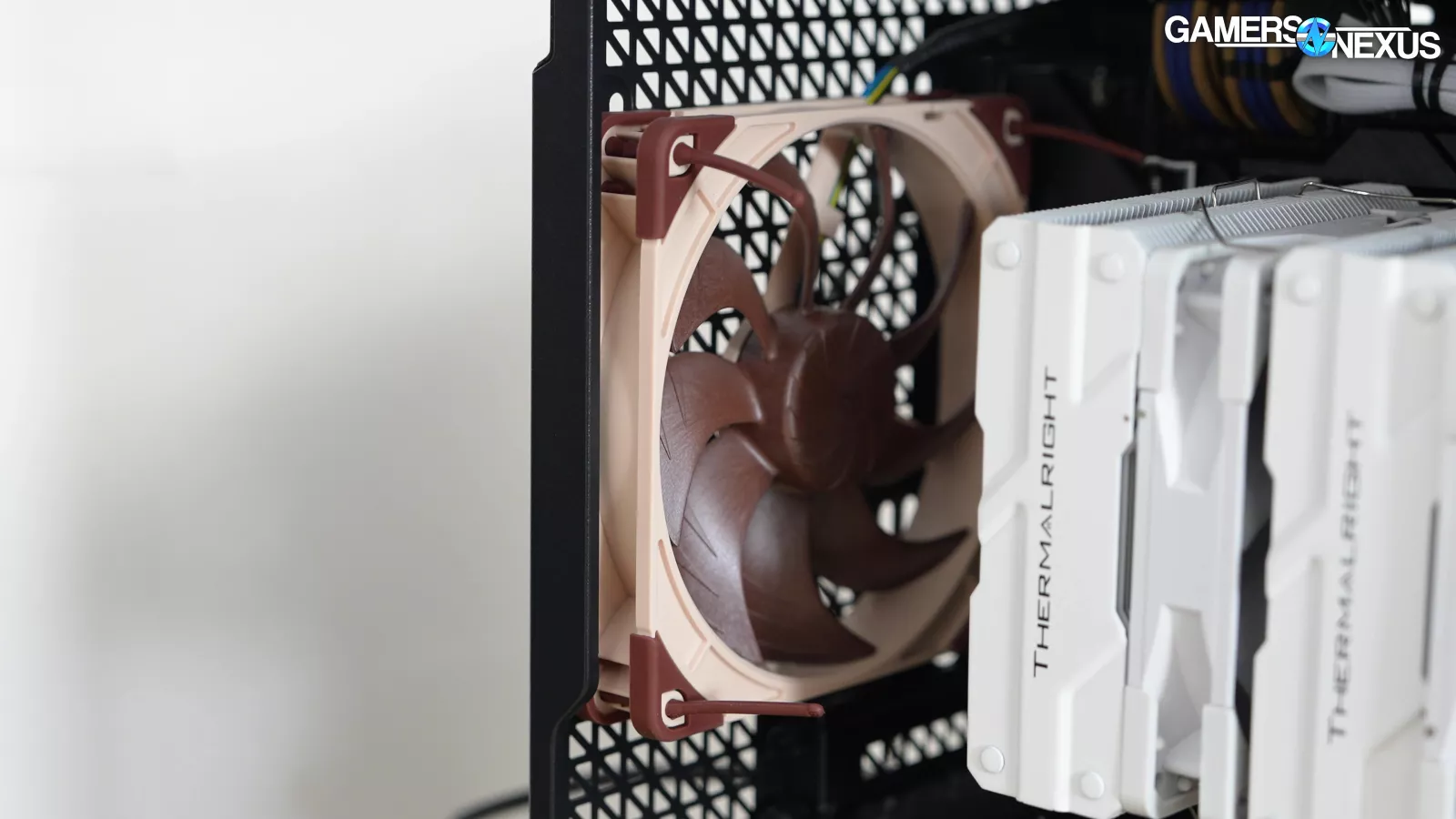
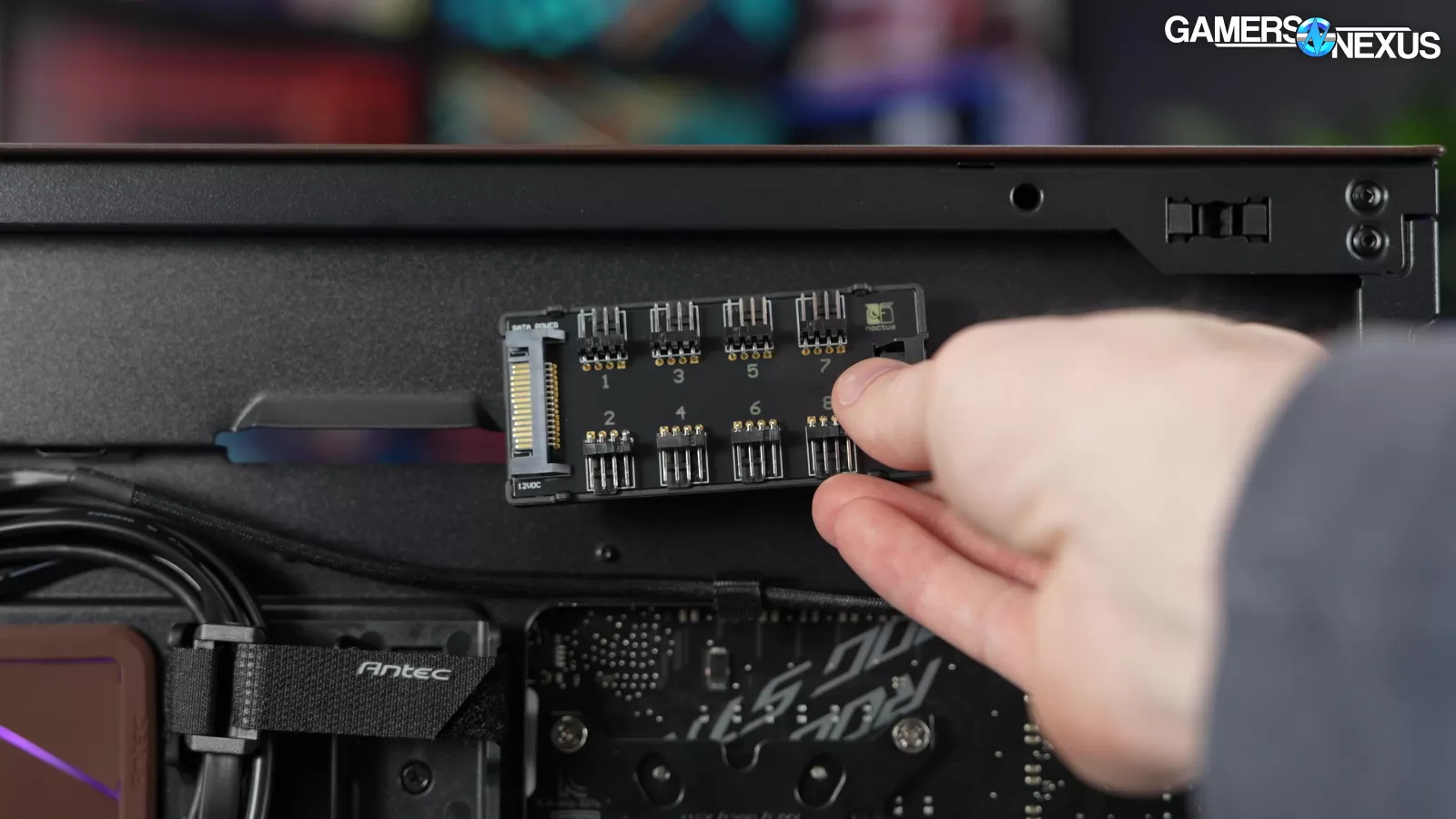
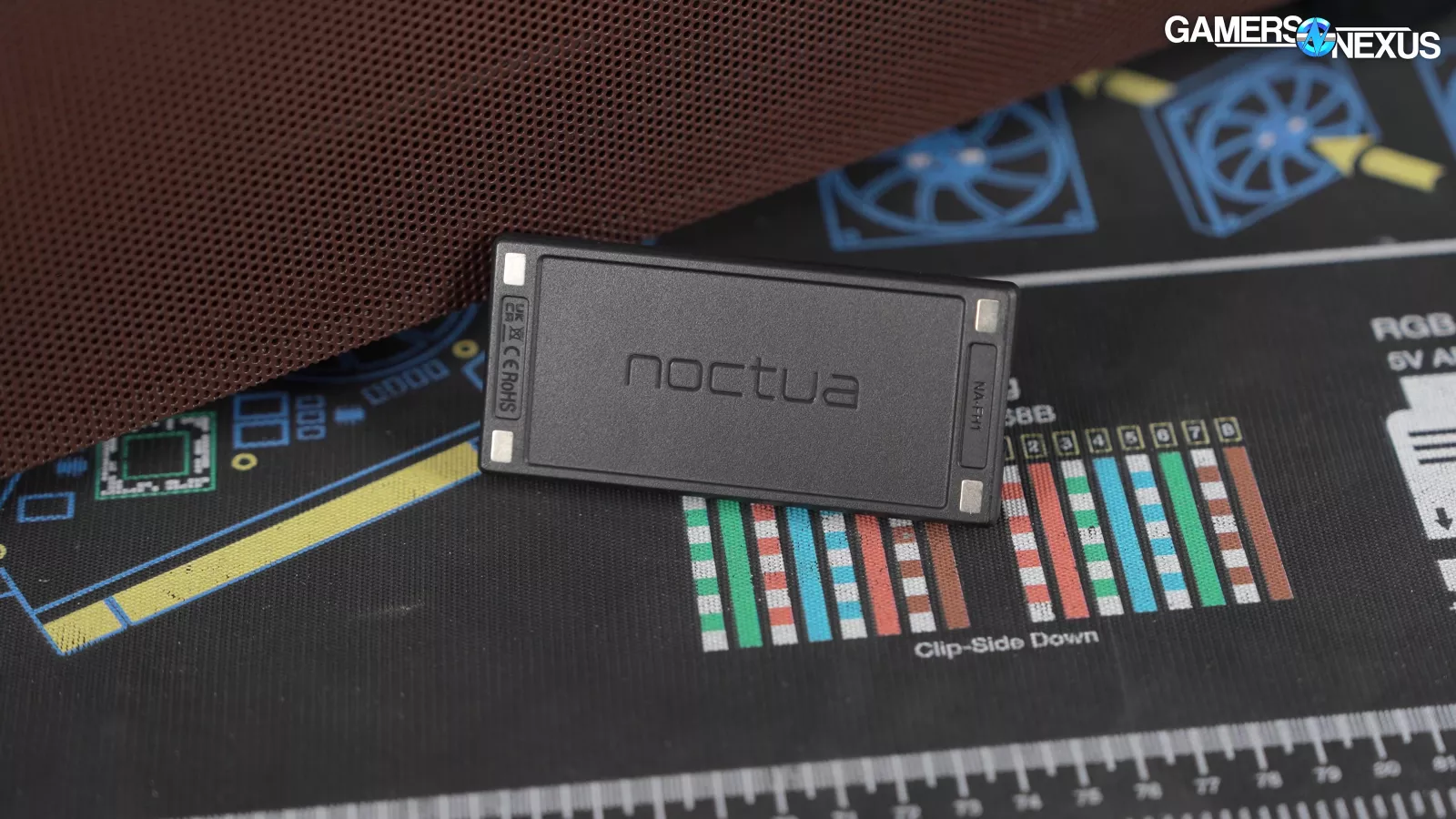
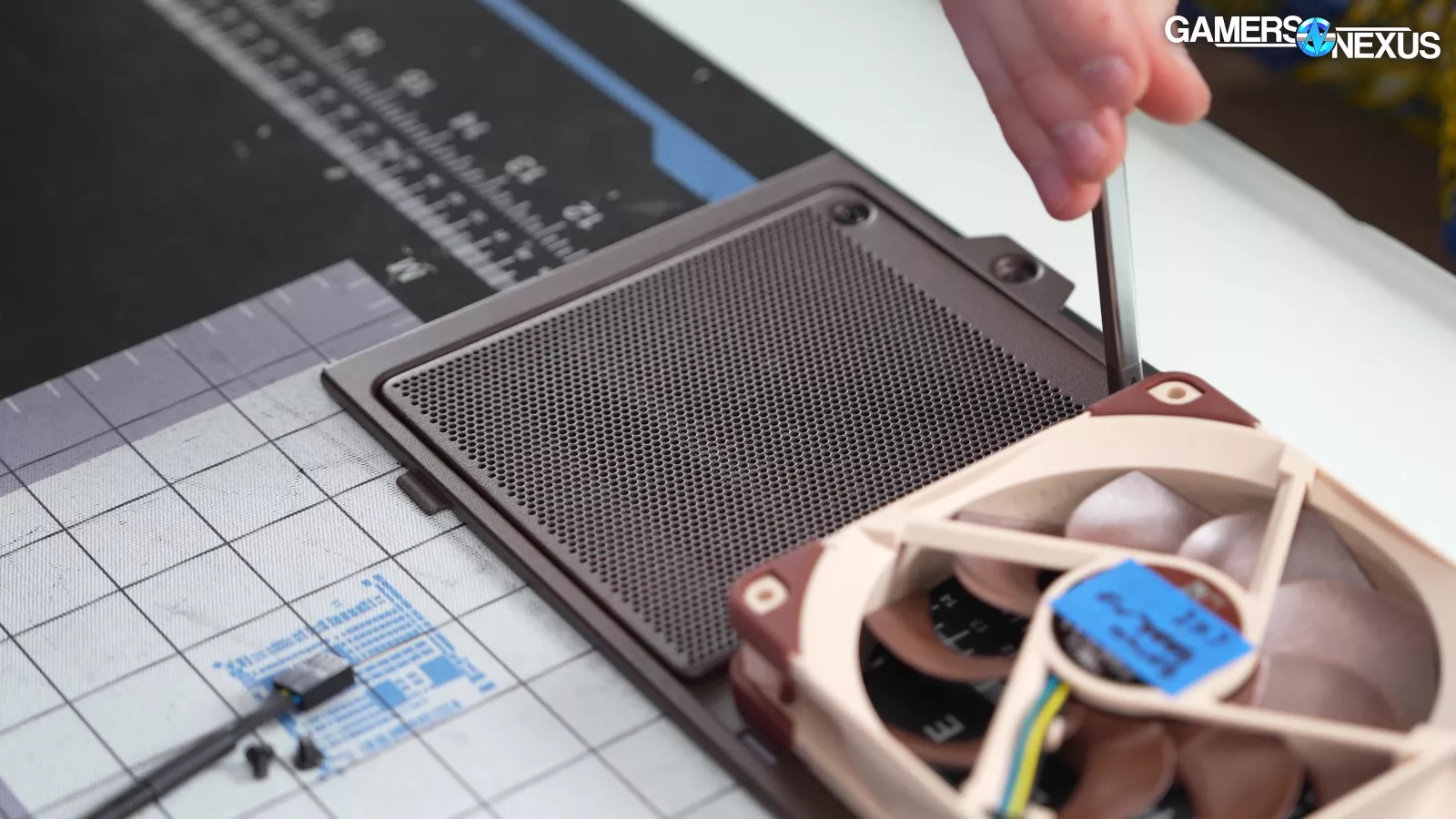
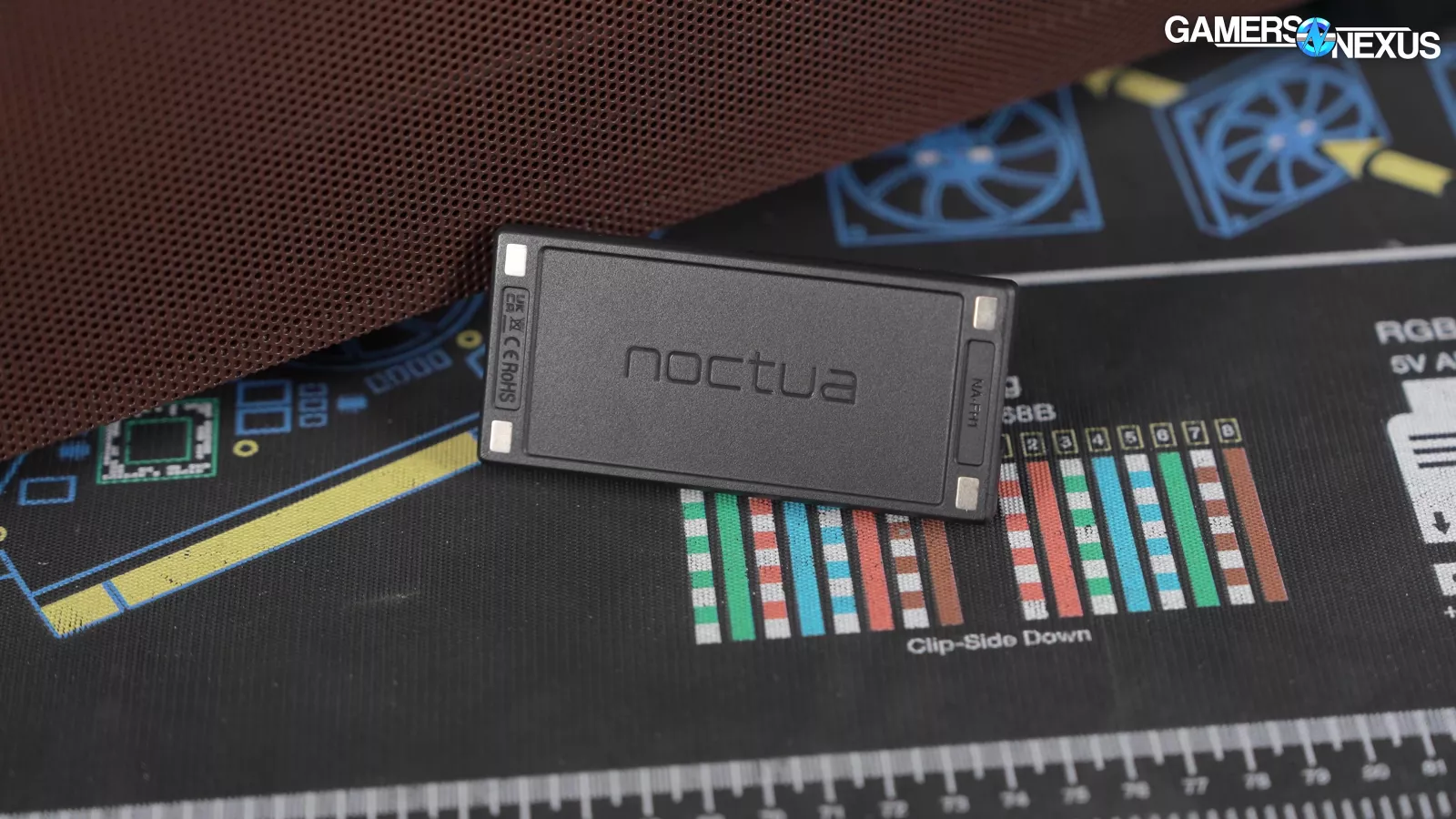
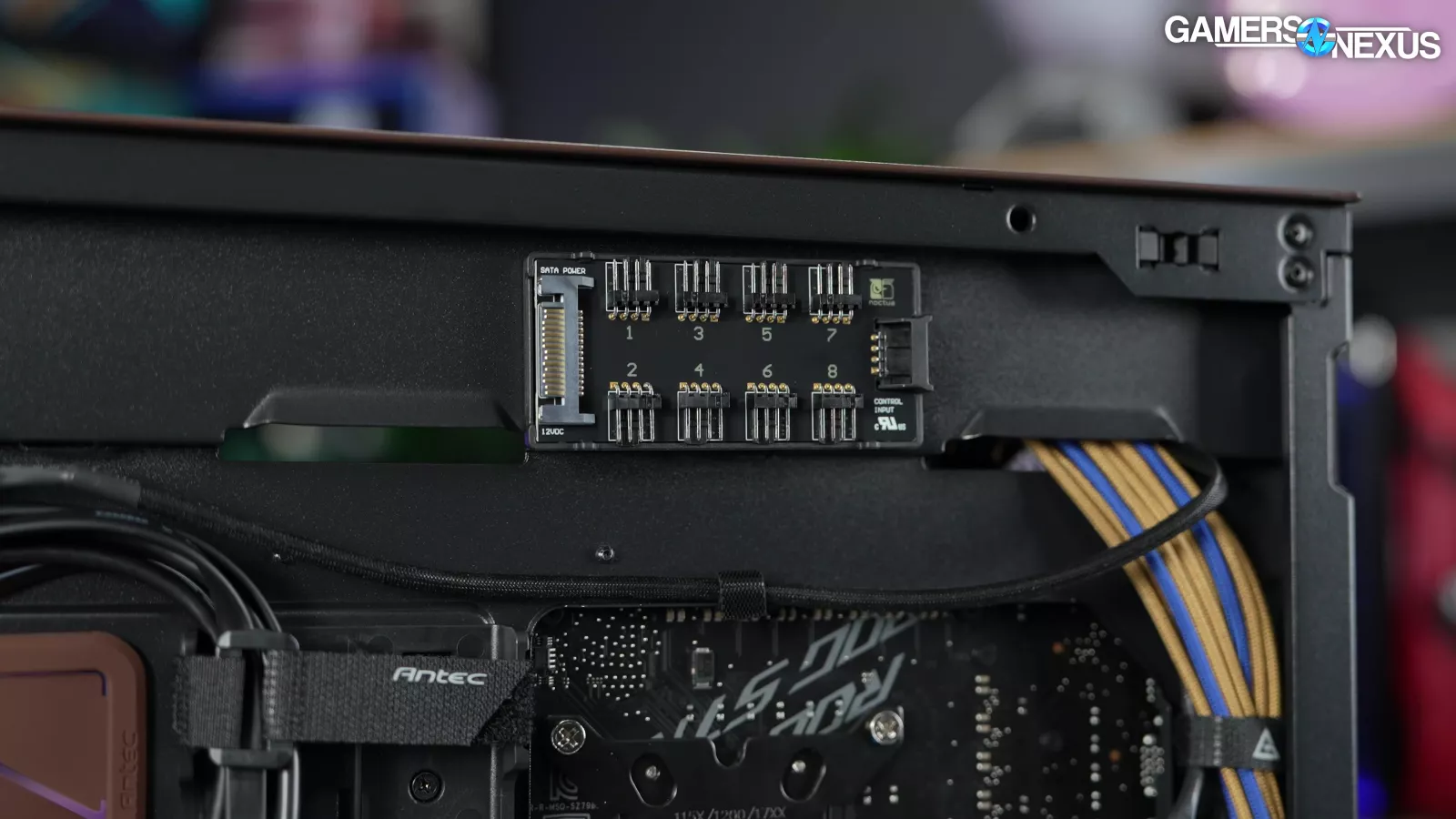
The included fan kit includes fan screws and the NA-AV4 "anti-vibration mounts" that serve as silicone sticks that substitute for screws. The included fan hub is magnetic for easy movement anywhere in the case, takes SATA power and PWM input, has eight channels, and is pre-wired with extensions to reach the suggested fan mounts. The hub is a well-equipped fan hub that Noctua already sells. Eight outputs is an improvement versus the original Antec option, which only had five outputs for six fans.
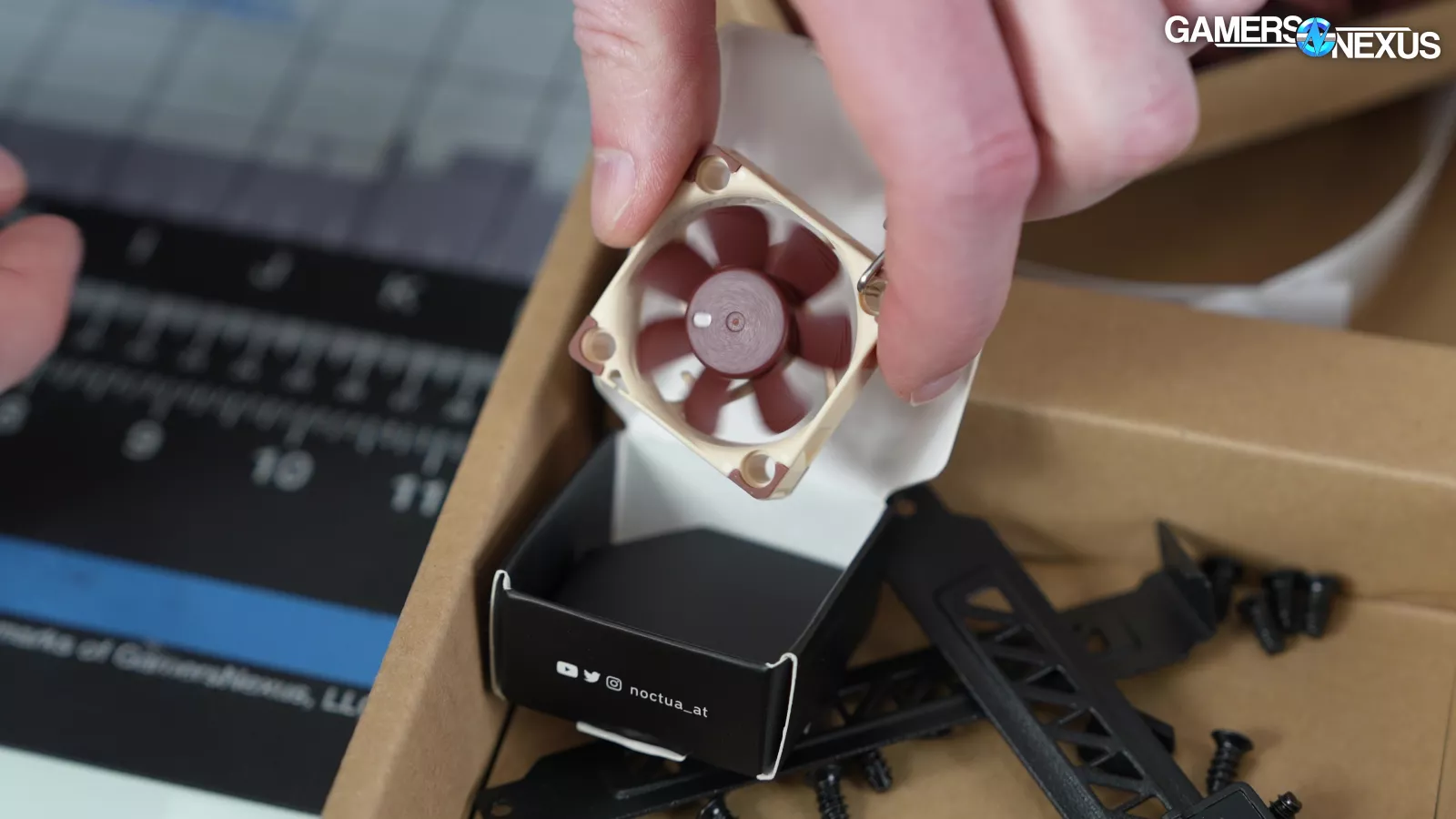
There's also a 40mm fan keychain (decorative only) in the kit.
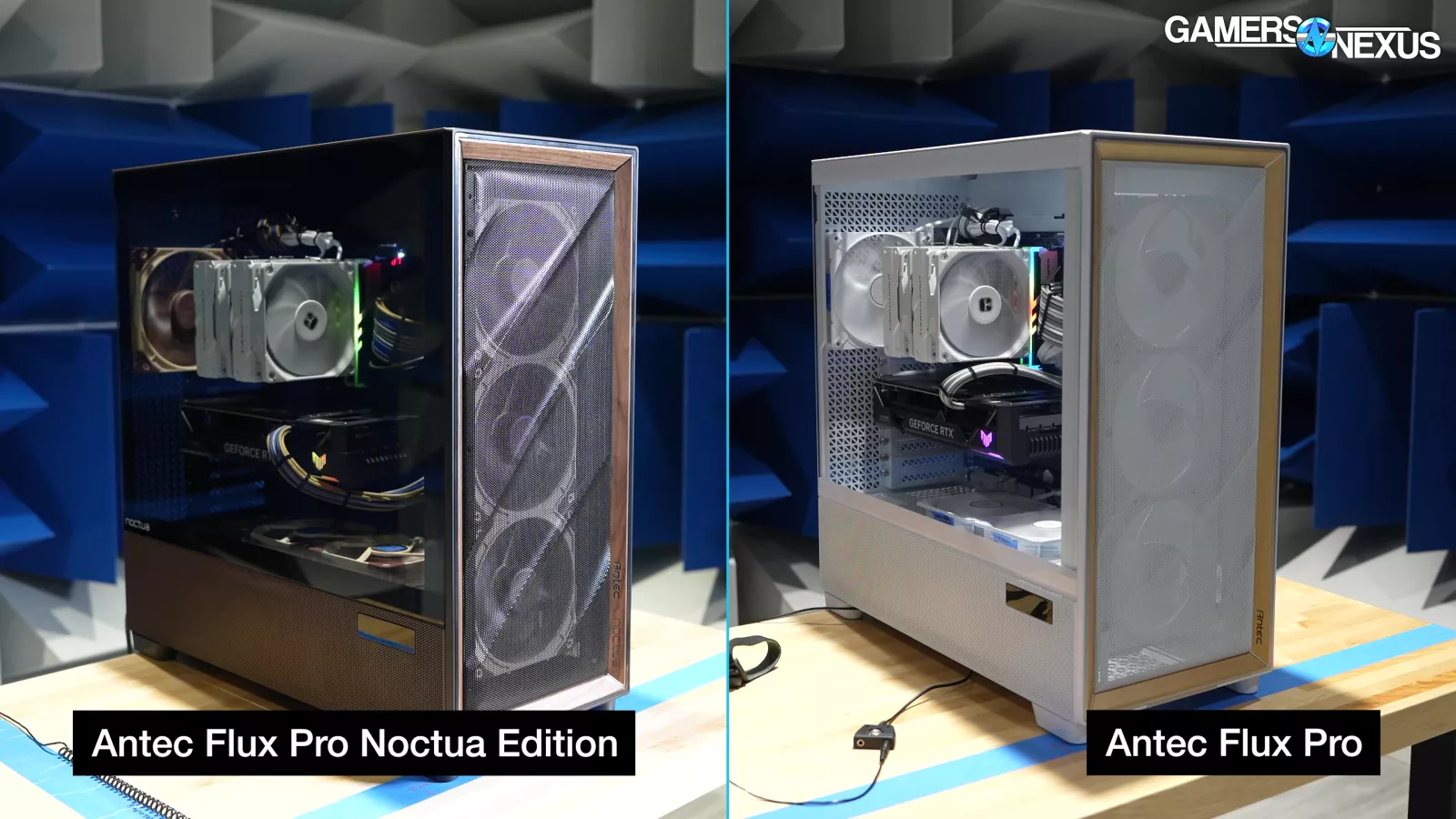
The rest is identical to the Flux Pro. That means everything we said in the original review stands, in terms of layout, design, and the things we liked and didn’t like. In case you missed that one, we’ll quickly summarize our original Flux Pro review, but then you can check it out for more detail.
Radiator compatibility is a highlight, with a front mount that can be adjusted up and down to make room for radiators up to 420mm in both the front and top mounts. Both the front and top mounts are removable. The shroud-top mounts can fit up to 360mm rads on top, with another 240mm mount on the floor of the case.
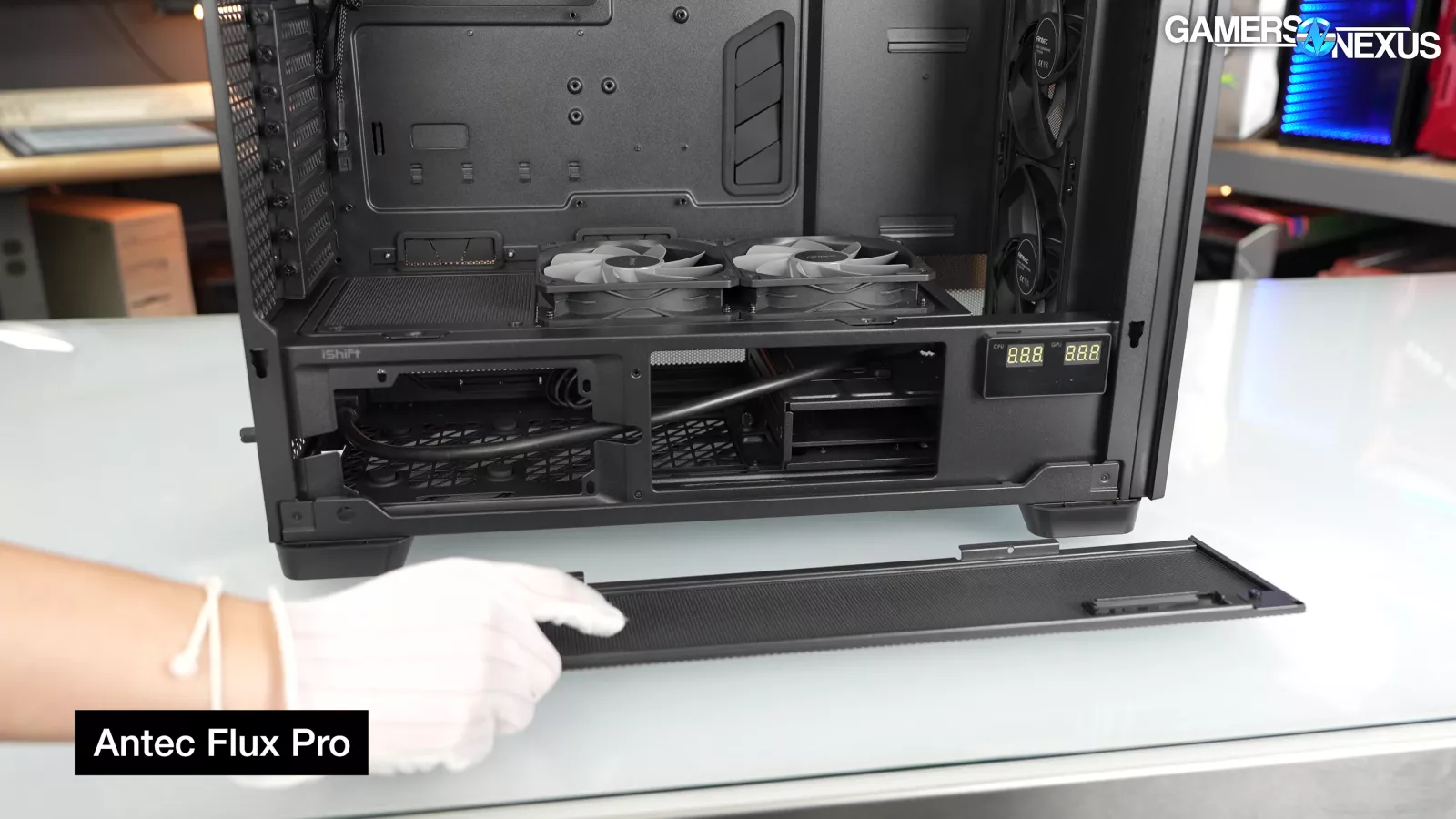
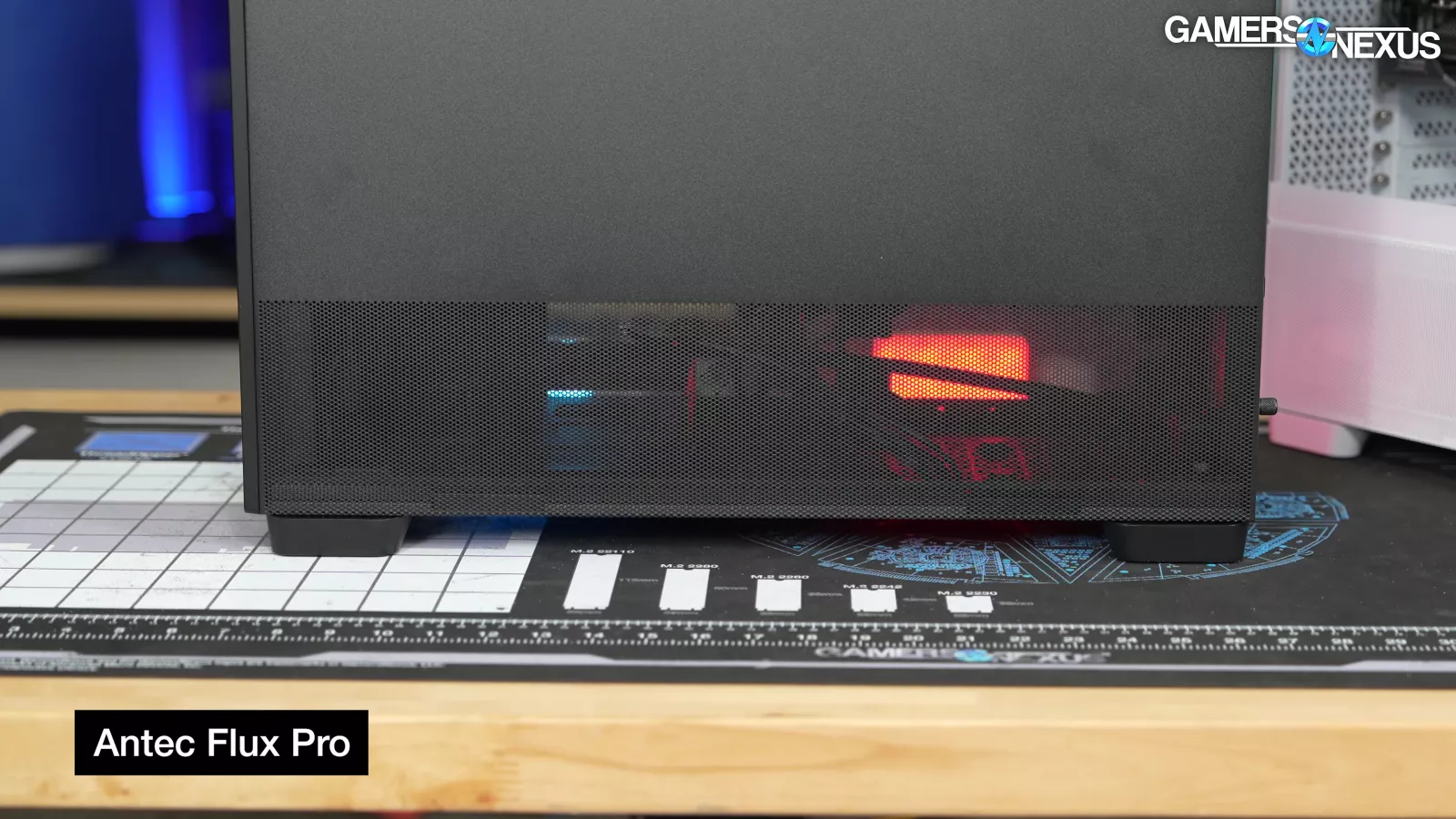
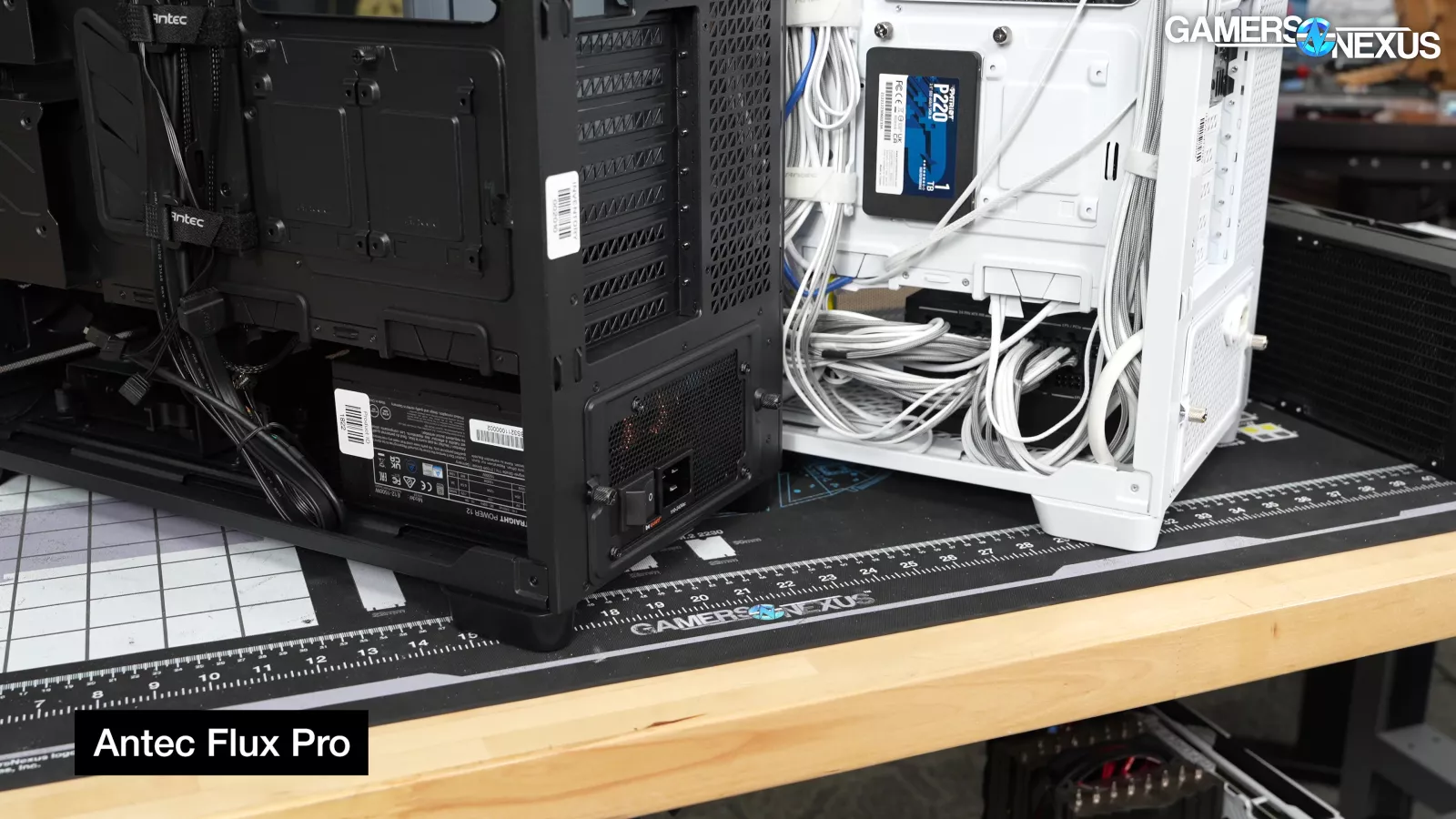
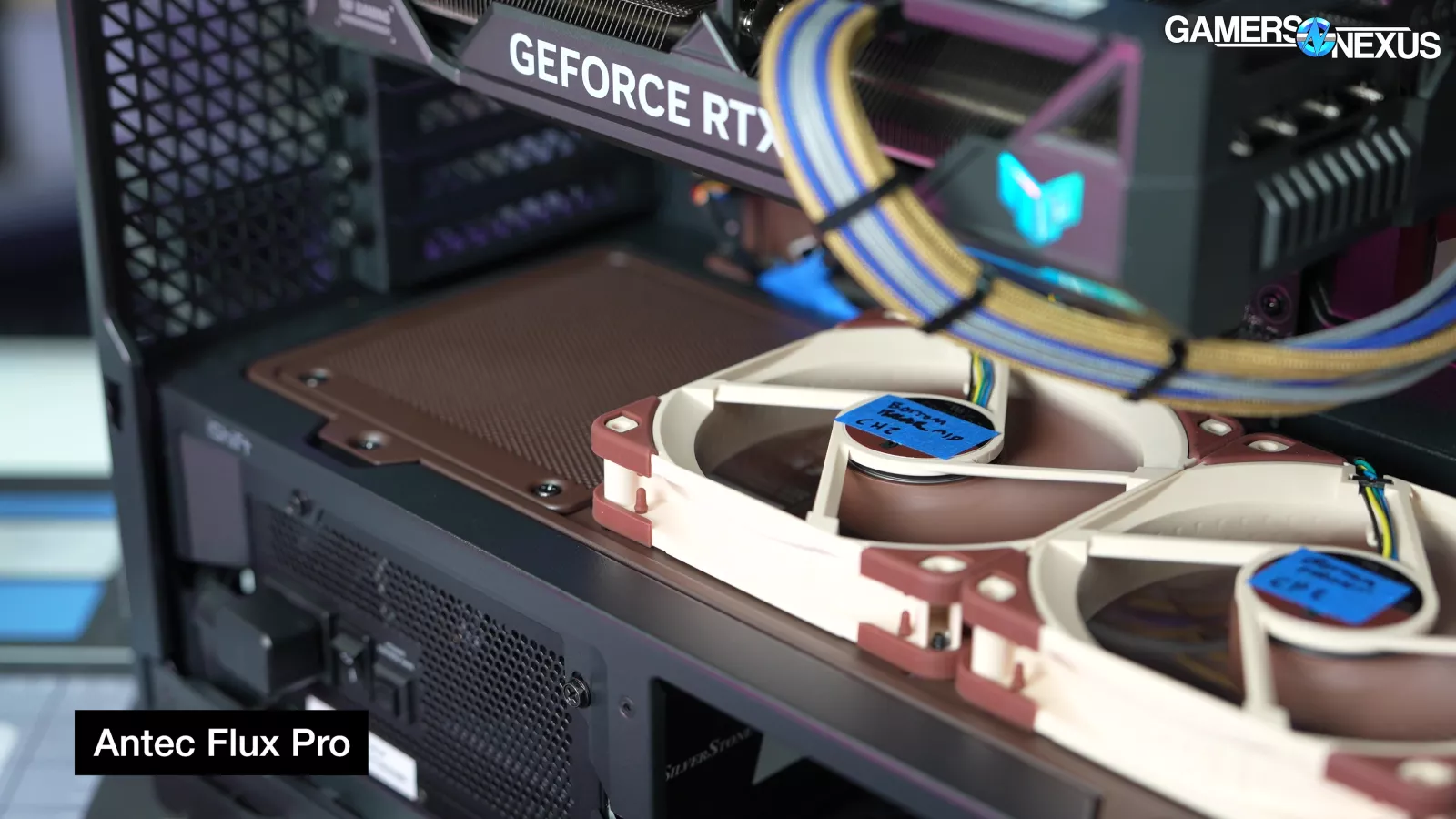
The shroud is ventilated on all sides, so the shroud-top mounts should have adequate airflow, and the preinstalled Antec iShift mount that rotates the PSU 90 degrees increases airflow a little more (the thermal difference was minor in our original testing). That said, the thermal difference was minor in our original testing. The rearmost shroud-top slot overlaps the PSU and is therefore the least useful, since it’ll face the most restrictive space for intake.
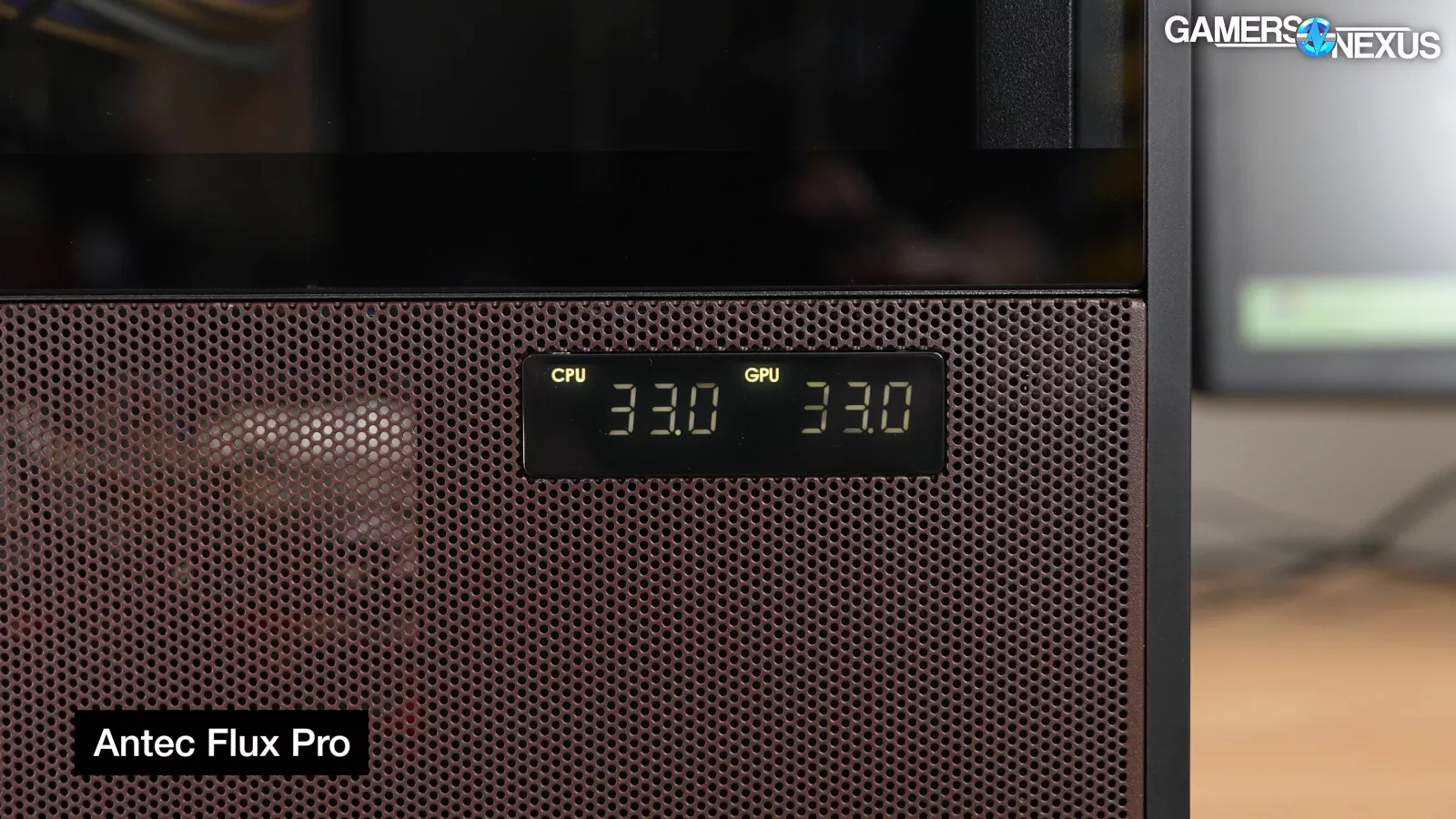
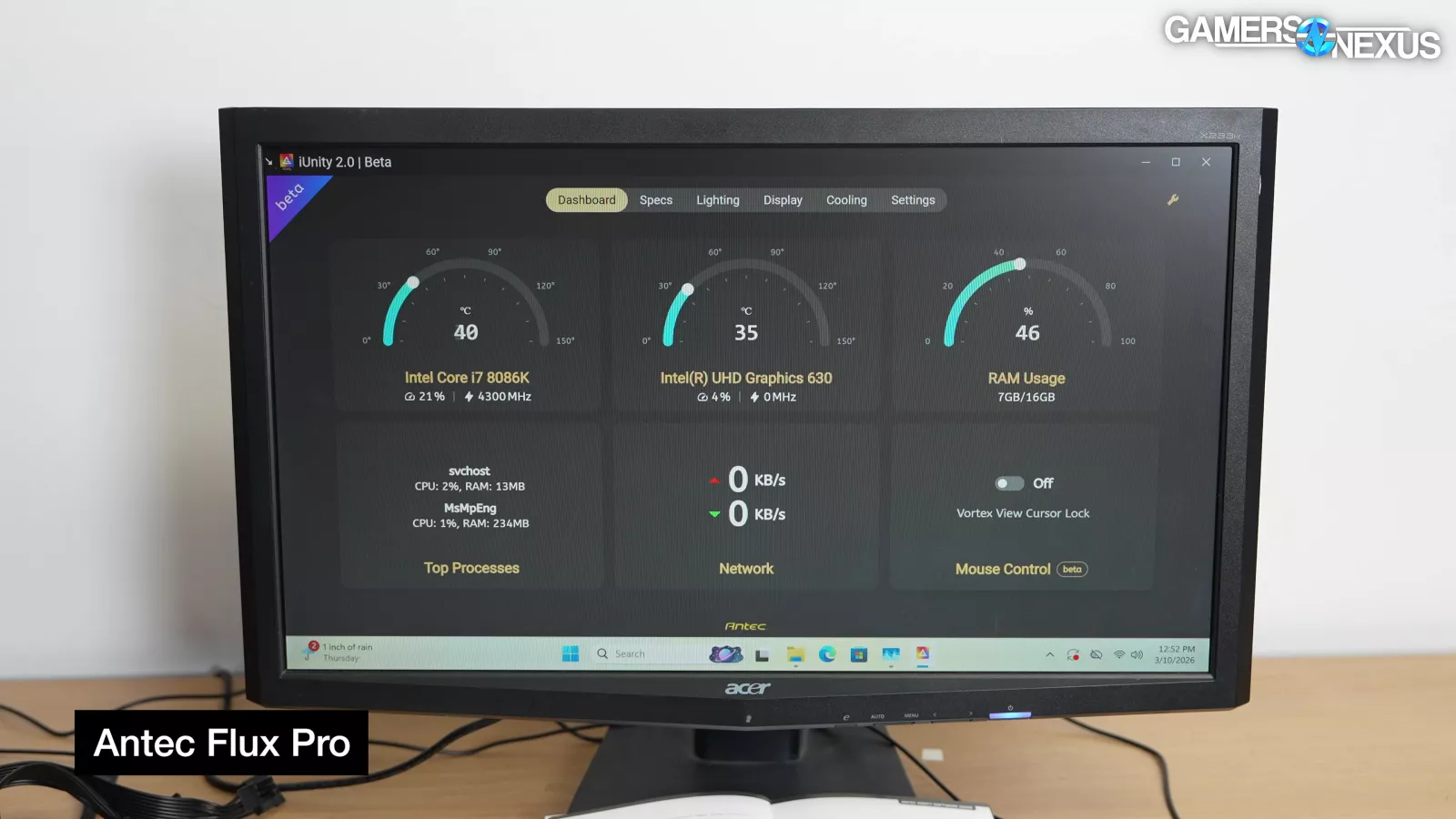
The display on the side of the case can show GPU temperature and/or CPU temperature. It requires Antec's "iUnity" software to run, so our preference is to ignore it. If you want to use iUnity, you currently have to download it from the Vortex View 360 download section on Antec's site.
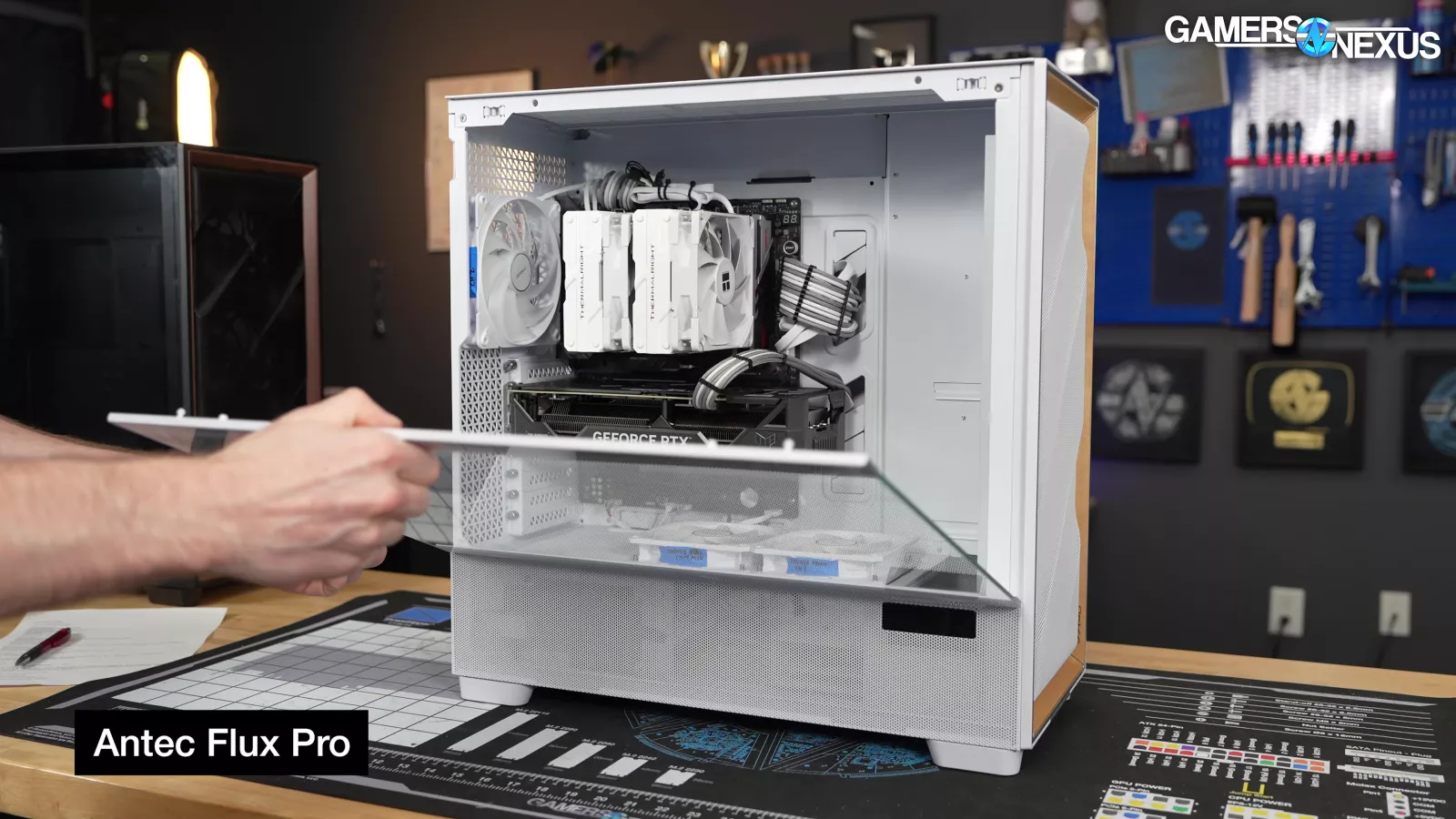
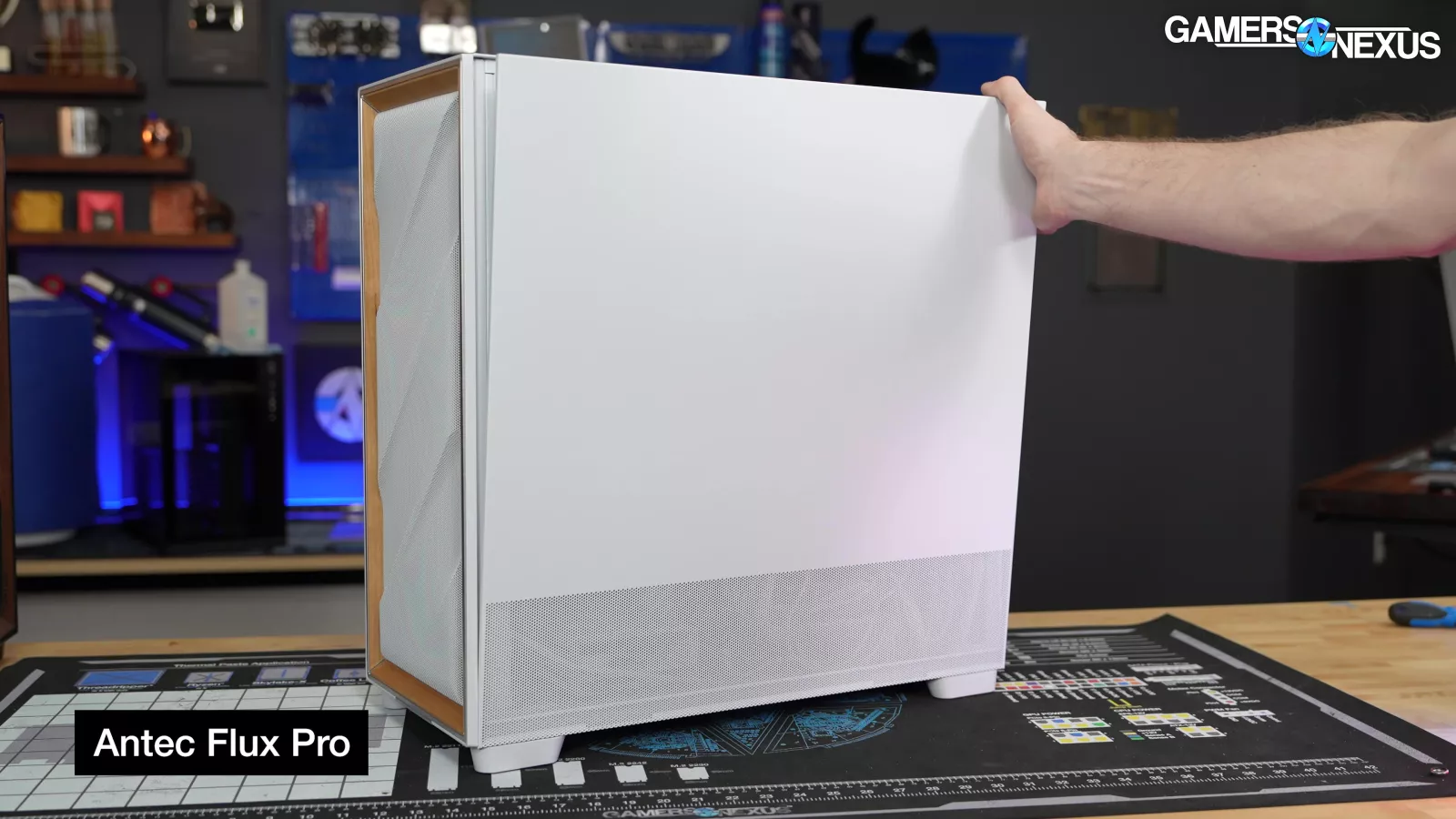
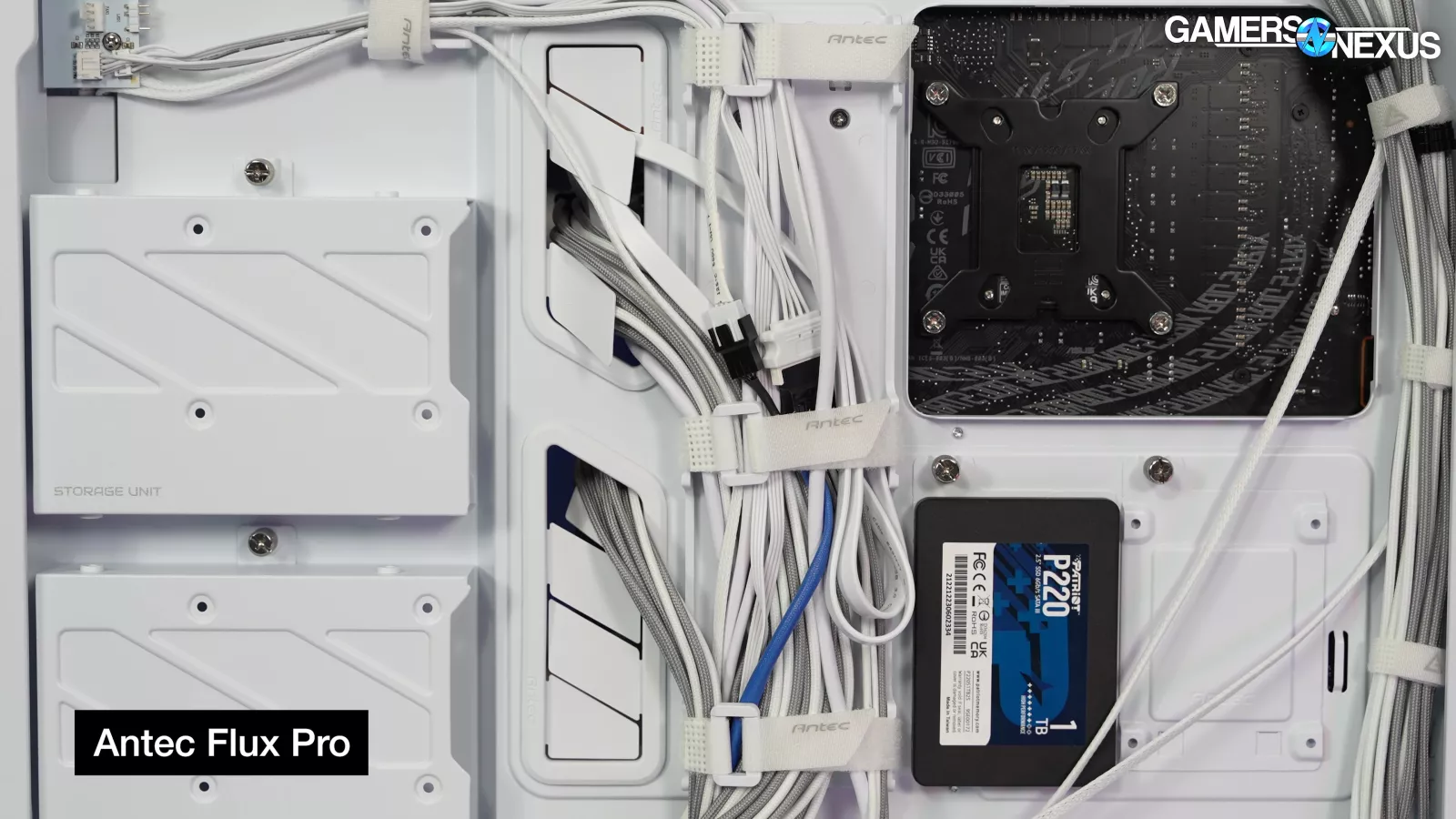
In our original review, we were forgiving of the fact that the panels all attach with snaps (no screws) and the steel side panel only fastens at the top and bottom, but keep in mind that you need to organize the cables to minimize the pressure on the side panel.
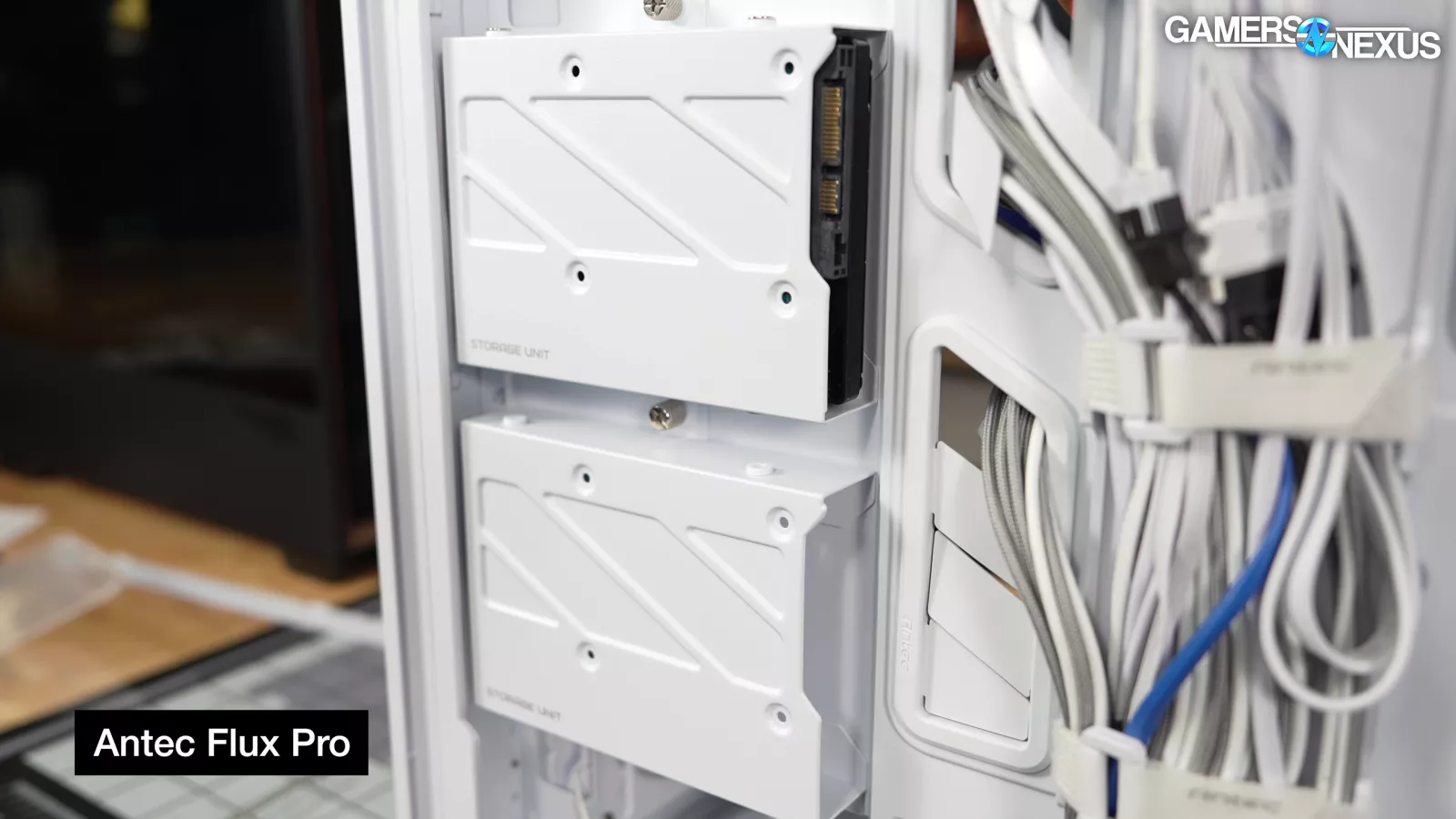
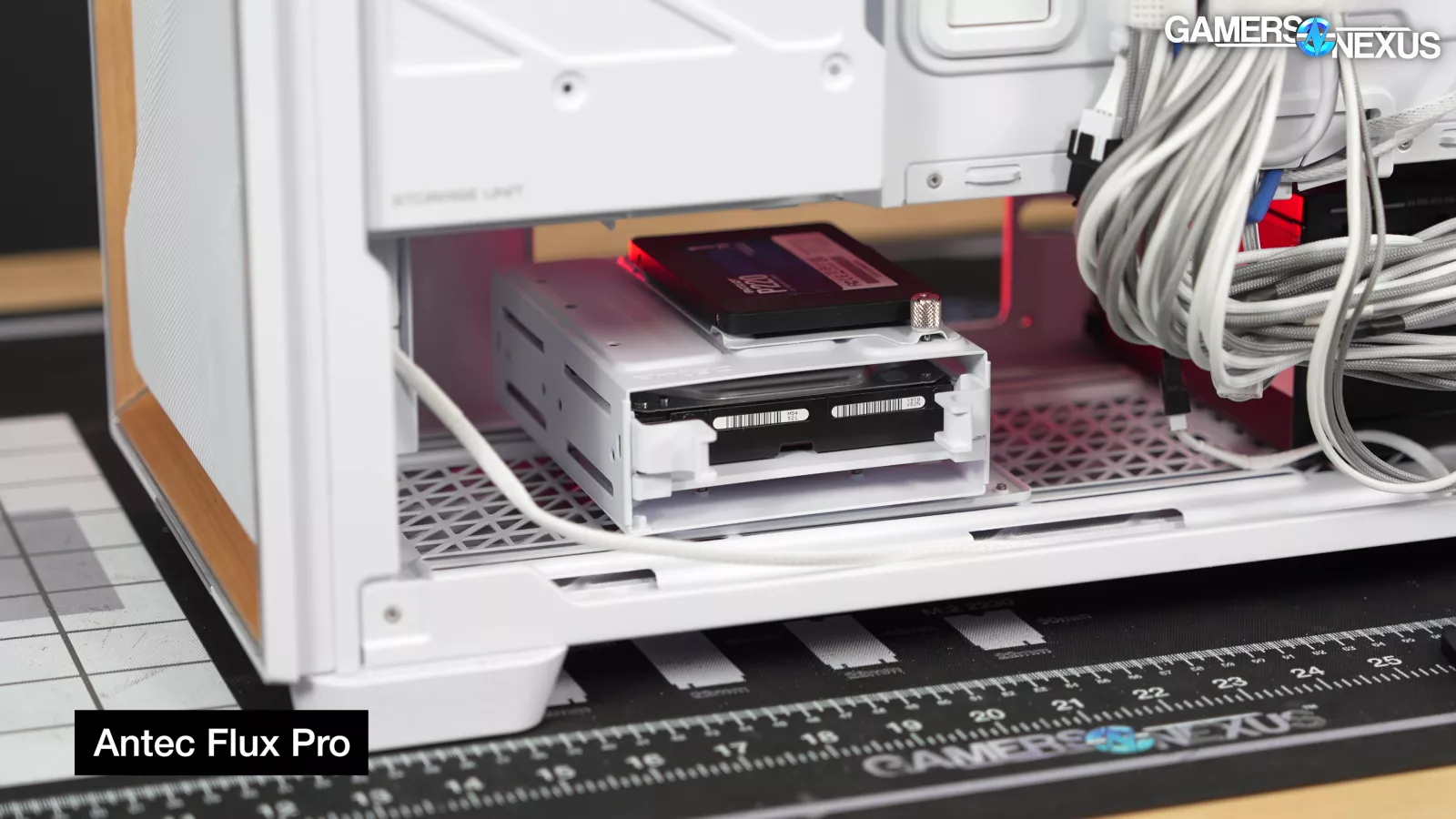
Support for four total 3.5" drives has become a less common feature since our 2024 review, so we'll highlight that here. Supporting 4x 3.5” drives is useful for someone who may want a local NAS or just RAIDed drives. Unfortunately, the price of storage has gone up lately.
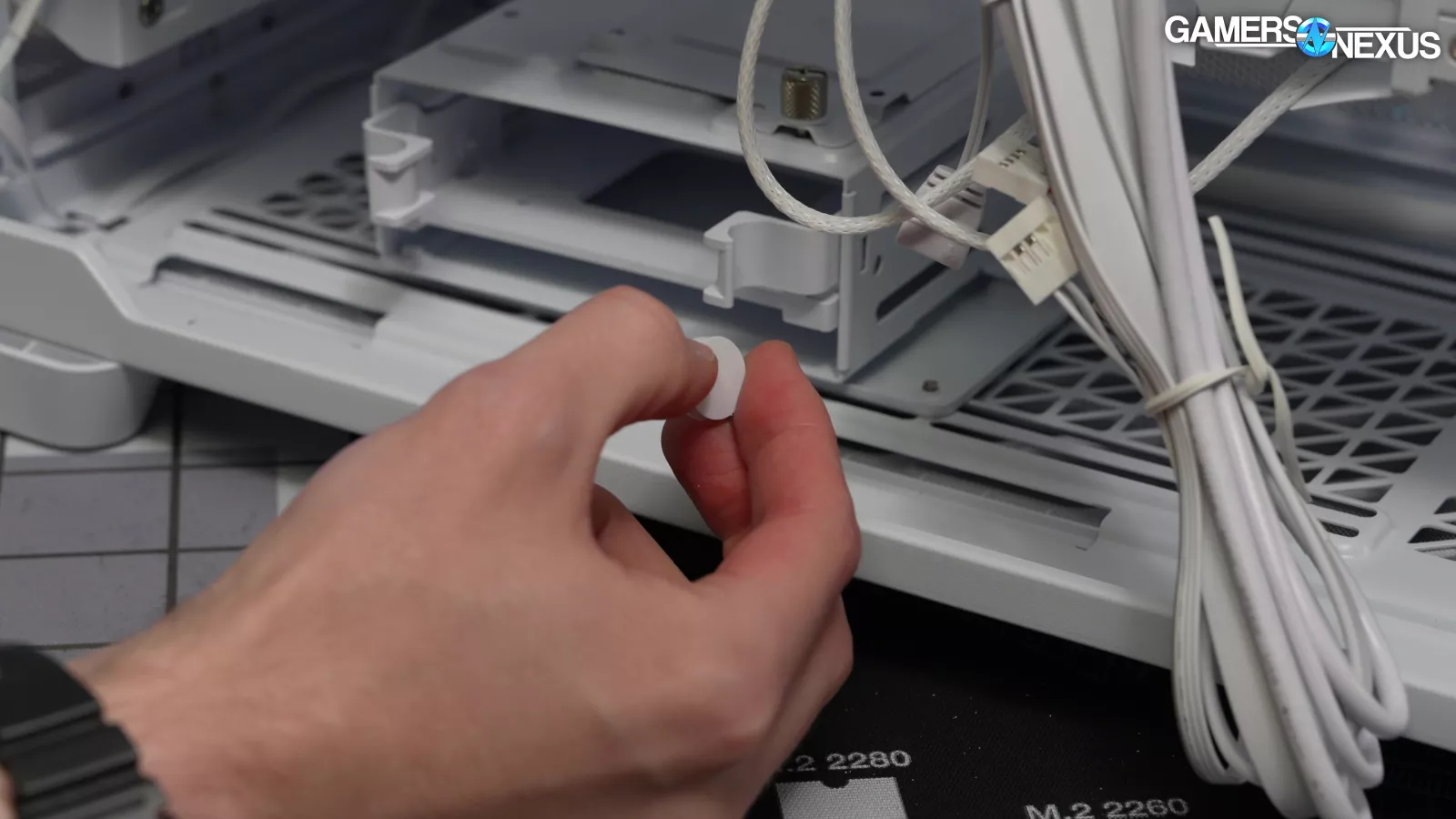
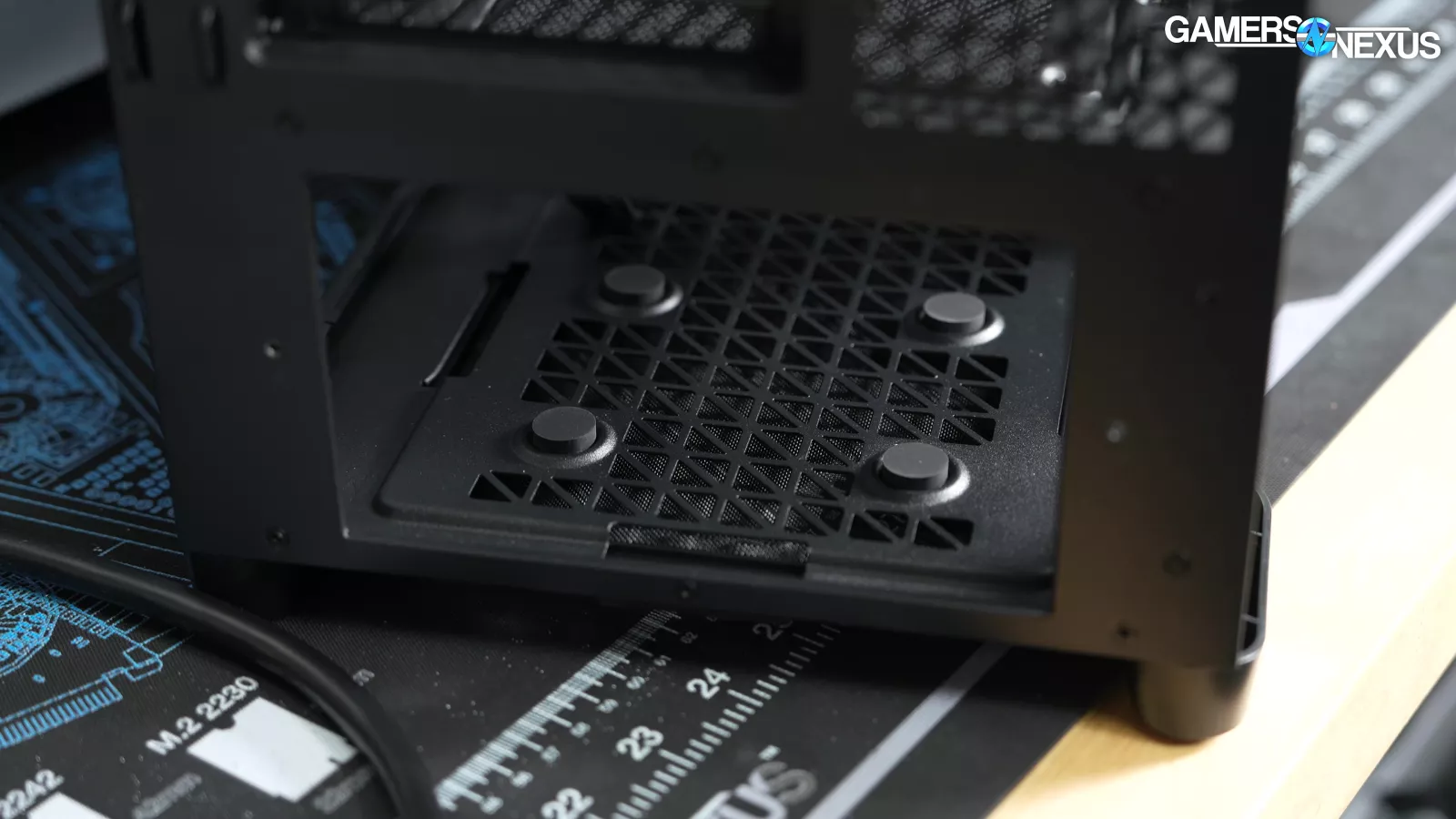
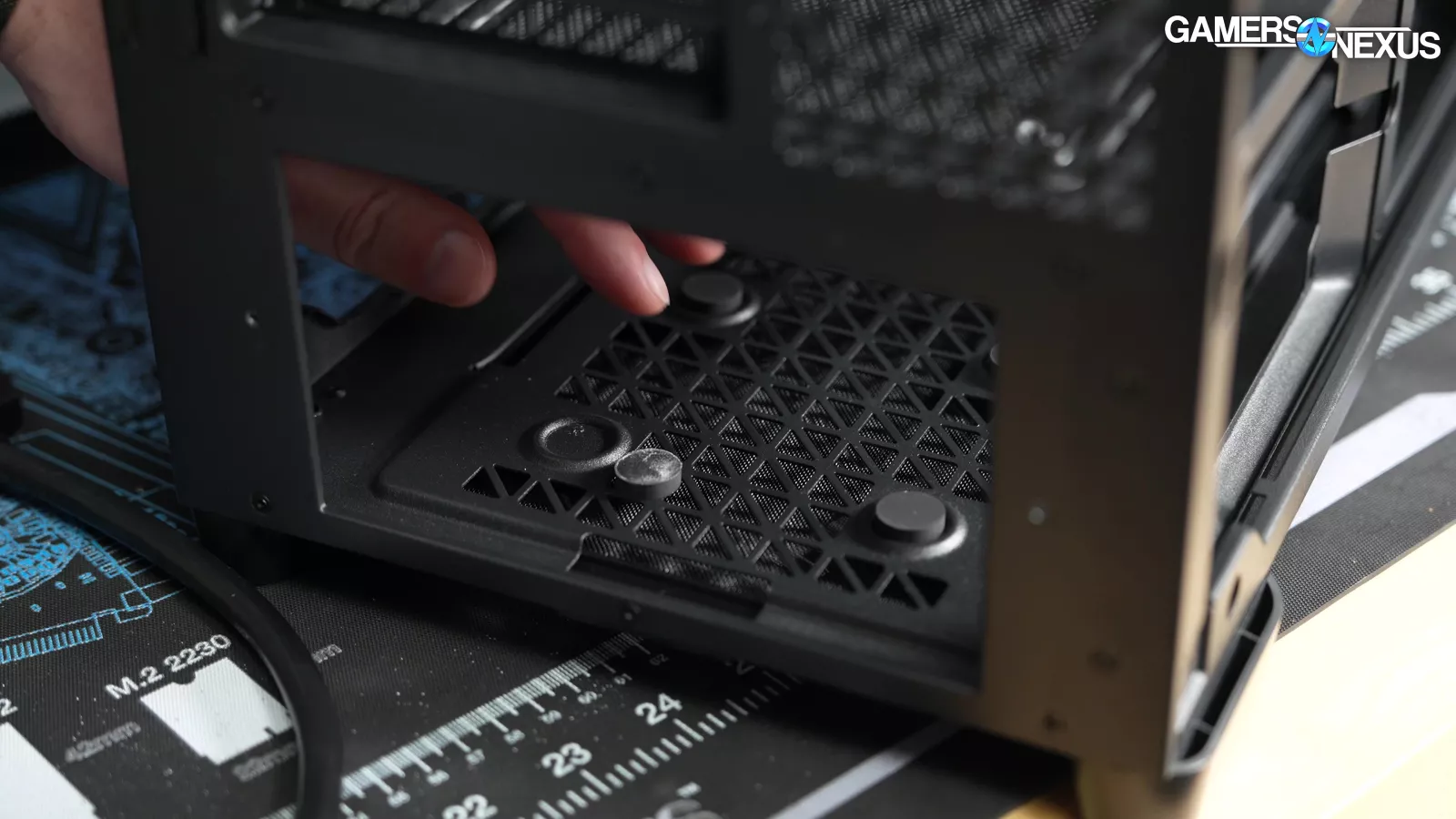
Finally, the rubber pads for supporting the PSU had fallen off in shipping in our original Flux Pro, and it happened again in the Noctua Edition. If you order a Flux Pro, check inside the shroud to make sure all four rubber circles are still stuck on. Given that this has now happened to us twice on known review units, we have to assume this is an Antec manufacturing issue -- such as with the adhesive choice or with the curing time for it. It’s a small and mostly irrelevant point, but on a case this expensive, they had plenty of time to fix a known issue.
Thermals
We did more testing for the Noctua Edition than we have for any individual case in a long time. We have four main groups of usable results. First, tests with all the Noctua fans installed as recommended in the manual (NA-AV4 anti-vibration mounts, alternating PPA/PPB, recommended fan locations, all cables and connections arranged as they were for the original Flux Pro review).
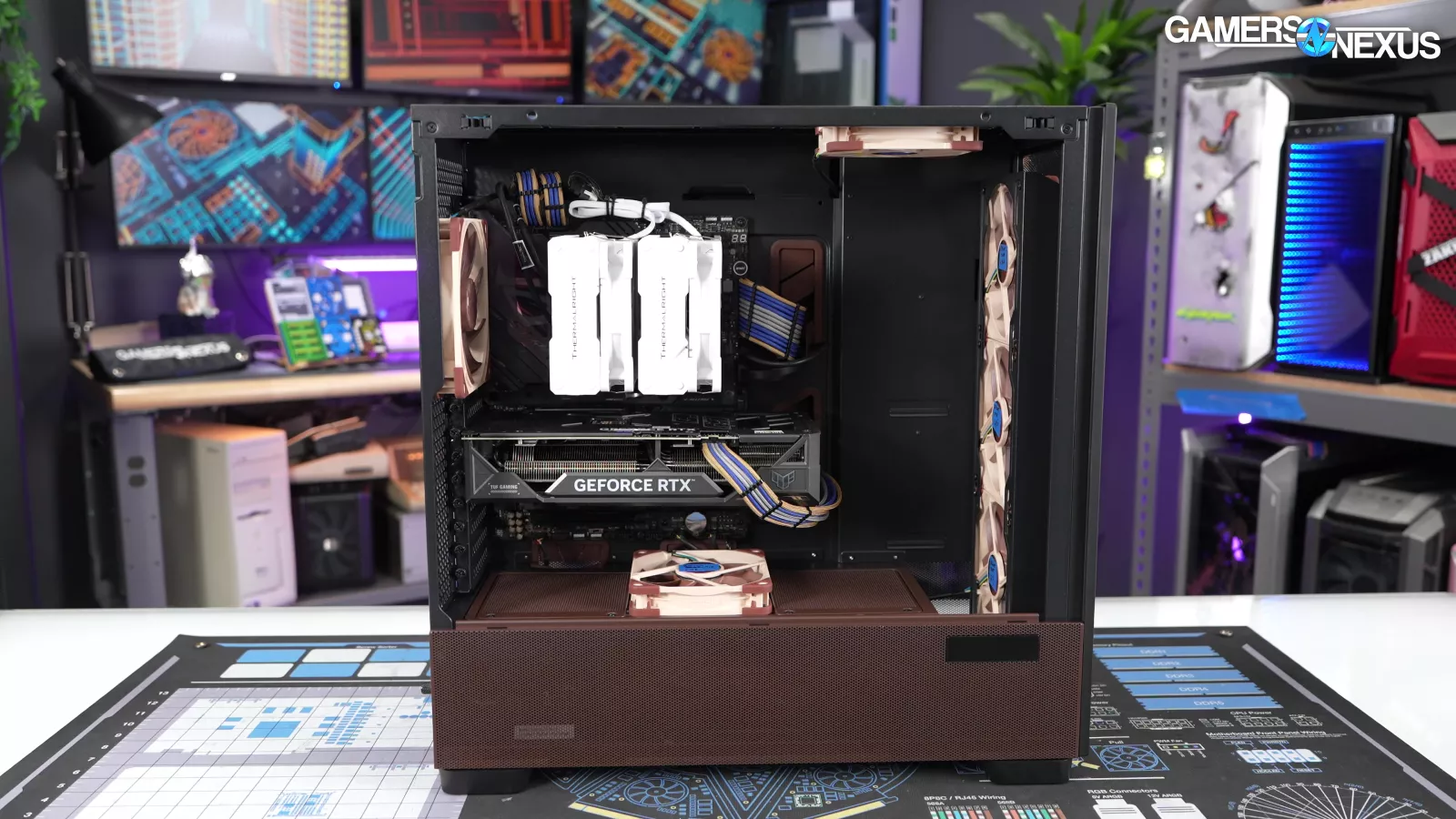
Second, a test with one of the shroud-top fans moved to the top of the case as intake in front of the CPU cooler. Third, tests with the original Flux Pro fans arranged as they were in the original review. These should theoretically match the original Flux Pro results, but since there was some variance, we'll use the Noctua Edition + Flux Pro fans as the point of comparison.
Finally, we came back and ran a one-off test with a shunt-modded RTX 5090 (read our review) at more than 600W, which isn't part of our standard test suite. This should give us the best possible chance of detecting performance improvements with the Noctua fans.
Noise Testing
We’ll start testing with the hemi-anechoic chamber this time, seeing as the case is the same other than the fan layout. That makes frequency spectrum analysis more interesting.
Our acoustic chamber is sensitive, so this means that even small changes -- like the choice to use screws or the rubber anti-vibration mounts -- will show up in the test data. The point of the chamber is to eliminate outside variables so that we’re only measuring the computer and can fairly compare the configurations in an unchanging environment. It helps to highlight subtle noises that the human ear can hear, but that testing in an uncontrolled environment wouldn’t give us the confidence to measure.
We’re testing the total noise of the computer, so that includes the CPU and GPU fans. These fans are at controlled speeds for all testing.
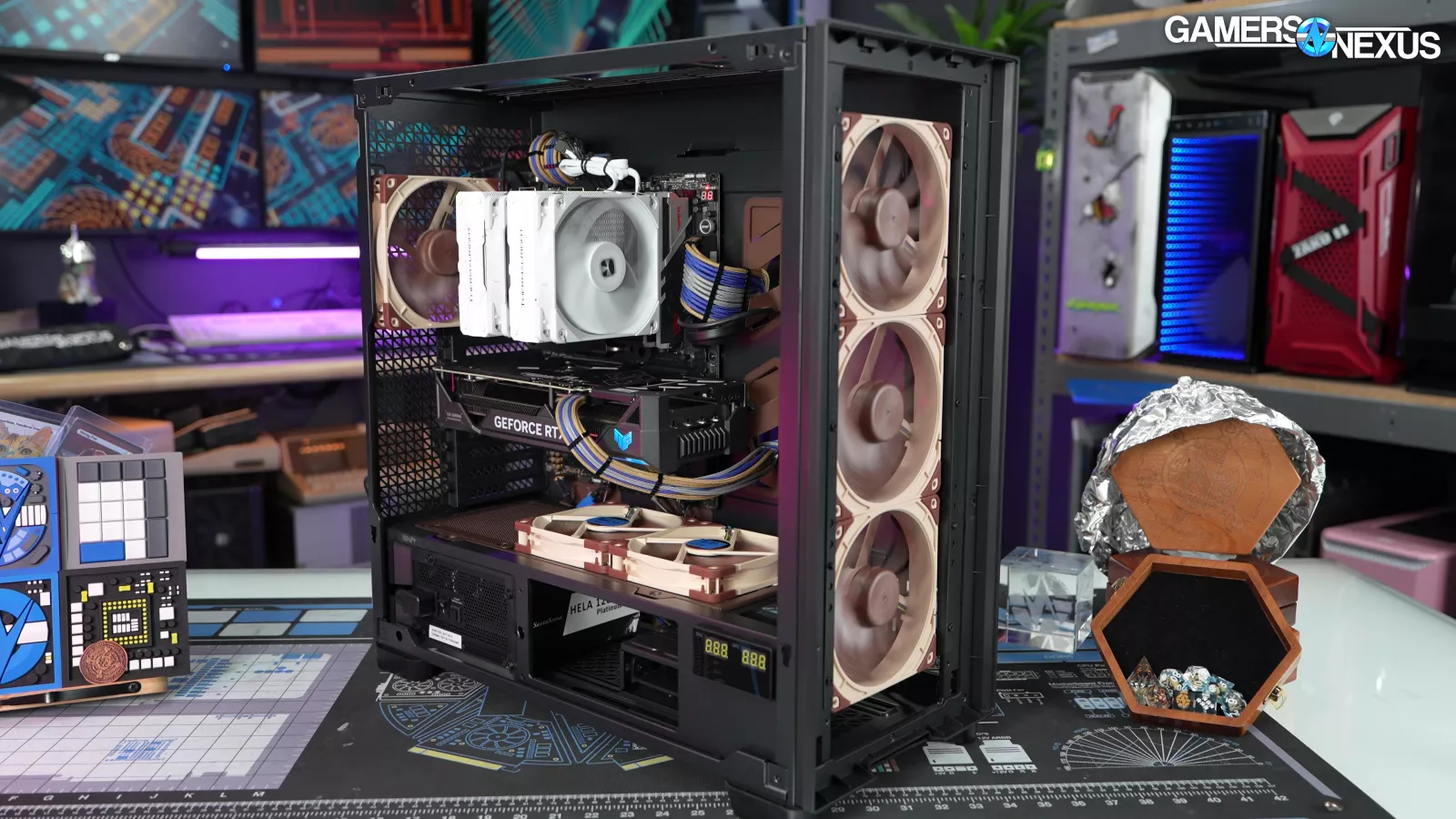
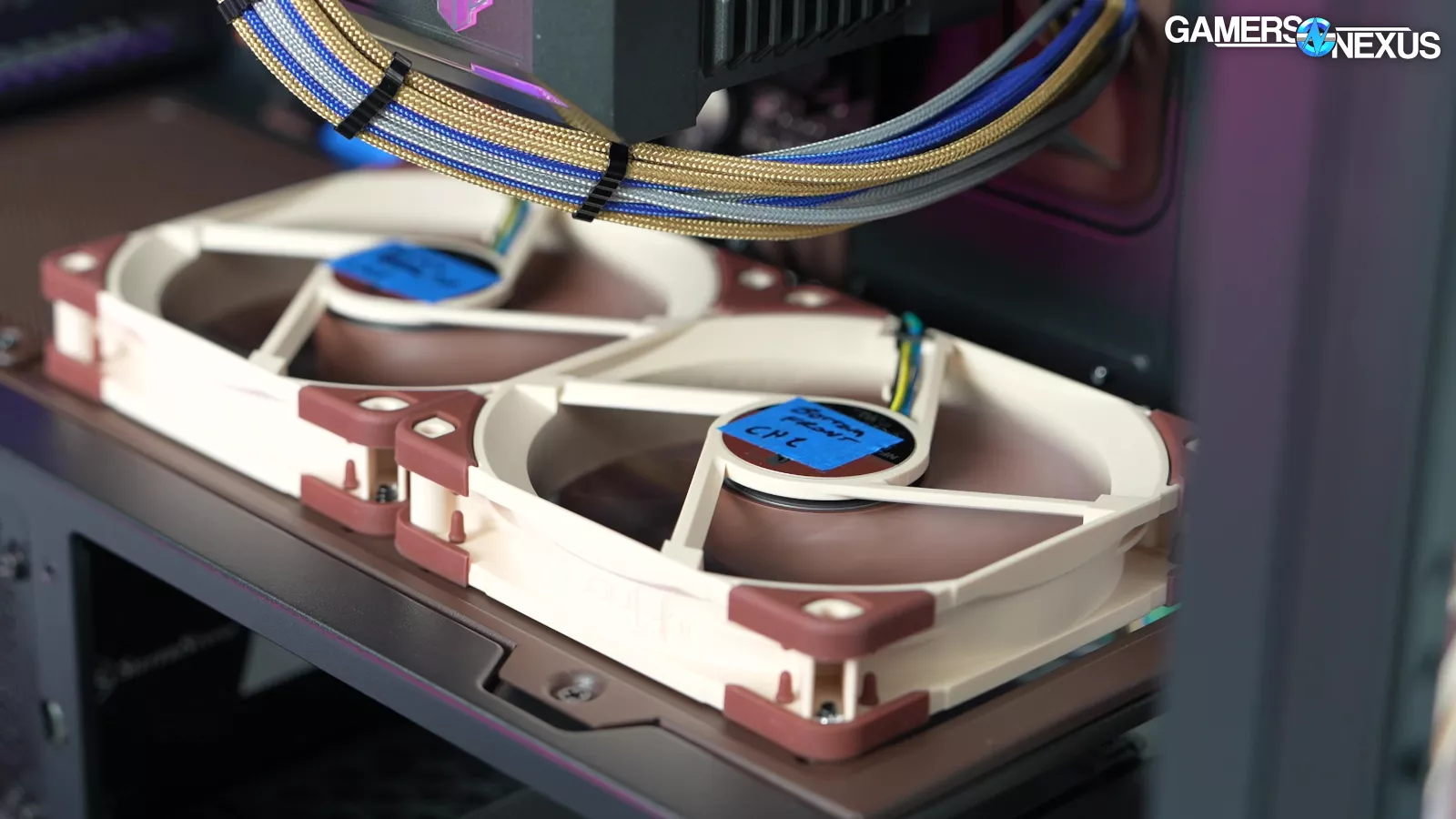
The fan kit includes the same fan sizes as the original Antec Flux Pro: 4x 140mm and 2x 120mm, although the 120s aren't reverse-bladed for Noctua.
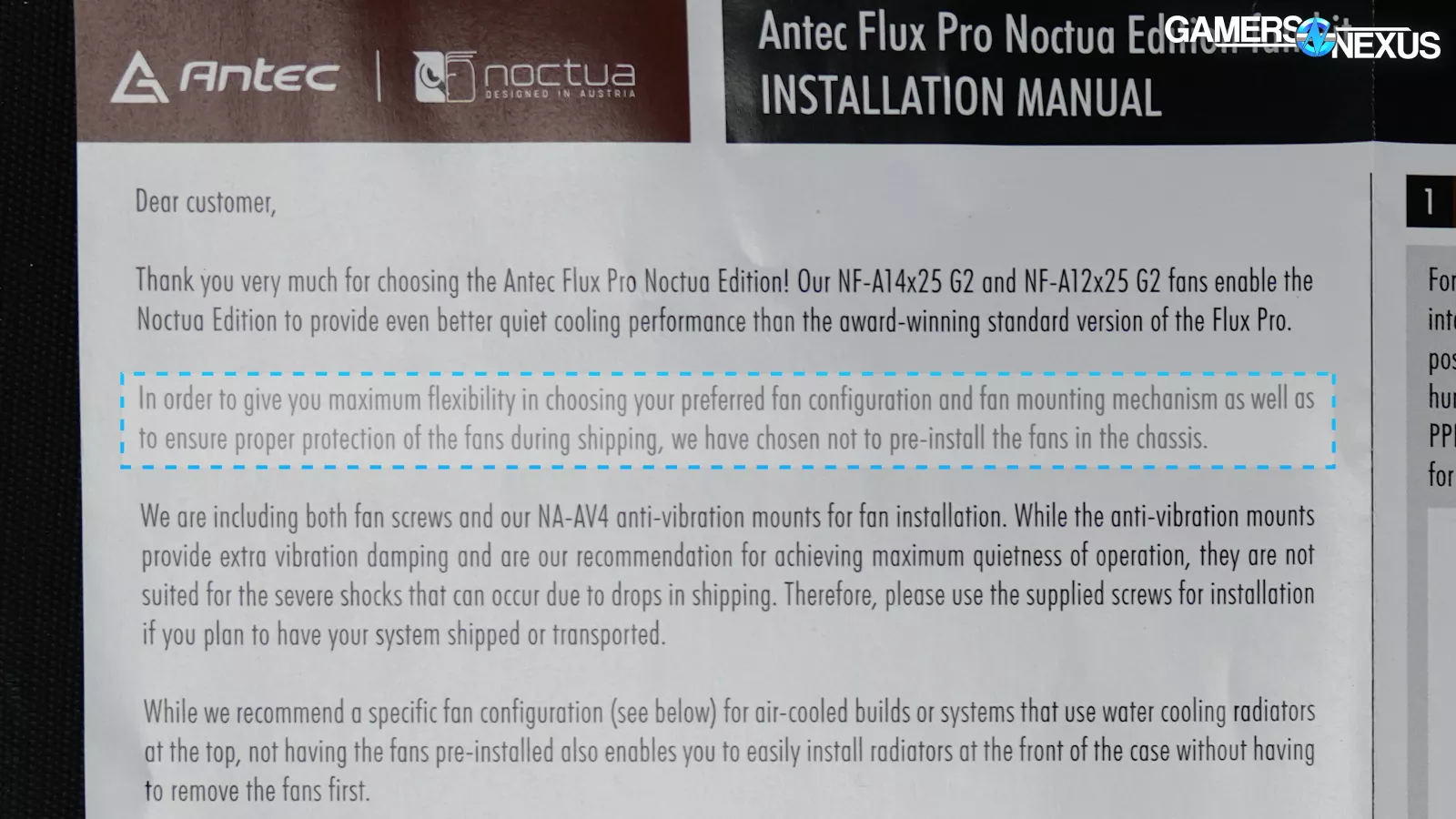
Noctua says "In order to give you maximum flexibility in choosing your preferred fan configuration and fan mounting mechanism as well as to ensure proper protection of the fans during shipping, we have chosen not to pre-install the fans in the chassis."
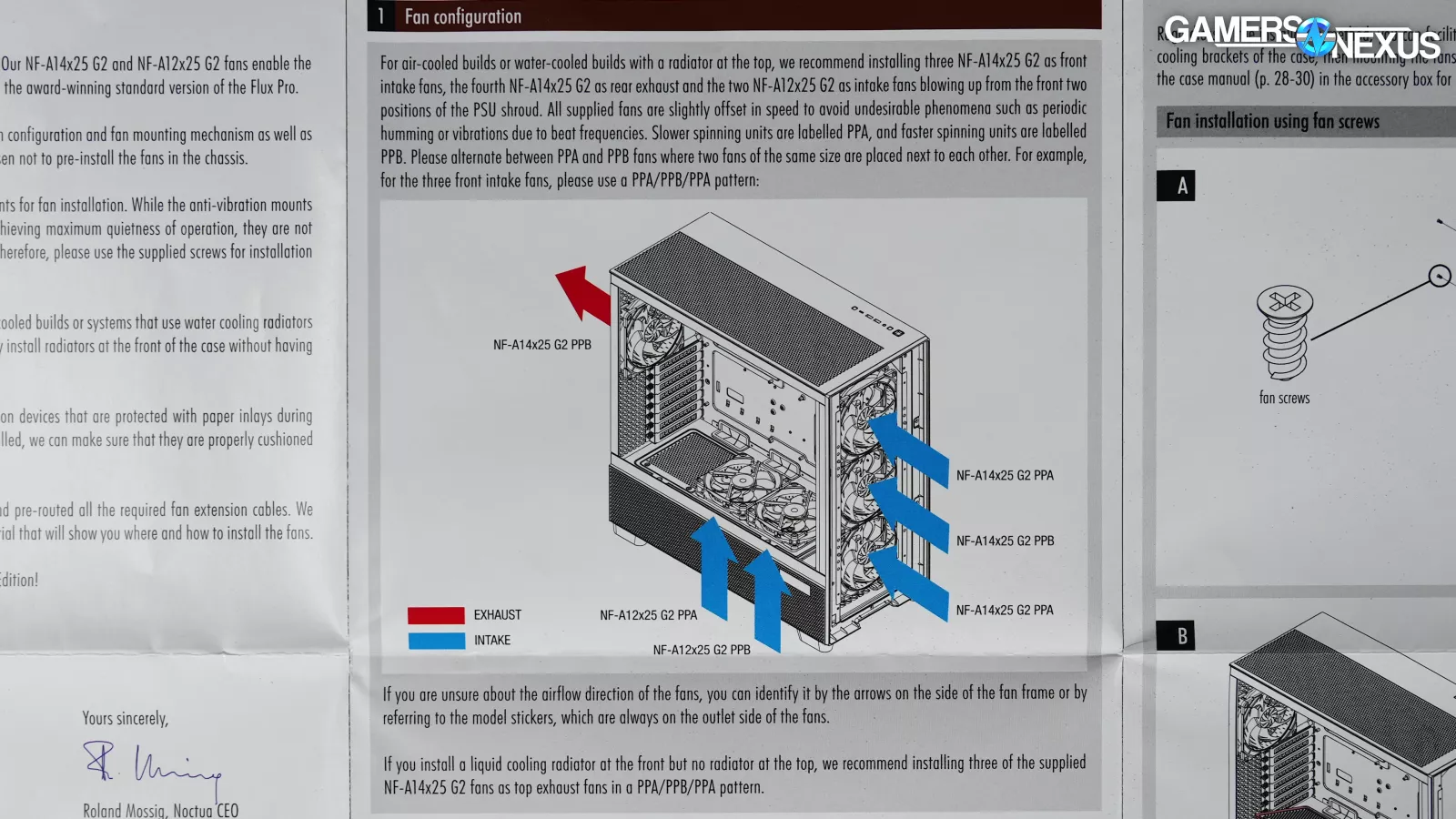
That's fair enough, and it also means that it’s cheaper for them by reducing assembly time, but the manual still recommends installing the fans in the same locations as the stock Flux Pro. Because that’s the most likely configuration for users to follow and to have a better A/B, we tested that one with one alternative.
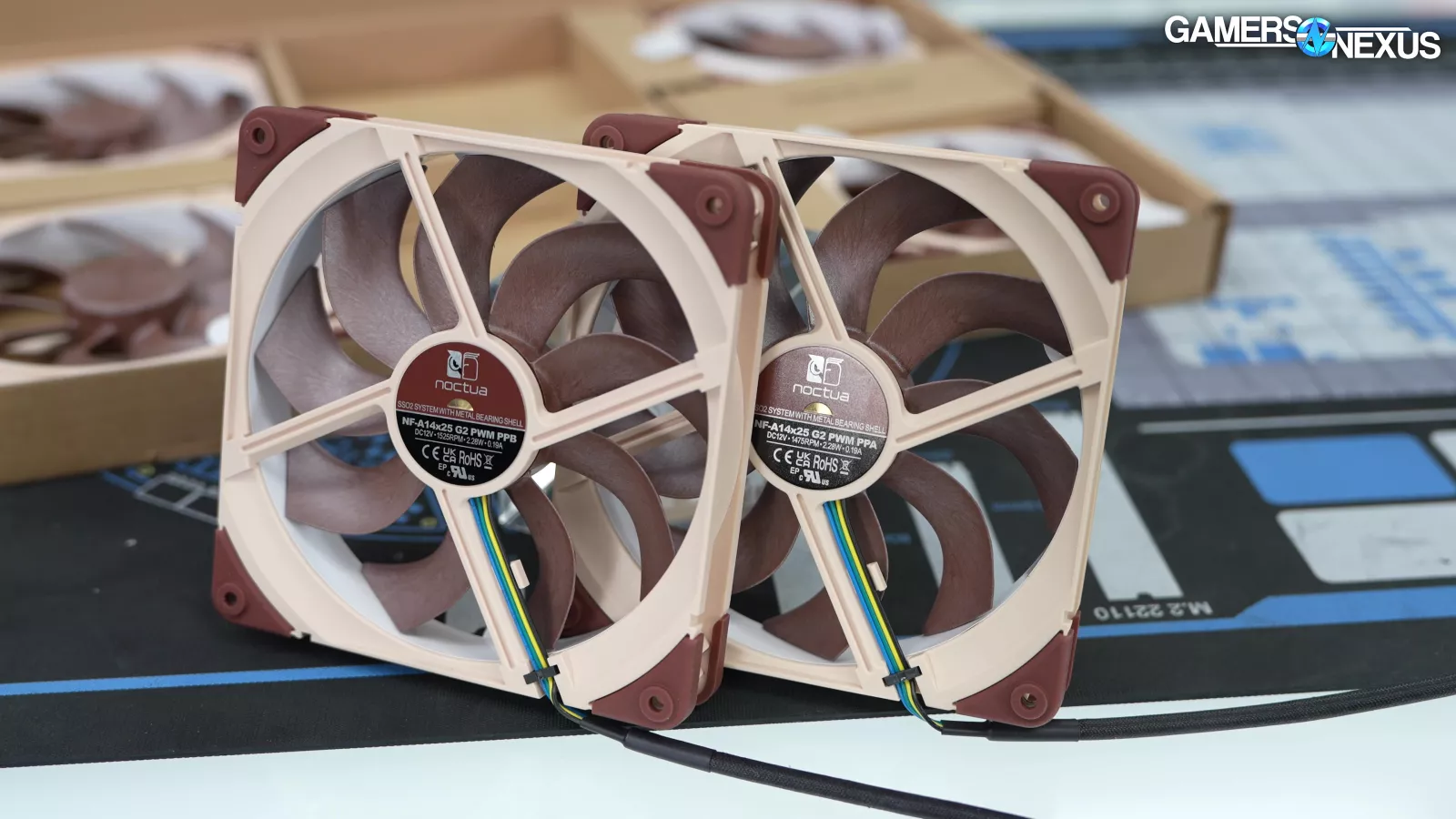
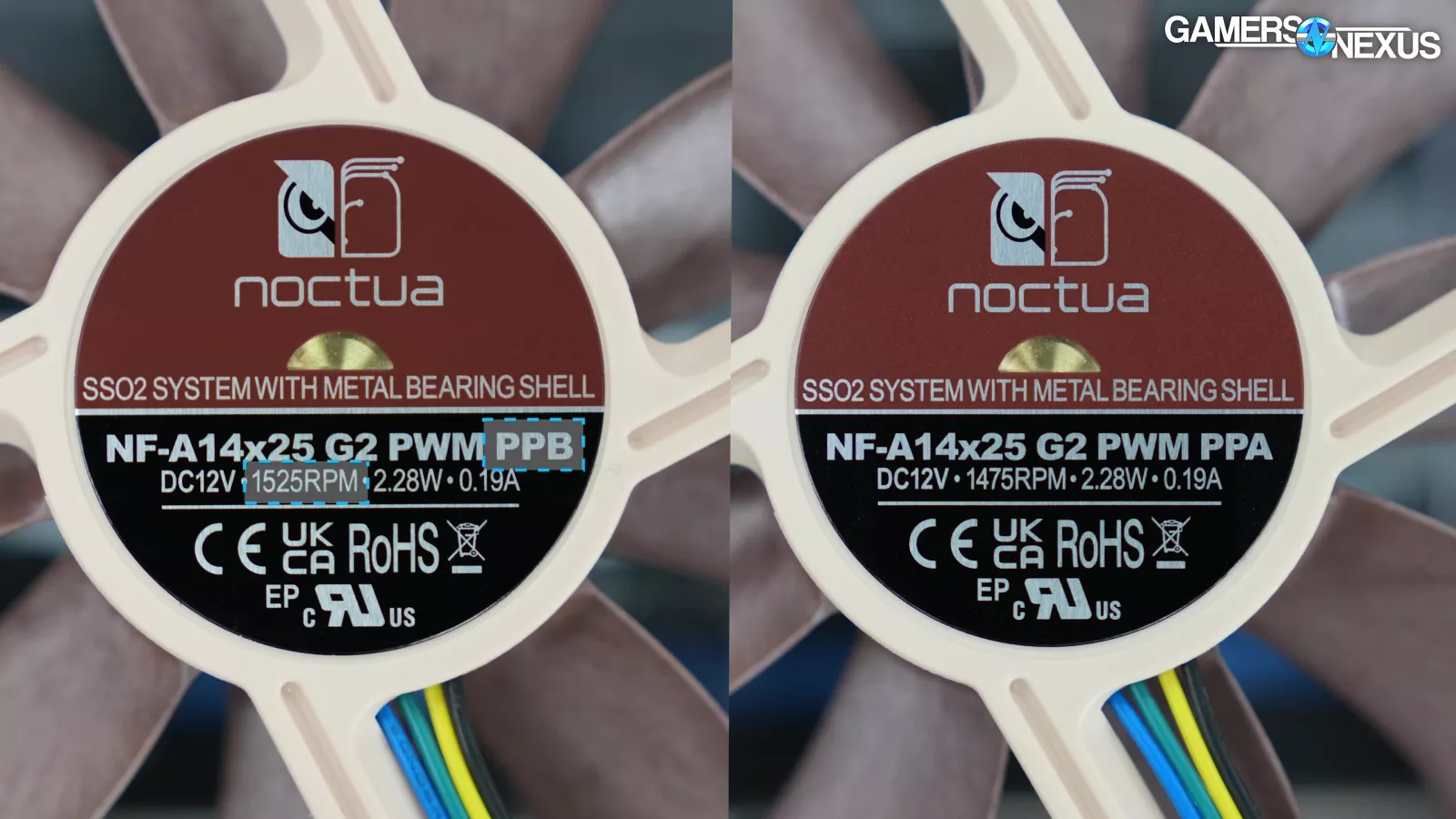
The fans are slightly faster (labeled "PPB") and slower (labeled "PPA"), with the objective being to reduce or avoid the beat frequency phenomenon. We've covered this concept with Noctua's Jakob Dellinger before, including a technical break-down of the RPM offset and its impact on acoustics. You can also read our NH-D15 G2 review for more depth.
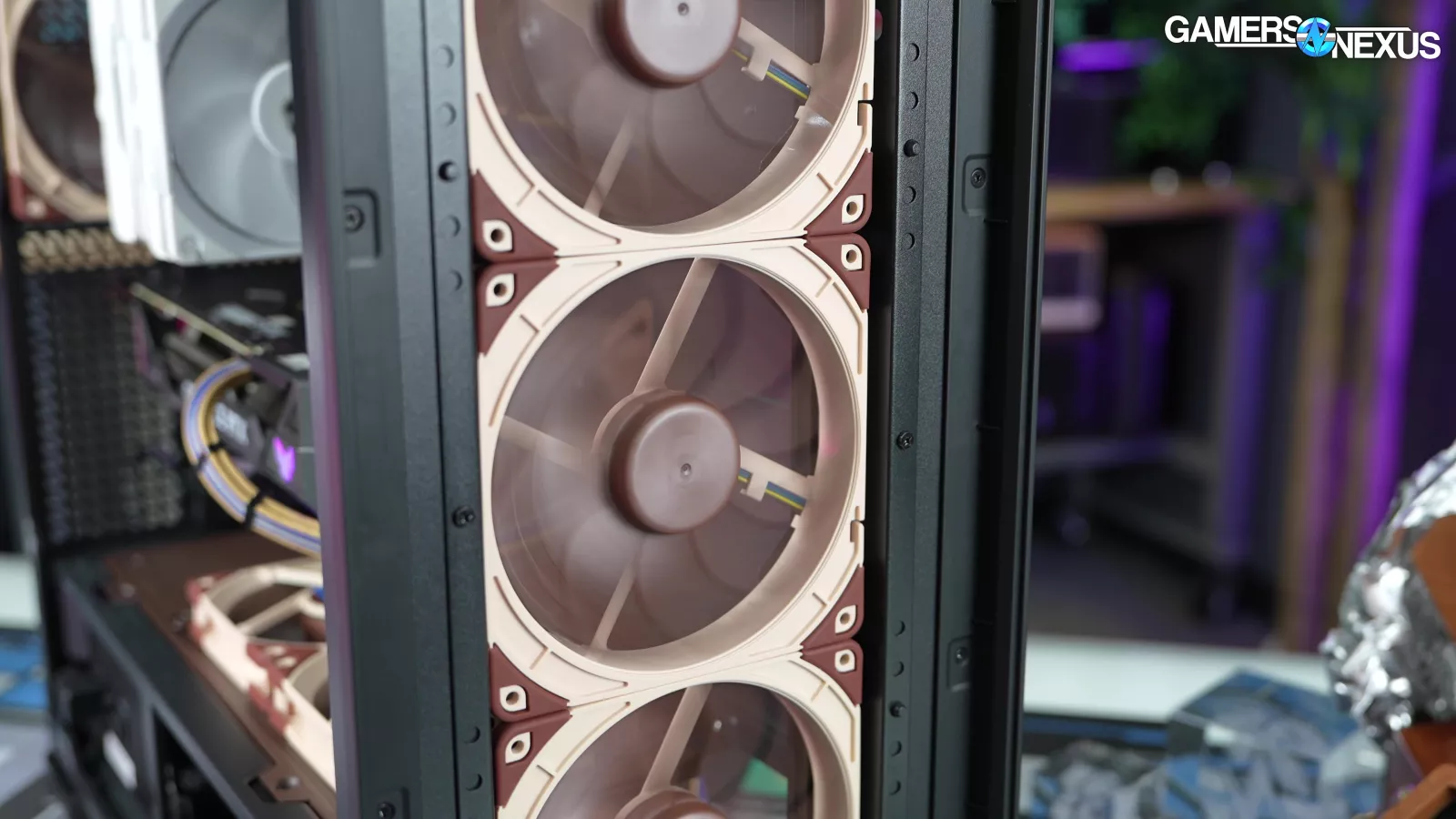
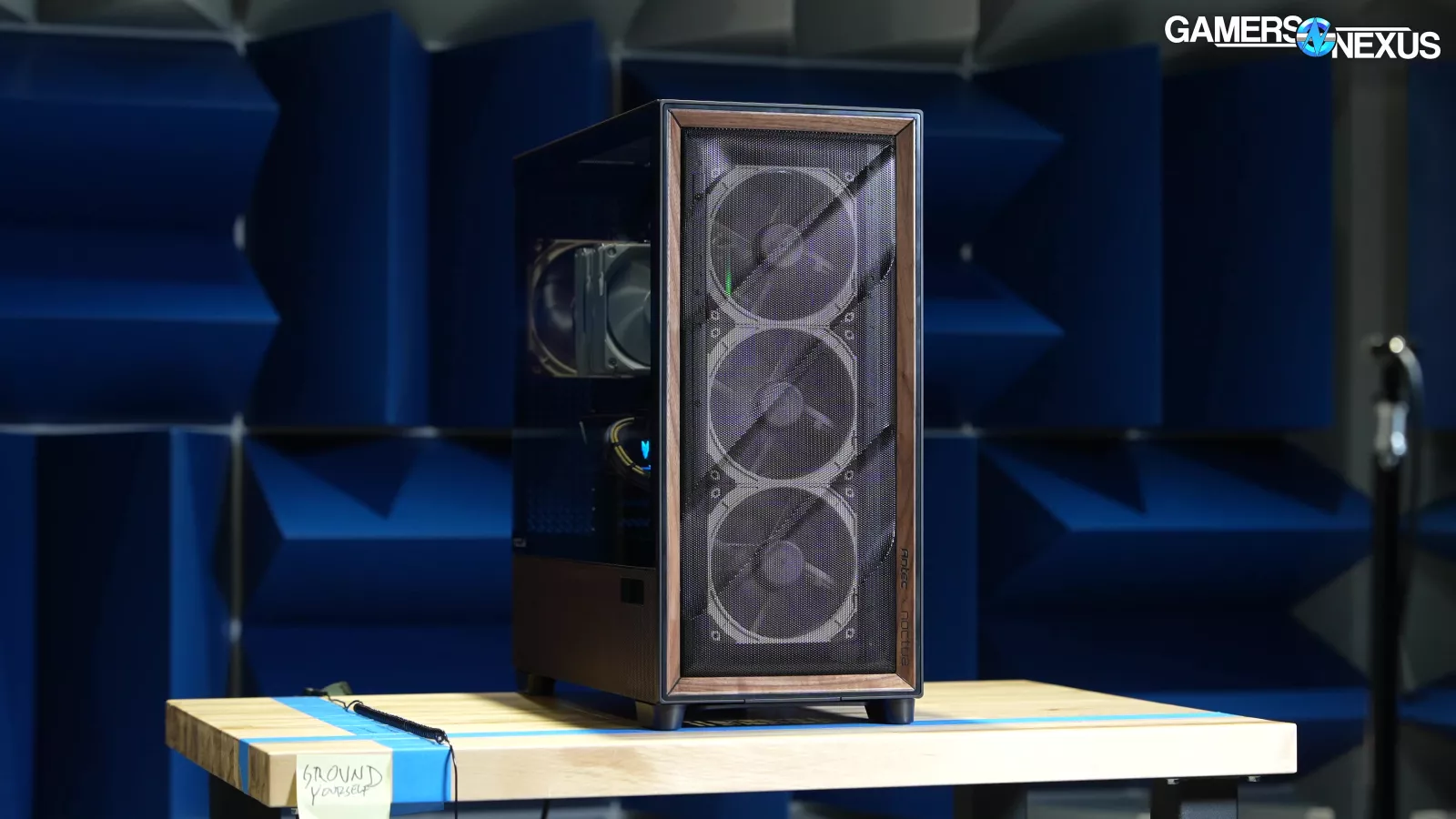
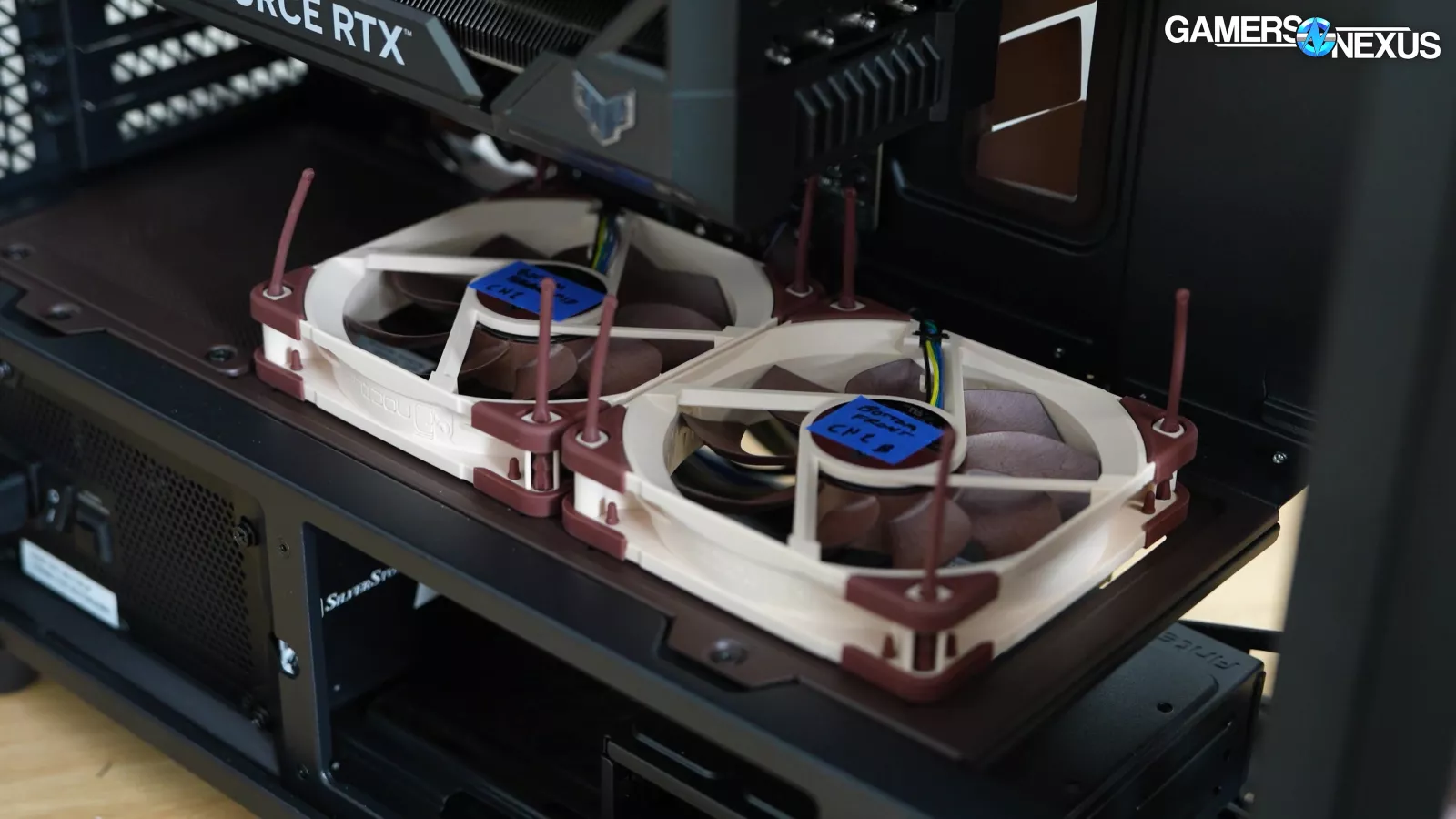
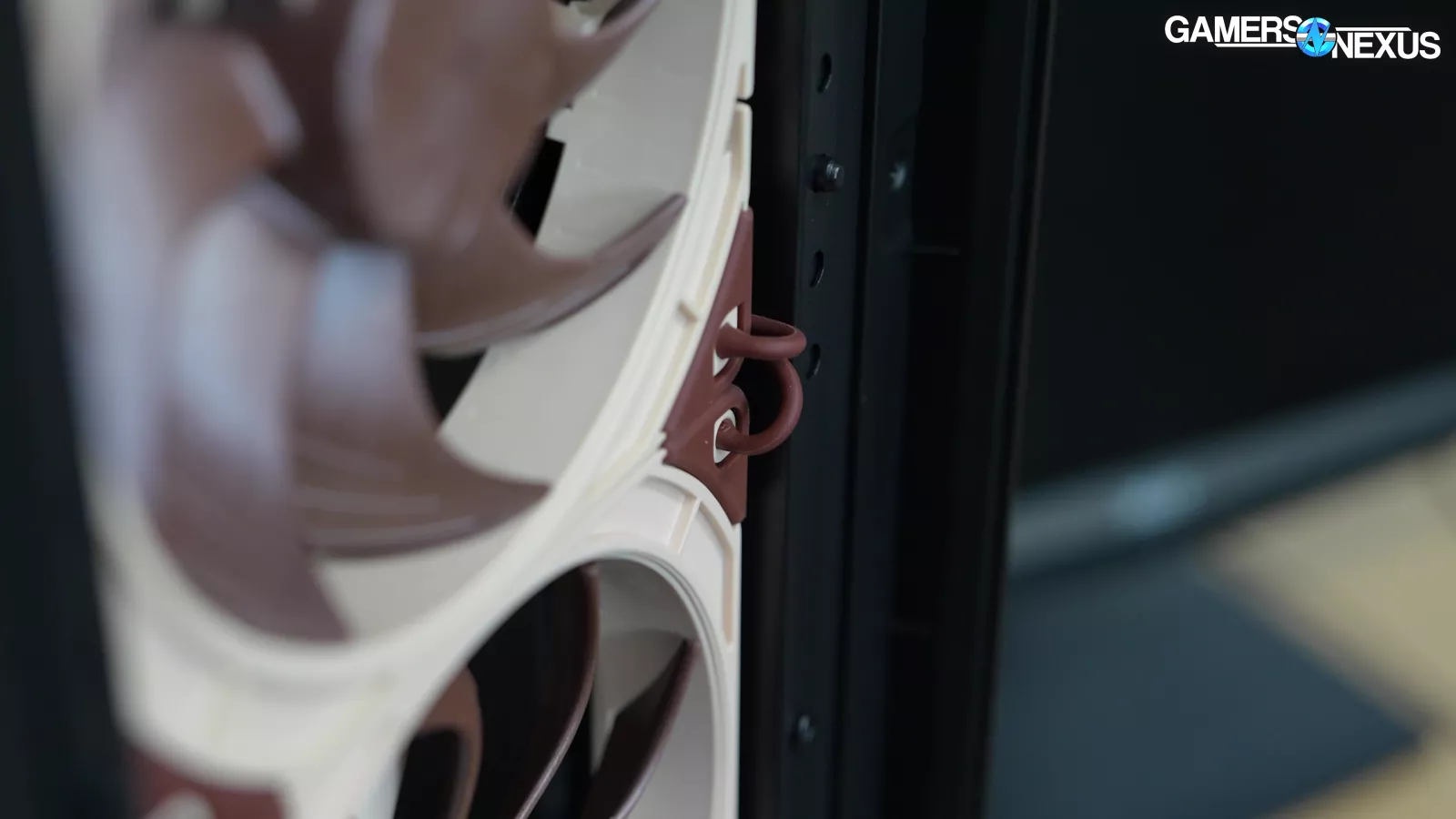
We started out by installing fans in the same locations as the Antec Flux Pro to provide a direct A/B comparison. We installed the fans in the ABABAB alternating pattern for RPM offsets of the A12 G2 and A14 G2 series, per the manual, to test the marketing claims. Also following the manual like a real end user would, we swapped the fan screws for the recommended NA-AV4 anti-vibration mounts. We also did a test configuration with the screws instead, without the guided ABABAB tuning for the fans (meaning randomly mixing the fans), and with cable management messier.
Frequency Spectrum Analysis at Full Speed

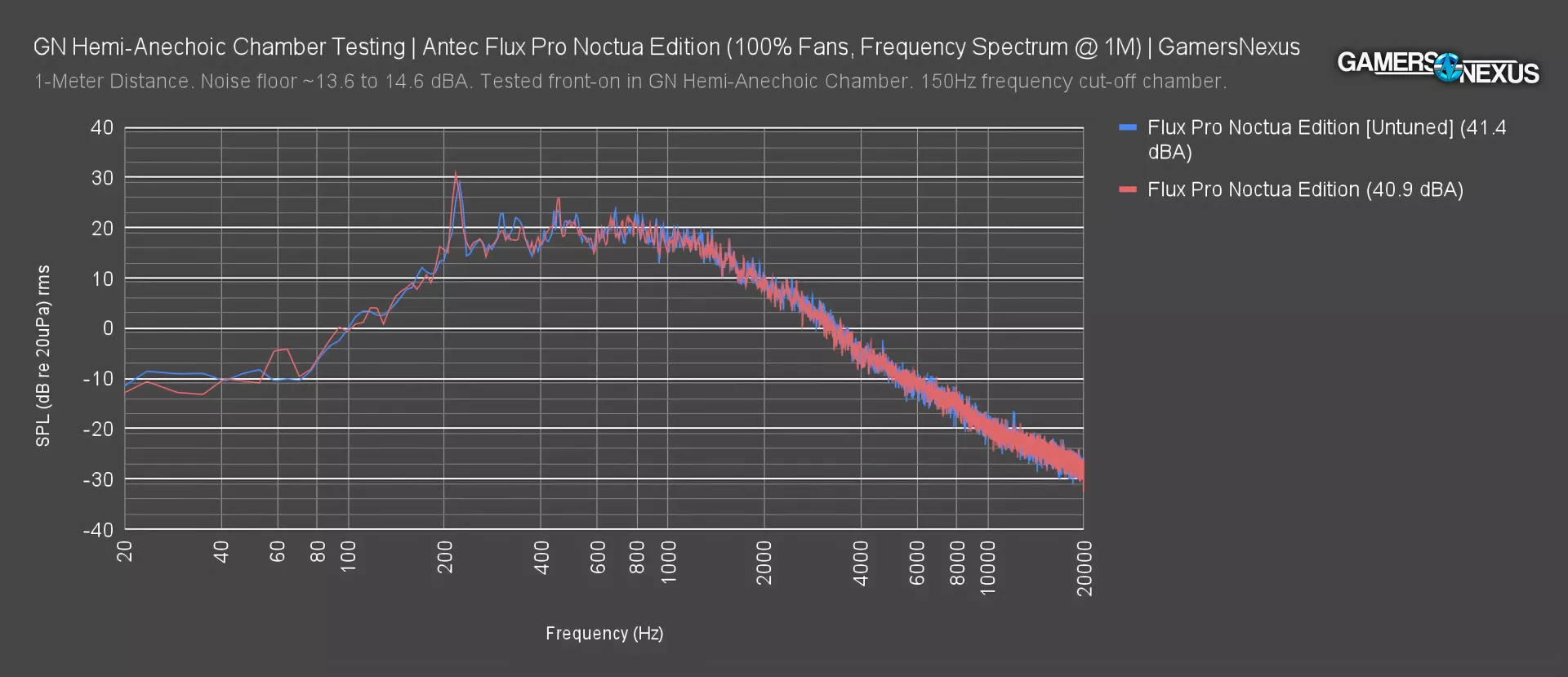
This chart shows the frequency spectrum plot at full fan speeds for the Noctua Edition case with its included G2 fans, both with and without the tuning guidance.
Examining the frequency spectrum for the untuned Noctua Edition case, we see a significant peak around 216Hz and several smaller peaks, for example 305Hz, 457Hz, and 686Hz. The 216 Hz spike might be from a blade pass frequency for the 1420-1450 RPM 9-bladed fans and the 457 Hz spike is close enough to a second harmonic that it could be related. 686 Hz is also close to a third harmonic. We’re not sure what the 305 Hz spike is, but most likely, it would have to do with some sort of resonance from the panels somewhere in the case.
Overall though, these numbers are good. The frequency build-up and fall-off are predictable and there aren’t any major, divergent spikes we didn’t expect. In particular, the higher frequency distribution of the plot is devoid of any sudden, annoying plateaus, so it’s generally representative of a sound profile that can blend into the background better.
Noise levels for the total system, including the fixed speed CPU and GPU fans, is 41.4 dBA without tuning adjustment (lacking ABABAB configuration and anti-vibration mounts) and 40.9 dBA with the tuning.
The tuned result does seem like it may have lessened a few peaks, though the ones at 216Hz and 457Hz remain (the ~60Hz peak is due to external noise, as it’s below our chamber cut-off, and should be ignored). The overall noise level dropped from 41.4 to 40.9 dBA, but that's not enough to rule out test variance.
Original Flux vs. Noctua Edition
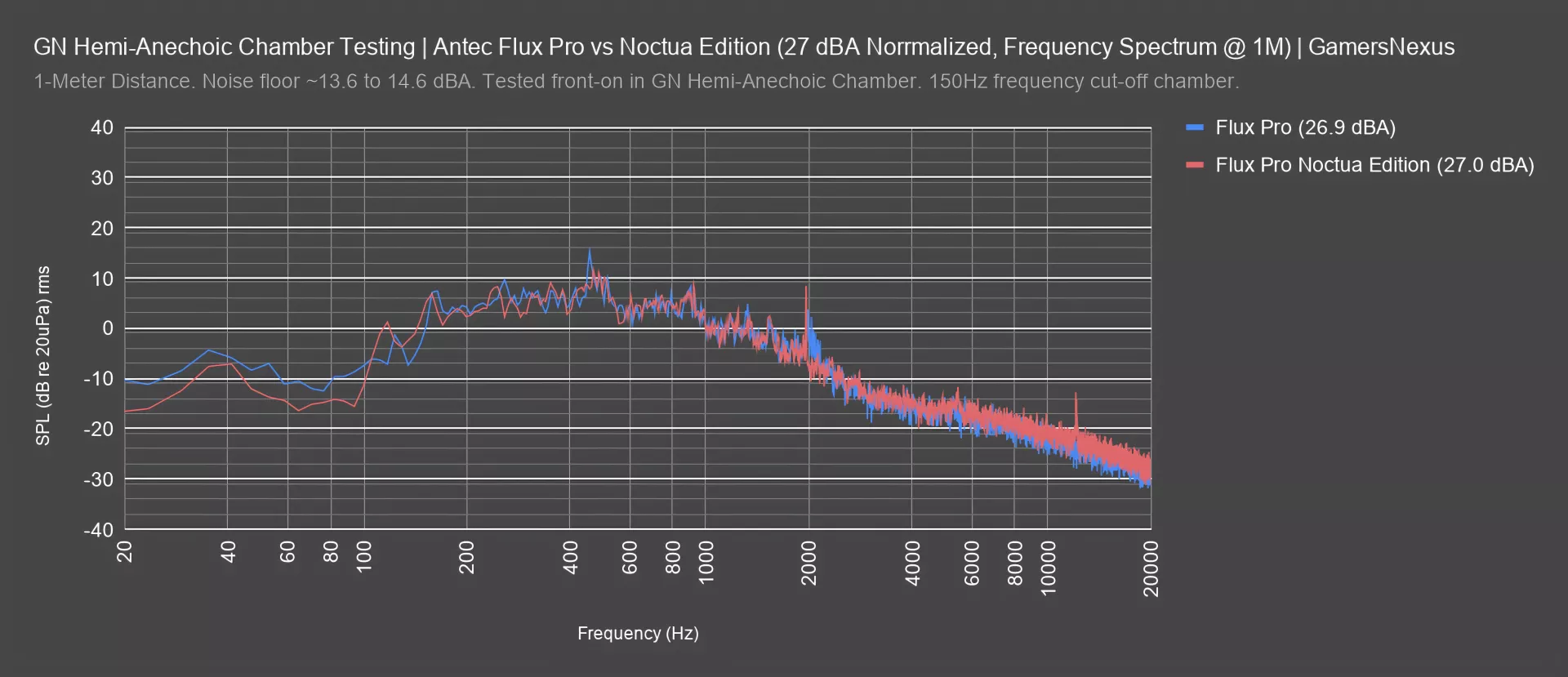
To compare the original Flux Pro and the Noctua Edition, we've selected tests which were noise-normalized to 27 dBA SPL. Although the case fans are different brands and different styles, the frequency curves are similar, with corresponding peaks near 120Hz, 250Hz, and 470 Hz. There's not an obvious difference in the character of the noise generated based on these charts. The components installed in the cases were exactly the same, so some similarity is to be expected.
Noise-normalized, these are comparable overall. Noctua’s noise profile has less of a spike around the 1900-2200 Hz range that we see with Antec, but otherwise, these are similar.
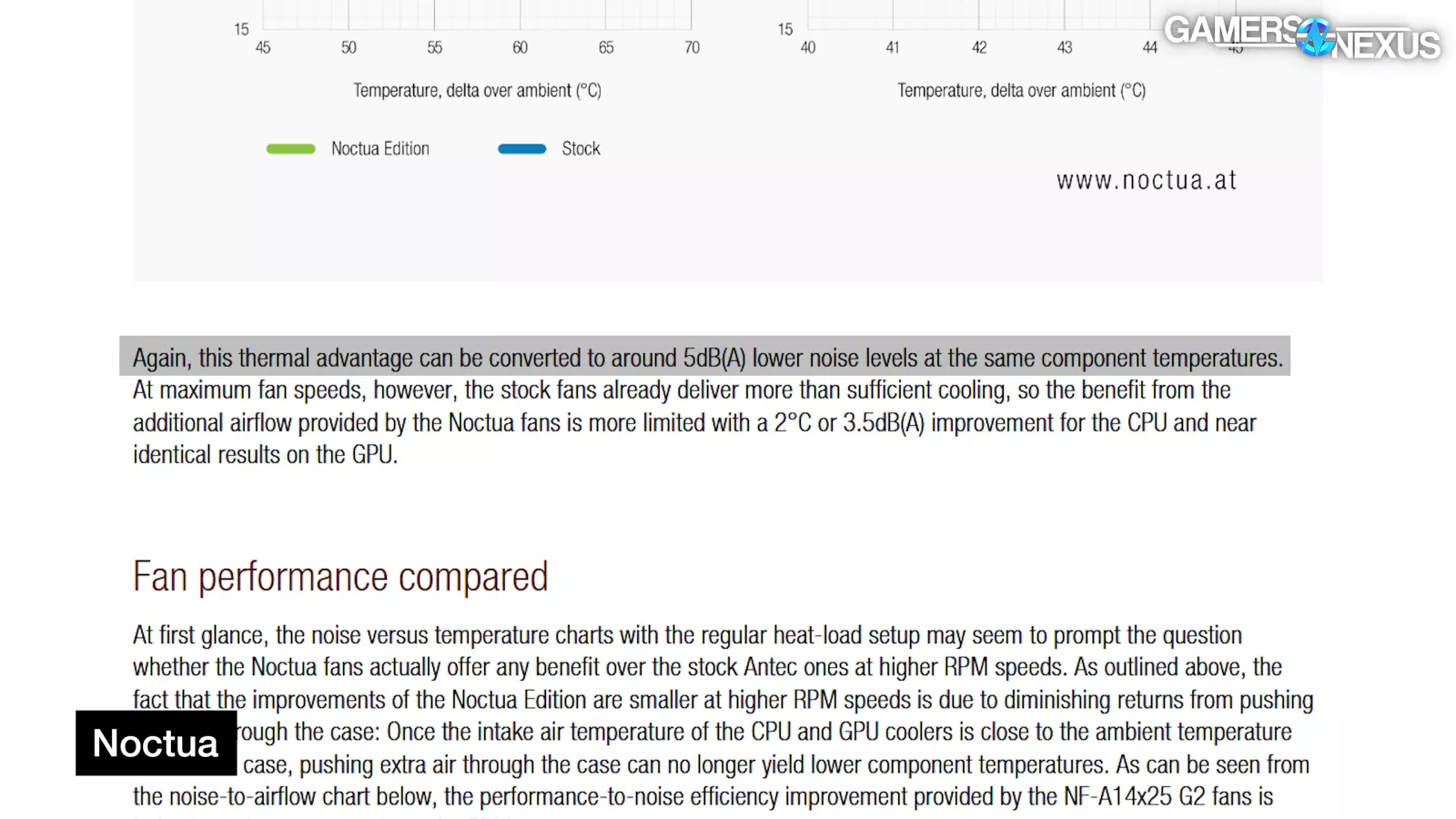
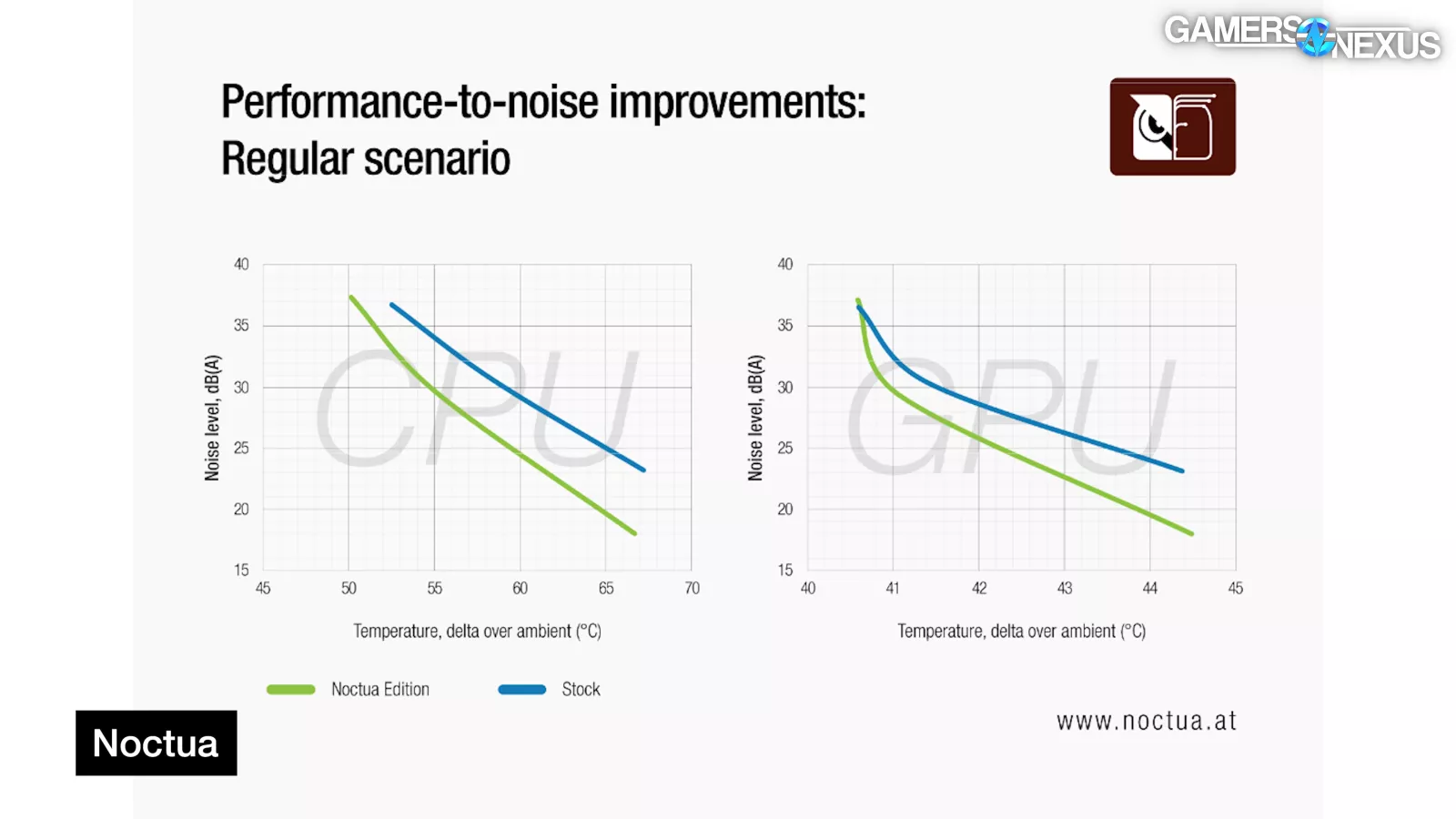
Our charts don't contradict Noctua (so far). Noctua's claims about noise reduction are mostly based on noise-versus-temperature or noise-versus-air volume curves, meaning that the Noctua Edition should be quieter at given thresholds (for temperature or amounts of air moved).
Fan Testing
Flux Pro Only: CPU Full Load Thermals - Full Speed
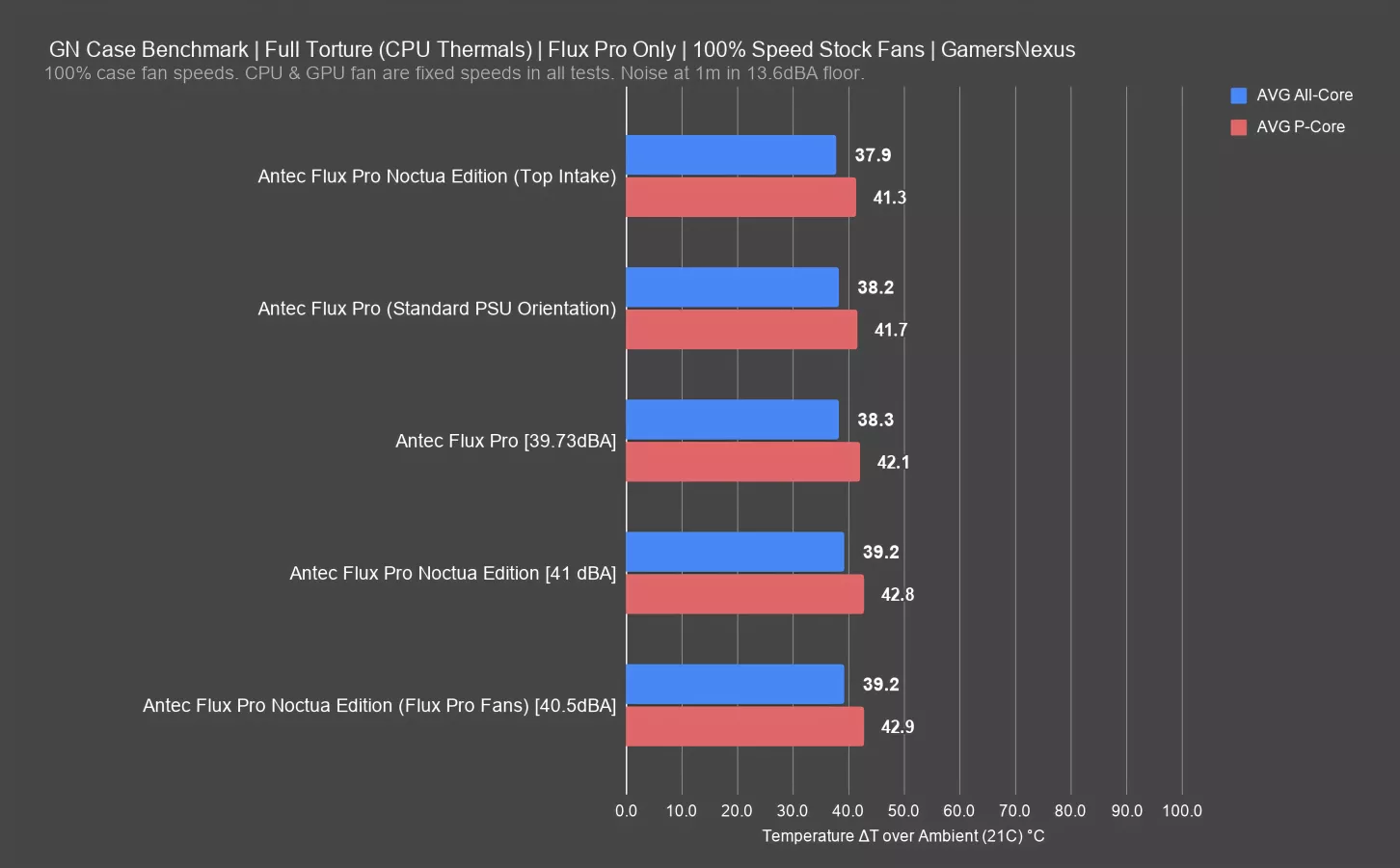
This chart is with only the Flux Pro configurations we ran. We’ll get to the comparative chart next. This has all fans configured to their maximum speed, with the exception of the CPU and GPU fans. This allows each case to brute force its performance, then we collect additional noise numbers so that you can cross-reference the acoustic “cost” of the performance.
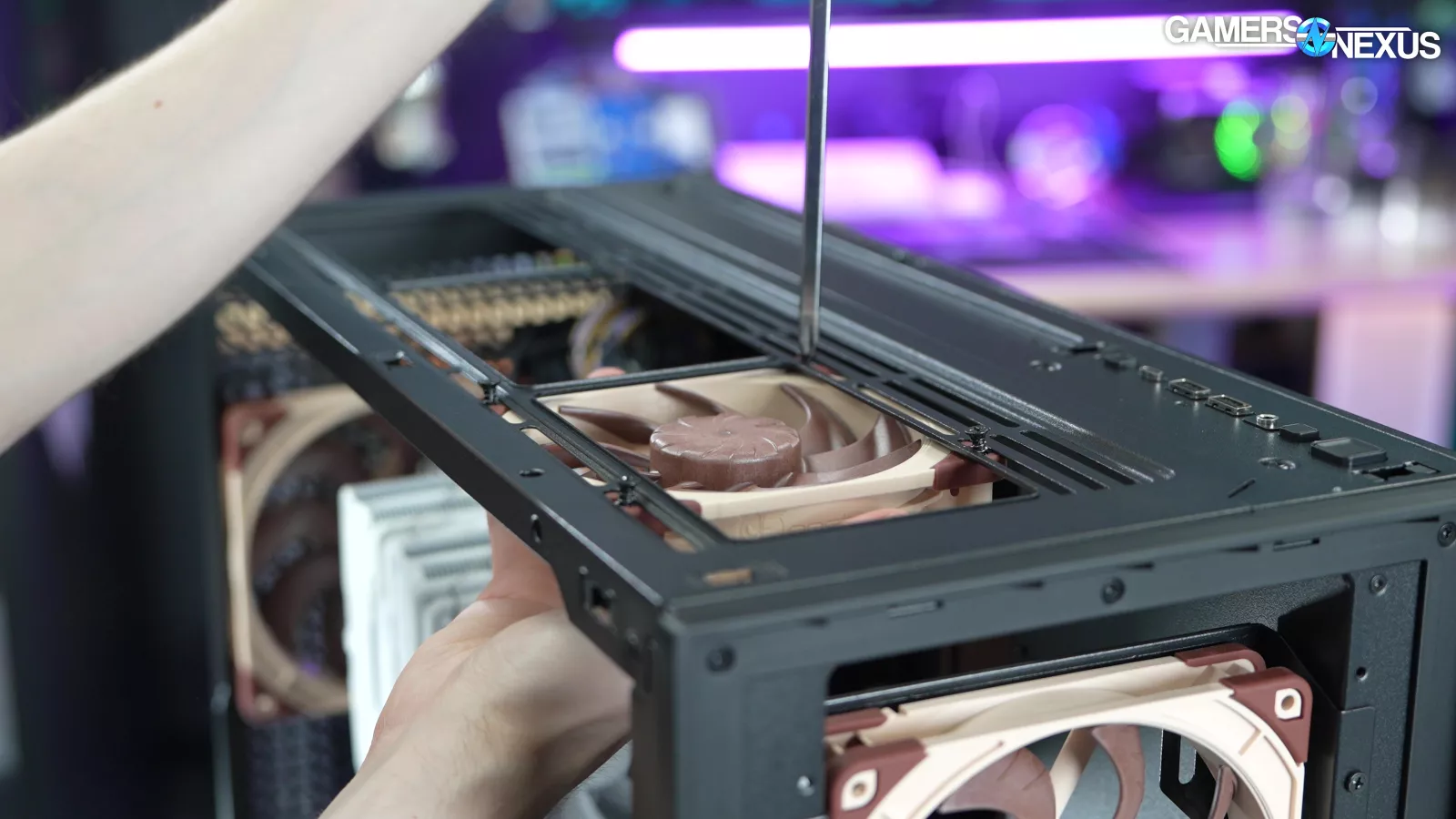
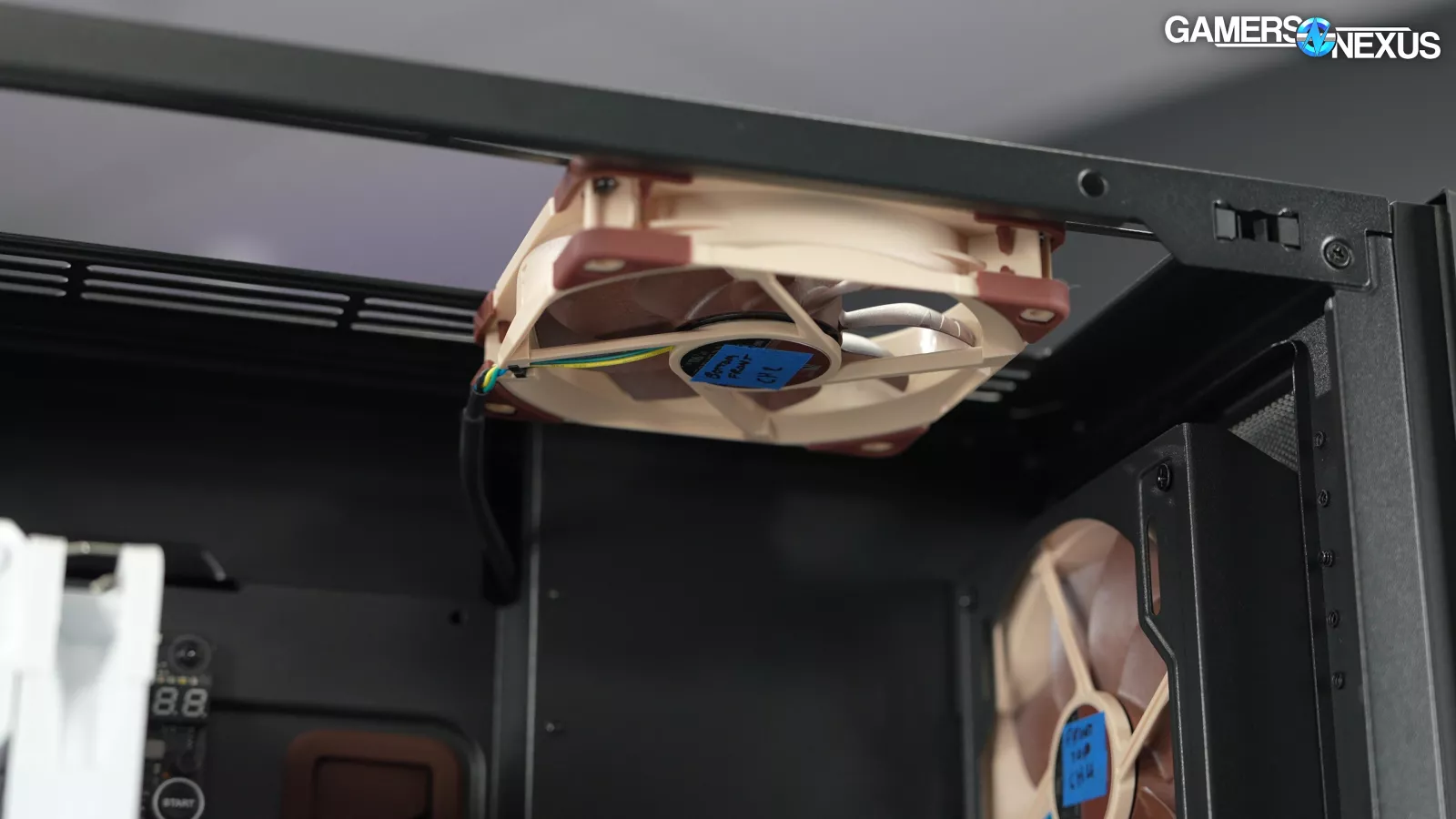
Of all the Flux Pro tests here, moving the shroud-top 120mm NF-A12 G2 to the top, front-most intake slot was the best performer. That’s because we’re moving an intake fan right in front of the tower cooler, so it’s able to pull cool external air straight into the CPU tower. This fan isn’t as useful for the GPU since it’s offset to the flow-through side of the card, anyway.
The result was 37.9 degrees Celsius, which is a good result.
Our original Flux Pro testing had the results at 38.2 degrees and 38.3 degrees Celsius; however, it’s been two years since we ran those tests and we wanted to be absolutely certain that our A/B test today had every single aspect matched, all the way down to how the cables were managed, where the SSD was, and non-human factors as well, like thickness of the paint within the mesh grill so we ran it again. Without changing the build at all, we swapped only the fans to get a new, directly comparable result of 39.2 degrees Celsius. Less than a 1-degree change from the 38.3 degree result 2 years ago in what was technically a different unit of the case. This is great news and some extreme consistency that we can be proud of. The 40.5 dBA noise level is also within variance from the 39.73 measurement from 2 years ago (a 0.77 dBA difference), especially as our noise floor was a little higher at the time we did the newer test. These are functionally the same.
With the Noctua fans installed instead, we ended up with a 41 dBA result -- so effectively the same and within our test resolution as the 40.5 dBA result with the Flux Pro fans -- and a 39.2-degree average all-core temperature.
For our test platform, the Noctua fans and Antec fans produced roughly the same thermal and noise results. There is no meaningful difference for our approach to testing. Now, our test load is with 280W GPU configuration.
Noctua claims a small improvement when using a 600W GPU, similar to a 5090 or an overclocked 4090, but ultimately, that’s not that big of a change.
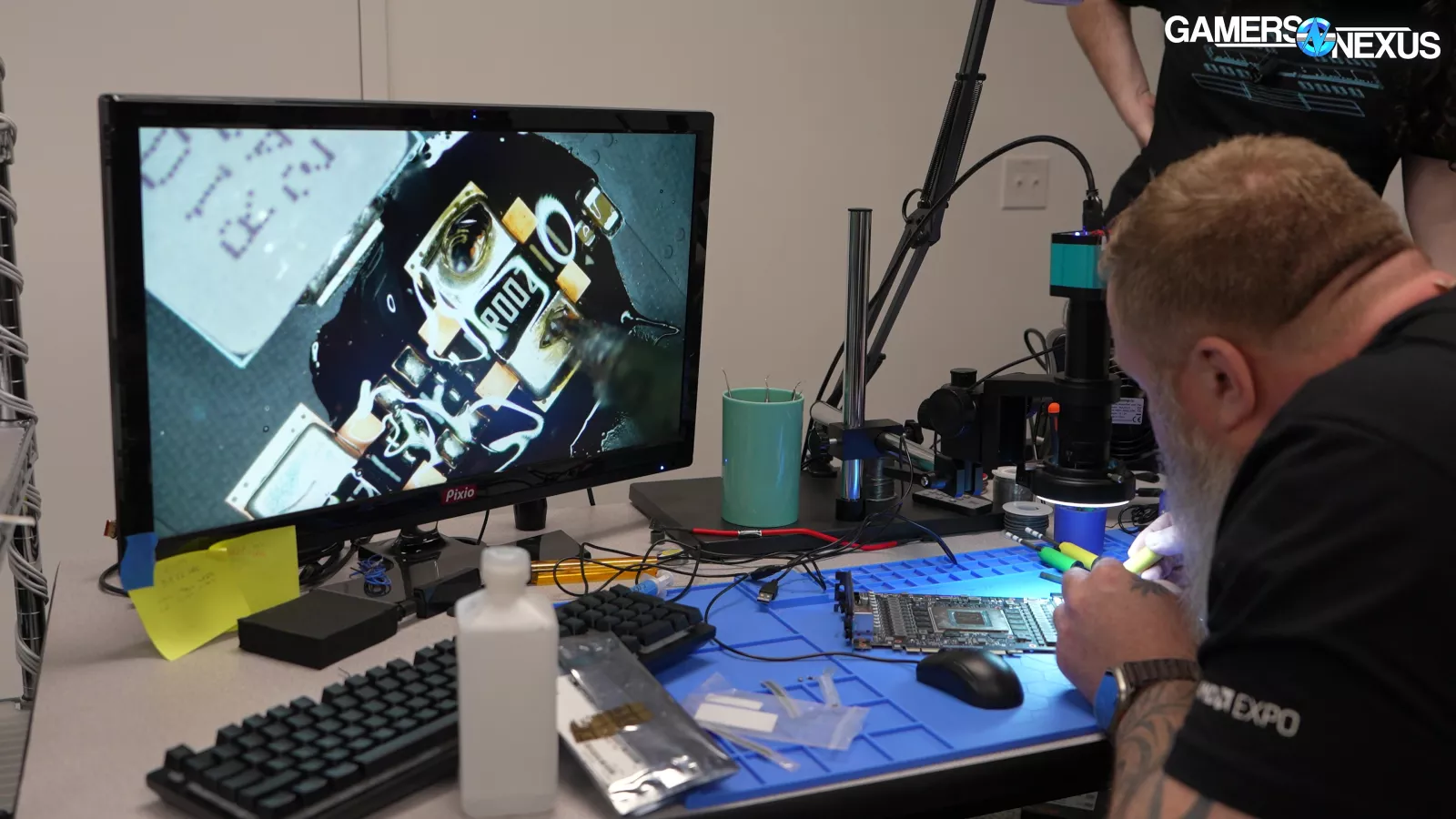
Back to our chart, with the more modest heat load, the reality is that the heat generated by the system does not benefit from the fan change. We also ran some extra tests with a 650W GPU that we modified with a shunt resistor piggyback, so we’ll come back to those.
Comparative Chart: Full Speed
Time to look at everyone else.
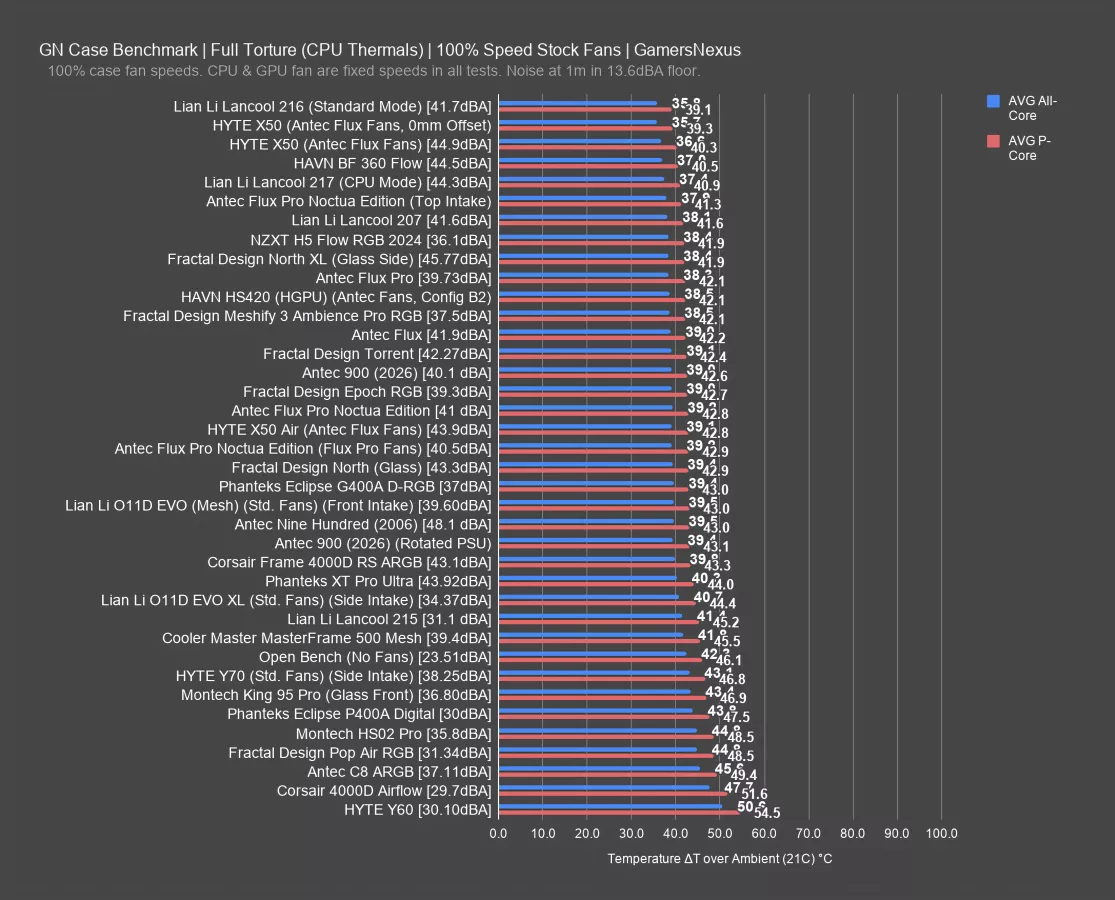
With or without the Noctua fans, but tested in the Noctua Edition version of the case with brand new data, the Flux Pro ended up at 39.2 degrees over ambient all-core and 42.8-42.9 for P-cores. The original result sat at 38.3, but again, that’s about 1 degree with a different case, different cable routing, and various other small changes that wouldn’t show in normal competitive reviews but might in a pure A/B like this.
No matter which result you take, the Flux Pro is doing well and remains a top performer. Ultimately though, all of the entries from the Flux Pro are defeated by the Lancool 217 (read our review) in CPU mode (which is a much smaller case), the HAVN BF 360 Flow, and the Lancool 216 (watch our review), alongside the HYTE X50 (read our review) with Flux non-Pro fans installed, outperforming Antec’s own Flux non-Pro that those fans came from. The X50 is impressive here, at 35.7 average and 39.3 P-core.
The noise levels are much higher, though: The X50 ran at 44.9 dBA with these fans as a result of its porous design, whereas the Flux (from which the fans came) ran at 41.9 dBA and the Flux Pro is in the range of 39.7 to 41 dBA. The BF 360 Flow, despite its impressive thermal performance, also runs louder at 44.5 dBA, with the 217 similar. A lot of their rank is coming from the extra 2-4 dBA of noise.
Both the Antec fan and Noctua fan configurations of the Flux Pro find a good balance of noise and thermals in these results, even though our standard test platform does not see a benefit from the Noctua fans specifically.
Flux Pro Only: GPU Full Speed
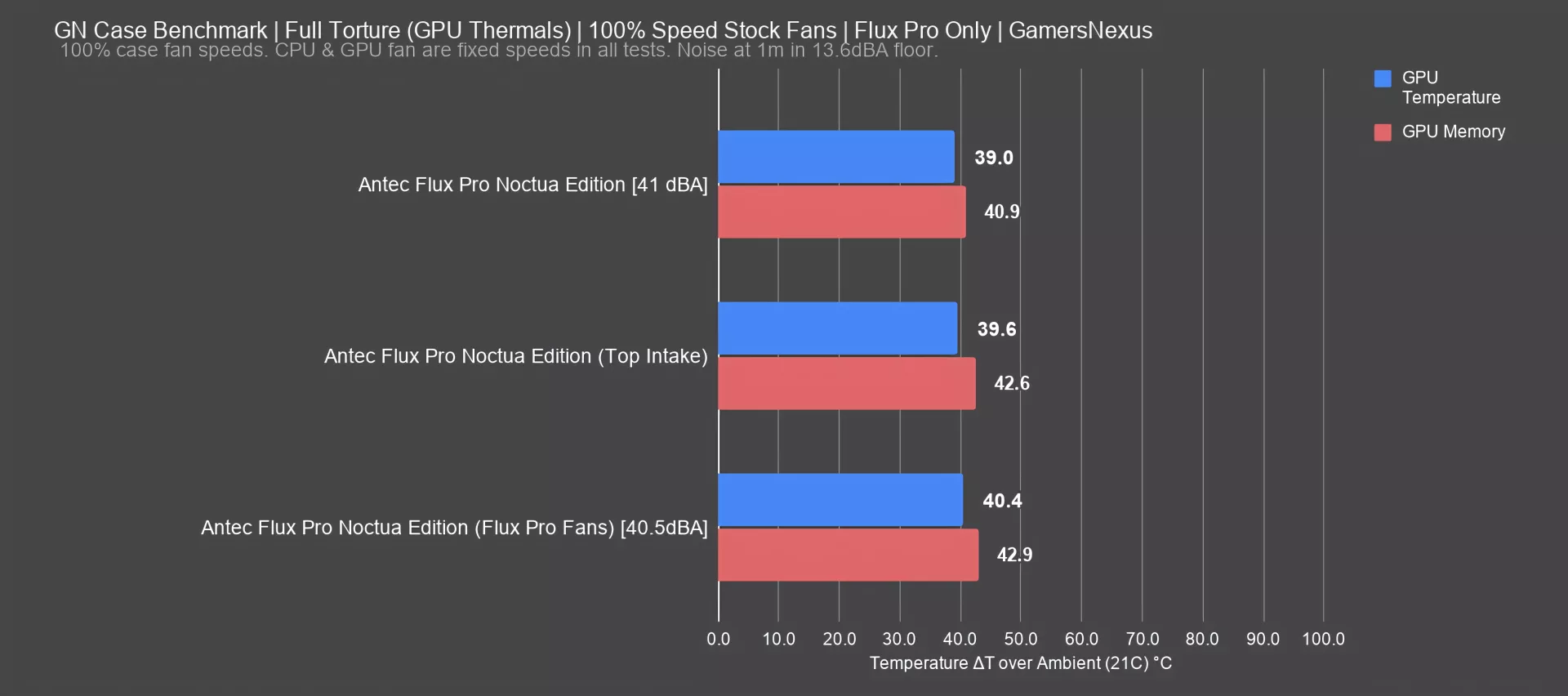
Moving on to the GPU and still at full speed, but first with only the Flux Pro variations, we have this chart.
The configuration where we moved the shroud-top fan biased front to the top-front of the case as intake loses ground here, predictably, since it’s more designed to benefit the CPU than the GPU. The configuration held 39.6 degrees over ambient for the GPU temperature, which has it slightly better still than the default layout Flux Pro fans in the Noctua Edition Flux Pro case.
The Noctua Edition fans in the same, like-for-like configuration ran at 39 degrees Celsius for the GPU, about 1-1.4 degrees improved on the GPU temperature of the same case with the Flux Pro fans (at 40.4 degrees). We’ve pruned the 2-year-old Flux Pro test here since we’ve made some changes to cable management in the GPU area that might cause more result drift than you’d see in a non-A/B test.
Comparative: GPU Full Speed
Here’s the comparative chart.
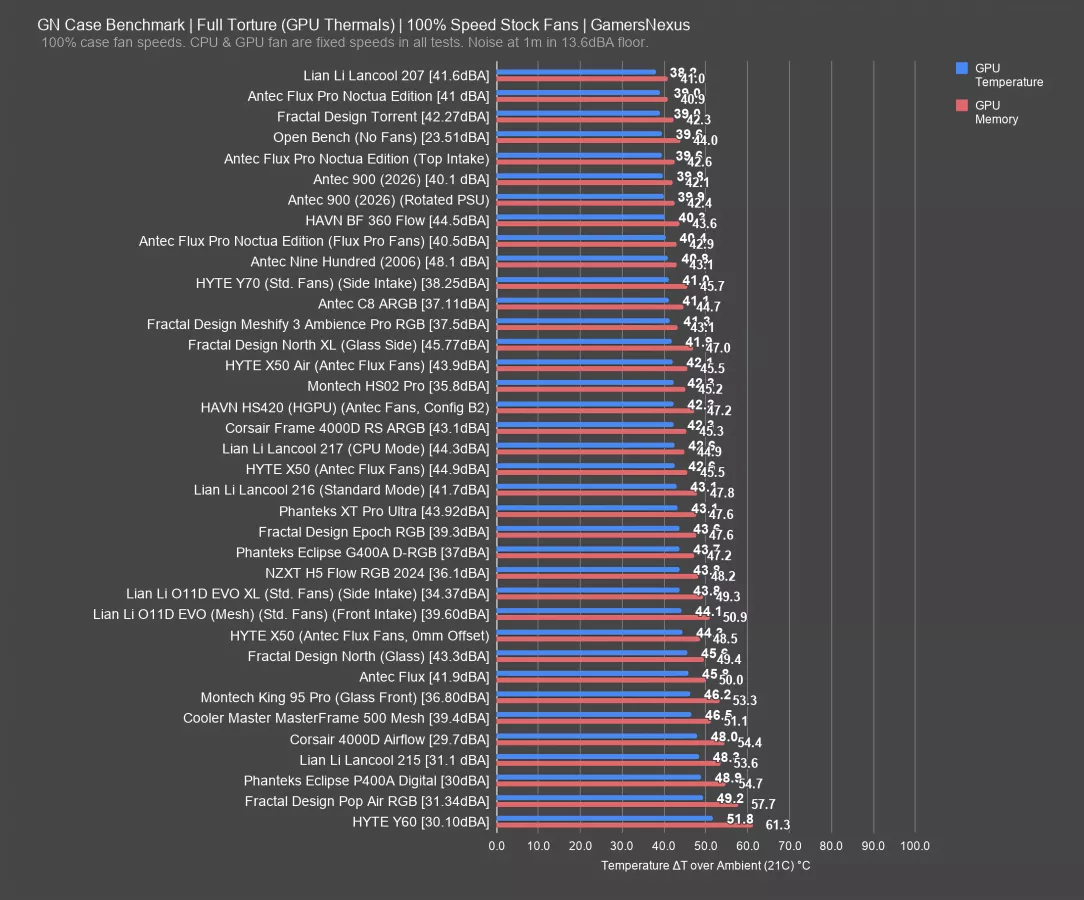
The Flux Pro Noctua Edition is at the top of the chart with the Lian Li Lancool 207 (read our review) -- which benefits from being small, bringing the fans in closer, and also from sunken shroud-top fans. The Fractal Torrent is a more comparable case by size and, although older now, remains one of the best performers we’ve ever tested. Its relatively thick 180mm fans help it here. The BF 360 Flow is also within reason of the Flux Pro Noctua case and about tied with the Flux Pro using its own fans rather than Noctua’s.
There are plenty of cheaper alternatives to Noctua’s variation of the case that perform roughly the same. In the very least, it’s not like it’s a bad result -- it’s just an expensive one by comparison to cheaper options.
Flux Pro Only: VRM and DDR5 Thermals
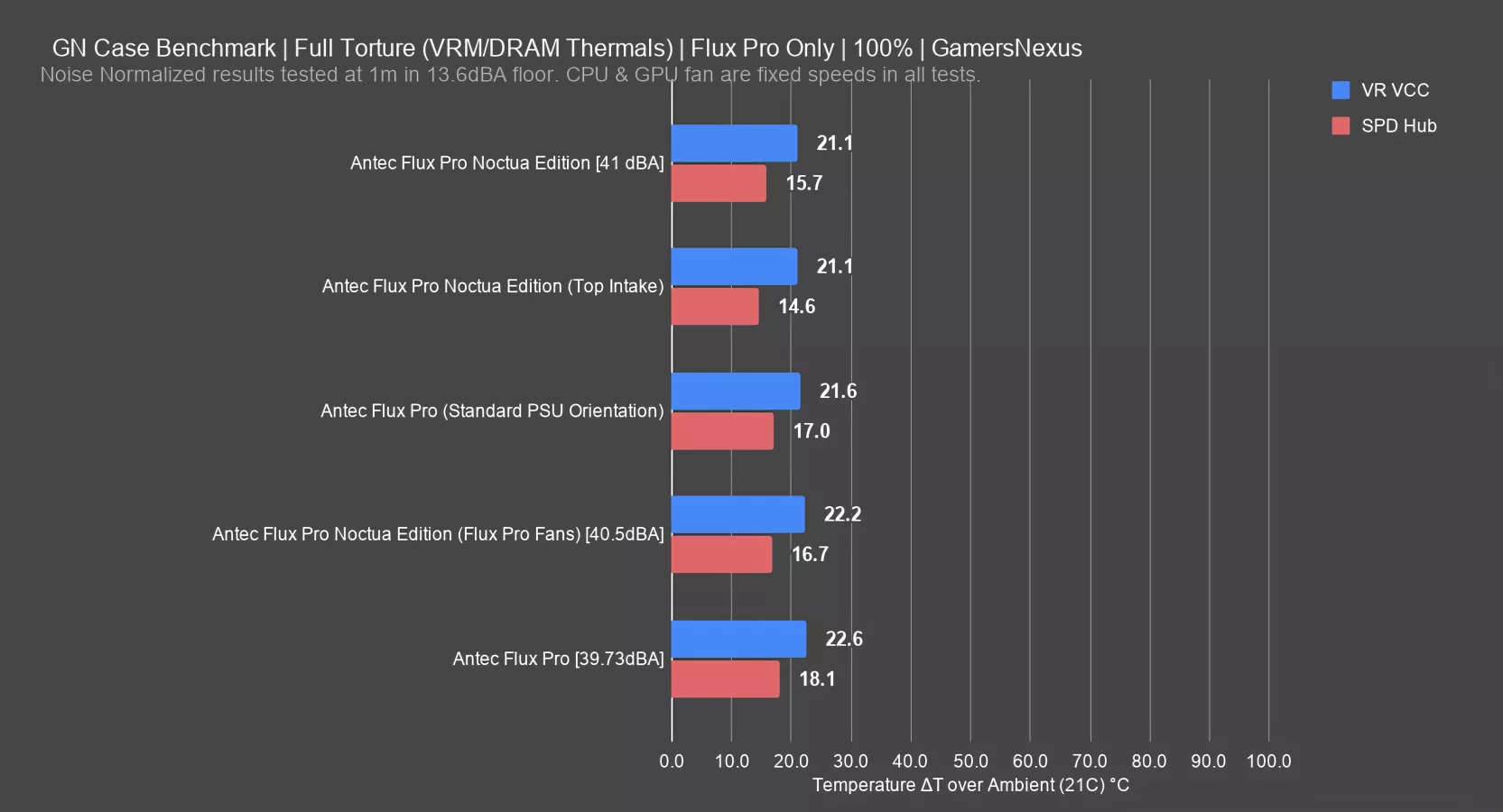
This chart looks at the Flux Pro configurations and their impact on VRM MOSFET and DDR5 thermals.
The Noctua Edition results tie amongst the Flux Pro for best VR VCC thermals on the FETs, with the SPD hub reading for DDR5 memory at its best for the top-front intake alternate (moving the GPU shroud intake fan to the top of the case), then second-best with the default Noctua fan configuration. The Flux Pro with Antec’s fans runs slightly warmer overall than the Noctua fans. The result from 2 years ago is about the same on the MOSFETs and is about 1.4 degrees warmer on the SPD hub reading, which could be due to a number of small changes in how we assembled the system plus other small changes over time, hence doing all the A/B tests from scratch this time.
Comparative: VRM and DDR5 Thermals
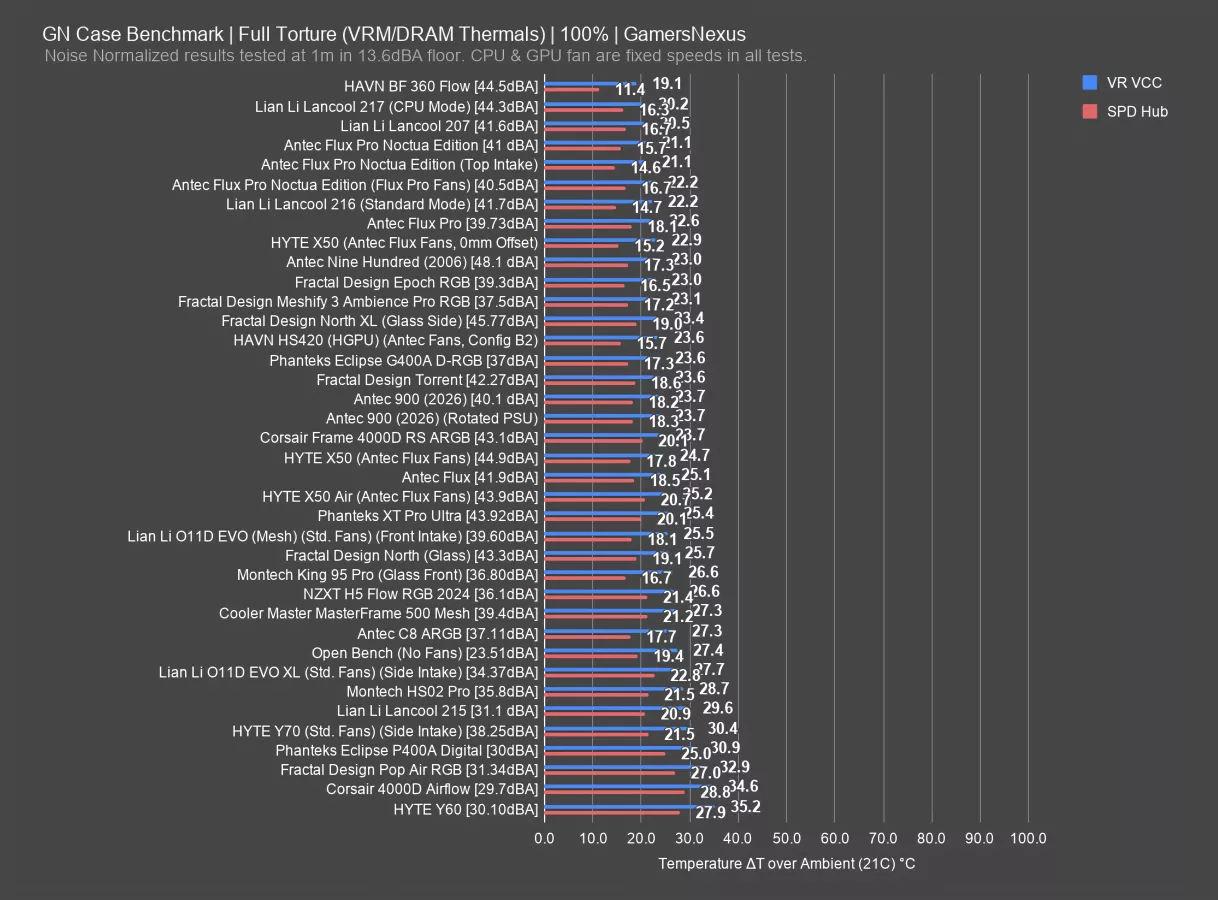
The comparative results for VRM thermals position the Flux Pro well.
The best results on this chart include the HAVN BF 360, which crushes everyone else for the DDR5 thermals, followed by the Lancool 217 in CPU mode, then the 207. The Noctua Flux Pro runs at the same noise level as the 207, so is effectively noise normalized, and runs 0.6 degrees warmer on the VR VCC result and 1 degree different for the DDR5 result. In other words, these are the same and within reasonable variance.
The result improves upon the Flux Pro with the Antec fans marginally. Hyte’s newer X50 did well here when equipped with the Flux non-Pro fans and was a lot better than some of its prior entries, like the Y70 with its warmer 30-degree VR VCC result.
650W CPU Results
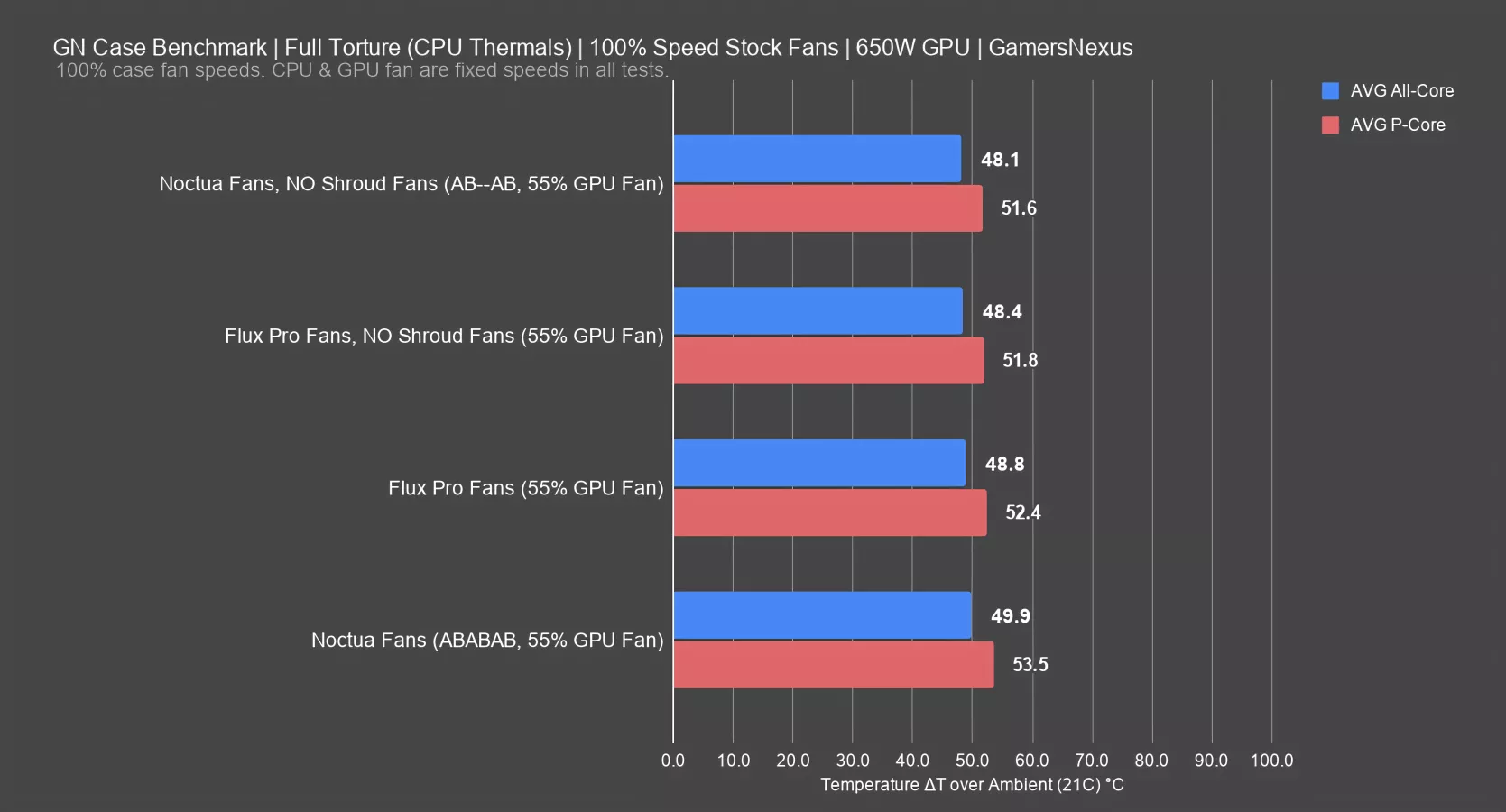
In a hunt to try and find improvement, we also ran tests with a custom-modified 650W monster of an RTX 5090. The CPU is running at 130W in this test, which is lower than Noctua’s 200W but is comparable to a 9800X3D with some basic tuning. The GPU is running at 650W, which is more than what Noctua tested with, through a power mod.
In this test, we were trying to diagnose why the Noctua variation of the Flux Pro was consistently performing the same or slightly worse in some tests.
For our test setup, we found it was simple: With shroud fans, the Antec fans performed better. Without shroud fans, the Noctua fans performed better with this test setup.
In other words: Stock, the Antec Flux Pro fans ran at 48.8 degrees Celsius all-core and 52.4 P-core, while the Noctua fans ran at 49.9 all-core and 53.5 P-core. It’s worse by about 1 degree Celsius. This was consistently the case in our testing and we are confident in the result.
With the shroud fans removed, the Noctua version of the case is technically better, although realistically they’re tied.
650W GPU Results
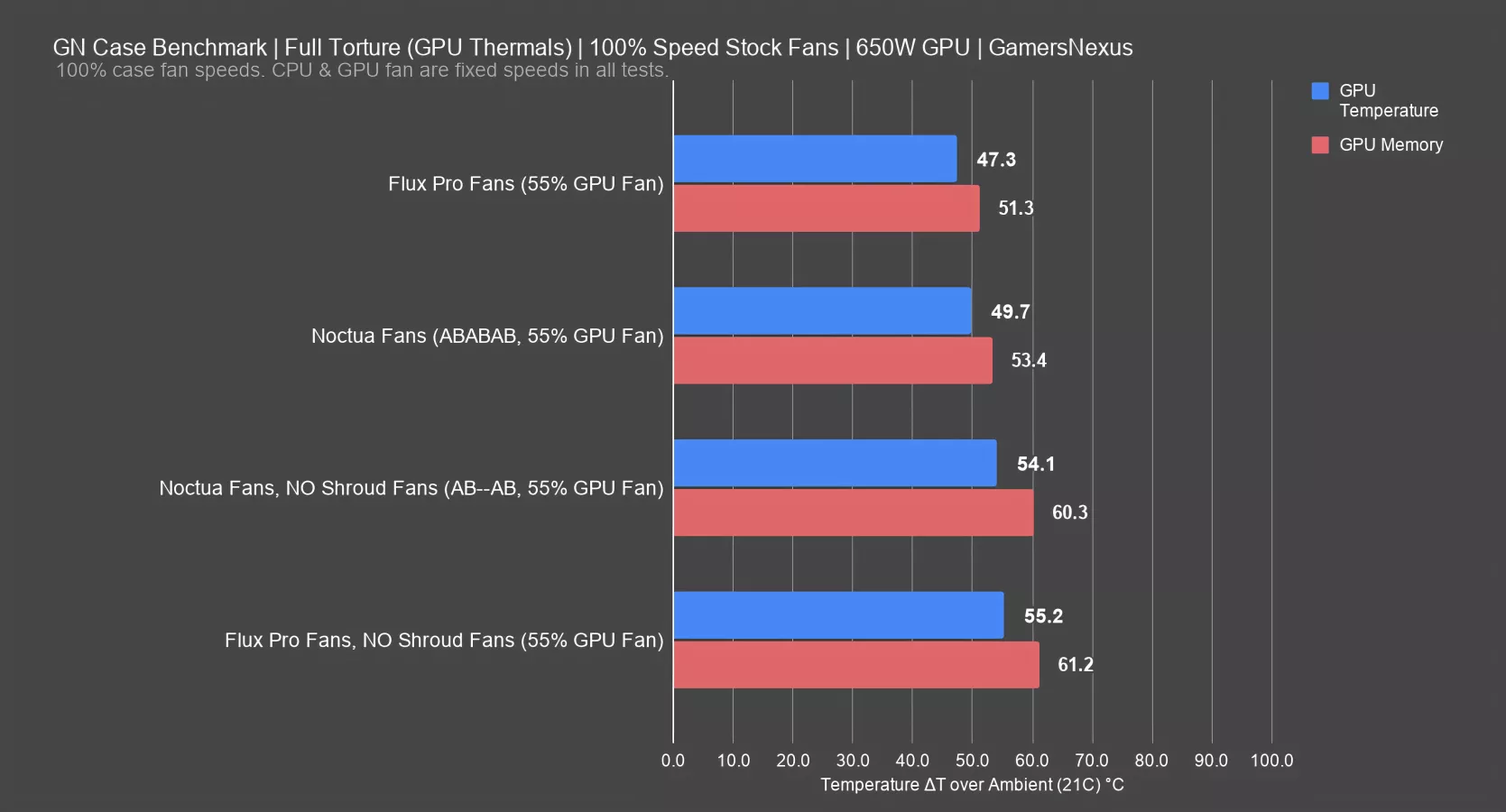
For GPU thermals, the Flux Pro fans did better in the default configuration, consistently outperforming the Noctua fans by a couple degrees in this setup. We were able to consistently replicate this.
Removing the shroud fans for each, the Noctua solution was now about 1 degree Celsius better than the Antec fans.
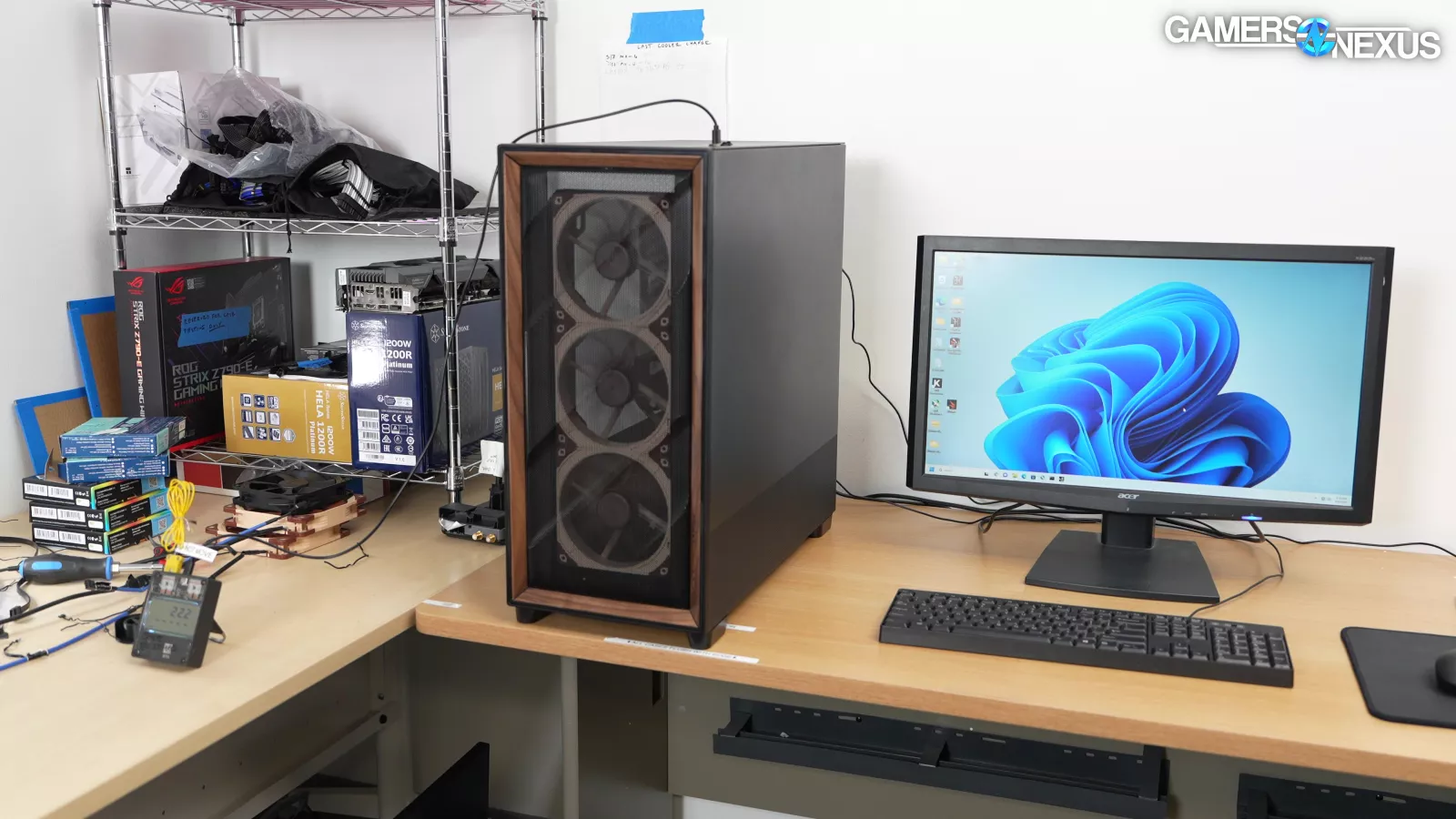
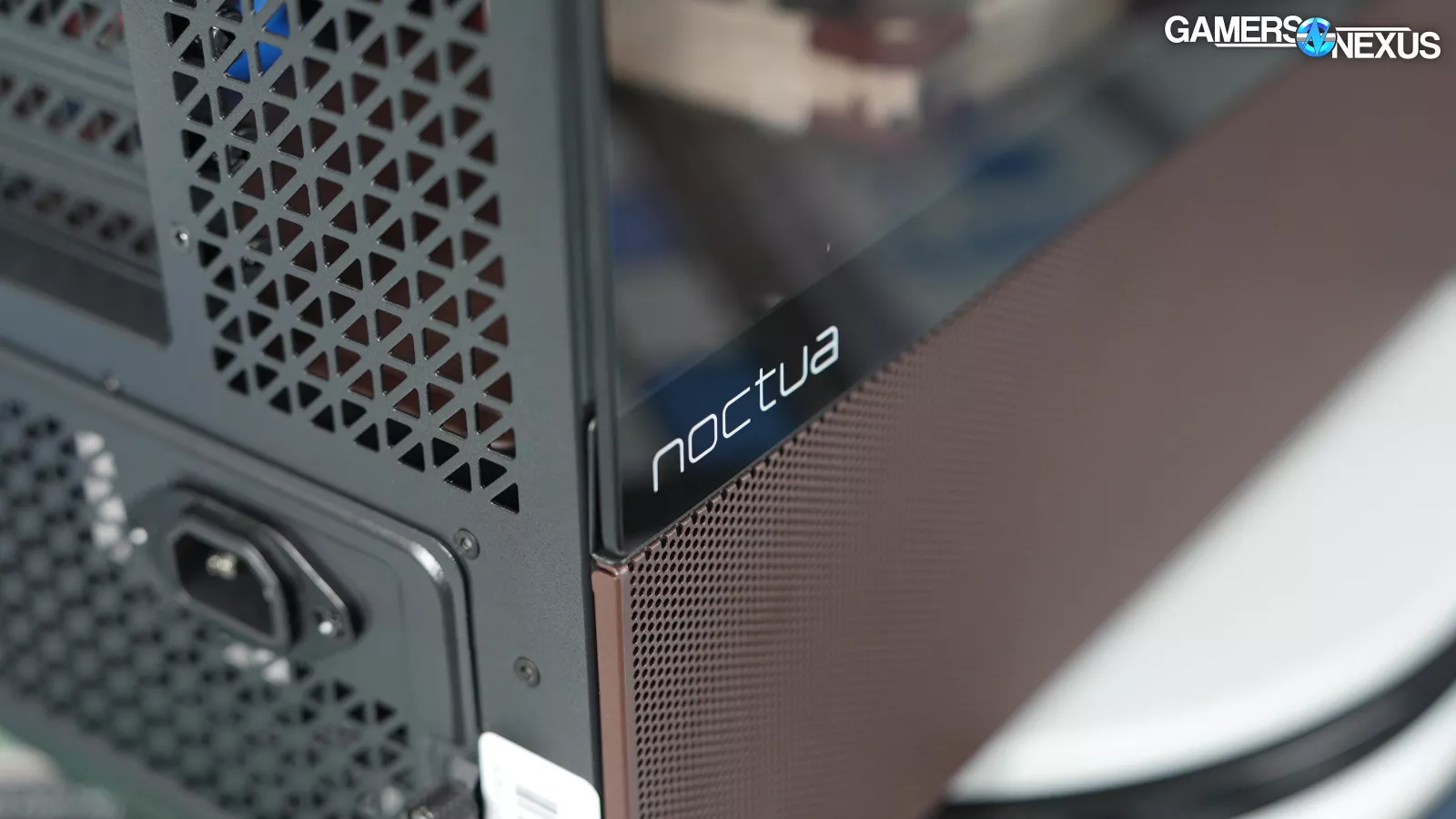
This has to do with the pressure system being formed in the case: The shroud fans are changing where the air enters the system, and with Noctua having a significantly better static pressure result for its fans versus Antec’s reverse blade fans, we think that these are overpowering air that would otherwise possibly be drawn in through the PCIe expansion slots and the ventilation at the back, lower-side of the case. We’ve seen this in the past with other cases.
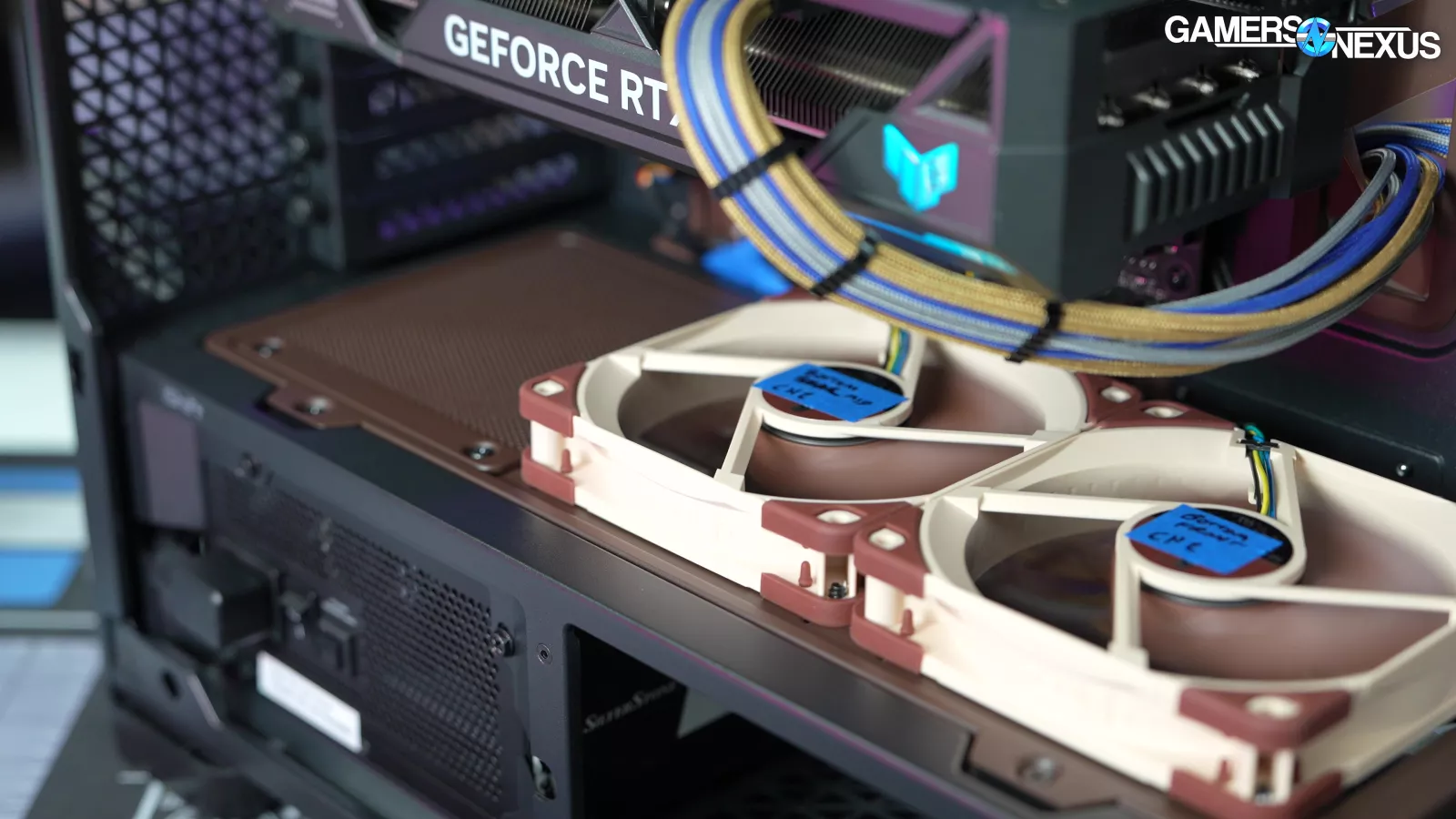
People often don’t realize this, but the left-most GPU fan often draws air from outside the case through the lower PCIe slots, assuming there’s not air from elsewhere in the case that’s forcing its way out of those holes instead. We’re not positive, but this is our hypothesis for it. It could also have to do with the flow-through and spray out of the top of the GPU, where there might be some slight recirculation forming.
This is a very configuration specific test. Even just changing the percent fan speed of each fan in the case would have an impact on this. We ran these at full speed to keep it easy.
Fan Results
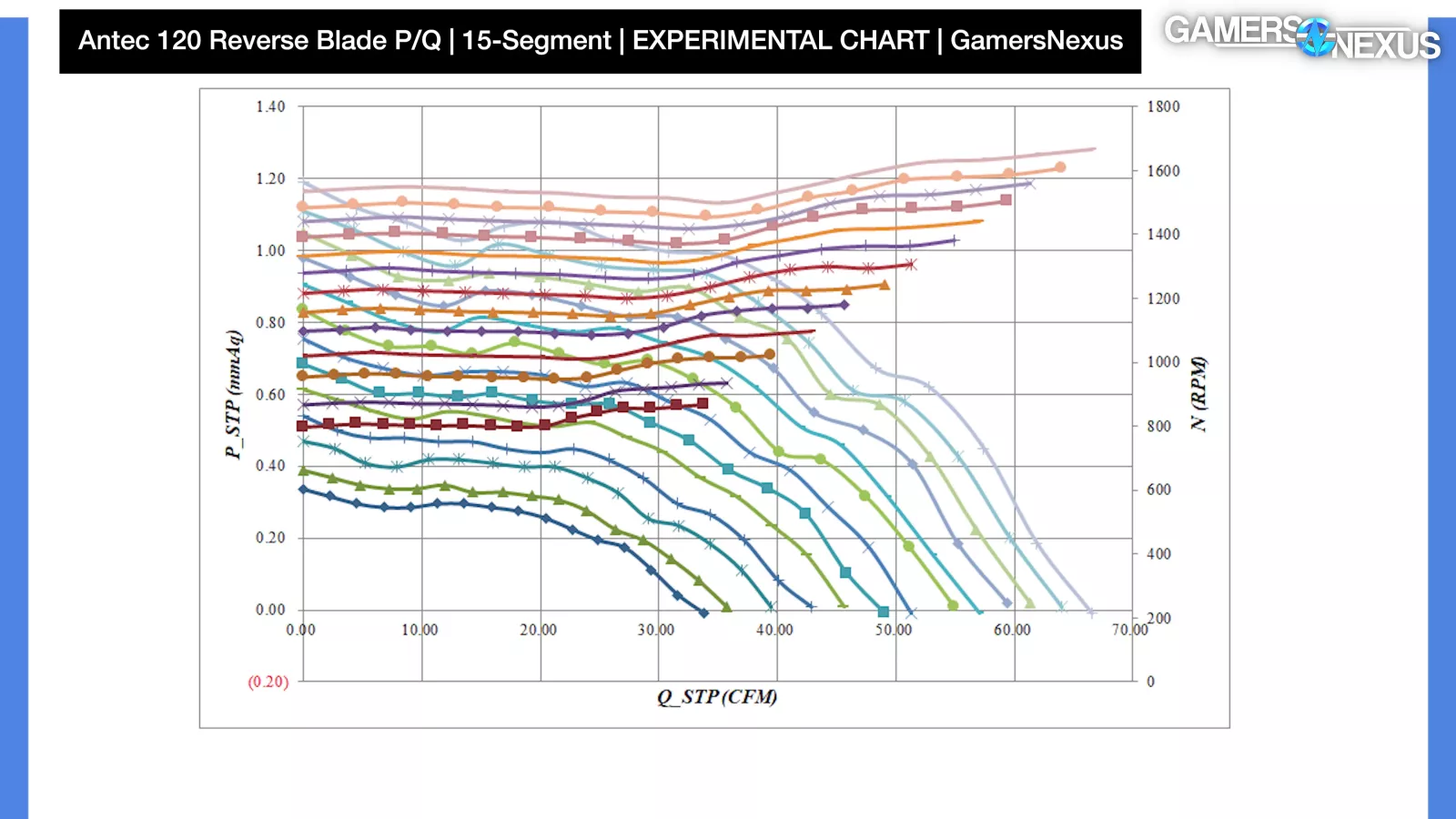
For the last one, we’ll include some experimental charts from the fan testing machine. As with our HAVN BF 360 Flow review, we want to underscore that we do not yet possess the same level of experience with these charts or testing as our thermal benchmarks, and so our confidence in the data is lower and the data has a higher risk of having errors.
With that transparent, here’s a 15-segment P/Q chart for the Antec 120mm shroud-top reverse-blade fan. The maximum flow we measured at zero resistance was about 66 CFM. The maximum pressure we measured at 0 flow was about 1.19 mmH2O; however, neither of these situations is likely in the real world, as there will probably always be some pressure and some flow.
Antec’s speed control is wobbly, with more variability to the RPM than we’ll see with Noctua’s fan. The curves are also tightly packed-in as a result and with a steep falloff relatively quickly as we progress to the right on the chart.
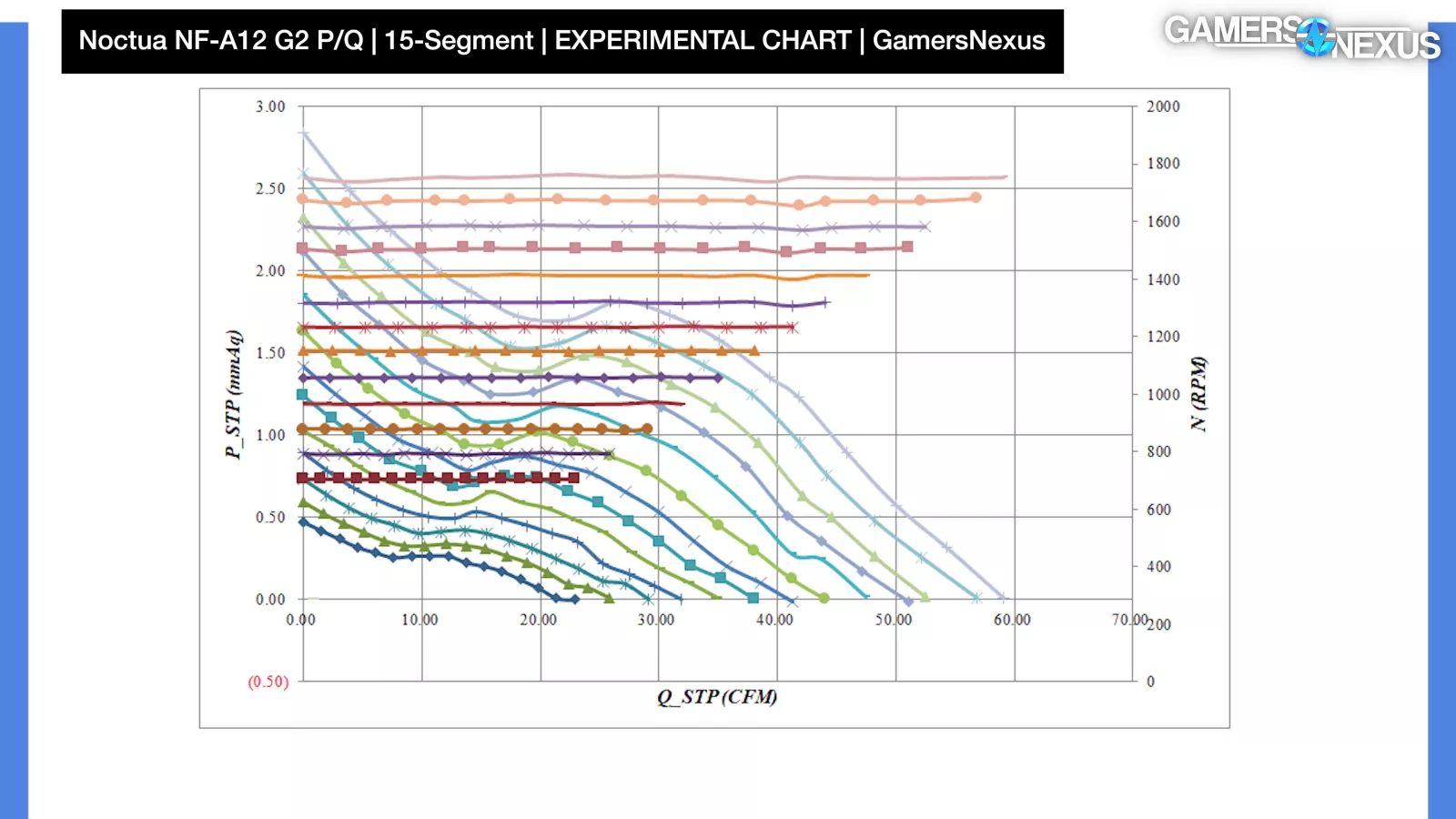
The NF-A12 G2 shroud-top fan operates at a much higher static pressure, maxing-out at around 2.6-2.7 mmH2O under zero-flow conditions. CFM is lower than we measured with the Antec fan, at around 59 CFM with zero pressure; however, pressure performance is far higher, the speed control is significantly more stable with flatter RPM lines, the falloff in pressure as flow increases is less severe, and the fan is much better at maintaining higher pressure as CFM increases.
Noctua’s NF-A12 G2 is a superior fan. Its pressure at equivalent flow rates is just better, so the worsened performance in our 650W tests from the shroud-top fans’ presence isn’t because they’re bad fans. They’re just changing the inlet/outlet behavior of the air around the case in a way that was a slight net negative in that particular test, which if nothing else, shows how fan placement and speed choice in a case matters more than just filling every fan slot. In this case, Antec’s worse fans are allowing air to move elsewhere in a more beneficial way for our specific platform.
Conclusion

With a $400 variant of a case that goes for $180 at most, an extra $220 is a big increase. In this instance, the gain is Noctua fans that 1:1 replace the original Antec fans, a moderately upgraded fan hub, and a Noctua color scheme.
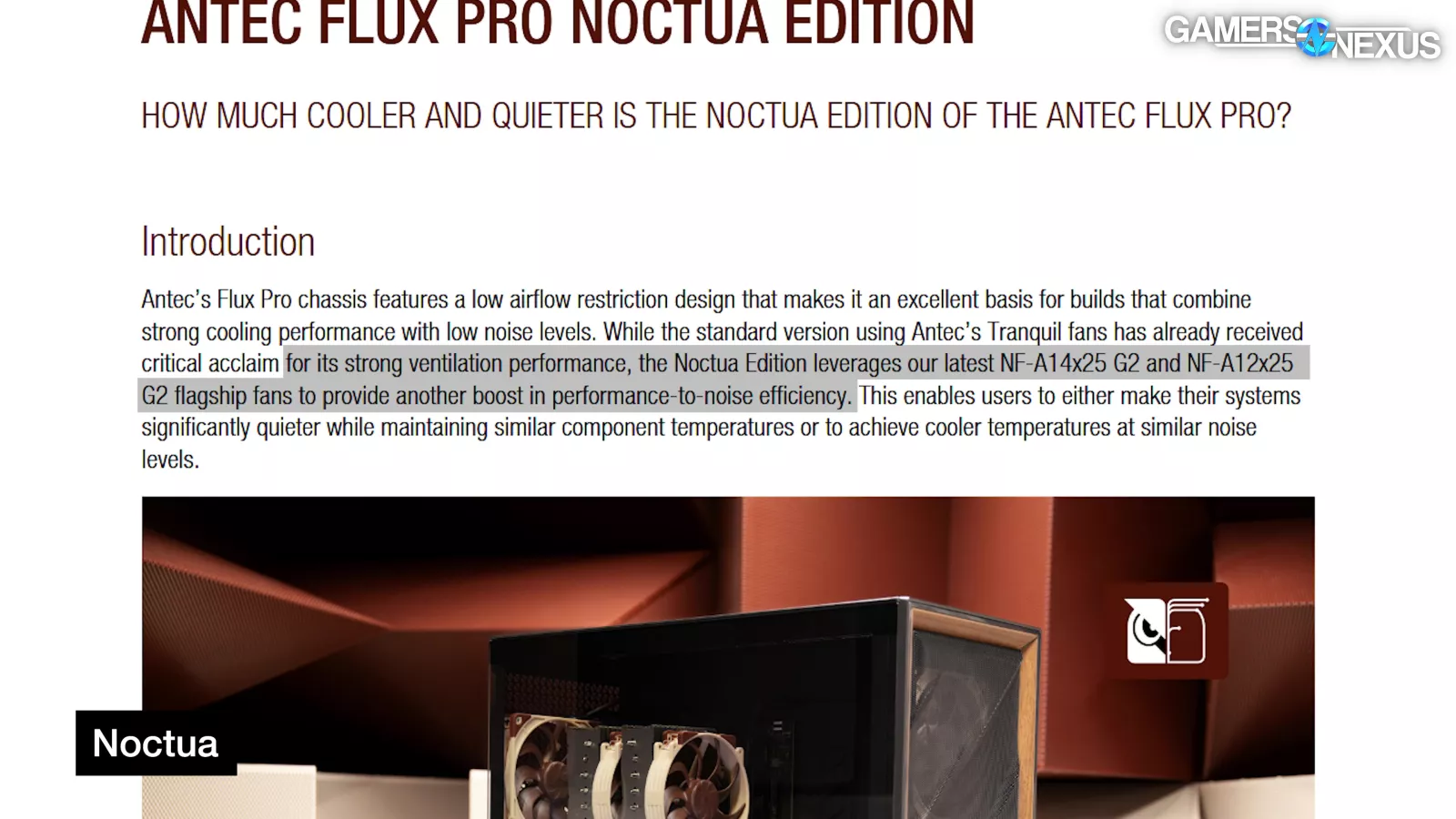
Noctua claims that its fans offer noise and thermal benefits, but Antec's stock fans are already pretty good, and with our hardware, we couldn’t replicate the kind of improvements Noctua saw in its own testing.
We think the differences can happen, it’s just that case testing is highly dependent on the hardware used, and even when they do happen in the manufacturer’s own claims, we’re talking a couple of degrees at most.
You could also, of course, buy a bunch of Noctua fans and throw them into a cheaper case if you wanted, so it really mostly comes down to the combination with the color scheme.
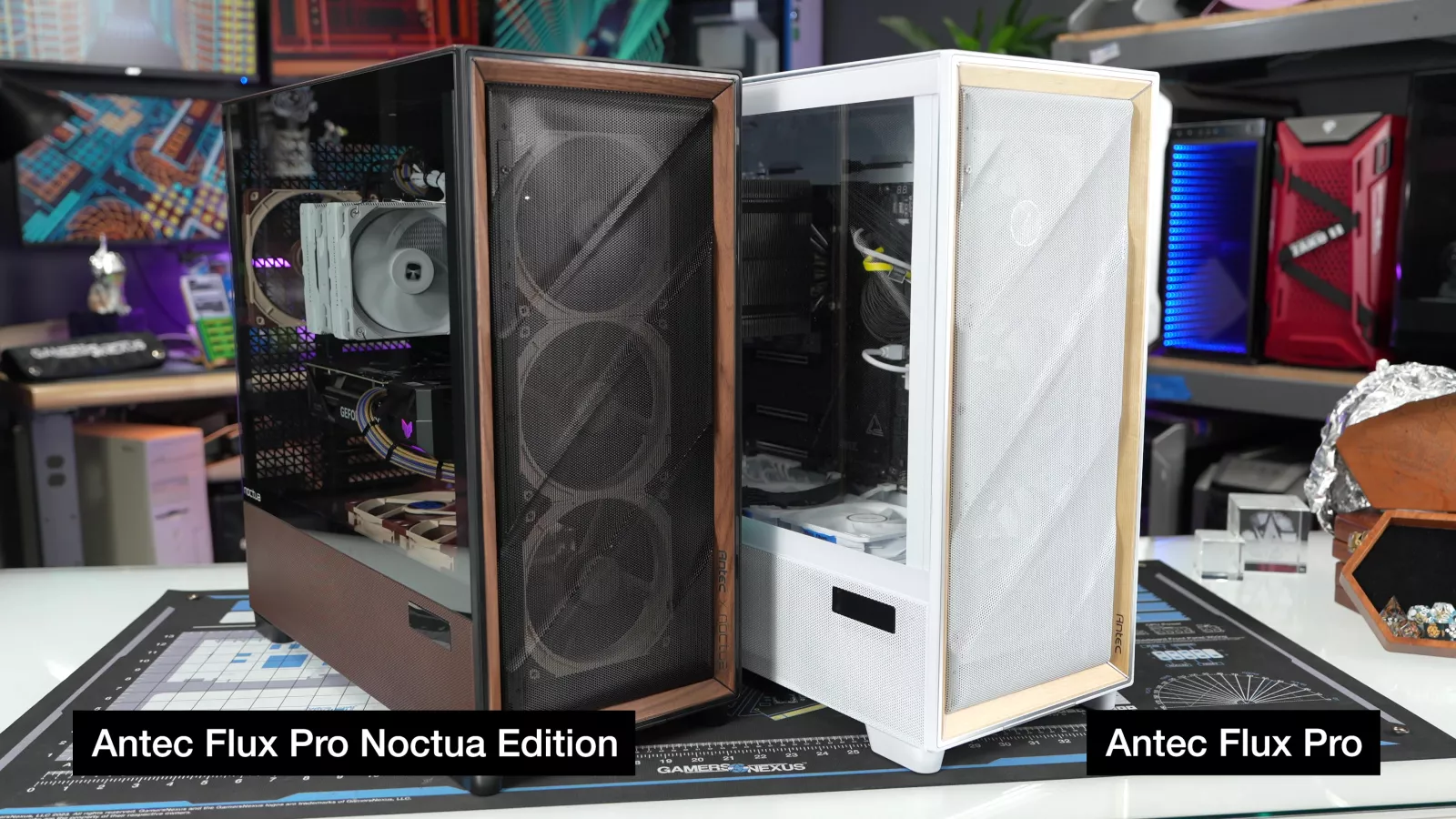
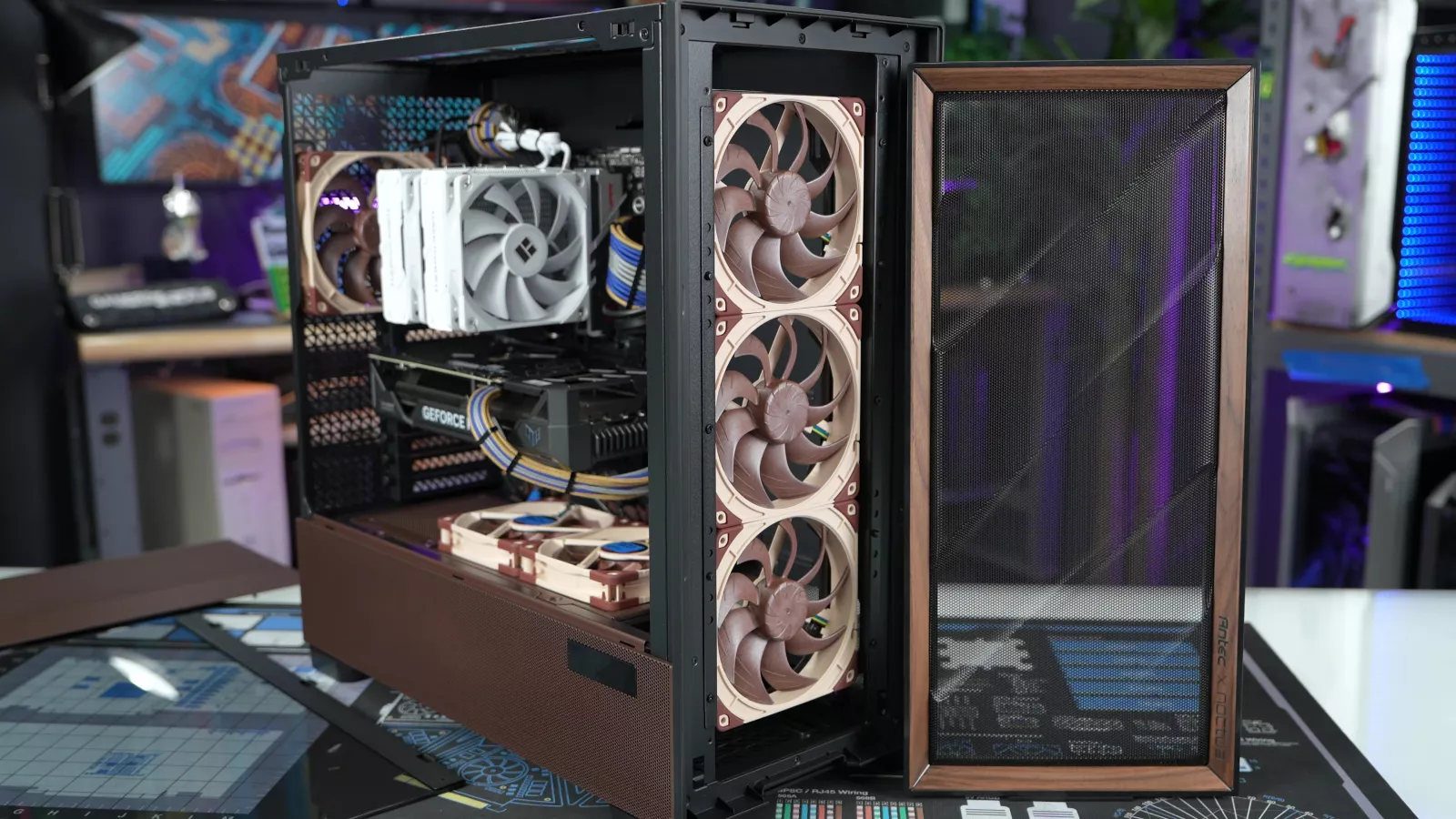
If you like Noctua and/or the color brown and you’re OK with, at best, a couple degrees of improvement, or possibly none over Antec's existing case, then that’s the main use case here.
Removing price from the equation, the Noctua Edition of the Flux Pro remains at or near the top of the charts, just like the original. Most of the other heavy hitters should be familiar from previous GN award roundups: the Lian Li Lancool 207, 216, and newer 217 are strong all-around performers, with the 207 on the smaller and cheaper end, and the 217 occupying the same niche as the original Flux Pro (wood trim and all). In our review of the HAVN BF 360 Flow, we noted that its performance was strong but it was more expensive than the Lian Li cases, which is the same thing we're saying about the Noctua Edition now, so it's another valid competitor. The most obvious comparison is still to Fractal's North (watch our review) and North XL (read our review), which were at the forefront of the trend towards wood trim.
The Noctua Edition will find an audience, but we can't recommend it at this price. The Flux Pro was good, and the Noctua Edition is still good.